
截图
介绍
Here’s the English translation for your mod description on CurseForge:
This mod adds new features to the CNPC mod and more.
Features:
- New scripting methods for NPCs.
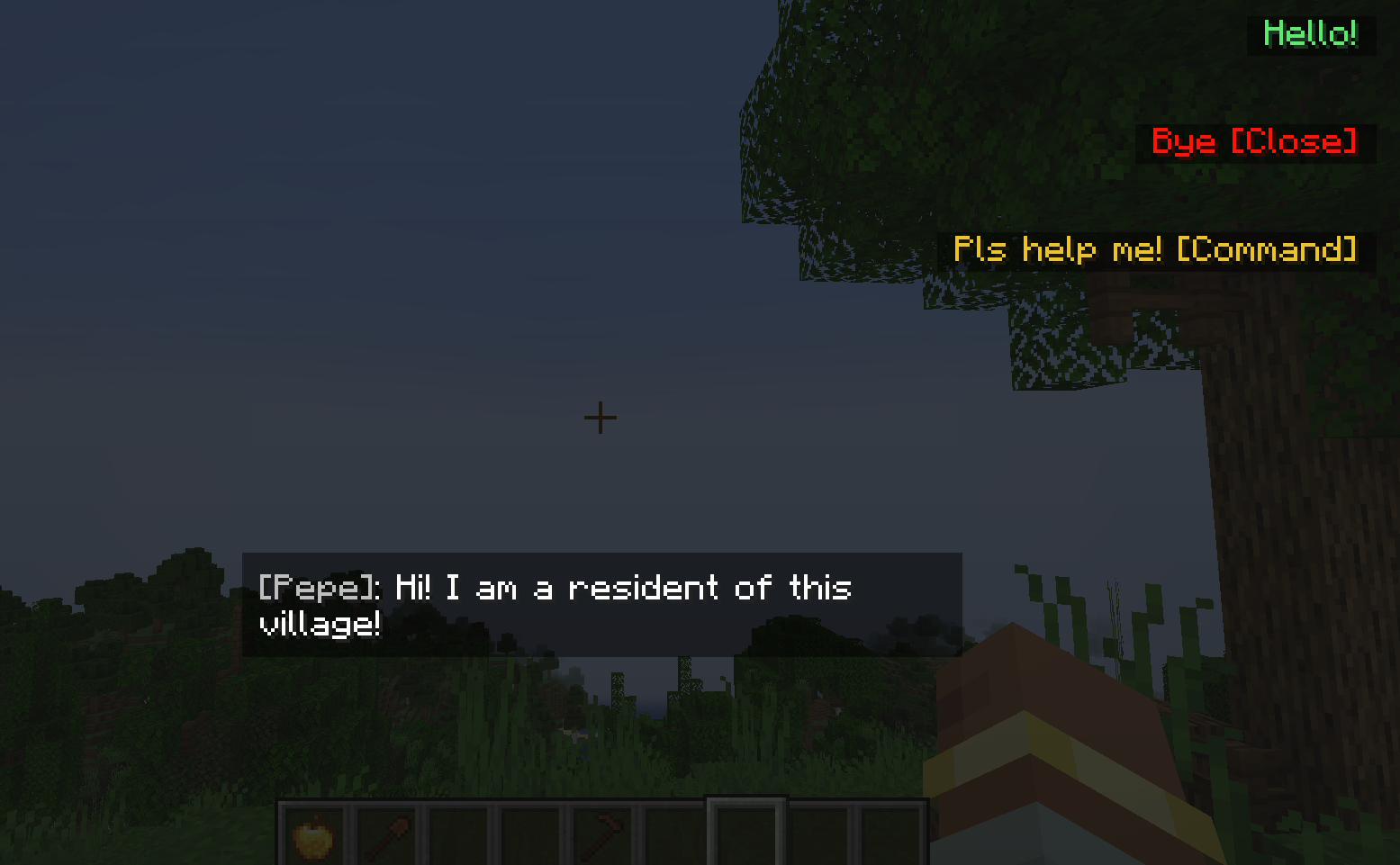
- Ability to open CNPC dialogues with a new interface.
- Option to block the breaking and placing of blocks.
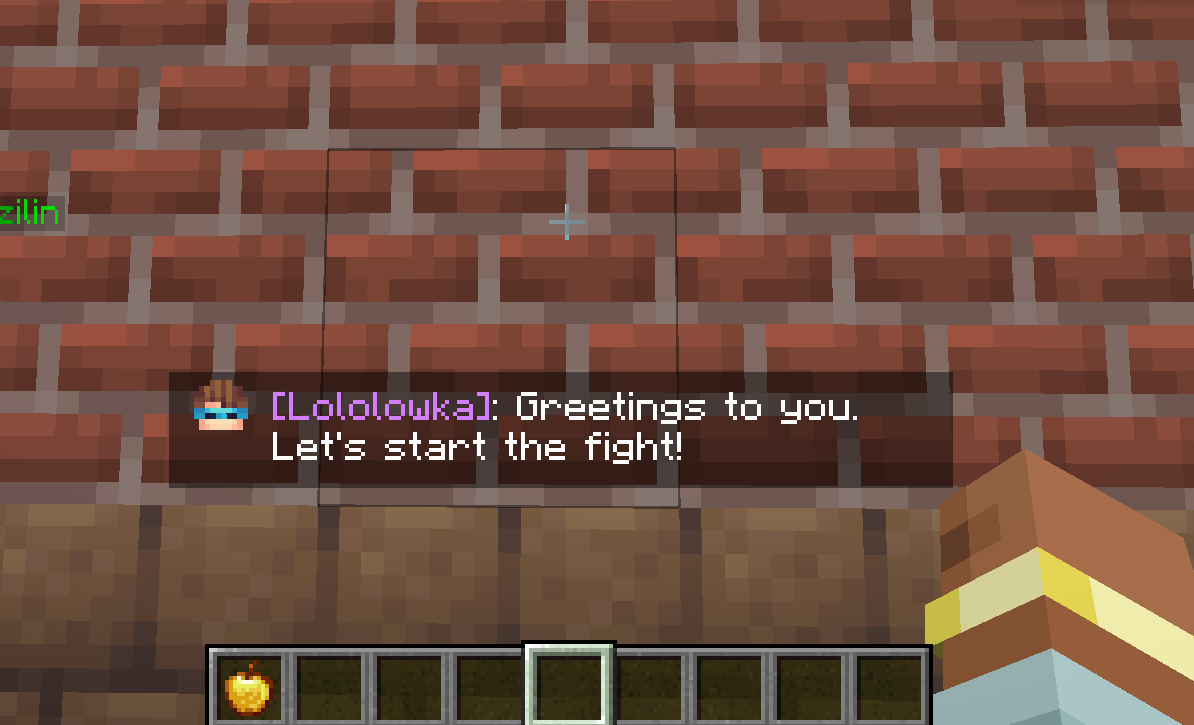
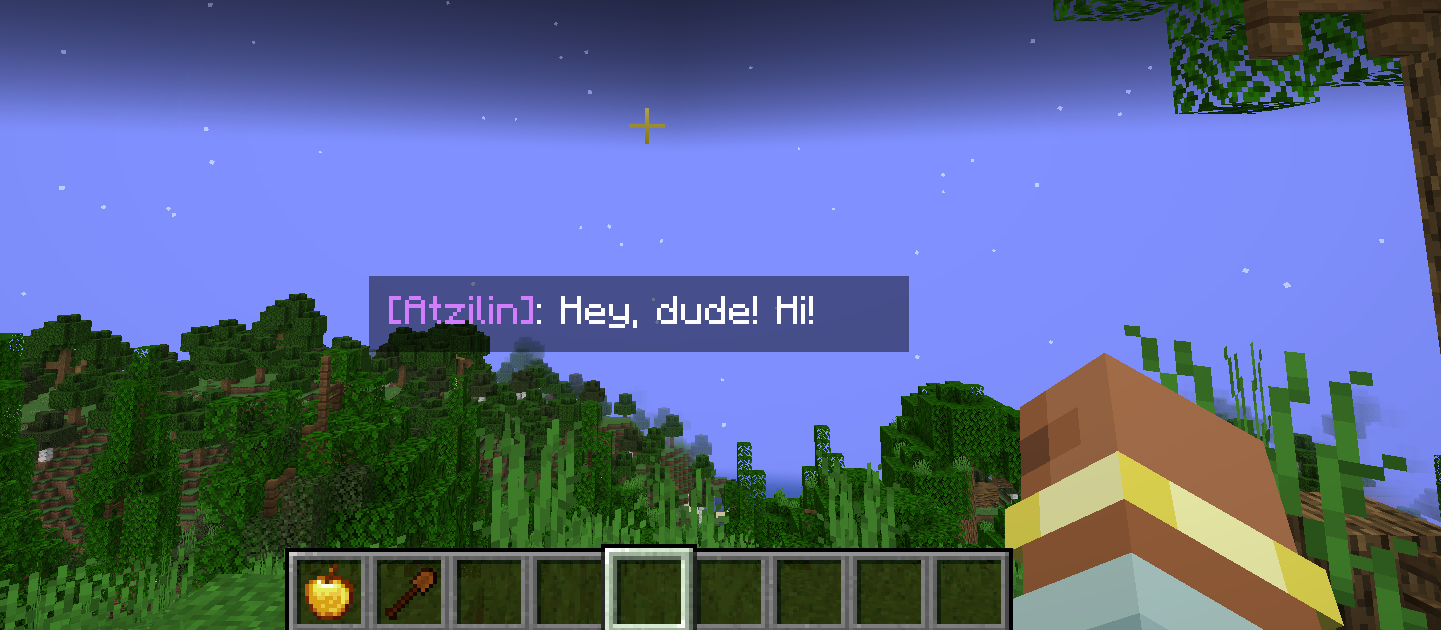
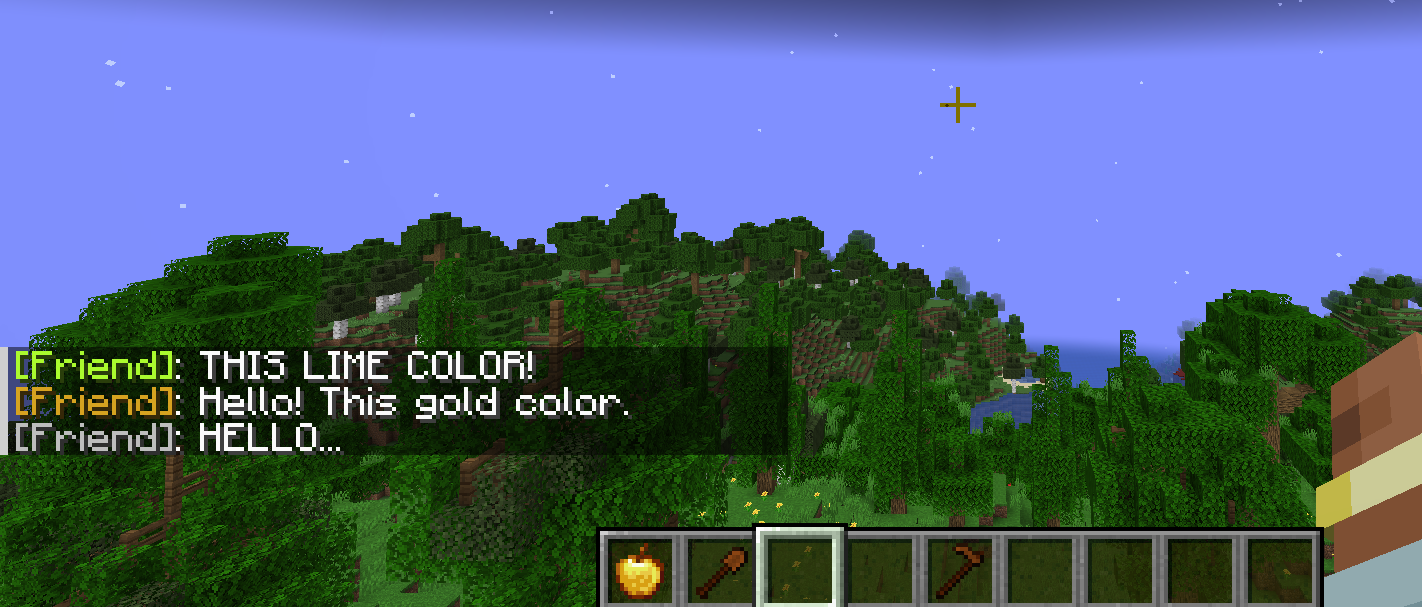
- Messages above the player’s hotbar: “[Name]: Message”.
Scripting:
- Method to send messages from NPCs within a 15-block radius:
eSay(String message, String color);Example:
eSay("Hello!", "E9967A");The color is in hex format, and if not specified, the default color is #C0C0C0.
- Method to send messages from NPCs to a specific player:
eSayTo(IPlayer player, String message, String color);Example:
eSayTo(event.player, "Hello " + event.player, "E9967A");- Method to make NPCs glow:
eSetGlowing(boolean);boolean can be true or false.
- Method to send a message above the player’s hotbar:
  eSayBar - with the option to set an icon for the character;
  eSayBarI - without a character icon.
Types of eSayBar:
eSayBar(IPlayer IPlayer, String message, String fakeName, String hexColor, String icon, int maxSymbolsFirstLine, int maxSymbolsOtherLines);
eSayBar(IPlayer IPlayer, String message, String fakeName, String hexColor, String icon);
eSayBar(IPlayer IPlayer, String message, String hexColor, String icon);
eSayBar(IPlayer IPlayer, String message, String hexColor, String icon, int maxSymbolsFirstLine, int maxSymbolsOtherLines);
Example:
eSayBar(e.player, "Hello my friend", "Sigma228", "9370DB", "npc");Types of icons (icon):
npcnoninvisible- ResourceLocation — allows you to set a custom icon for the character. The icon file can be placed in the
.minecraft/customnpcs/assets/customnpcs/textures/icons/myicon.pngfolder.
In-game: "customnpcs:textures/icons/myicon.png".
Types of eSayBarI (without character icon):
eSayBarI(IPlayer IPlayer, String message, String fakeName, String hexColor, int maxSymbolsFirstLine, int maxSymbolsOtherLines);
eSayBarI(IPlayer IPlayer, String message, String fakeName, String hexColor);
eSayBarI(IPlayer IPlayer, String message, String hexColor);
eSayBarI(IPlayer IPlayer, String message, String hexColor, int maxSymbolsFirstLine, int maxSymbolsOtherLines);
These are the same methods as eSayBar but without a character icon.
Commands:
- Open a dialogue from CNPC with a new interface:
/shine dialog show player id nameExample:
/shine dialog show Dev 13 "MrBest"Opens a dialogue with ID 13 for player Dev under the name MrBest.
- Block breaking restriction:
/shine blockbreak block player booleanfalse — blocks breaking, true — allows it.
- Block placing restriction:
/shine installingBlocks player booleanfalse — blocks placing, true — allows it.
Current mod features:
- [✔] New scripting methods.
- [✔] New dialogue interface.
- [✔] Messages above the hotbar.
- [✔] Block breaking and placing restrictions.
- [✘] Quest changes (menu).
- [✘] New ChatBubbles (messages above NPCs’ heads).
常见问题
CNPC-Additions 支持哪些 Minecraft 版本?
CNPC-Additions 支持 Minecraft Java 版 1.20.1–1.20.6,共 6 个版本,可用的加载器:Forge。下载时注意选择和你游戏版本一致的文件。
CNPC-Additions 怎么安装?
先用 PCL2 或 HMCL 启动器安装对应版本的 Forge,再把下载的 .jar 文件放进游戏目录的 mods 文件夹,重新启动游戏即可。开启了版本隔离的,mods 文件夹在 versions/版本名 下面。运行环境:客户端和服务端都要装。
Aha_Shine 的其他作品
查看全部 →
FramedBlocks Unofficial Fabric
Unofficial partial Fabric port of FramedBlocks

Figurity
Figurity - addon for Figura that allows you to set avatars for any entities through their NBT
Figurity
Figurity - addon for Figura that allows you to set avatars for any entities through their NBT
Framed Maps Fix
Makes FramedBlocks display as their camo blocks on Xaero's Minimap, Xaero's World Map, and JourneyMap.
评论
登录后评论和评分