
CMD + Delete
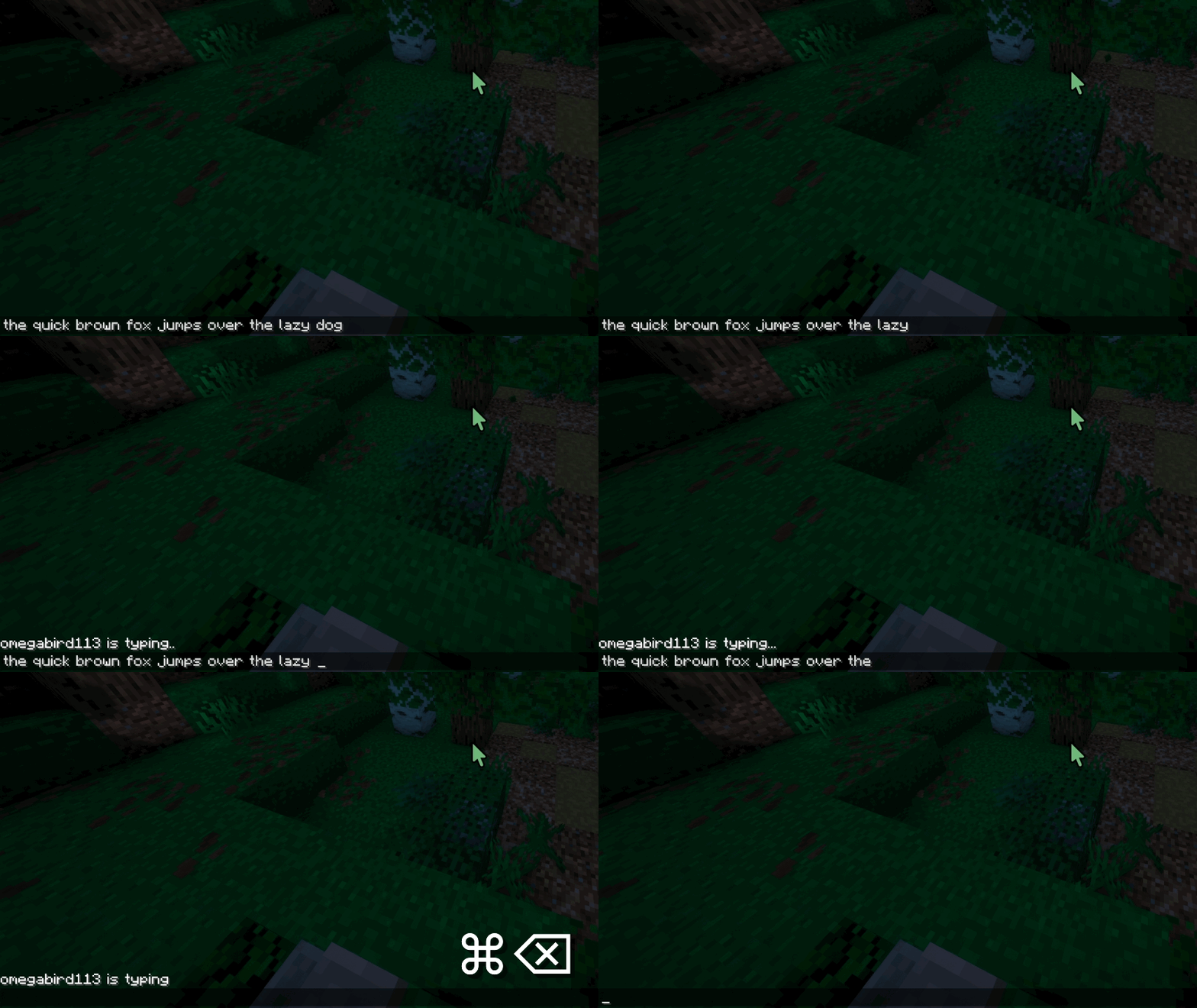
Fix macOS text navigation shortcuts in chat/books/signs/etc & allows custom shortcuts: get native cmd + backspace, option + delete, cmd + arrows, and more!
截图
介绍
CMD + Delete
In Minecraft on macOS, pressing option + backspace deletes a single character, and pressing command + backspace
deletes a word. This is completely inconsistent with the native OS, so I fixed it…
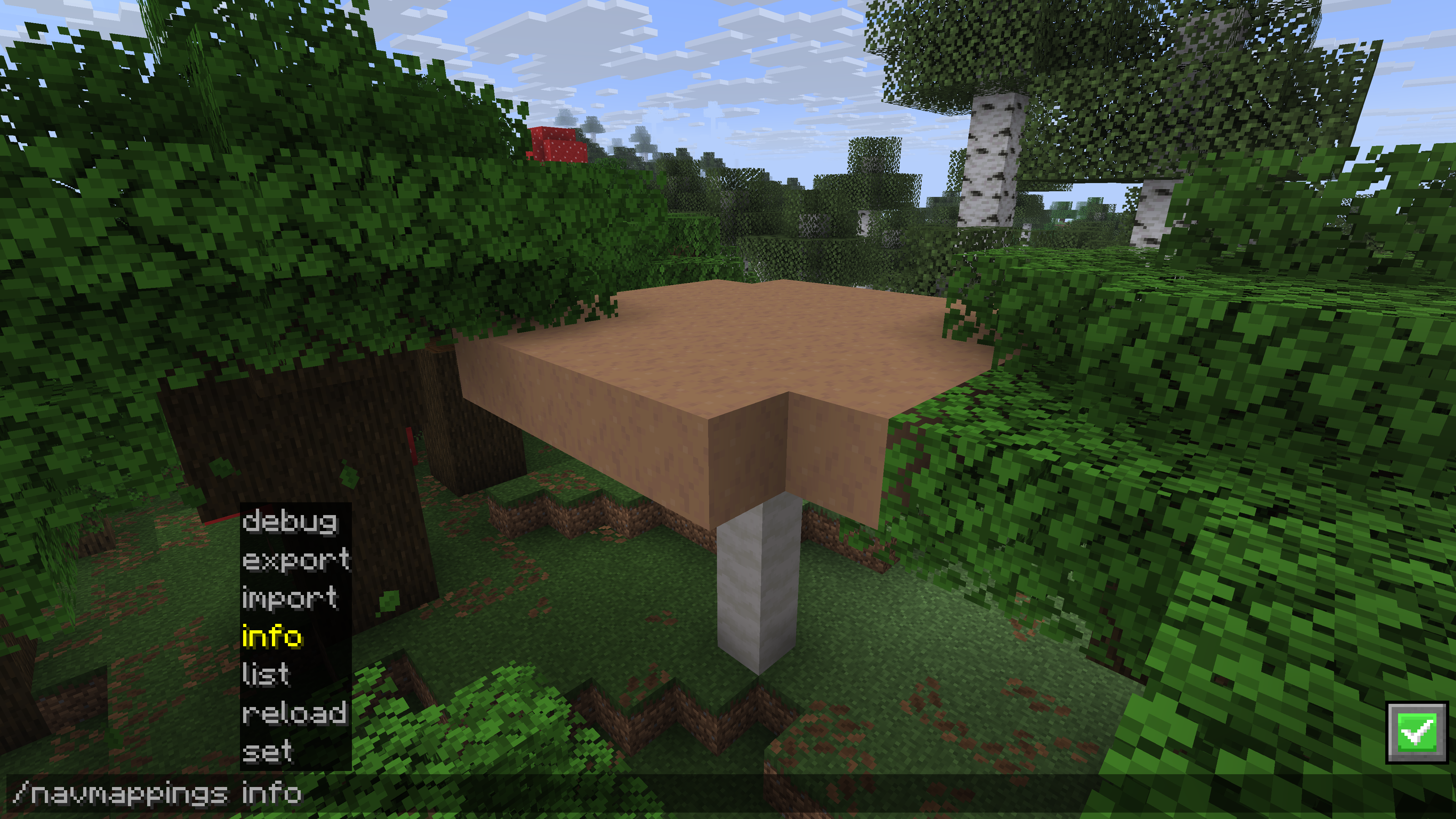
This mod also functions as a fully configurable text editing/navigation shortcut framework for Minecraft with custom
mappings, JSONs and sharecodes, in-game switching, and more!
Some Context
- If you use this mod on Windows or Linux, and you don’t use custom mappings, nothing will change from vanilla Minecraft.
- If you have any problems with this mod, please report them as Issues on GitHub. This mod is Open Source, and Pull Requests are very much welcome! 🙂
- For technical information about custom mappings and how the mod works, you should go to the CMD + Delete documentation.
- CMD + Delete has portions of the mod localized to many other languages. Currently, this has been done using machine translation. If you would like to help support a new language or improve translations for your own language, please help out on the CMD + Delete Crowdin Project.
Note:
Compatibility:
CMD + Delete is a multi-platform mod that supports for Minecraft Fabric/Quilt
1.14.4to the latest version, NeoForge
1.21.9 to 26.3 and the LTS 1.20.5–1.21.5 build natively, and Forge 1.20.1 natively.

Builtin Mappings’ Shortcuts
By default, CMD + Delete will detect if you’re using macOS, and if you are, it’ll set you to those shortcuts, otherwise
it will set you to use Windows/Linux shortcuts.
| Action | macOS | Windows / Linux |
|————————-|————————–|—————————|
| Delete previous word | option + backspace | ctrl + backspace |
| Delete next word | option + delete | ctrl + delete |
| Delete to start of line | cmd + backspace | N/A |
| Delete to end of line | cmd + delete | N/A |
| Move to previous word | option + ← | ctrl + ← |
| Move to next word | option + → | ctrl + → |
| Move to start of line | cmd + ← | home |
| Move to end of line | cmd + → | end |
| Move to start of text | cmd + ↑ | ctrl + home |
| Move to end of text | cmd + ↓ | ctrl + end |
| Select to previous word | option + shift + ← | ctrl + shift + ← |
| Select to next word | option + shift + → | ctrl + shift + → |
| Select to start of line | cmd + shift + ← | shift + home |
| Select to end of line | cmd + shift + → | shift + end |
| Select to start of text | cmd + shift + ↑ | ctrl + shift + home |
| Select to end of text | cmd + shift + ↓ | ctrl + shift + end |
| Select up one line | shift + ↑ | shift + ↑ |
| Select down one line | shift + ↓ | shift + ↓ |
Other Builtin Mappings
CMD + Delete also now provides these other builtin mappings:
builtin:emacs_macthe standard macOS Cocoa shortcuts for text navigation in Emacs to the best replication I can make.builtin:emacs_windows_linuxthe standard Windows/Linux shortcuts for text navigation in Emacs to the best replication I can make.builtin:readlinethe standard shortcuts for text navigation in GNU Readline to the best replication I can make.builtin:vanillaa set of mappings that functionally disables the mod and allows vanilla Minecraft behavior.
Comparison to Other Similar Mods
| Feature | CMD + Delete | macOS Chat Fixes |
|:————————————————–|:————-|:————————————————————–|
| Works in chat & most other single-line textboxes | ✓ | ✓ |
| Works in signs | ✓ | ✘ |
| Works in books | ✓ | ✘ |
| Works on any OS | ✓ | ✓ |
| Native macOS-style word-boundary detection | ✓ | ✓ |
| Custom mappings JSON support | ✓ | ✘ |
| Can use shortcuts from a different OS if wanted | ✓ | ✘ |
| Supports using Emacs and Readline shortcuts | ✓ | ✘ |
| Supports functionally disabling the mod if needed | ✓ | ✘ |
| Supports sharing custom shortcuts via sharecodes | ✓ | ✘ |
| Supports NeoForge, Fabric, and Quilt natively | ✓ | ✘ |
| Supports Minecraft versions before 26.1 | ✓ | ✘ |
| Open source | ✓ | ✓ |
| Open source license | Apache-2.0 | LGPL-3.0-only |
| Public technical documentation | ✓ | ✘ |
Note:
The description of macOS chat fixes says it supports signs, but after conducting a source code review, I determined
that it did not have a mixin to actually support signs. Note that all claims were made as of October 15th, 2026. Also, I
got the idea of native OS style word boundary detection from macOS chat fixes, though I did not reuse any code.
Licensing
- The CMD + Delete mod itself is licensed under the Apache 2.0 license.
- The CMD + Delete wiki/documentation is licensed under the CC BY 4.0 license.
- All builtin mappings JSON files are available under either the Apache 2.0 license or the CC BY 4.0 license (You may choose to comply with either license).
- You may include CMD + Delete in any CurseForge and/or Modrinth modpack.
常见问题
CMD + Delete 支持哪些 Minecraft 版本?
CMD + Delete 支持 Minecraft Java 版 1.14.4–26.3,共 44 个版本,可用的加载器:Fabric / Forge / NeoForge / Quilt。下载时注意选择和你游戏版本一致的文件。
CMD + Delete 怎么安装?
先用 PCL2 或 HMCL 启动器安装对应版本的 Fabric / Forge / NeoForge / Quilt,再把下载的 .jar 文件放进游戏目录的 mods 文件夹,重新启动游戏即可。开启了版本隔离的,mods 文件夹在 versions/版本名 下面。运行环境:仅客户端。
Omegabird113 的其他作品
查看全部 →
LlamaBlocks
Building Blocks, Farming Items, Generation Features, Redstone Features, and much more! (Made with MCreator)

LlamaWorld
A huge content, Vanillia+, Create+, utility, optimization, my mod, & backport kitchen sink modpack for NF1.21.1!

slip and slide
adds slipery, jumpy, speedy, slow, AND STICKY blocks. MADE IN MCREATOR
评论
登录后评论和评分