
介绍
This mod adds a cloud storage – infinite item storage accessible from anywhere in the world.
Requires Immibis Core. Also requires the EU, MJ and RF APIs from anywhere – most likely from IC2, Buildcraft and CoFH Core, but other mods may include them.
Using your cloud storage
Use the command “/cloud” to access your storage. It works like an ME Access Terminal. The scrollbar is not implemented – use the search bar instead. This GUI has some desync problems, which should be minor. Items with NBT cannot be stored in the cloud.
Using the VPN Tool
The VPN Tool allows machines to interact with your cloud.
Craft it from a piece of dirt and a piece of redstone (shapeless). Right click on nothing to change modes. Right click on a block side to display what that side is set to. Shift-right-click on a block side, with the appropriate mode, to change what that side is set to.
Actions set with the VPN Tool will only happen when you are online.
Available modes are:
- Nothing (stops any effect)
- Extract items – extracts everything that can be extracted from that side.
- Insert items – inserts particular items into that side. When you set it, it will display a GUI where you can select the items to filter.
- Extract RF – extracts RF from Energy Cells. The cloud can store a very large amount of RF. The side must be set to output mode.
- Insert RF – powers the machine with RF.
- Extract EU – extracts EU from batboxes, CESUs, MFEs and MFSUs. The cloud can store a very large amount of EU. Works on any side of the block.
- Insert EU – sends EU based on the machine’s maximum EU/t rating. That means if you apply this on more than one side the machine will explode. Don’t do that.
- Insert MJ – converts EU or RF to MJ, and then powers the machine with MJ.
Using the VPN Copier
The VPN copier is crafted from two pieces of dirt and a piece of redstone, shapeless.
Shift-right-click on a block to copy settings from it, then right-click on another block to paste them. This makes it easy to set up lots of identical machines.
(Original mod by immibis. Original description from the FTB Forum)
Archival notice
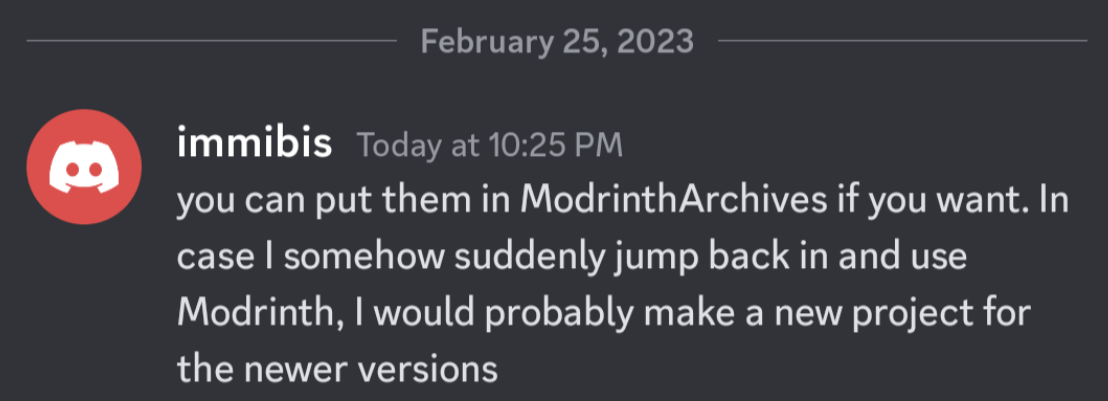
This mod is abandoned and has been uploaded for archival purposes. It was originally created by immibis. It has been uploaded to Modrinth under the ModrinthArchives account with permission from the original author.
常见问题
Cloud Storage 支持哪些 Minecraft 版本?
Cloud Storage 支持 Minecraft Java 版 1.6.4–1.7.10,共 3 个版本,可用的加载器:Forge。下载时注意选择和你游戏版本一致的文件。
Cloud Storage 怎么安装?
先用 PCL2 或 HMCL 启动器安装对应版本的 Forge,再把下载的 .jar 文件放进游戏目录的 mods 文件夹,重新启动游戏即可。开启了版本隔离的,mods 文件夹在 versions/版本名 下面。运行环境:客户端和服务端都要装。
ModrinthArchives 的其他作品
查看全部 →
Immibis Core
The core dependency/library for immibis' mods.
Immibis Core
The core dependency/library for immibis' mods.

Factorization
This mod adds minimalist parts for expanding vanilla redstone automation, and many other things.

Equivalent Exchange 2
Allows you to transmute tons of materials into other materials and adds "endgame content" to make you feel more godlike in your sandbox world.
评论
登录后评论和评分