
截图
介绍
ClientTime Mod 🌤
Client-side mod for Minecraft 26.1.2 (Fabric)
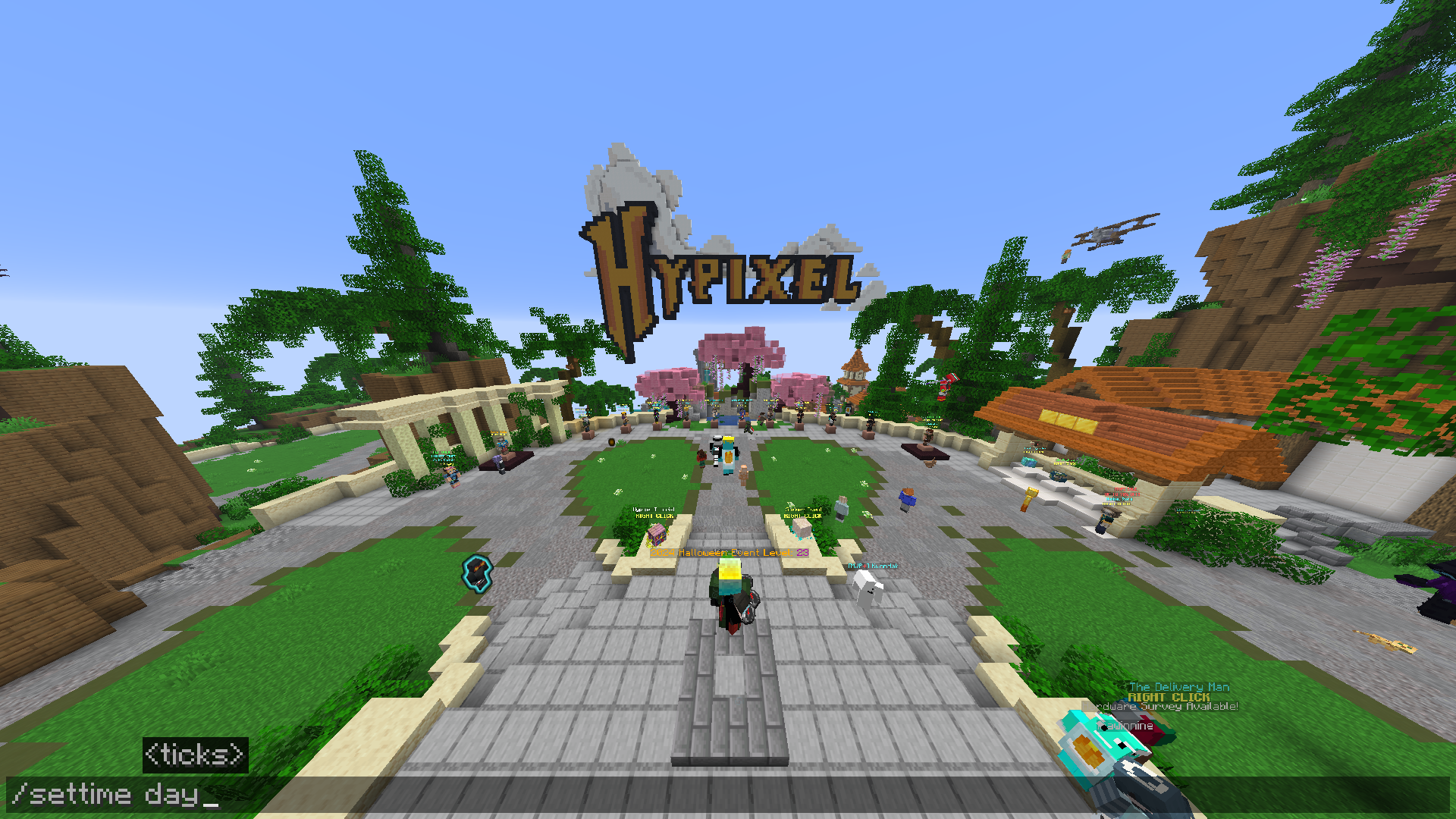
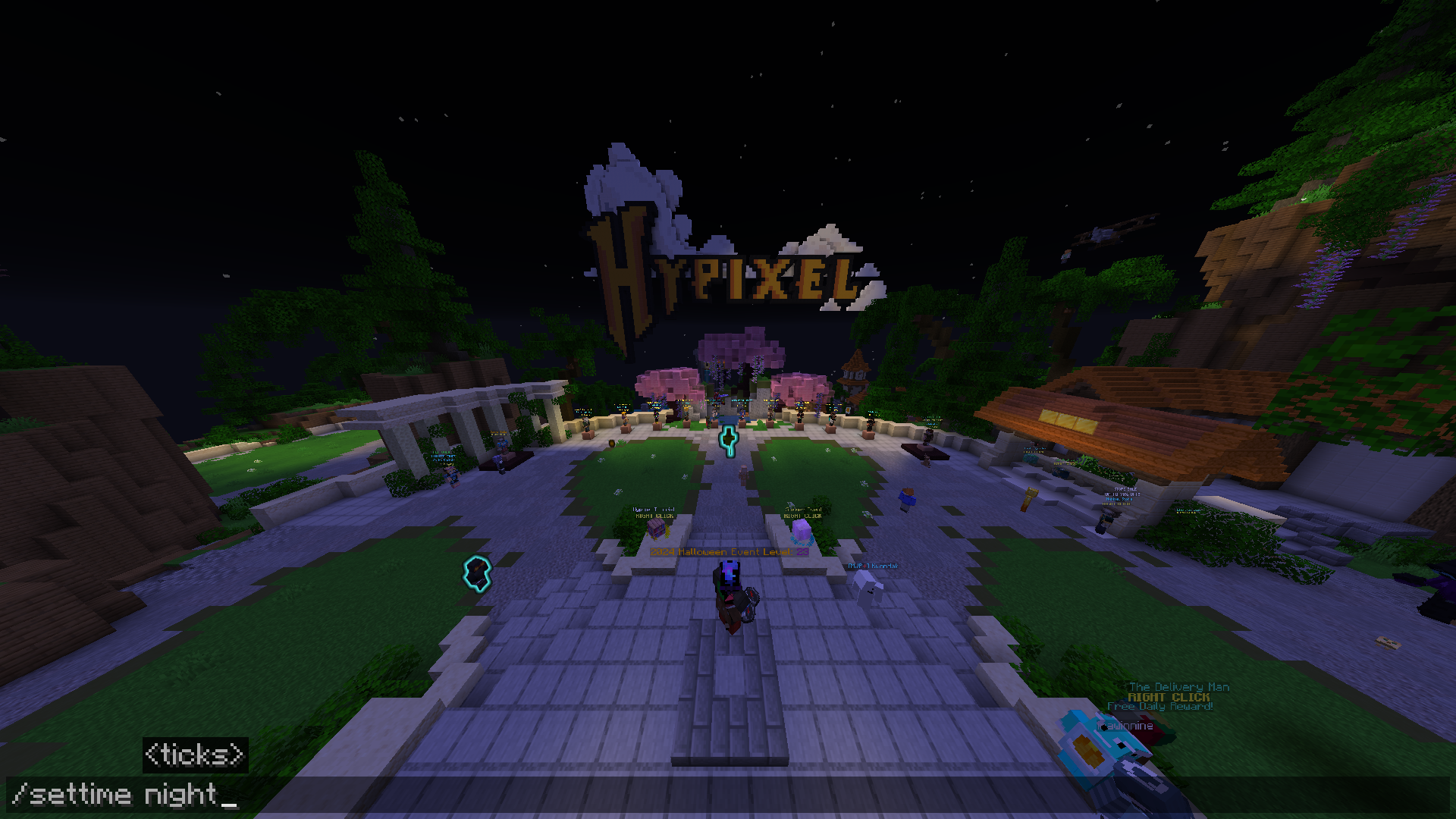
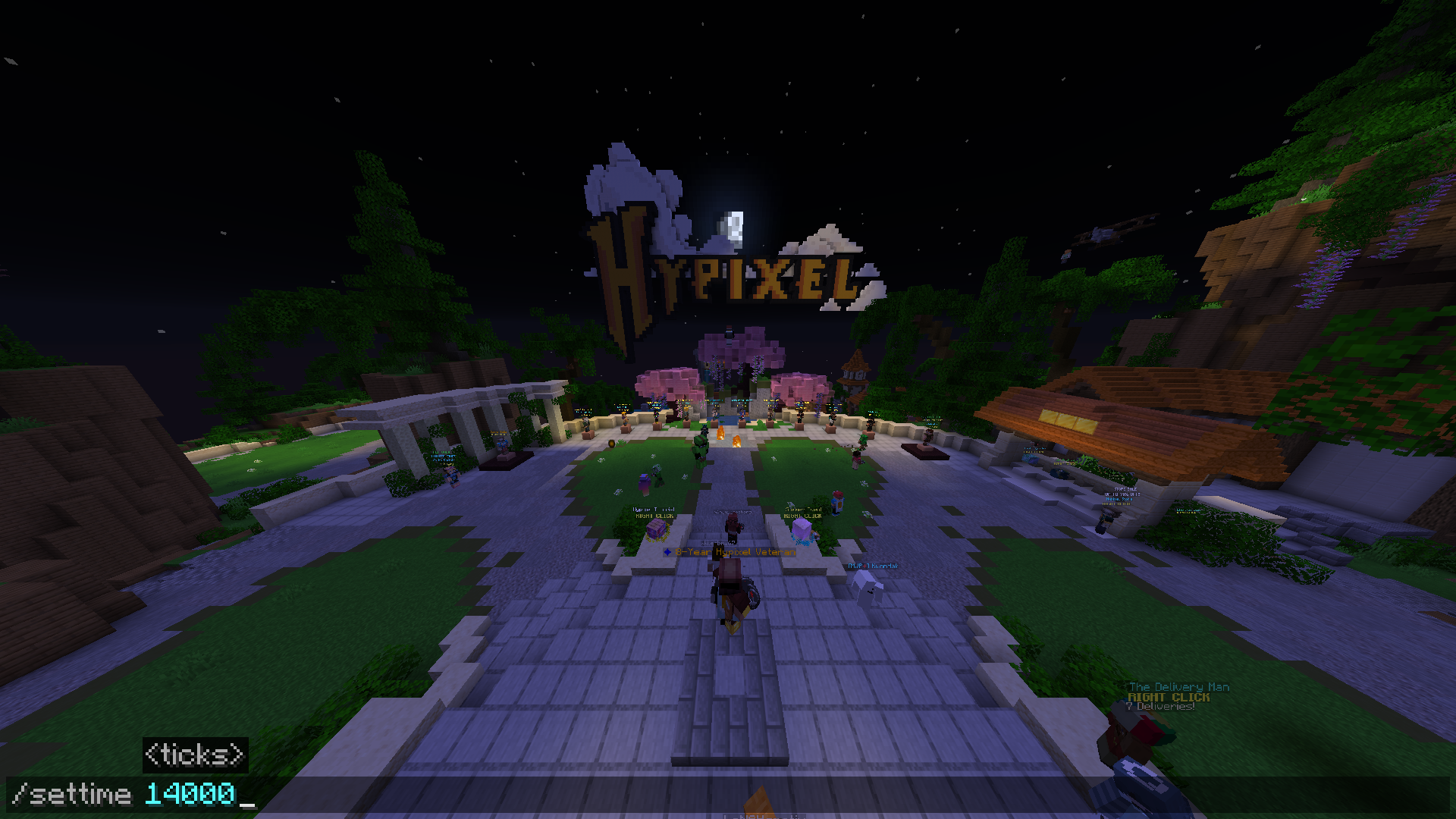
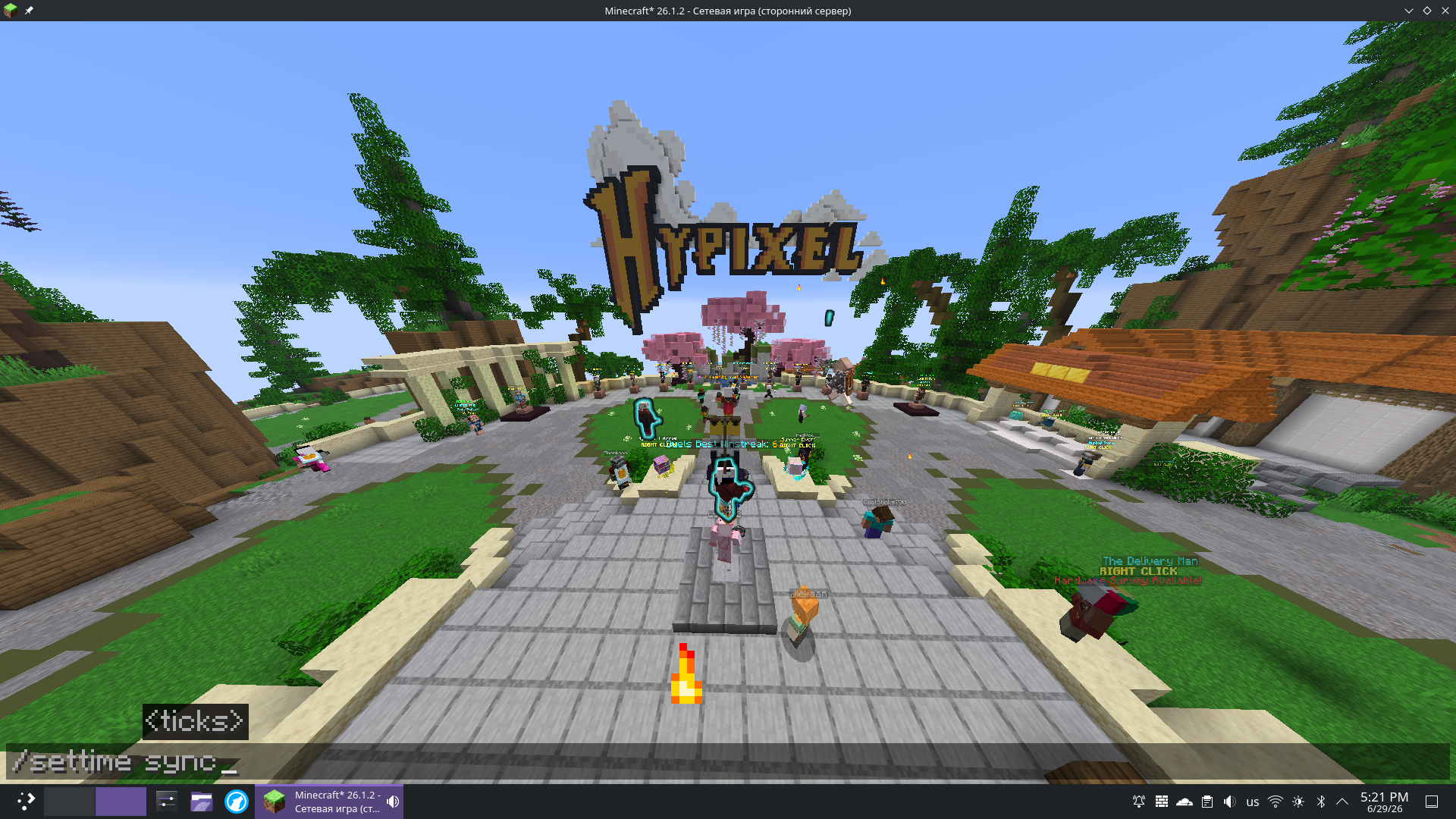
Changes the sky visually on your client without affecting server gameplay.
Works on any server – you see your sky, the server sees its own.
Note: This command only works on dedicated servers (not in single-player), since it’s designed for server-side time customization.
Commands
| Command | Description |
|—|——————————-|
| /settime morning | Dawn (0 ticks) |
| /settime day | Noon (6000 ticks) |
| /settime evening | Sunset (12000 ticks) |
| /settime night | Midnight (18000 ticks) |
| /settime <number> | Custom time (0–24000) |
| /settime sync | Sync with your PC’s real time |
| /settime off | Disable – restore server sky |
PC Sync
/settime sync maps real-world time to in-game time:
| PC time | In-game time |
|—|—|
| 06:00 | Dawn (0) |
| 12:00 | Noon (6000) |
| 18:00 | Sunset (12000) |
| 00:00 | Midnight (18000) |
Build
Requirements:
- Java 25+
- Gradle 9.4+ (or use
./gradlew)
cd clienttime-mod
./gradlew build
The JAR will be in build/libs/clienttimemod-1.0.0.jar.
Place it in your mods folder and launch Fabric for 26.1.2.
How it works
The mod intercepts ClientClockManager.getTotalTicks() on the client via a Mixin.
Since Minecraft 26.1+ ships without obfuscation, the mixin uses Mojang’s original class names directly.
The mod is client-side ("environment": "client" in fabric.mod.json) – it does not load on the server, does not require server-side installation, and does not affect gameplay.
常见问题
ClientTime 支持哪些 Minecraft 版本?
ClientTime 支持 Minecraft Java 版 26.1.2,可用的加载器:Fabric。下载时注意选择和你游戏版本一致的文件。
ClientTime 怎么安装?
先用 PCL2 或 HMCL 启动器安装对应版本的 Fabric,再把下载的 .jar 文件放进游戏目录的 mods 文件夹,重新启动游戏即可。开启了版本隔离的,mods 文件夹在 versions/版本名 下面。运行环境:仅客户端。
评论
登录后评论和评分