
Clientify
Combines the most popular HUD, PvP, and quality-of-life features into a single lightweight mod.
截图
介绍
Clientify
One mod. All your essentials.
Clientify combines many of Minecraft’s most popular PvP, HUD, and quality-of-life features into a single lightweight mod.
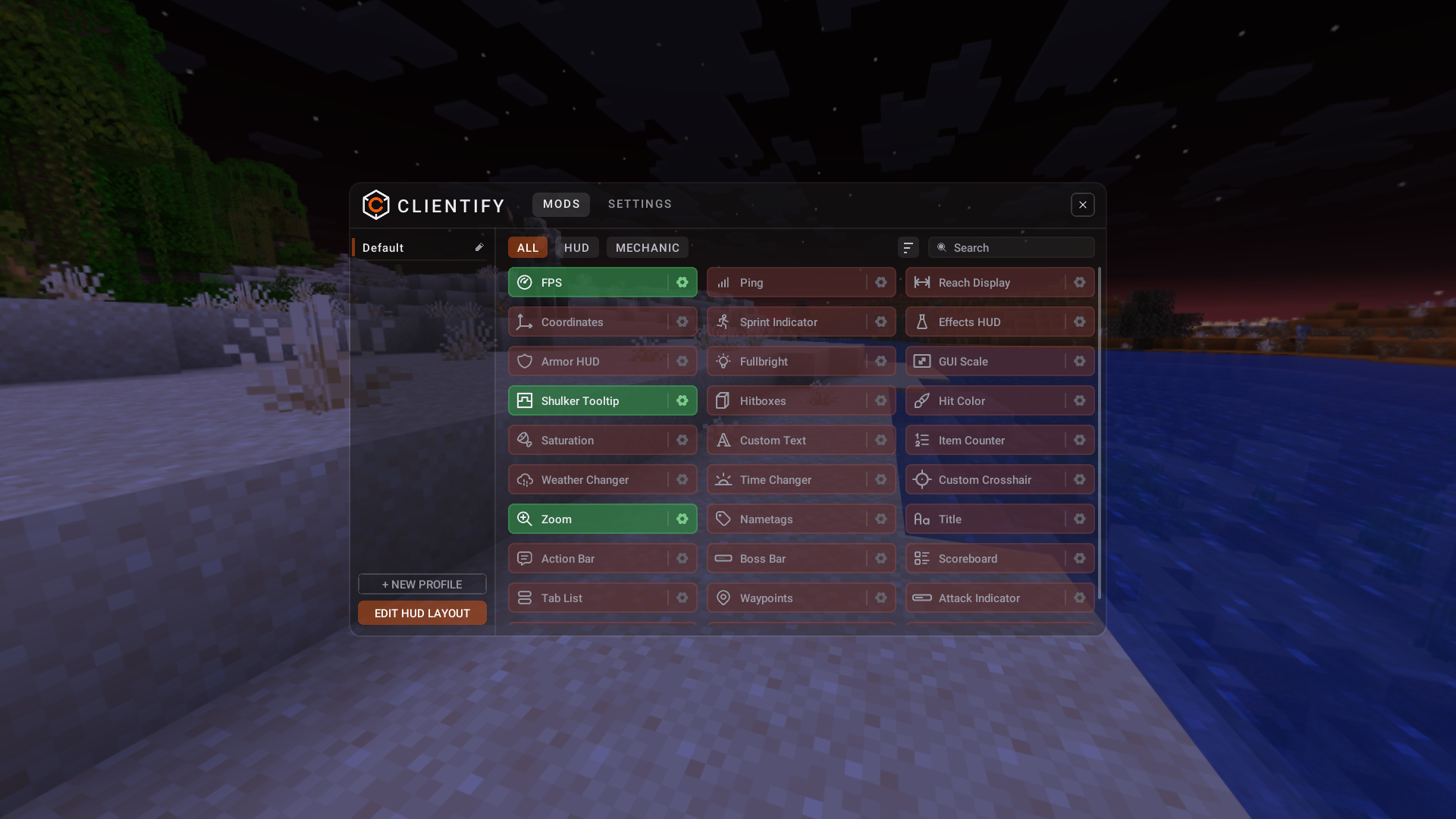
Instead of installing separate mods for Keystrokes, Armour HUD, Potion Effects, Ping, Zoom, Waypoints, Coordinates, and more, everything is available through one editor and one unified appearance system.
Fabric • Minecraft 1.21.11-26.x • Client-side only
Features
HUD Modules
| Module | What it does |
| — | — |
| Action Bar | Move, scale and restyle the action bar text. |
| Armor HUD | Worn armour and its durability, pieces placeable separately. |
| Boss Bar | Move, scale, recolour or hide boss bars. |
| Coordinates | Position, direction and biome, coords moveable separately. |
| Custom Text | Any text you like, anywhere, as many lines as you want. |
| Effects HUD | Active potion effects with timers, and blink or colour change as they run out. |
| FPS | Your framerate on the HUD. |
| Item Counter | Counts any chosen item from your inventory. |
| Keystrokes | Movement keys and mouse buttons as you press them, with CPS and press animations. |
| Nametags | Nametag scale, background, shadow and whether you see your own. |
| Ping | Your measured ping to the server. |
| Reach Display | How far away your last hit landed. |
| Saturation | Your hidden saturation as text, an overlay or a bar. |
| Scoreboard | The sidebar, moved and restyled with your own font and backgrounds. |
| Sprint Indicator | Your sprint and movement state, including flying and gliding. |
| Tab List | Tab list tweaks: header, footer, heads, ping display and colours. |
| Title | Move, scale and restyle server titles. |
Visual & Gameplay Tweaks
| Module | What it does |
| — | — |
| Attack Indicator | Restyle the attack cooldown indicator, or put it where you want. |
| Custom Crosshair | Presets, or draw your own pixel by pixel. |
| Fullbright | Light up the whole world. |
| GUI Scale | Scale the hotbar and the inventory independently. |
| Hit Color | Recolour the red damage flash on entities. |
| Hitboxes | Customisable entity hitboxes, without F3+B turning on everything else. |
| Overlay | Clean up what is drawn over your view — fire, pumpkin, glass, foliage and more. |
| Shulker Tooltip | Preview shulker box contents in the tooltip. |
| Time Changer | Override the time of day on your screen only. |
| Totem Tweaks | Reposition or hide the totem pop animation, and count your pops. |
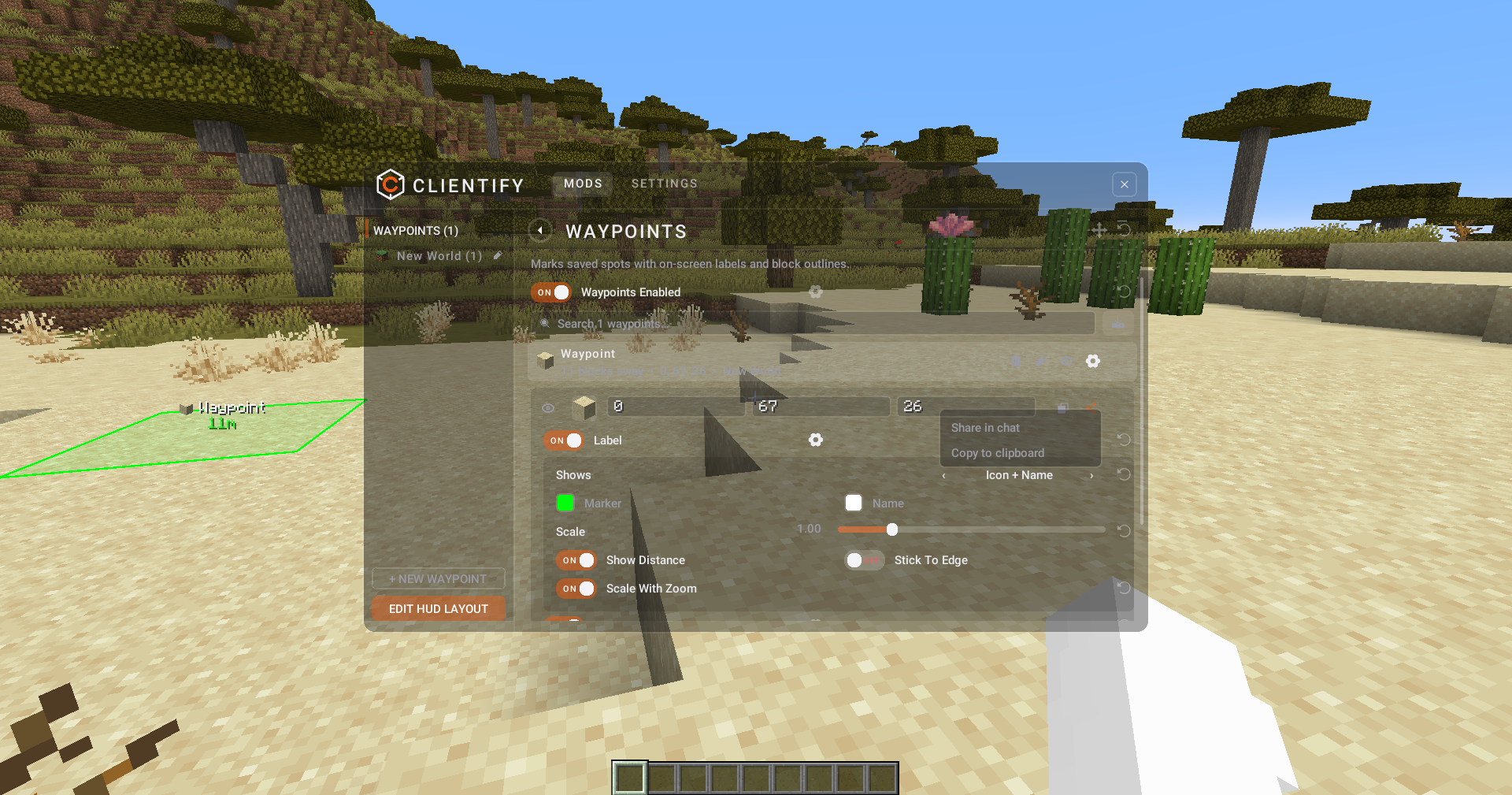
| Waypoints | Saved spots with labels, distances and outlines. Shareable in chat. |
| Weather Changer | Override the weather on your screen only. |
| Zoom | Hold a key to zoom; scroll to adjust, with smooth transitions. |
Powerful HUD Editor
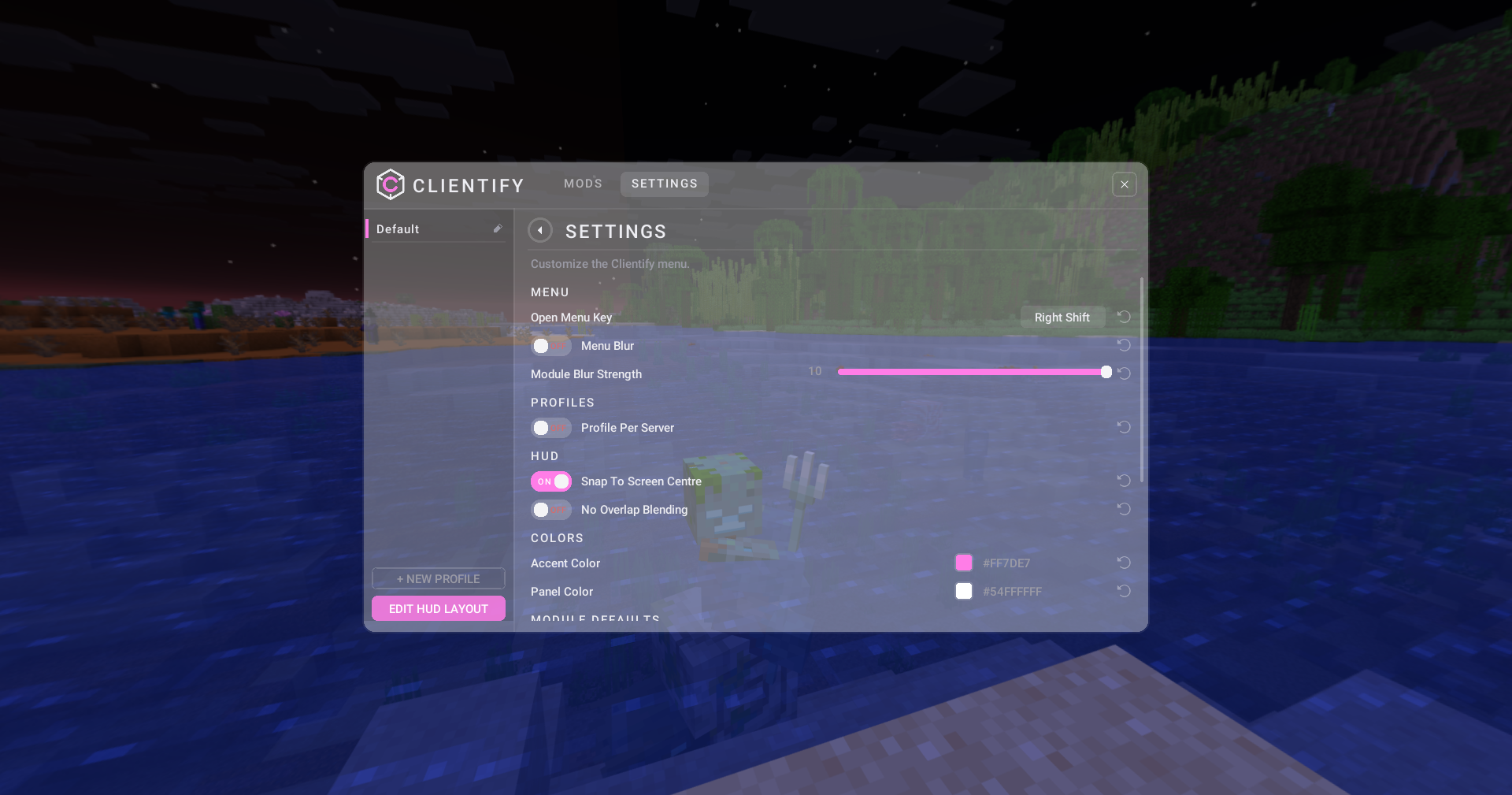
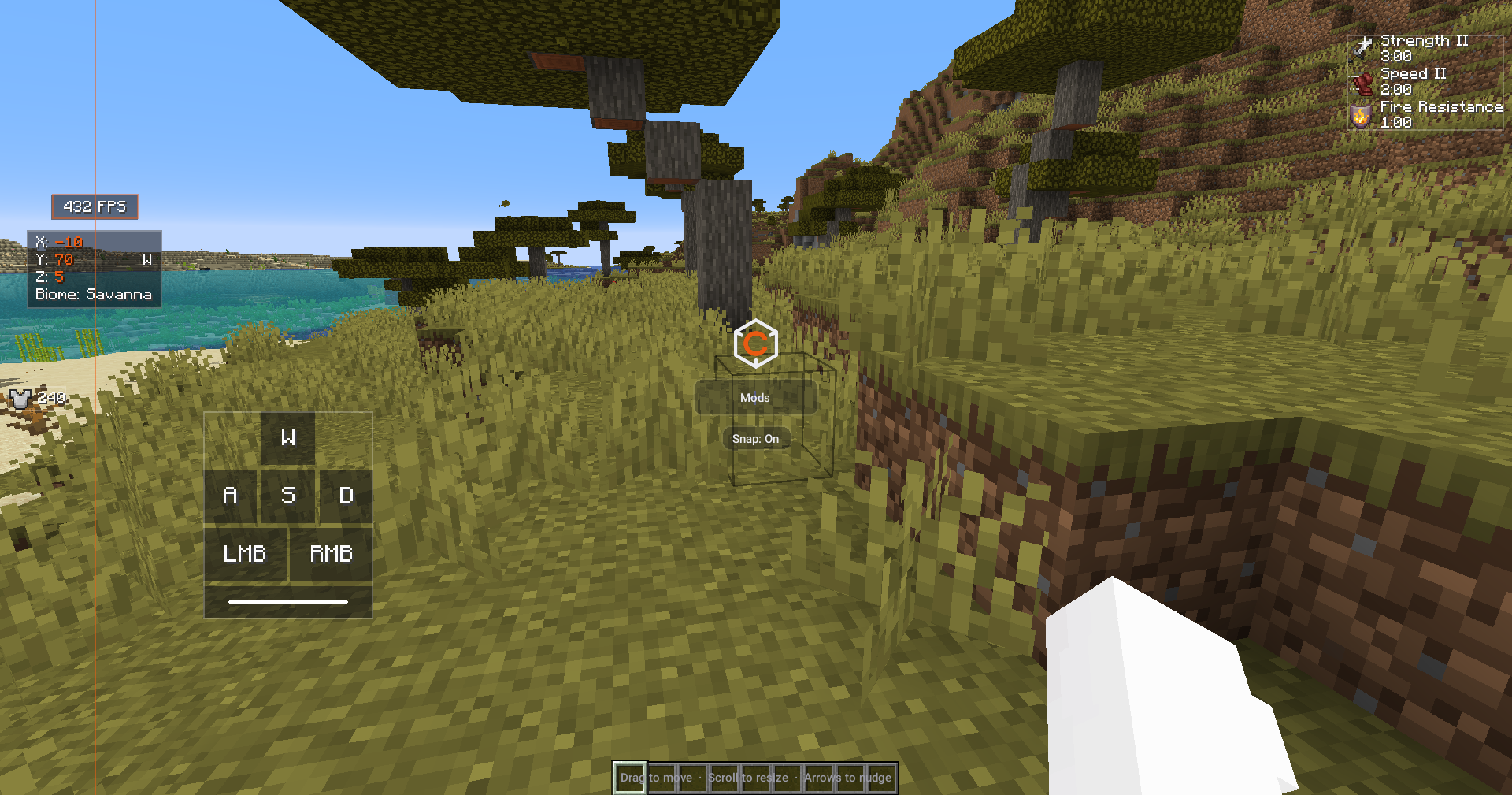
Press Right Shift to open the editor.
- Drag modules anywhere on screen
- Resize with the mouse wheel
- Snap to screen centre and nearby modules
- Move precisely with arrow keys
- Configure every module individually
No config files. No commands. Everything is done in-game.
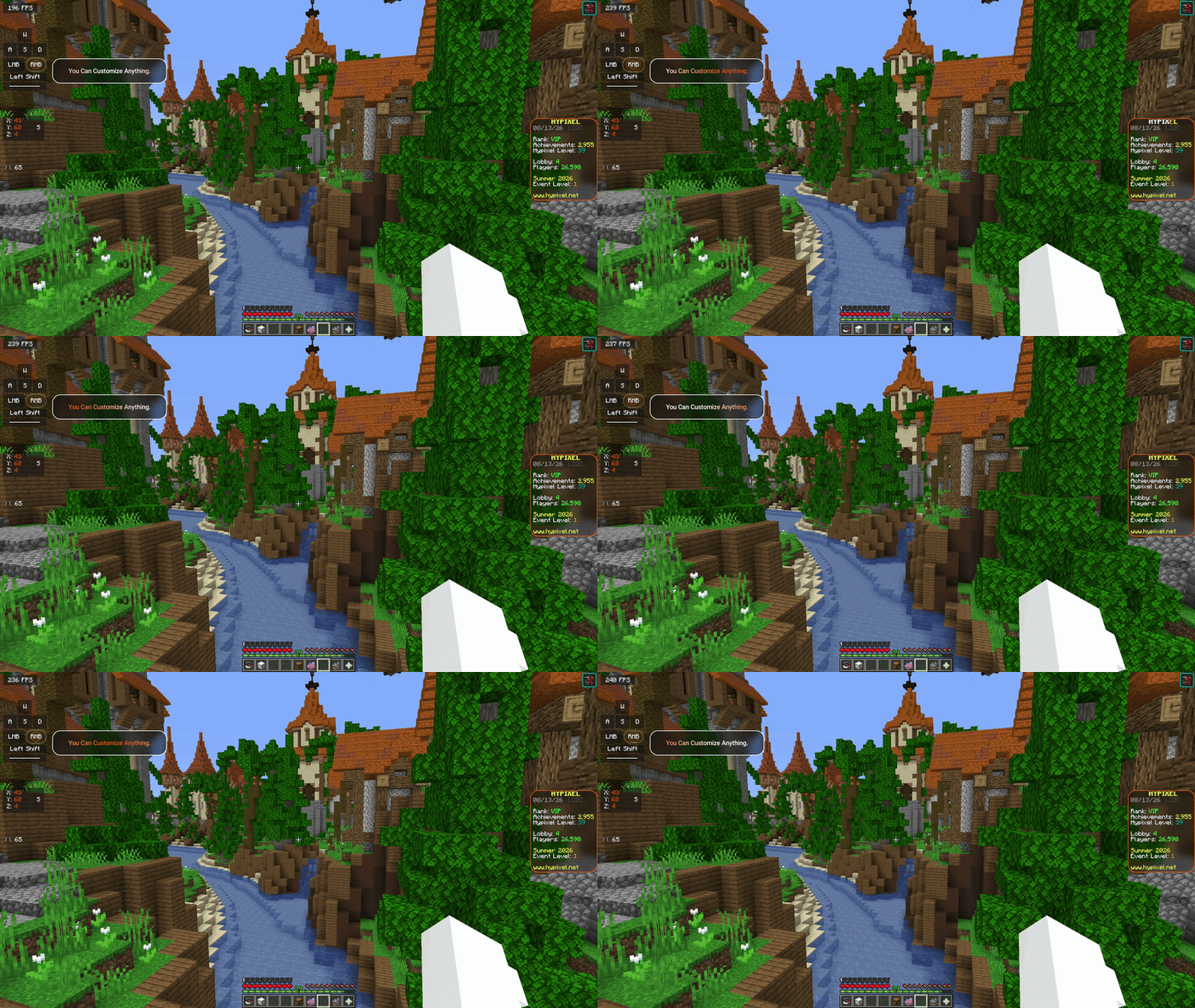
Fully Customisable
Create a setup that matches your style.
- Multiple profiles
- Custom fonts
- Rounded backgrounds
- Blur effects
- Borders and shadows
- Custom colours
- Chroma mode
- Gradients
- Gradient waves
- Apply one style to every module instantly
Every module follows the same appearance system, making it easy to create a clean and consistent UI.
Server Friendly
No unfair-advantage modules.
Clientify is built around HUD customisation, visual improvements, and quality-of-life features that
work on virtually any server without affecting gameplay.
Installation
- Install Fabric Loader
- Install Fabric API
- Place Clientify into your
modsfolder - Launch Minecraft
常见问题
Clientify 支持哪些 Minecraft 版本?
Clientify 支持 Minecraft Java 版 1.21.11–26.3,共 6 个版本,可用的加载器:Fabric。下载时注意选择和你游戏版本一致的文件。
Clientify 怎么安装?
先用 PCL2 或 HMCL 启动器安装对应版本的 Fabric,再把下载的 .jar 文件放进游戏目录的 mods 文件夹,重新启动游戏即可。开启了版本隔离的,mods 文件夹在 versions/版本名 下面。运行环境:仅客户端。

评论
登录后评论和评分