
Client Side Inventory Filter
Client-side inventory sorting with optional tag-based filters, bring-to-front highlighting, and greyed-out non-matching items.
截图
介绍
中文介绍正在准备中,下面暂时显示原文。
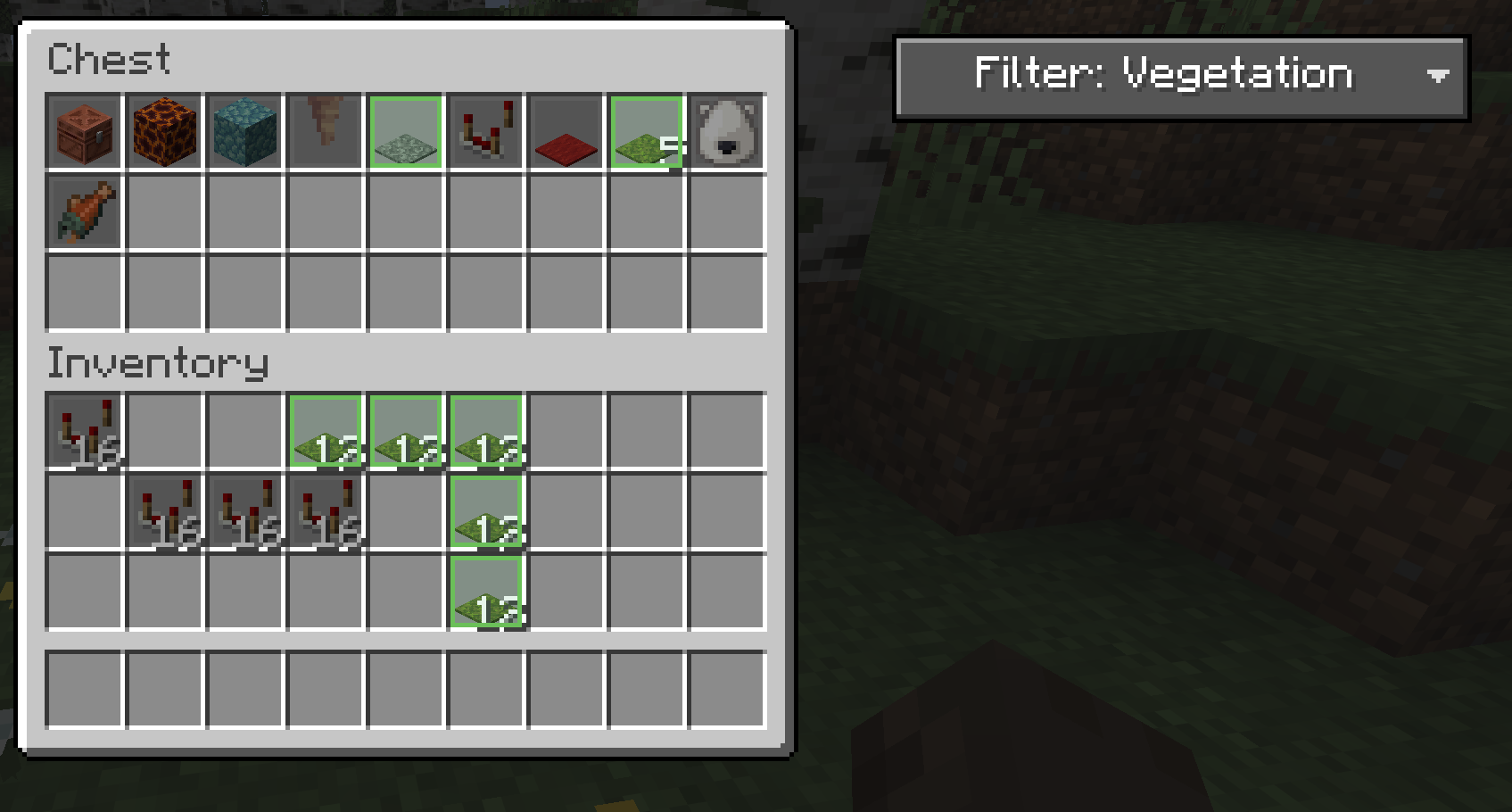
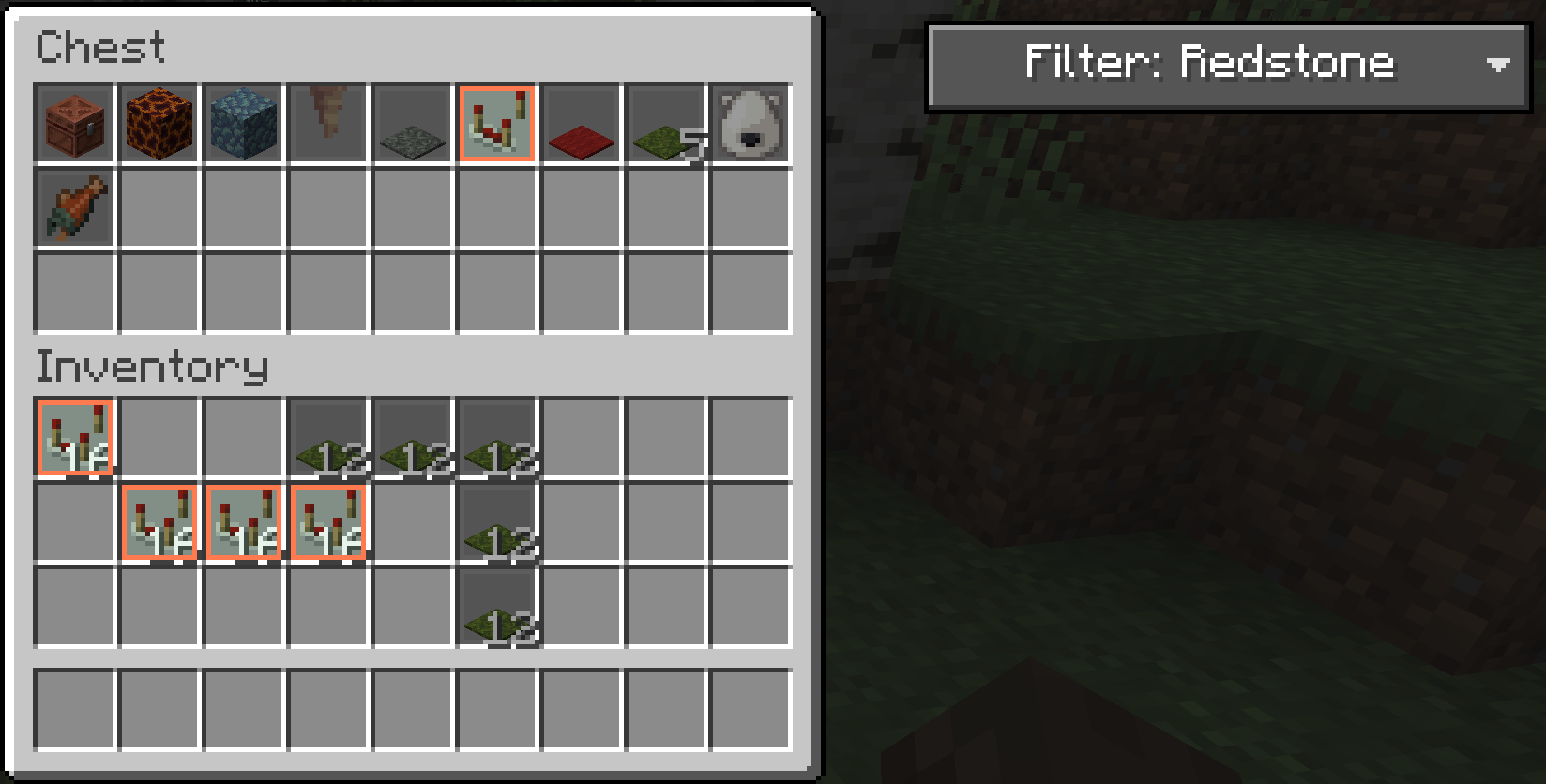
Client Side Inventory Filter is a client-side Fabric mod for organizing inventories faster with tag-based filters.
Choose a category from the dropdown to bring matching items to the front of the inventory, highlight the items you want, and grey out the rest.
Supported screens include chests, trapped chests, shulker boxes, and player inventory.
常见问题
Client Side Inventory Filter 支持哪些 Minecraft 版本?
Client Side Inventory Filter 支持 Minecraft Java 版 1.20.2–26.1.2,共 3 个版本,可用的加载器:Fabric。下载时注意选择和你游戏版本一致的文件。
Client Side Inventory Filter 怎么安装?
先用 PCL2 或 HMCL 启动器安装对应版本的 Fabric,再把下载的 .jar 文件放进游戏目录的 mods 文件夹,重新启动游戏即可。开启了版本隔离的,mods 文件夹在 versions/版本名 下面。运行环境:客户端 / 服务端。

评论
登录后评论和评分