
Client Side Formatting
Client Side Formatting is a simple mod that adds the ability to use client-side text formatting.
截图

介绍
Client Side Formatting is a simple mod that adds the ability to use client-side text formatting using the new $% prefix.
With it, you can conveniently create colorful and stylized text without affecting other players and without the need for commands or additional permissions. All changes are made locally, so you see the formatted text exactly as you want.
Features
- Chat message formatting.
- Book editing support.
- Item name formatting in the anvil.
- Text support on signs.
- Completely client-side.
- Lightweight and easy to use.
How to use?
Simply add the $% prefix before the formatting codes. The mod will automatically process them and display the appropriately formatted text.
Examples:
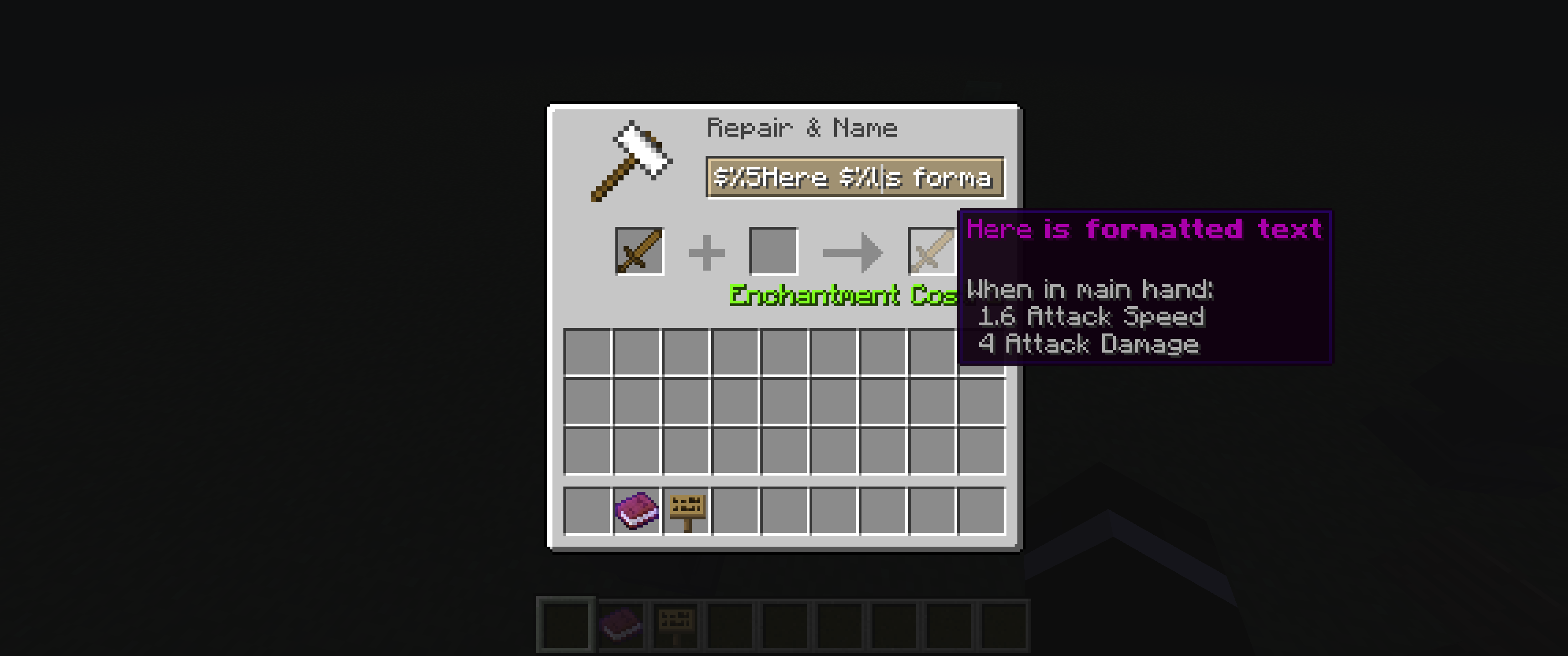
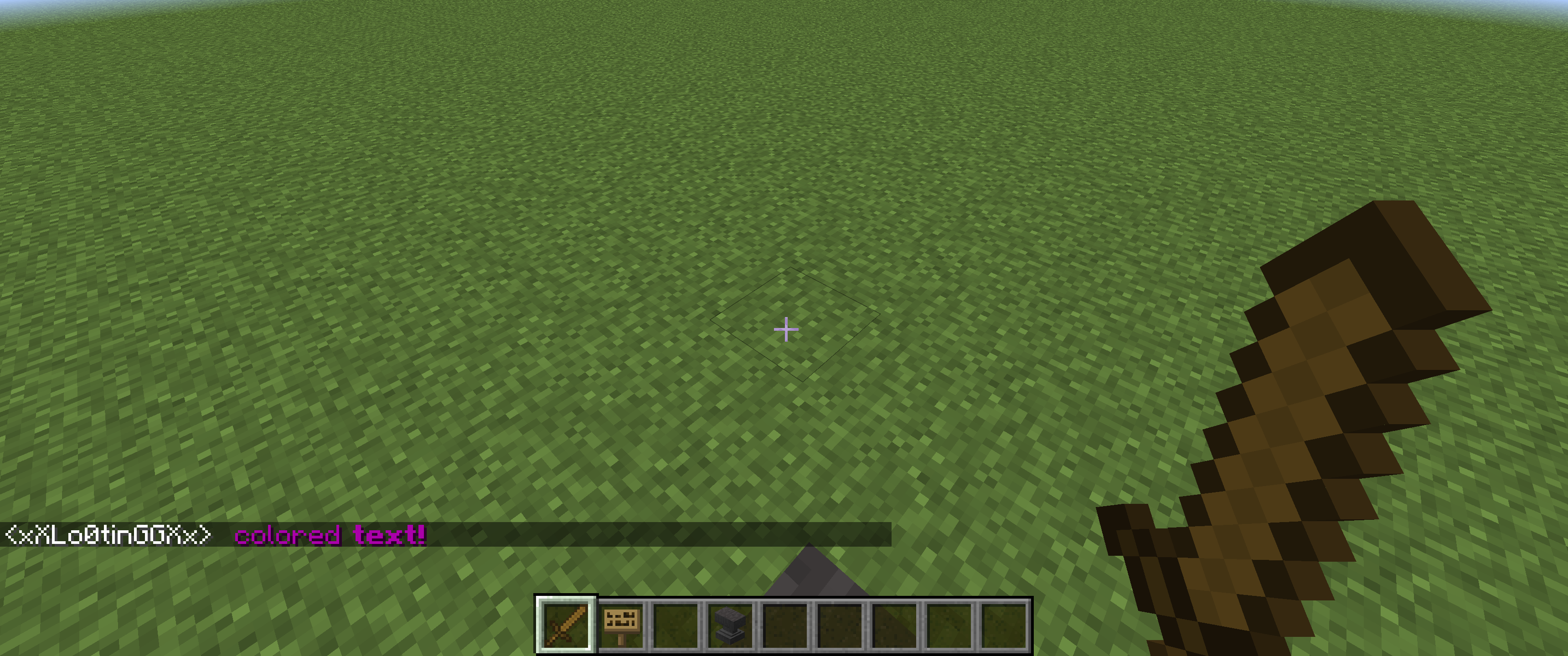
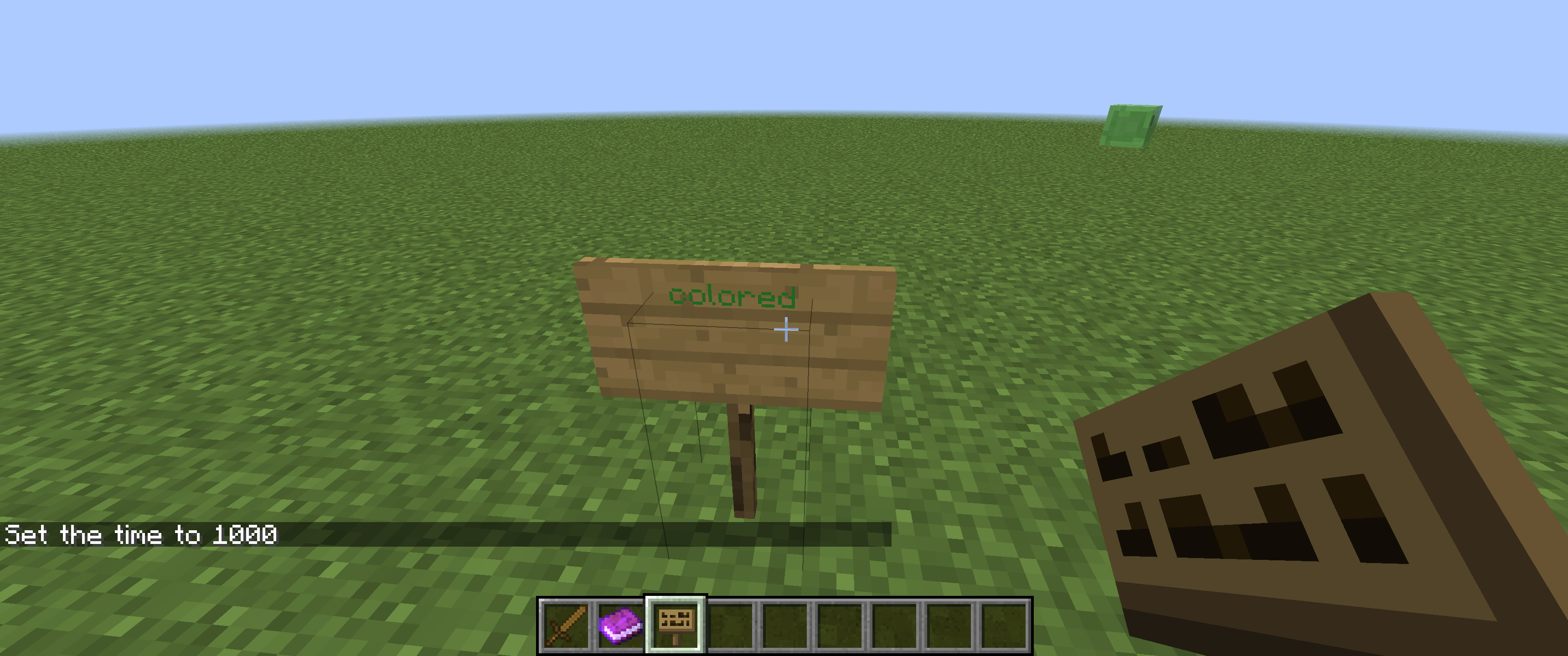
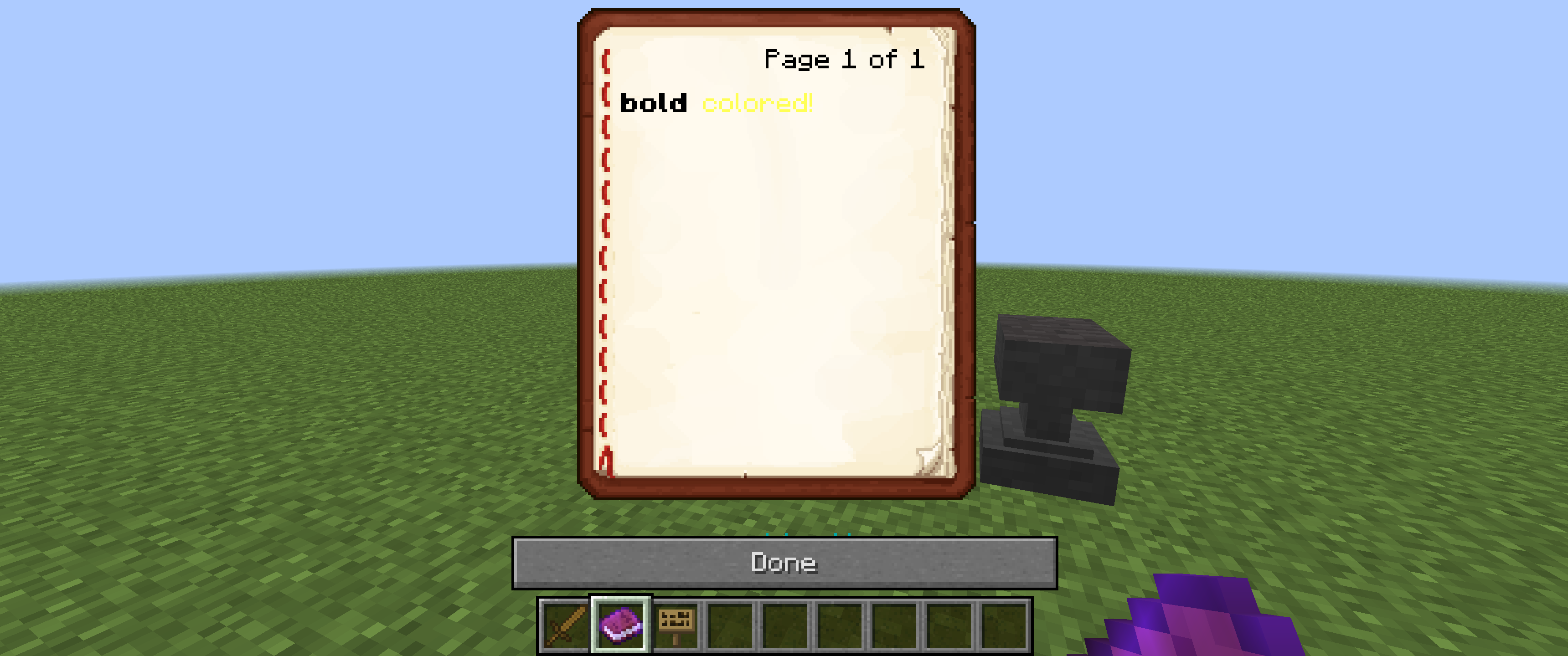
Client Side Formatting allows you to customize how text is displayed in-game while maintaining full server compatibility because it doesn’t require server-side installation.
常见问题
Client Side Formatting 支持哪些 Minecraft 版本?
Client Side Formatting 支持 Minecraft Java 版 1.12.2,可用的加载器:Forge。下载时注意选择和你游戏版本一致的文件。
Client Side Formatting 怎么安装?
先用 PCL2 或 HMCL 启动器安装对应版本的 Forge,再把下载的 .jar 文件放进游戏目录的 mods 文件夹,重新启动游戏即可。开启了版本隔离的,mods 文件夹在 versions/版本名 下面。运行环境:仅客户端。
评论
登录后评论和评分