截图
介绍
Client Effect Remover
This mod can disable some status effects in the client-side, such as blindness, darkness and others you don’t like(including effects of mods).
If a type of status effects is disabled, you will not see the icon in your client.But they are still existent in the server.
For example, you have disabled the slowness effect, but you walk slow still.
Commands
The main command: effectr
effectr disable <effect>: Append the effect to the disabled list.
effectr enable <effect>: Remove the effect from the disabled list.
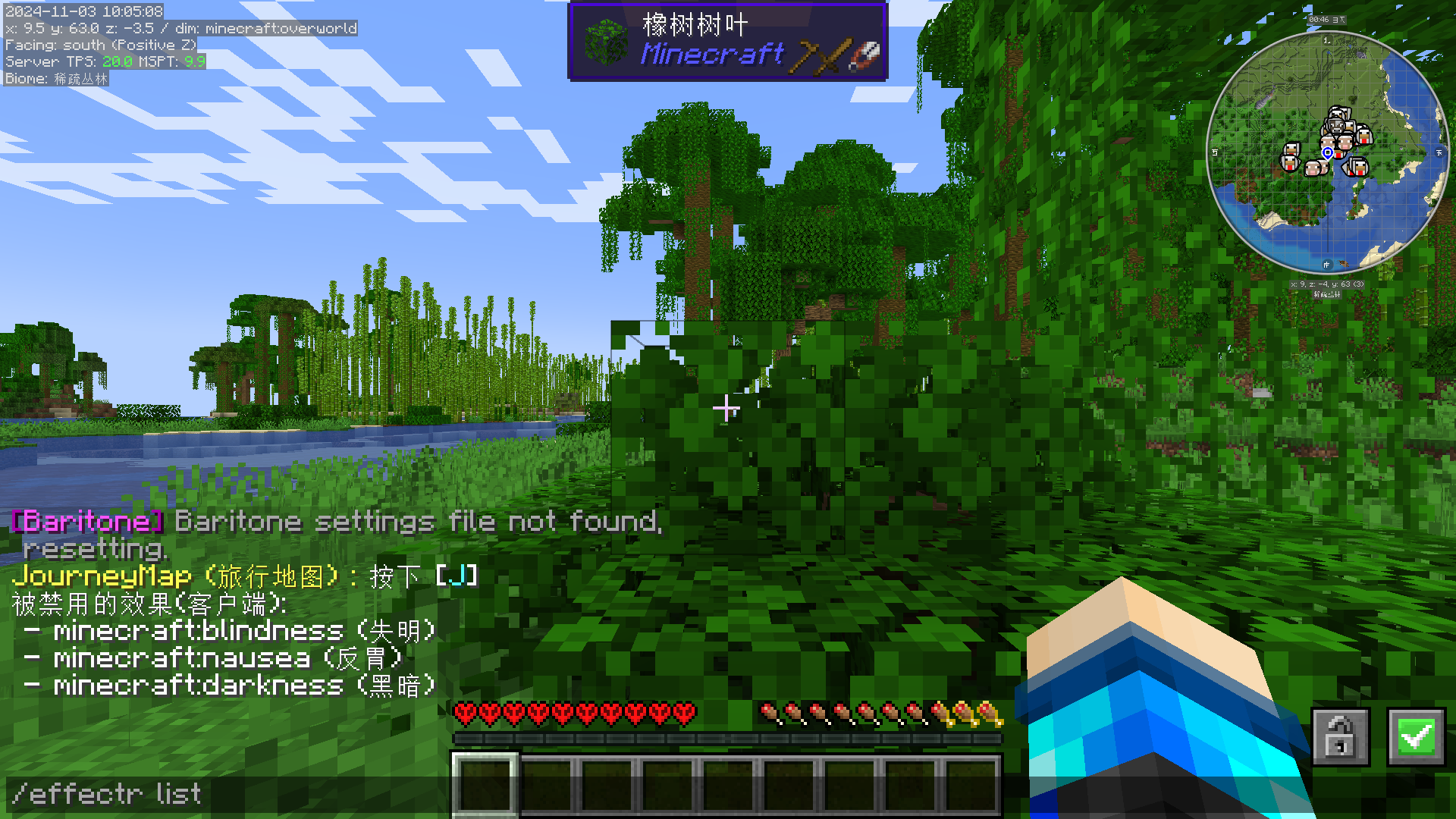
effectr list: Show the disabled list.
effectr remove <effect>: Remove the effect in your client for once.
Config File
Config file path: config/effectremover.json
The file should be like this:
{
  "disabled_effects": [
    "minecraft:effect"
    // ...more
  ]
}
Chinese version:
Client Effect Remover (客户端效果移除)
该mod可以在客户端屏蔽某些效果,例如失明、黑暗或者其他你不喜欢的(包括mod效果)。
如果你禁用了一种状态效果,你将不会看到它的图标。但是它们仍然在服务端存在。
例如,即使你已经禁用了缓慢效果,但是你仍然会走得很慢。
命令
主命令: effectr
effectr disable <效果>: 将效果添加到屏蔽列表。
effectr enable <效果>: 将效果从屏蔽列表删除。
effectr list: 查看屏蔽列表。
effectr remove <效果>: 在客户端一次性删除状态效果。
配置文件
配置文件路径: config/effectremover.json
这个文件应该是像这样的:
{
  "disabled_effects": [
    "minecraft:effect"
    // ...more
  ]
}
常见问题
Client Effect Remover 支持哪些 Minecraft 版本?
Client Effect Remover 支持 Minecraft Java 版 1.21–1.21.4,共 4 个版本,可用的加载器:Fabric。下载时注意选择和你游戏版本一致的文件。
Client Effect Remover 怎么安装?
先用 PCL2 或 HMCL 启动器安装对应版本的 Fabric,再把下载的 .jar 文件放进游戏目录的 mods 文件夹,重新启动游戏即可。开启了版本隔离的,mods 文件夹在 versions/版本名 下面。运行环境:仅客户端。

评论
登录后评论和评分