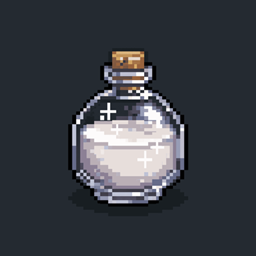
Cleansing Potions
Adds Potions of Cleansing, Soothing and Purging for 1.21.9-26.2 NeoForge/Fabric that can remove all potion effects, only the harmful, or only the buffs. Splash/Lingering included.
介绍
Cleansing Potions
We already know Milk cures all when you drink it. But while you’re in a fight, you can use a Splash Bottle of Purging on an enemy to remove all of their good effects, like regeneration or strength. Want to remove only good effects? Drink a Potion of Soothing. And for both, you can simply use a Potion of Cleansing which removes everything. This gives you the ability midfight to handle status effects and get back in.





The potions
There are three, and they differ only in what they strip away:
- Potion of Cleansing clears every effect at once, good and bad, exactly like drinking milk.
- Potion of Soothing clears only the harmful effects and leaves your buffs alone.
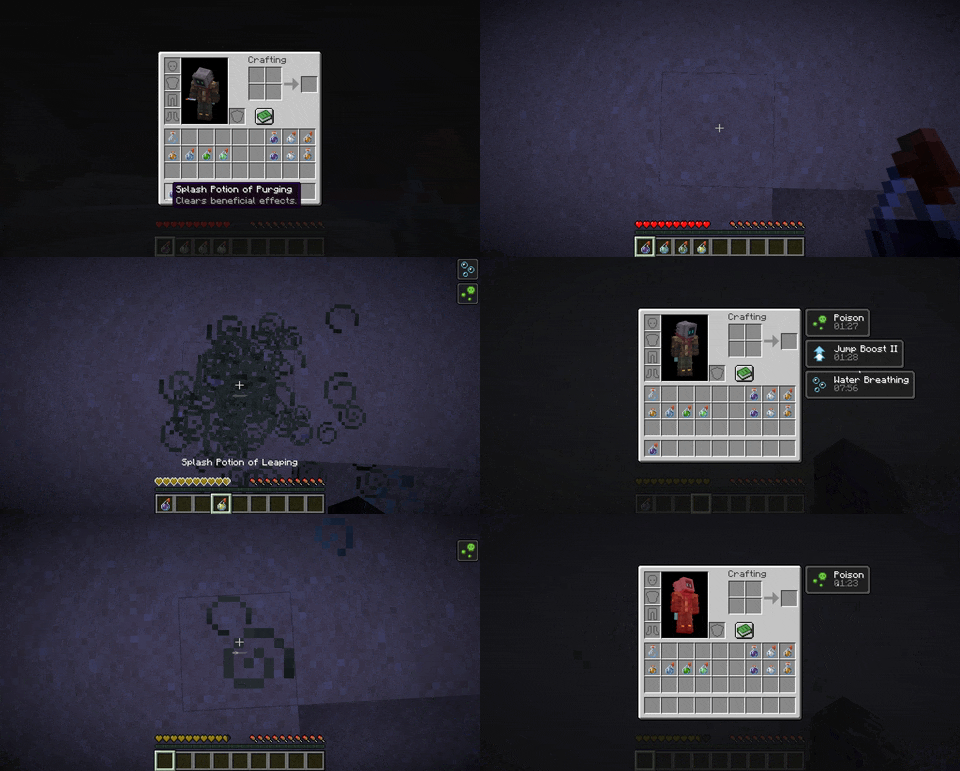
- Potion of Purging clears only the beneficial effects, which makes a well-aimed splash a real tool in a fight.
All Potions:
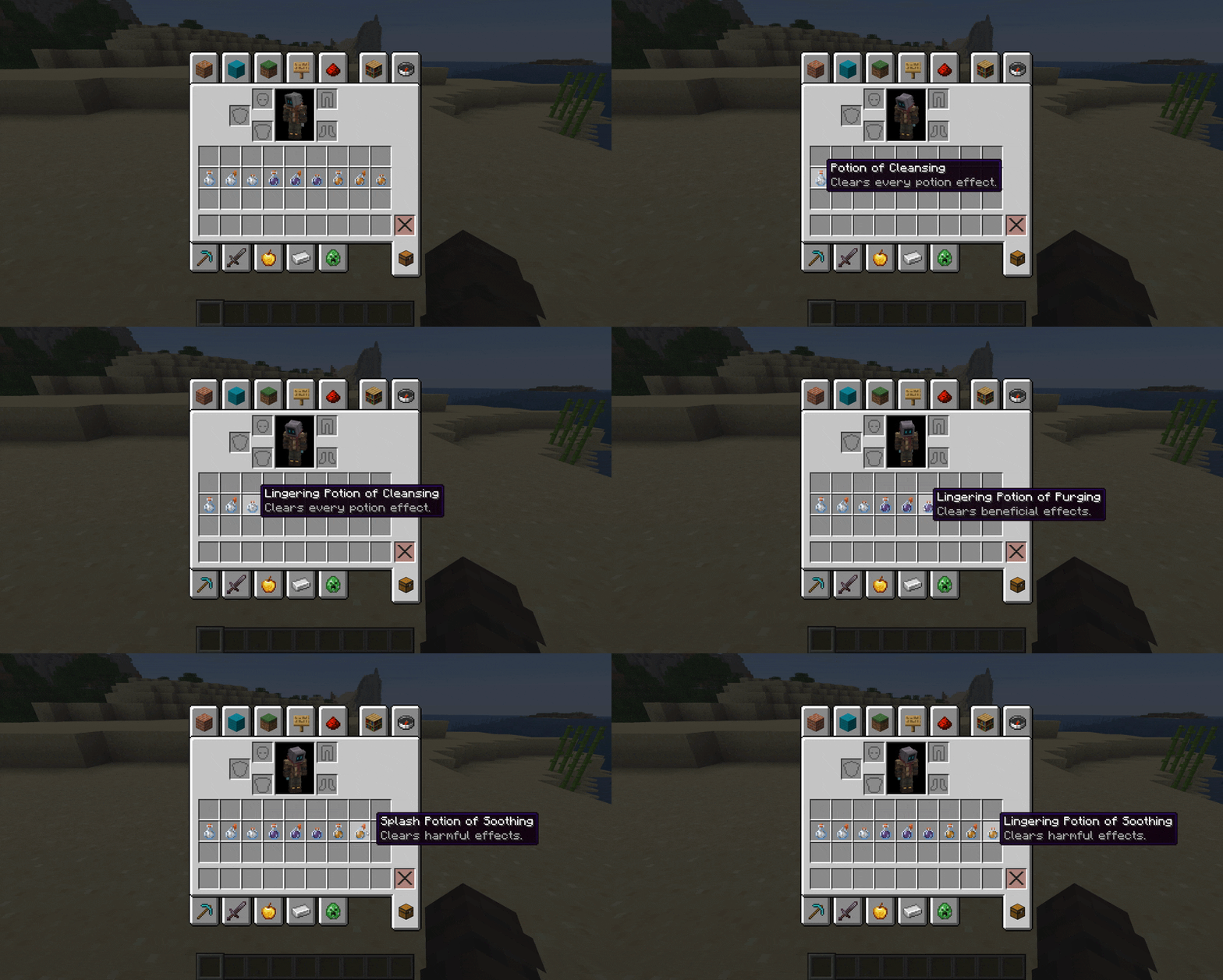
Potion of Cleansing:
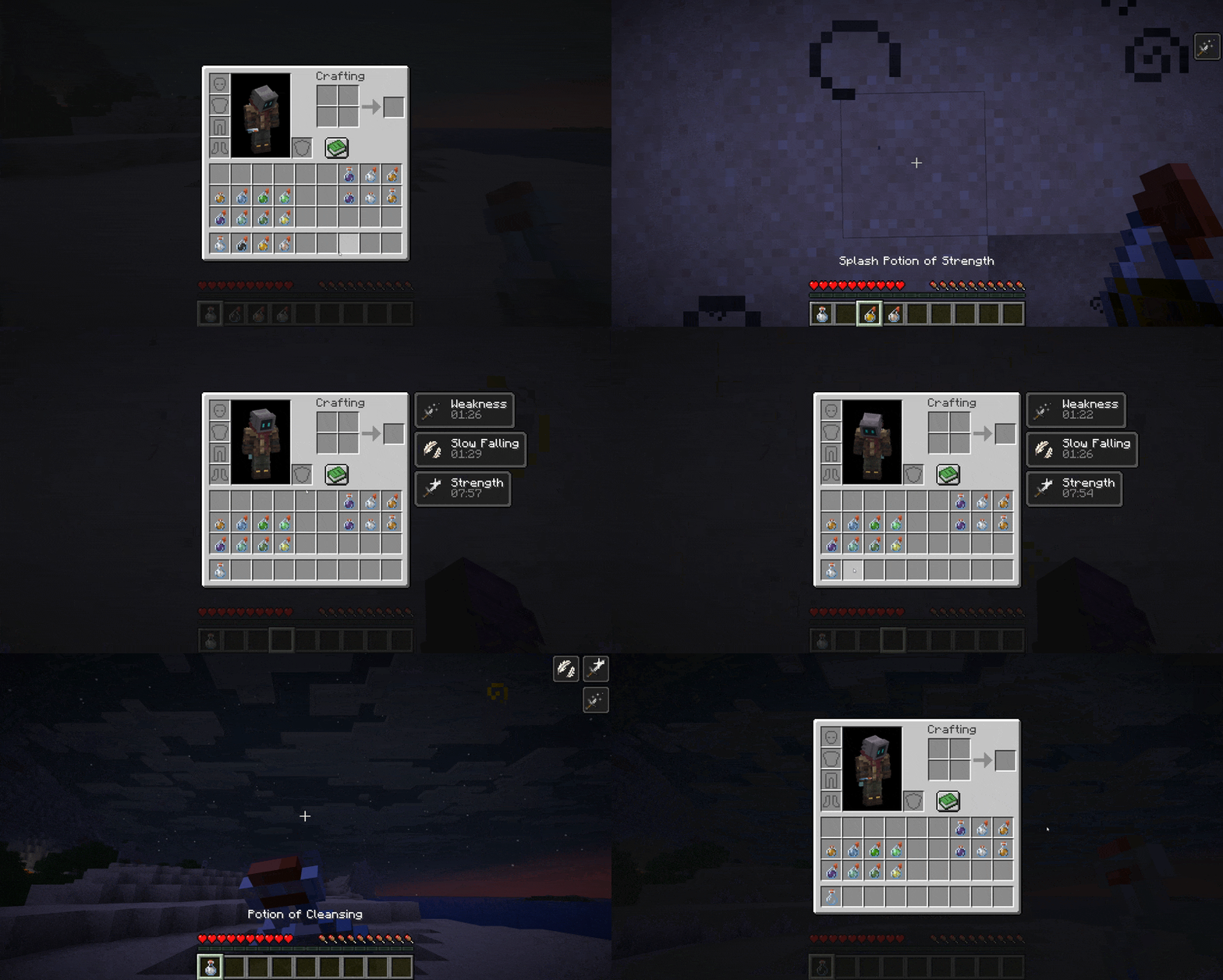
Potion of Soothing:

Potion of Purging:
Brewing
Everything is made at a brewing stand, the way you would expect:
| Bottle | Ingredient | Result |
|---|---|---|
| Water Bottle | Milk Bucket | Potion of Cleansing |
| Potion of Cleansing | Honey Bottle | Potion of Soothing |
| Potion of Cleansing | Fermented Spider Eye | Potion of Purging |
| Any of the three | Gunpowder | Splash version |
| A splash version | Dragon’s Breath | Lingering version |
The splash and lingering steps can each be turned off in the config.
Using them
Drink one to clean up your own effects. Throw a splash to catch everyone in range, or set it to affect only the thrower. Throw a lingering to leave a cloud that keeps cleansing anyone who stands in it.
The /cleanse command (or the full /cleansingpotions) hands out any potion and reloads the config. It is limited to operators.
Configuration
Settings live in config/cleansingpotions.json, written on first launch, and the common ones can also be changed in-game through the Cloth Config screen. You can adjust the area-of-effect radius, force specific effects to always or never be cleared, add a throw cooldown, rename and recolour each potion, and gate use behind a permission on multiplayer servers. Permission gating never affects singleplayer.
{
  "cleansing": { "name": "Potion of Cleansing", "color": "#FFFFFF", "lore": ["Clears every potion effect."] },
  "soothing":  { "name": "Potion of Soothing",  "color": "#E8A33B", "lore": ["Clears harmful effects."] },
  "purging":   { "name": "Potion of Purging",   "color": "#7E57A8", "lore": ["Clears beneficial effects."] },
  "onlyThrower": false,
  "radius": 4.0,
  "forceRemove": ["minecraft:bad_omen"],
  "forceKeep": ["minecraft:conduit_power"],
  "cooldownEnabled": false,
  "cooldownSeconds": 5
}
Requirements
Fabric 1.21.9 – 26.2:
- Mod Menu (Optional)
- Cloth Config (Optional)
NeoForge 1.21.9 – 26.2:
- Cloth Config (Optional)
License
Released under the MIT License.
常见问题
Cleansing Potions 支持哪些 Minecraft 版本?
Cleansing Potions 支持 Minecraft Java 版 1.21.9–26.2,共 5 个版本,可用的加载器:Fabric / NeoForge。下载时注意选择和你游戏版本一致的文件。
Cleansing Potions 怎么安装?
先用 PCL2 或 HMCL 启动器安装对应版本的 Fabric / NeoForge,再把下载的 .jar 文件放进游戏目录的 mods 文件夹,重新启动游戏即可。开启了版本隔离的,mods 文件夹在 versions/版本名 下面。
评论
登录后评论和评分