Clean HUD
A fully configurable HUD mod for Minecraft 1.21.4 Forge that displays useful information on screen.
截图
介绍
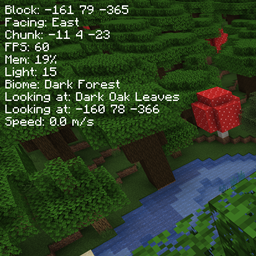
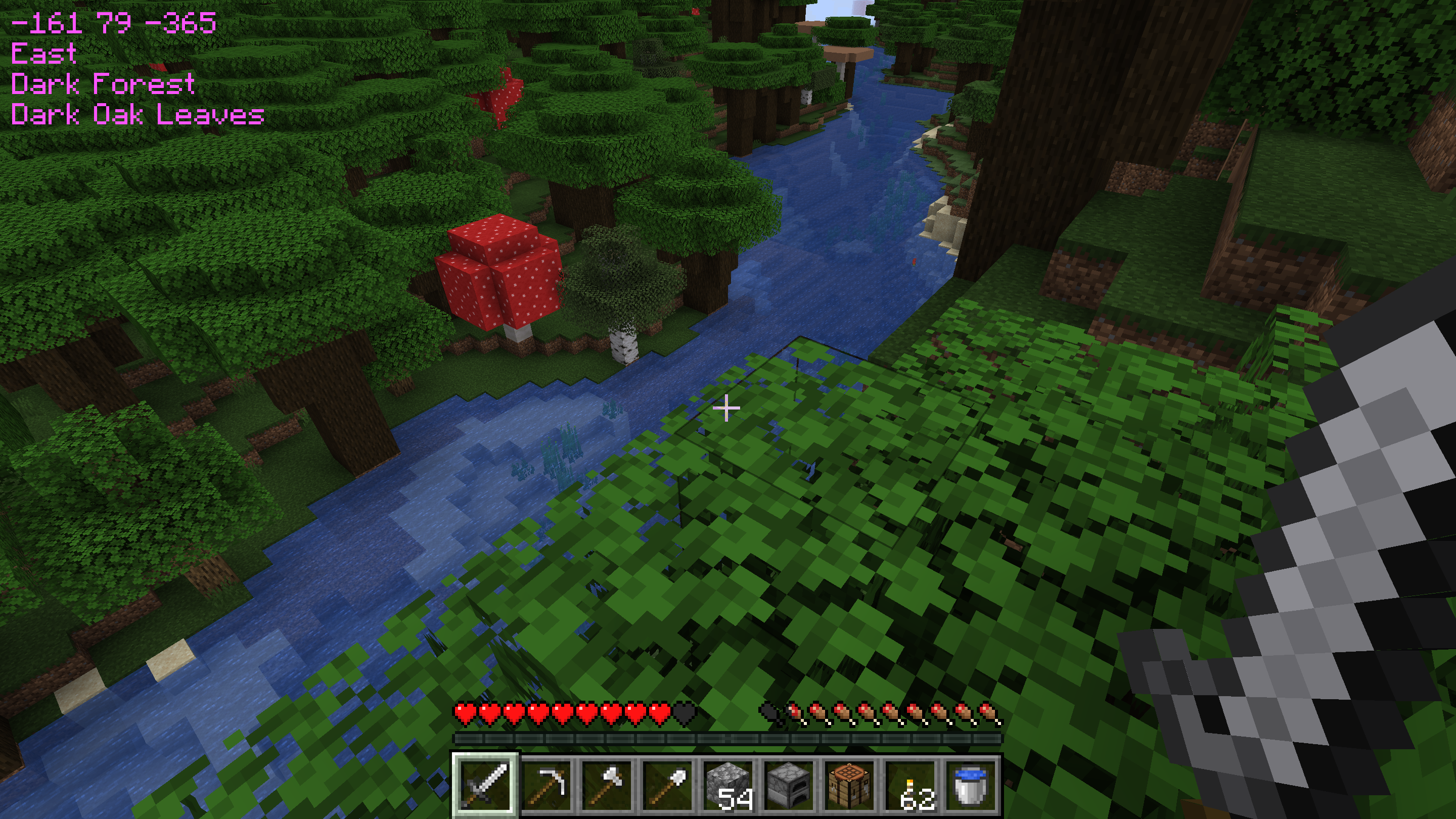
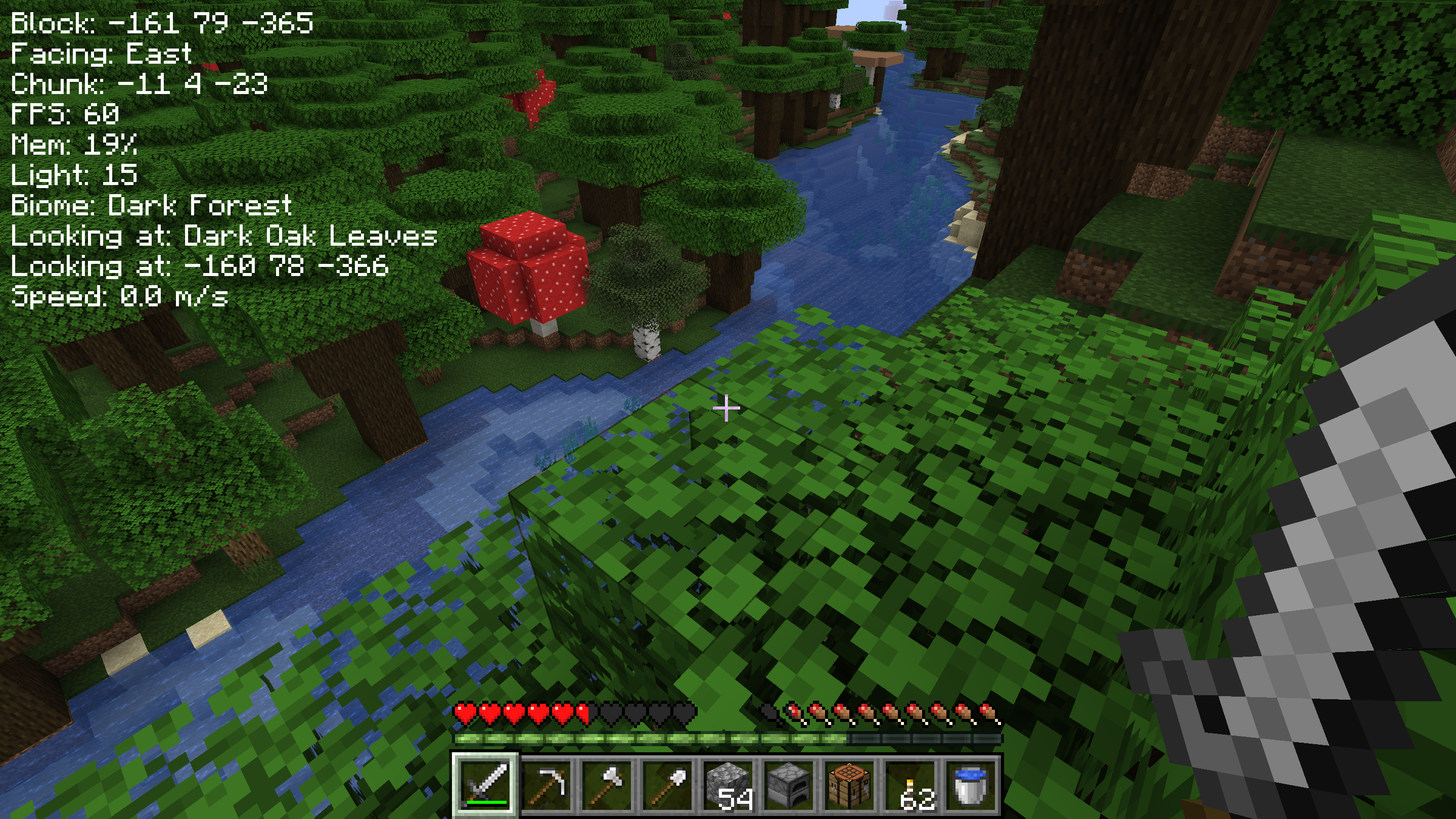
Clean HUD is a minimalist, configurable display mod for Minecraft that presents useful in-game information in a clean and unobtrusive way. It fits the vanilla aesthetic and offers a streamlined alternative to cluttered HUDs or the debug screen. Whether you’re exploring or working on prolonged projects like mob farms. Clean HUD lets you choose exactly what to display, how it is ordered, and whether it is labeled. You can also customize the look with 16 color options to suit your style.
HUD Element Options:
Block coordinates / coords (X Y Z)
FPS counter
Chunk coordinates
Facing direction
Light level
Current biome
Memory usage
What you’re looking at (with coordinates)
Player movement speed
Ping
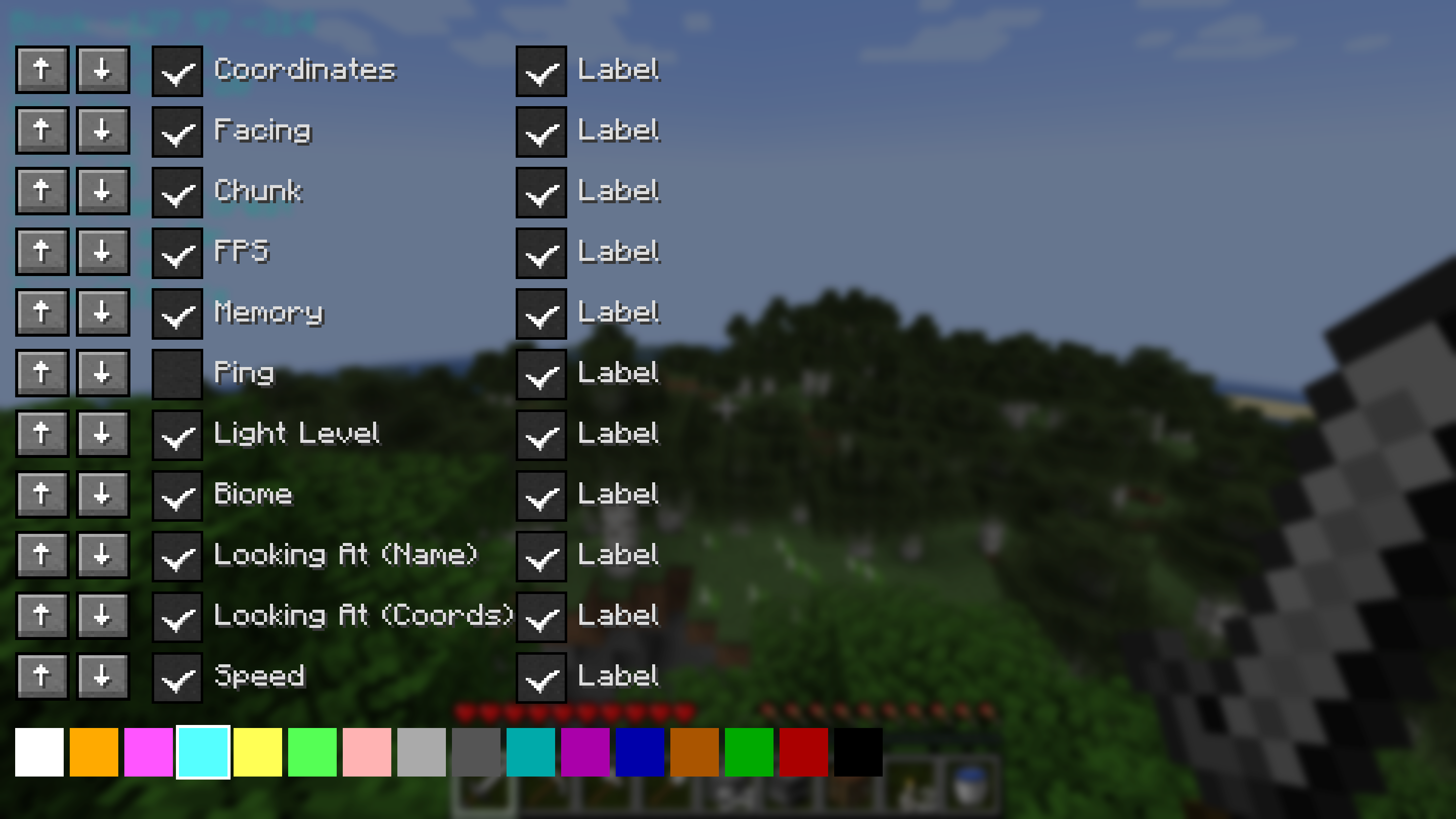
Configuration:
Turn any HUD element on or off
Turn any HUD element label off
16 Font Colors
Reorder Elements
Example Custom Display:
Block: 123 64 -275
FPS: 92
Chunk: 7 4 -18
Facing: South
Light: 15
Biome: plains
Mem: 512 MB / 2048 MB
Looking at: Stone
Looking at: (123, 63, -275)
Player Speed: 4.37 m/s
常见问题
Clean HUD 支持哪些 Minecraft 版本?
Clean HUD 支持 Minecraft Java 版 1.21.4,可用的加载器:Forge。下载时注意选择和你游戏版本一致的文件。
Clean HUD 怎么安装?
先用 PCL2 或 HMCL 启动器安装对应版本的 Forge,再把下载的 .jar 文件放进游戏目录的 mods 文件夹,重新启动游戏即可。开启了版本隔离的,mods 文件夹在 versions/版本名 下面。
评论
登录后评论和评分