
CivBuddy
CivBuddy adds QOL tools for CivMC: vein marking, diamond counting, multi-vein tracking, command bookmarks, in-game calculator, and help menu. An optimised and improved version of Veinbuddy.
截图

介绍
CivBuddy offers QOL features for the CivMC server. It contains the following features:
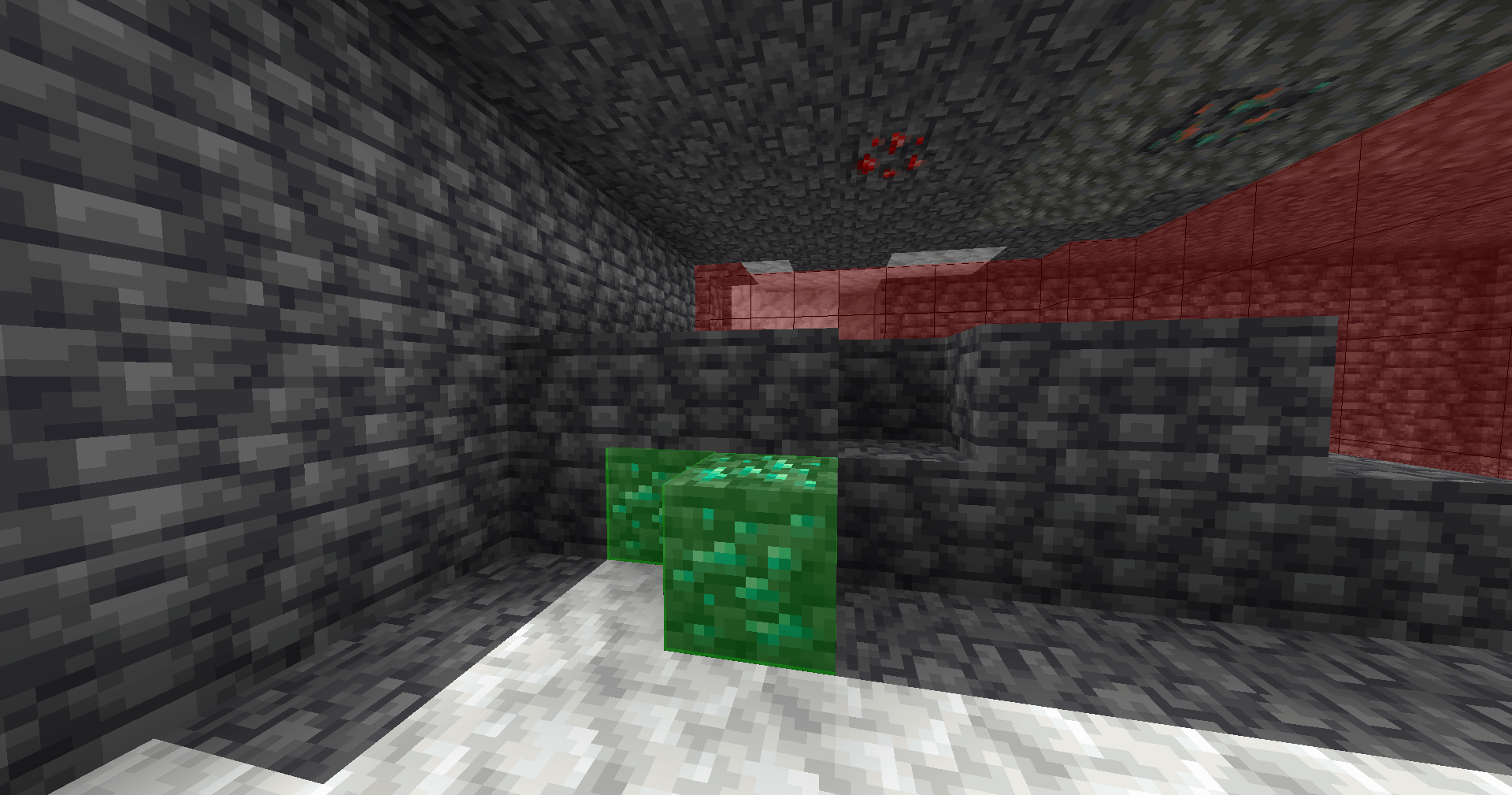
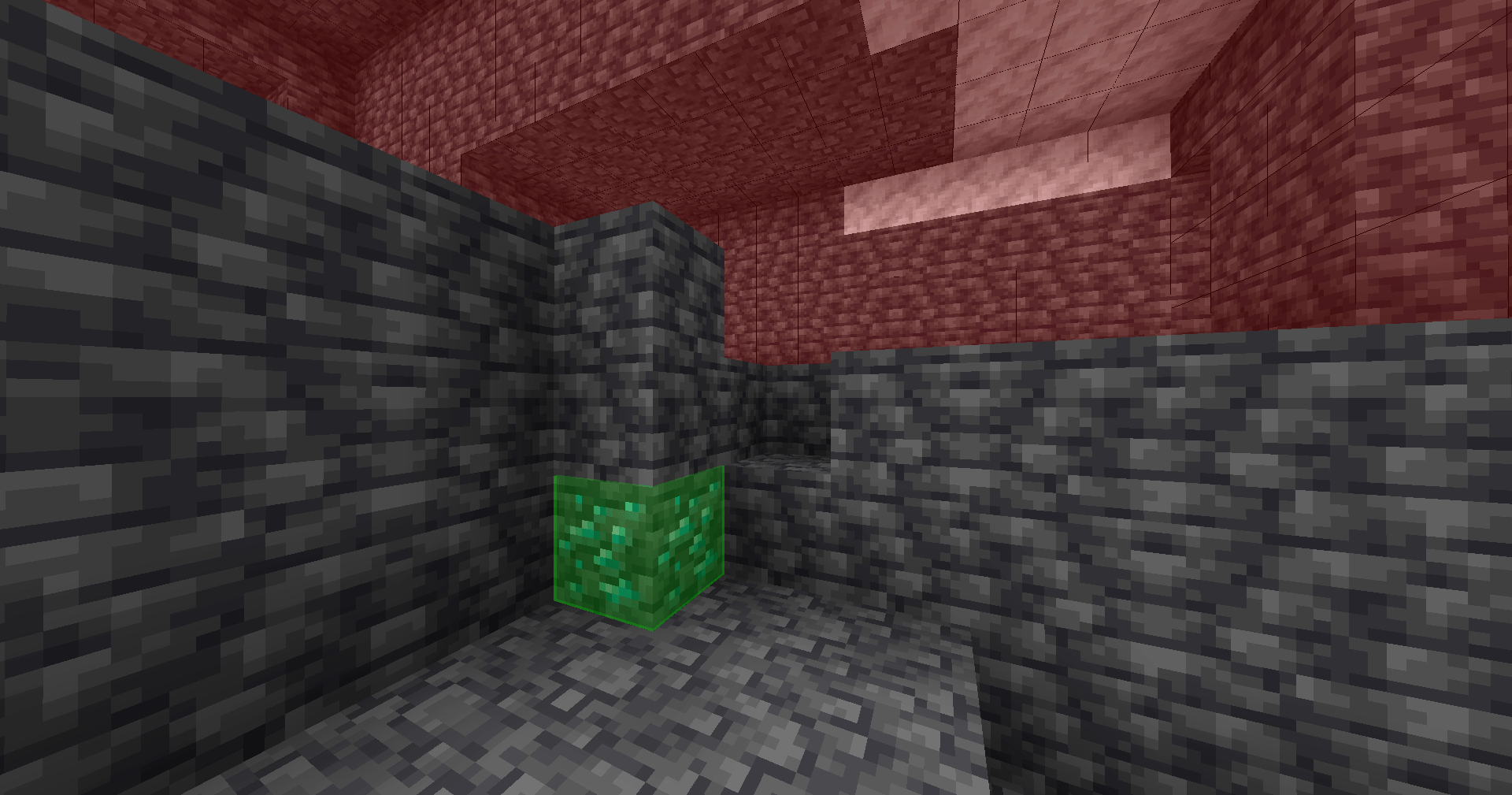
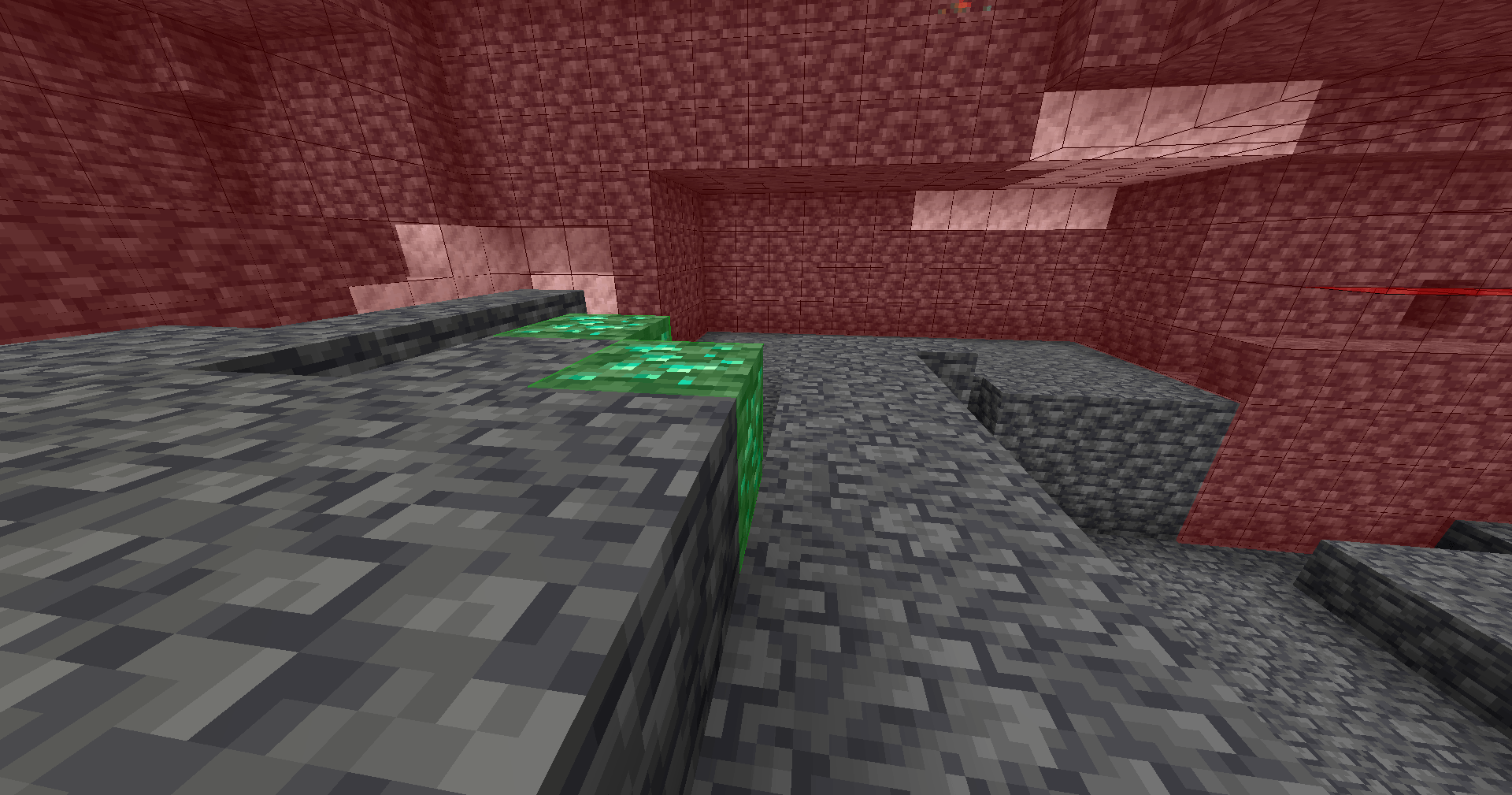
– Vein Marking:Highlights blocks by holding right-click with a pickaxe in hand. Once marked, a 5×5×5 area appears around the marked block.
– Diamond Counting:Keeps track of the total number of diamond ore you’ve found for easy tracking.
– Multi-Vein Tracking:Keep track of multiple separate veins by assigning a name for each one.
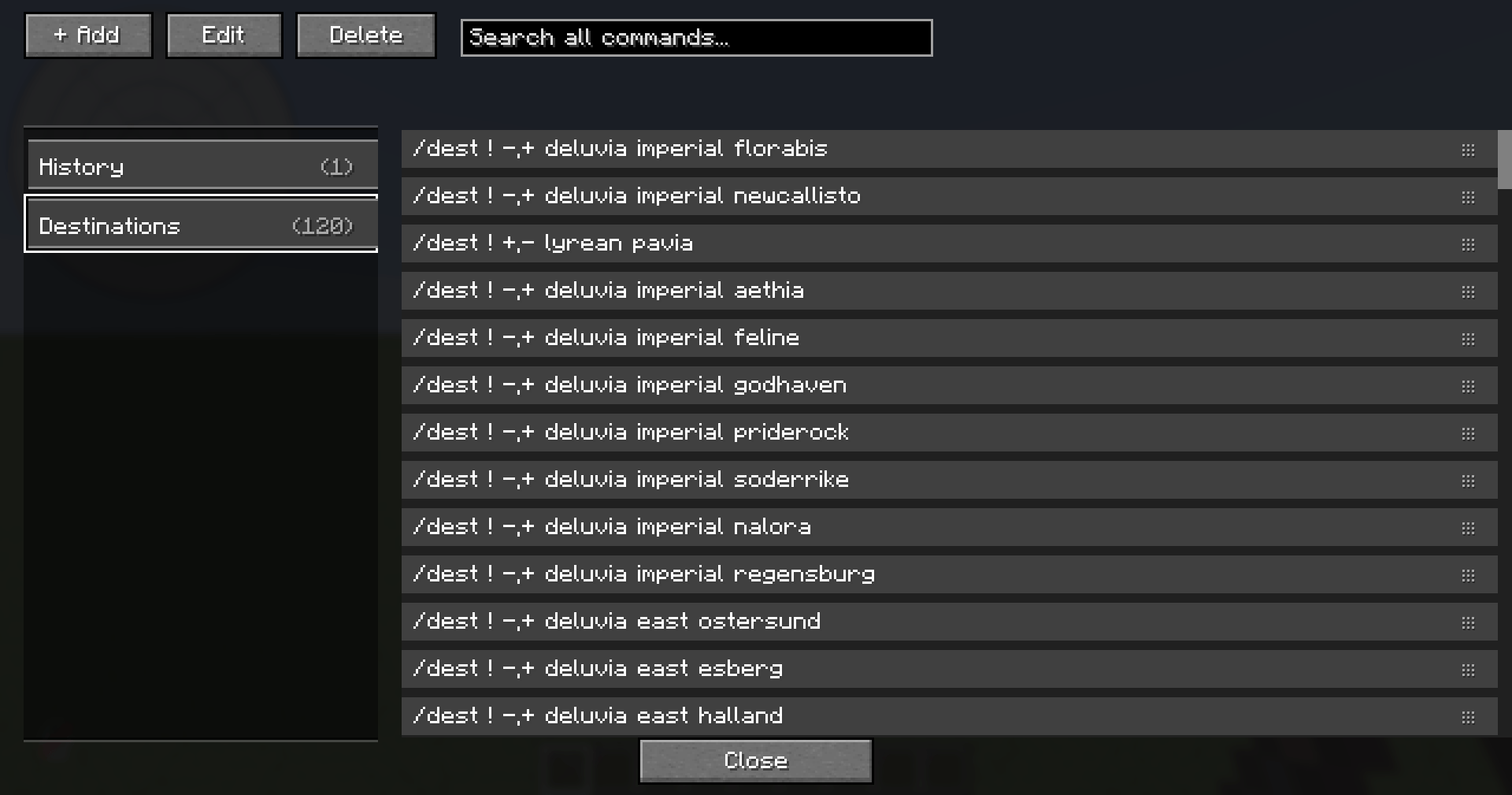
– Command Bookmarks:Organise and quickly execute commands with a GUI system (press `\`).
– Calculator: In-game math evaluator with custom shortcuts for quick calculations.
– Help System:Use `/civbuddy help` for the in-game feature guide.
CivBuddy is an optimised and improved version of Veinbuddy.
常见问题
CivBuddy 支持哪些 Minecraft 版本?
CivBuddy 支持 Minecraft Java 版 1.21.8–1.21.11,共 2 个版本,可用的加载器:Fabric。下载时注意选择和你游戏版本一致的文件。
CivBuddy 怎么安装?
先用 PCL2 或 HMCL 启动器安装对应版本的 Fabric,再把下载的 .jar 文件放进游戏目录的 mods 文件夹,重新启动游戏即可。开启了版本隔离的,mods 文件夹在 versions/版本名 下面。

评论
登录后评论和评分