Cinematic Cookery
This is a small mod that adds animations from "Cinematic Interactions" to "Kaleidoscope Cookery Refabricated."
截图
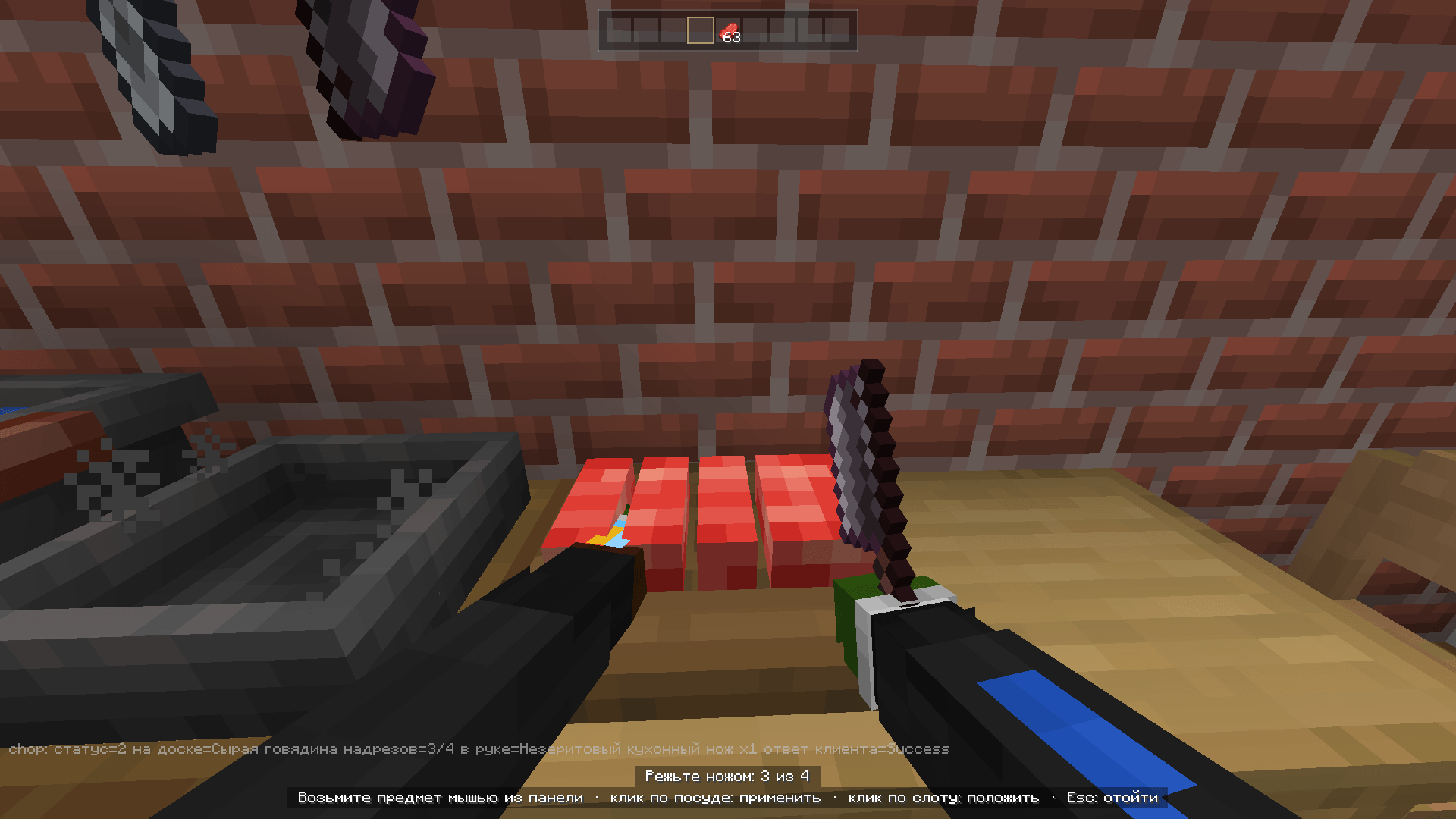
介绍
Cinematic Cookery
Cook like you’re in a movie. Cinematic Cookery turns the cookware from Kaleidoscope Cookery Refabricated into hands-on, first-person cooking scenes in the style of Cinematic Interactions: your character walks up to the station, the camera leans in, and you cook with your own two hands.
How it works
Right-click a supported station and the scene begins:
Approach. Your character walks to the right side of the station by itself and turns to face it, and cinematic black bars slide in.
Cook. A free cursor appears together with your inventory panel. Pick up items with the mouse and use them on the station. A 3D arm in your own skin follows the cursor, holds the item in its fist and plays the action: placing, stirring, chopping, serving.
Step back. Press Esc and the camera eases back while your character takes a step away. Shift + right-click still uses the station the vanilla Kaleidoscope way.
Supported stations
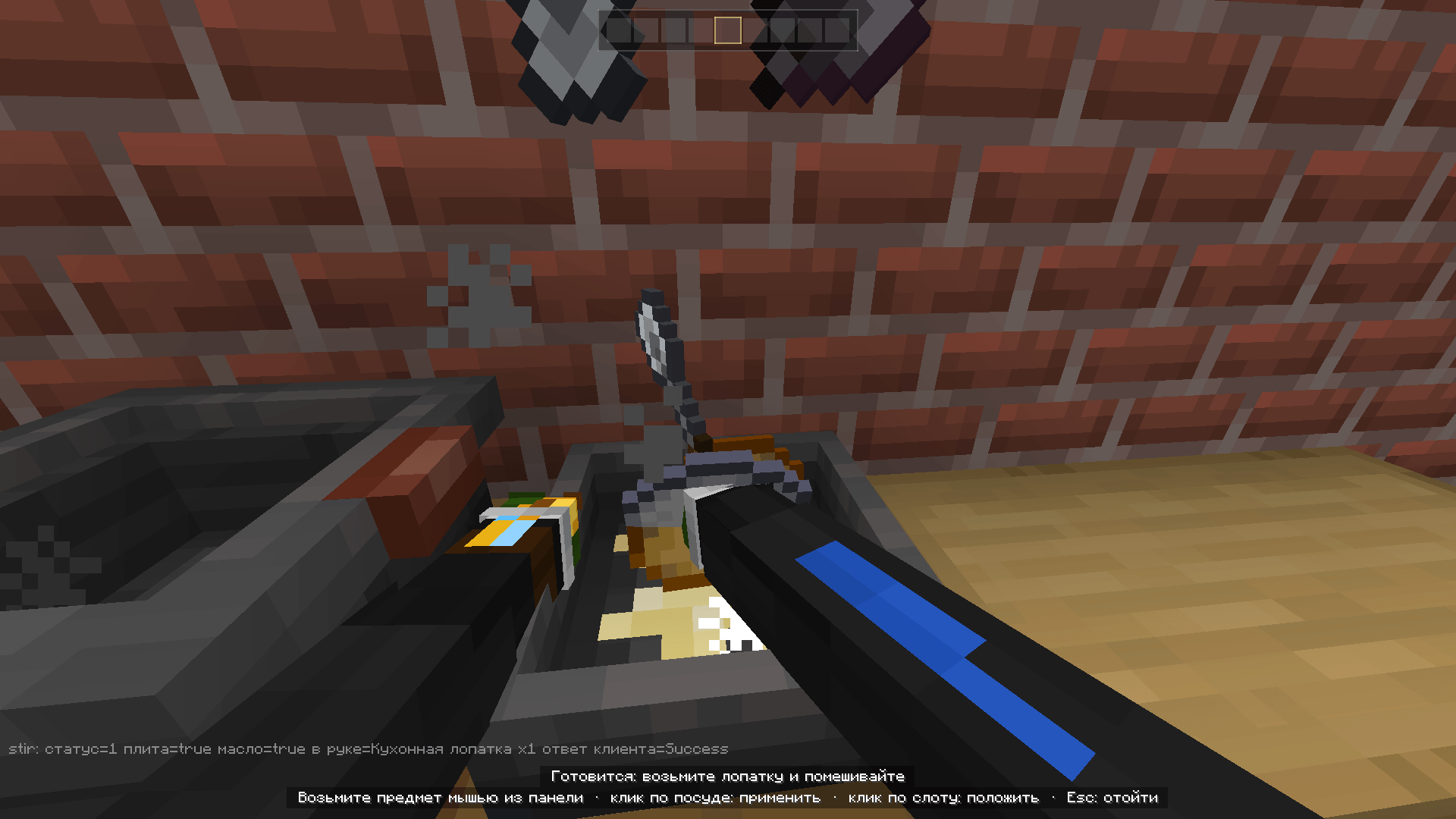
Pan. Pour oil, add ingredients, stir with the kitchen shovel, serve into a bowl. The camera reacts as the dish starts cooking, gets ready or burns. 
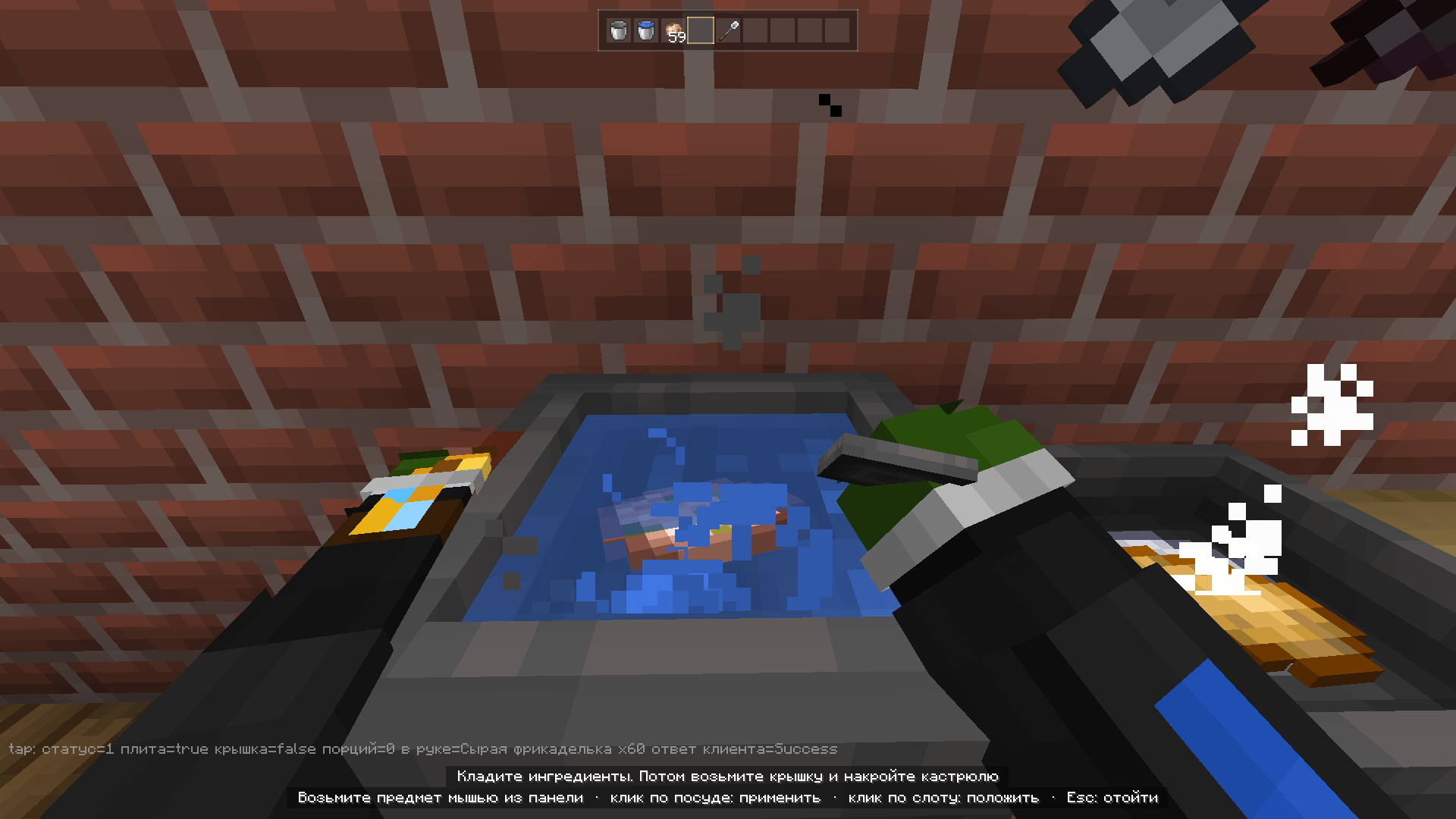
Stockpot. Pour a soup base, add ingredients and cover with the lid. Once the soup is ready, take the lid off and serve it bowl by bowl. 
Chopping board. Place the food and chop it with a kitchen knife. When the board is on the floor, your character squats down to it. 
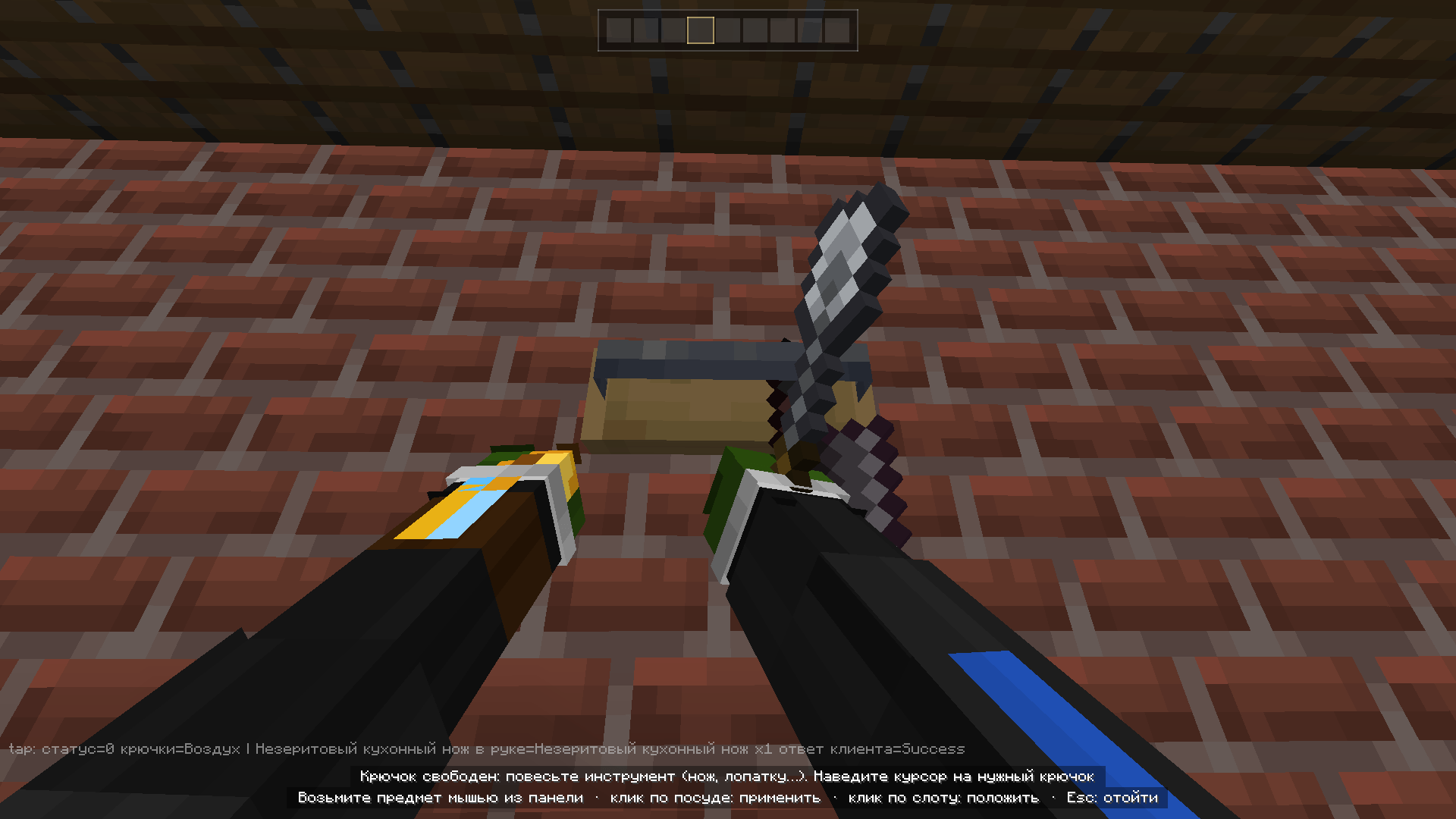
Kitchenware rack. Point at a hook to hang a tool or take one down.  Shawarma spit. Put raw meat on the spit, power it with redstone and watch it roast. When it’s ready, take a knife and slice the meat off top to bottom while your other hand holds the spit. Each half of the spit works on its own, and you squat down to the lower one.
Features
Two hands. The right hand does the work while the left helps: it steadies the pan, holds the stockpot by its handle, presses the food on the board and grips the rack.
Real tool grip. Knives and shovels sit in the fist by the handle, like a sword. Knife strikes and stirring have their own animations.
Mouse inventory. Take items, move them between slots and drop them onto the station. Anything you rearrange stays where you put it.
Hand-swap animation. The arm dips and comes back with the new item.
Smart helpers. The bowl jumps into your hand when the dish is ready, the knife when food lands on the board, and your hand is freed when you need to take the lid off or grab a tool from the rack.
Hints. On-screen hints tell you what the station needs next: oil, a lit stove, the lid, a bowl. If an item doesn’t fit, you’ll see why.
Squatting. Your character squats down to any station placed at foot level.
Station hopping. Click a station next to the one you’re using and your character walks over to it without leaving the scene: the panel stays open and the camera keeps the cinematic view.
Cinematic Interactions 0.18.7+ (recommended). Cinematic Cookery keeps out of the way while one of its scenes is playing, and its letterbox setting is respected.
Client-side This is a purely client-side mod. It sends no custom packets: every action is a normal click on the block, handled by Kaleidoscope Cookery itself. The server only needs Kaleidoscope Cookery.
Our discord server: https://discord.gg/QgTF2vKrfq
Configuration
config/cinematic_cookery.properties:
Option | Default | What it does
enabled true Turns the scenes on or off intensity 1.0 Strength of camera motion, 0.0–2.0 letterbox true Black bars when a scene starts and ends approach_speed 0.55 How fast your character walks to the station, 0.2–1.0 max_distance 3.0 Maximum distance to start a scene, 1.5–6.0 debug false Diagnostic line on screen
常见问题
Cinematic Cookery 支持哪些 Minecraft 版本?
Cinematic Cookery 支持 Minecraft Java 版 1.20.1–26.3,共 3 个版本,可用的加载器:Fabric / Forge。下载时注意选择和你游戏版本一致的文件。
Cinematic Cookery 怎么安装?
先用 PCL2 或 HMCL 启动器安装对应版本的 Fabric / Forge,再把下载的 .jar 文件放进游戏目录的 mods 文件夹,重新启动游戏即可。开启了版本隔离的,mods 文件夹在 versions/版本名 下面。

评论
登录后评论和评分