CIDE-CC
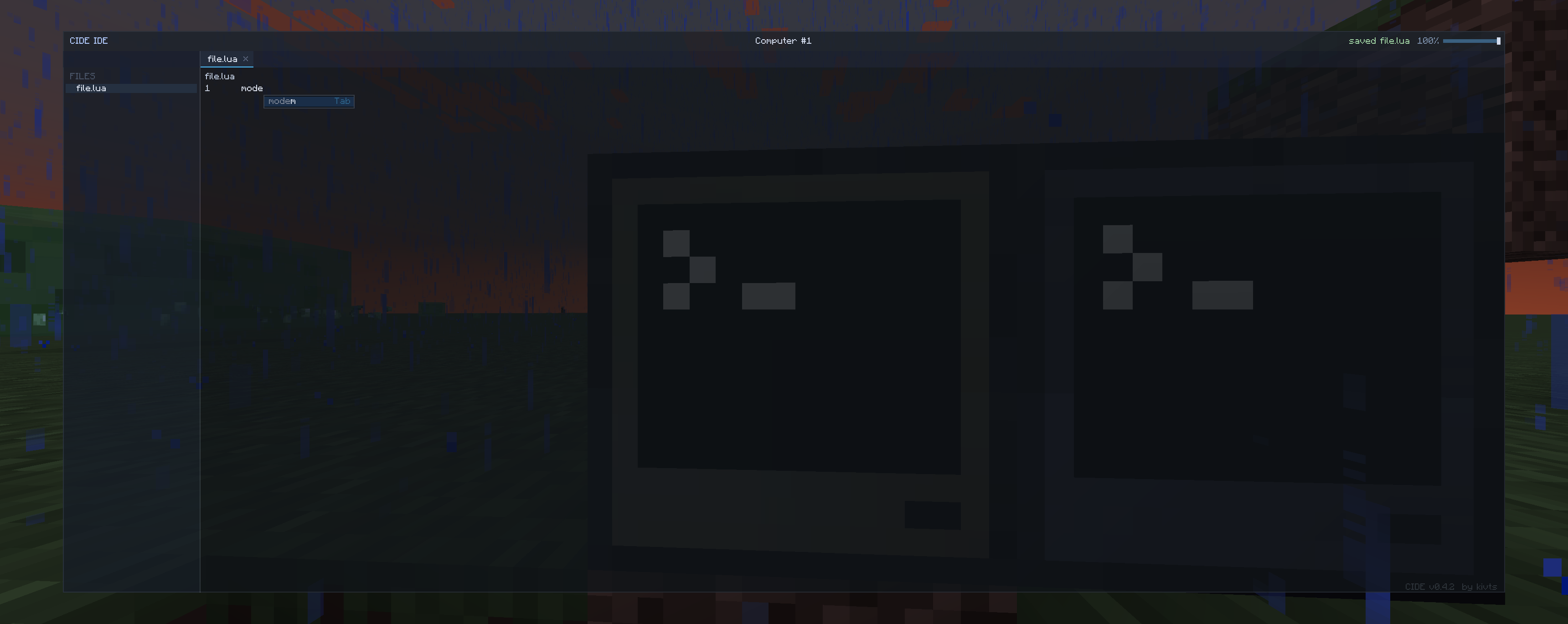
A better, more user friendly computer craft editor that is entirely in-game, including built-in wiki, jumping to definitions and many of the familiar shortcuts.
截图
介绍
In-game editor for computer craft is practically unusable – very small screen, no copy and paste, no undo and redo. Anyone that is actually busy with computer craft use an external editor, like VSC.
This mod aims to rectify such problem as multiplayer makes using an external editor hard and giving a proper editor for computer craft code would make quick editing much easier. Right clicking a function name will try to jump to where its defined in the file, right clicking computer craft (or lua) functions will open a wiki in game. a file tree, and so on.
What is currently working:
- variable autocomplete in a given context (Wont offer you the variable that is declared inside a for loop 300 lines up
- fully functional file/folder tree, paired with zoom
- right clicking a variable / function name will jump to its definition in that file
- Peripherals that is wrapped in a variable will send you to the wiki of that peripheral if the variable is right clicked, doesnt work if the peripheral is not hardcoded, with the exception being of wrapping sides of the computer – that will correctly give you the wiki page.
By default, only Advanced computer is given such functionality, and is opened by shift-right clicking the PC. But can be given to all computers via config.
Its not feature complete, but you’ll likely have a better experience than the Computer craft editor, if you find any issues (Like a variable being suggested when it shouldn’t be or otherwise should be when it isn’t) feel free to make an issue report on the issue tracker.
Requires CC:Tweaked. Lua and CC functions for wiki are baked in, everything else is not.
For adding your own autocomplete, read the example mod that adds both autocomplete and a wiki entry Click me for example mod
常见问题
CIDE-CC 支持哪些 Minecraft 版本?
CIDE-CC 支持 Minecraft Java 版 1.21.1,可用的加载器:NeoForge。下载时注意选择和你游戏版本一致的文件。
CIDE-CC 怎么安装?
先用 PCL2 或 HMCL 启动器安装对应版本的 NeoForge,再把下载的 .jar 文件放进游戏目录的 mods 文件夹,重新启动游戏即可。开启了版本隔离的,mods 文件夹在 versions/版本名 下面。运行环境:客户端和服务端都要装。
评论
登录后评论和评分