截图
介绍
中文介绍正在准备中,下面暂时显示原文。
ChronoVault
ChronoVault is a incremental backup mod for Minecraft worlds with deduplication and compression
Content-Addressable Storage
Unlike traditional backup tools that copy entire worlds, ChronoVault uses content-addressable storage (CAS):
How It Works:
- Each 512×512 chunk is hashed with BLAKE3
- Chunks are stored by their hash, not by filename
- Zstd compression is applied to each chunk individually
- A snapshot manifest records which chunks existed at that point in time
Storage Efficiency:
- Incremental saves — Only modified chunks consume new storage
- Cross-snapshot deduplication — Identical chunks are stored once, shared by all snapshots
- Per-world isolation — Each world’s objects are stored separately
Features
- Async backups — Non-blocking, runs while you play
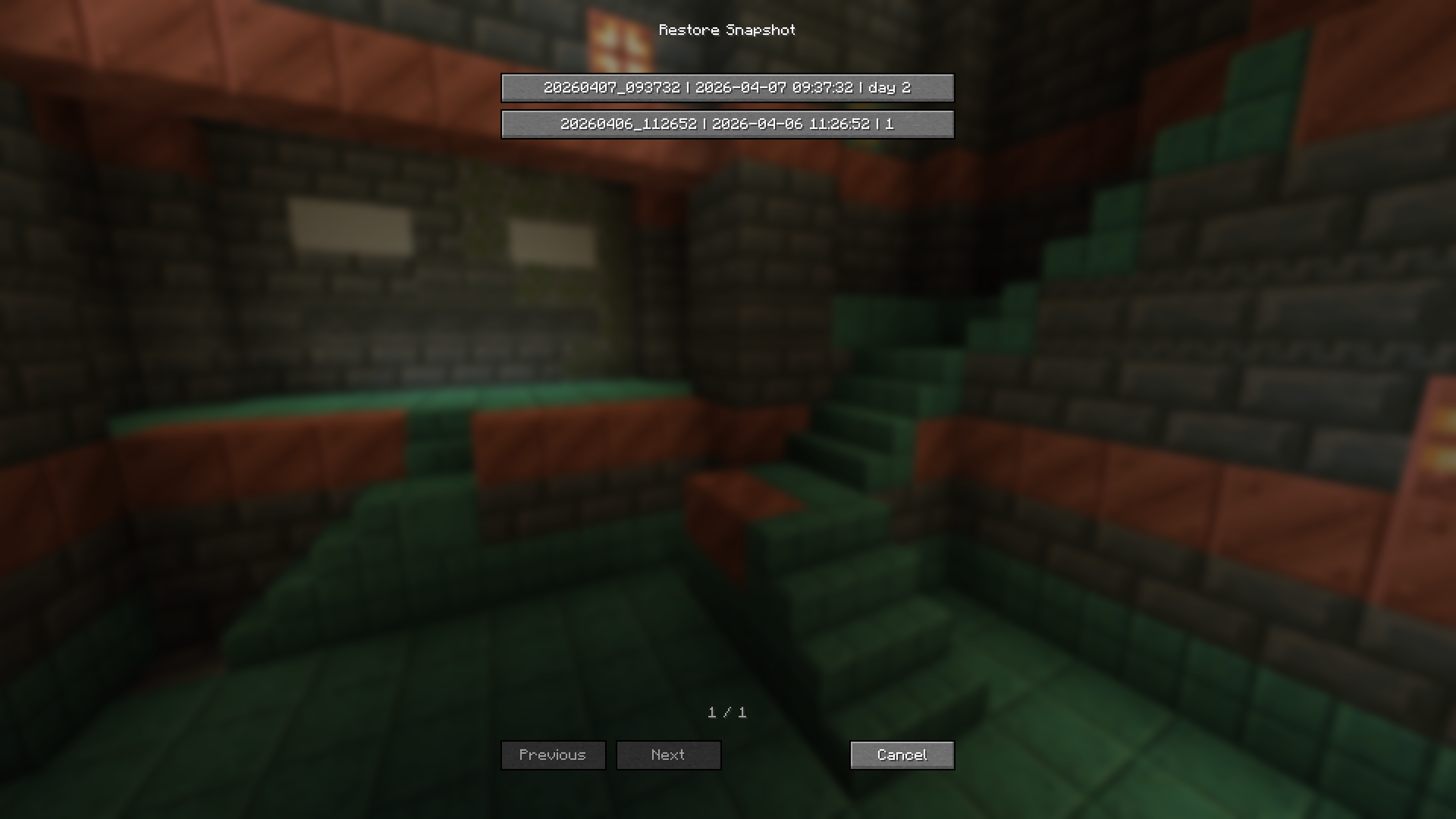
- In-game GUI — Browse and restore snapshots without leaving the game
- Auto backup — Schedule automatic snapshots
- Safe restoration — Restores to a new world; original is untouched
Commands
/chronovault backup [description]— Create snapshot/chronovault list [world]— List all snapshots/chronovault info <id>— Snapshot details/chronovault restore <id> [name]— Restore to new world
How to Restore (GUI)
- Open the Edit World screen (click “Edit” on a world in the world list)
- Click “Restore Backups” button
- Select a snapshot from the list
- Confirm restoration
- A new world is created with the restored data
常见问题
Chrono Vault 支持哪些 Minecraft 版本?
Chrono Vault 支持 Minecraft Java 版 1.21.1,可用的加载器:NeoForge。下载时注意选择和你游戏版本一致的文件。
Chrono Vault 怎么安装?
先用 PCL2 或 HMCL 启动器安装对应版本的 NeoForge,再把下载的 .jar 文件放进游戏目录的 mods 文件夹,重新启动游戏即可。开启了版本隔离的,mods 文件夹在 versions/版本名 下面。运行环境:客户端 / 服务端。
评论
登录后评论和评分