
Chroma Keys by Arspective
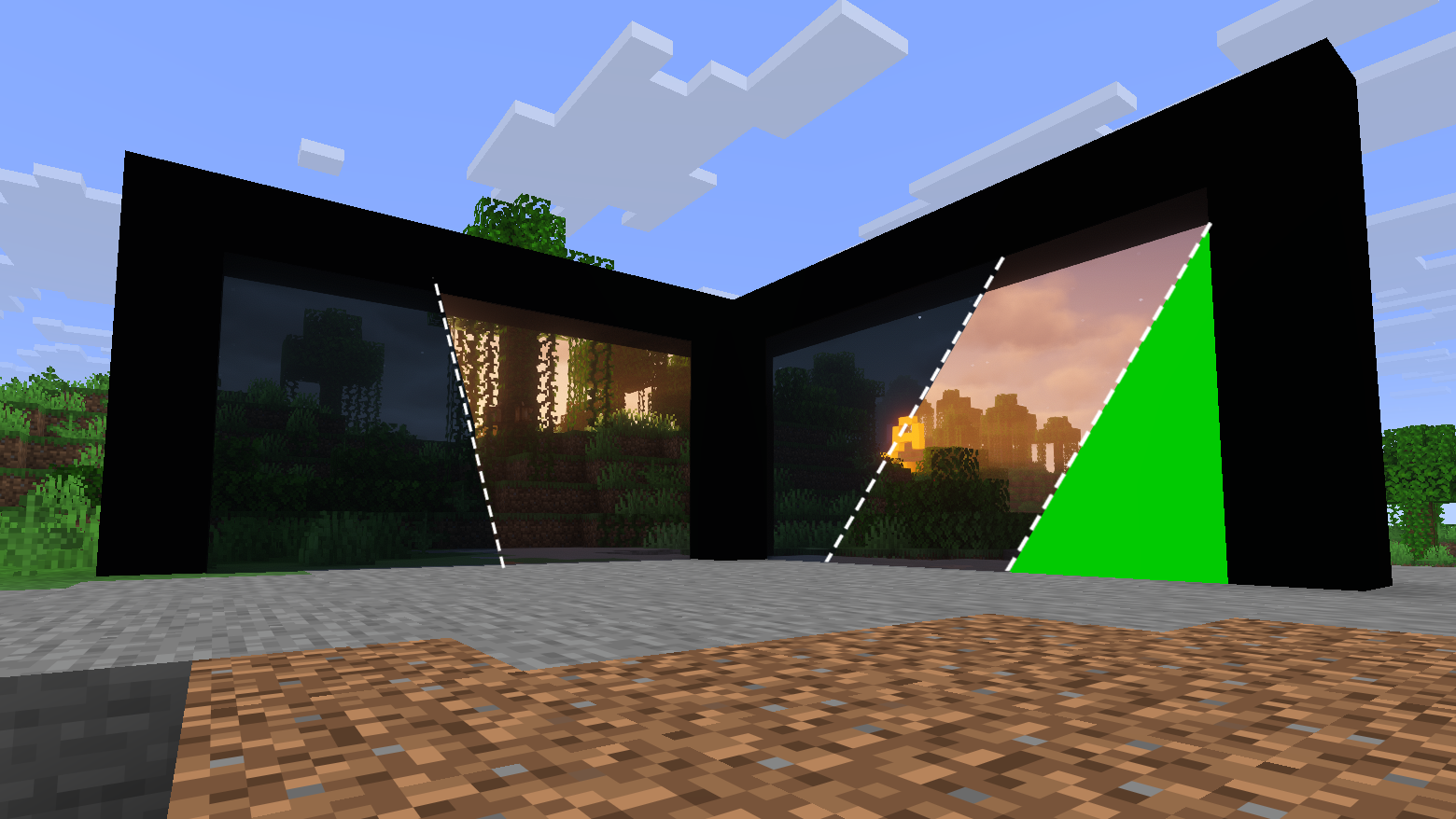
Adds 27 chroma key blocks (9 colors × normal / glowing / no-shadow) for clean green-screen backdrops - perfect for filming, and screenshots.
截图
介绍
Chroma Keys by Arspective
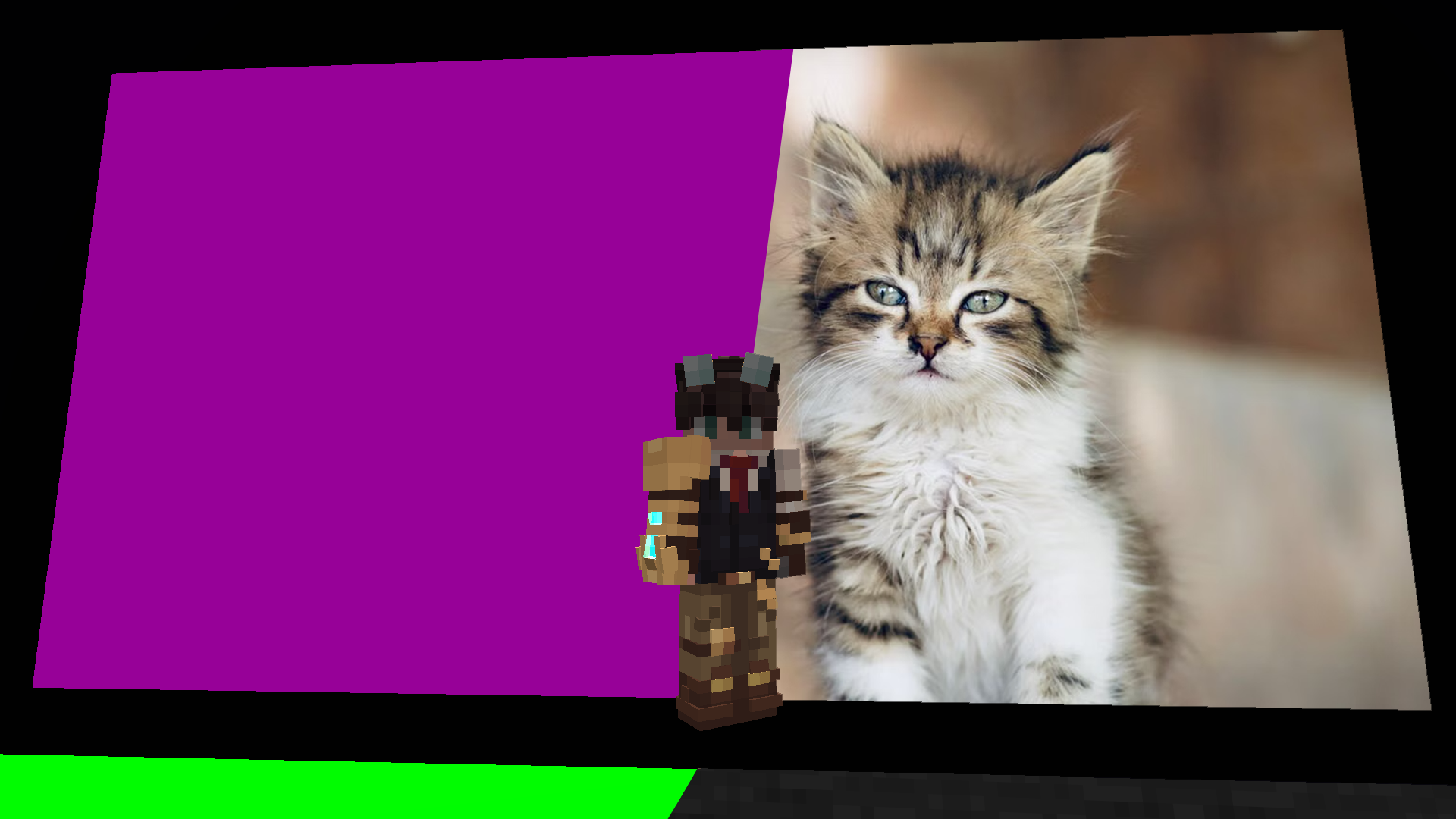
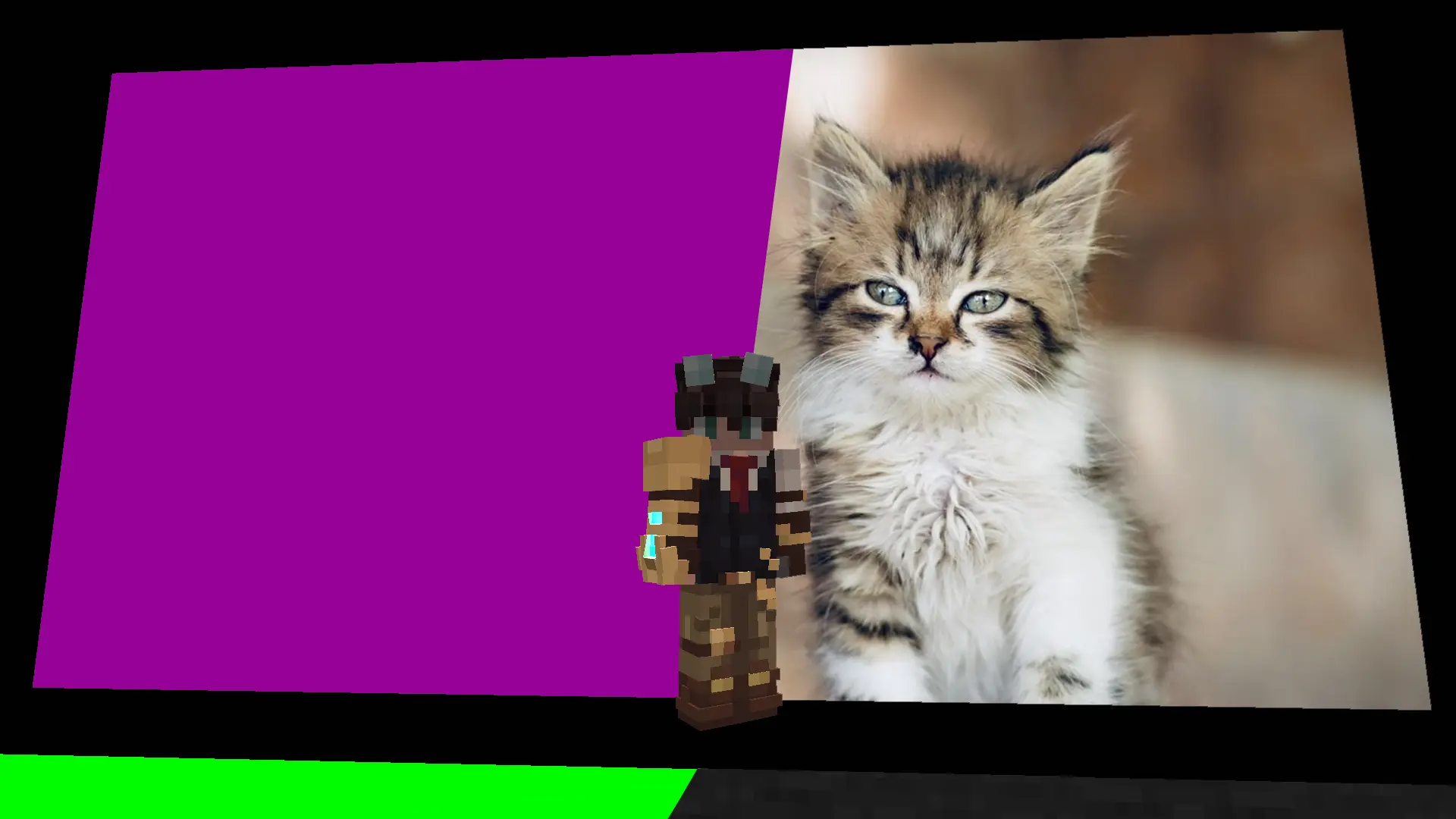
A lightweight utility mod that adds ready-to-use chroma key blocks to Minecraft – solid, pure-color backdrops designed for content creators who film machinima, record footage for green-screen compositing, or want clean, distraction-free backgrounds for screenshots and thumbnails.
No gameplay changes, no crafting complexity – just place a block and start filming.
🎨 9 pure colors
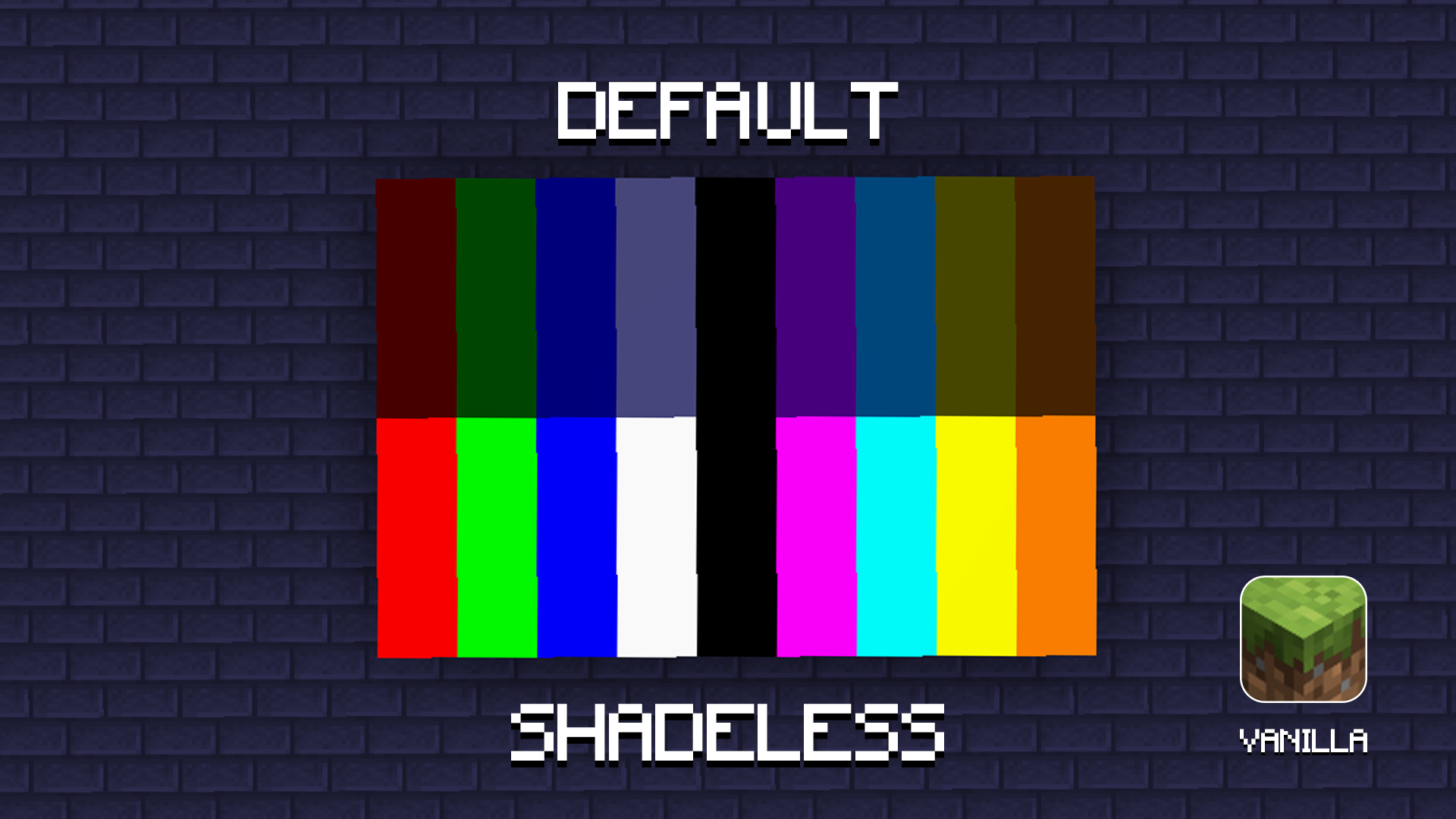
Each color uses a clean, saturated hex value so it keys reliably in editing software:
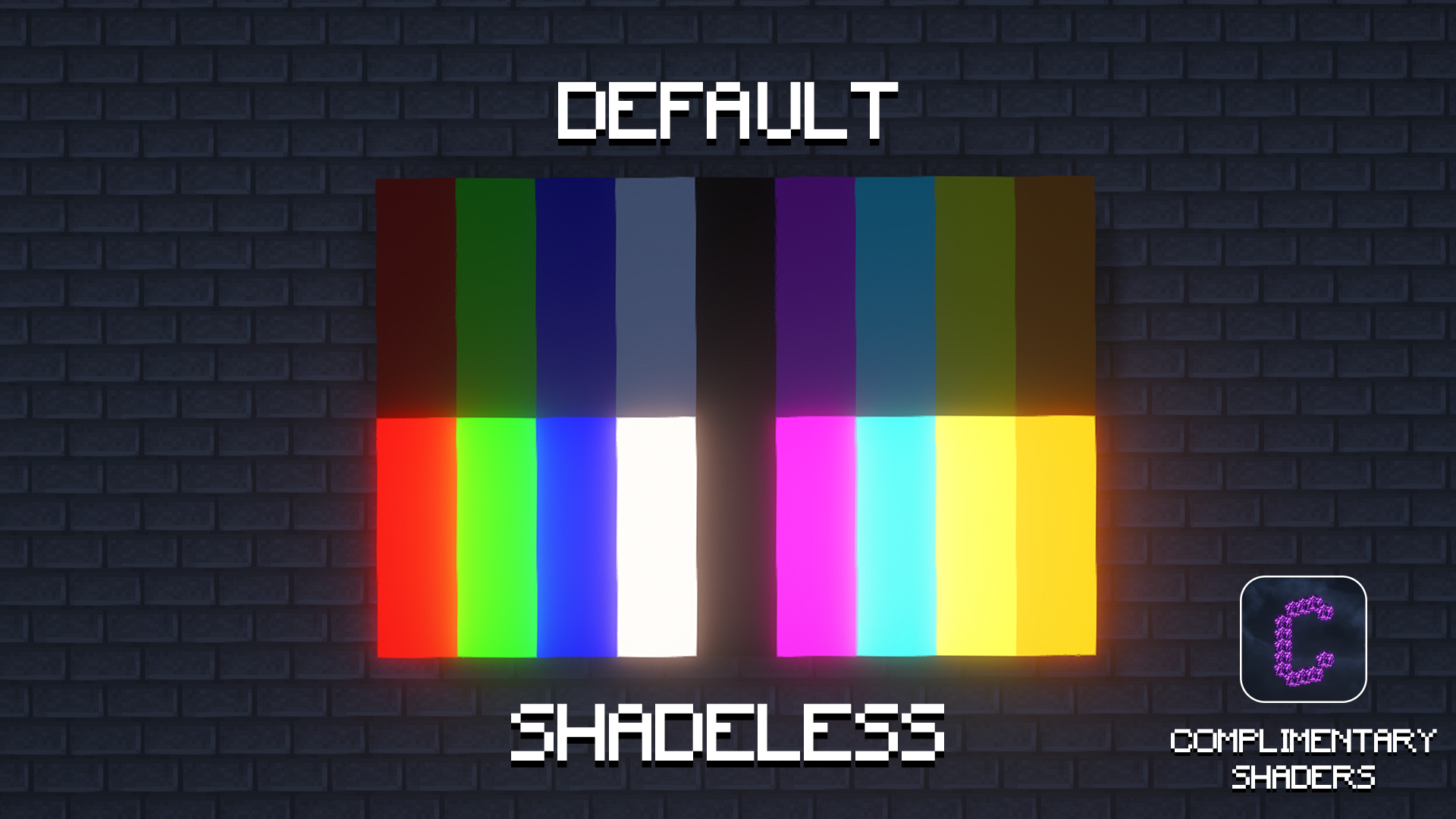
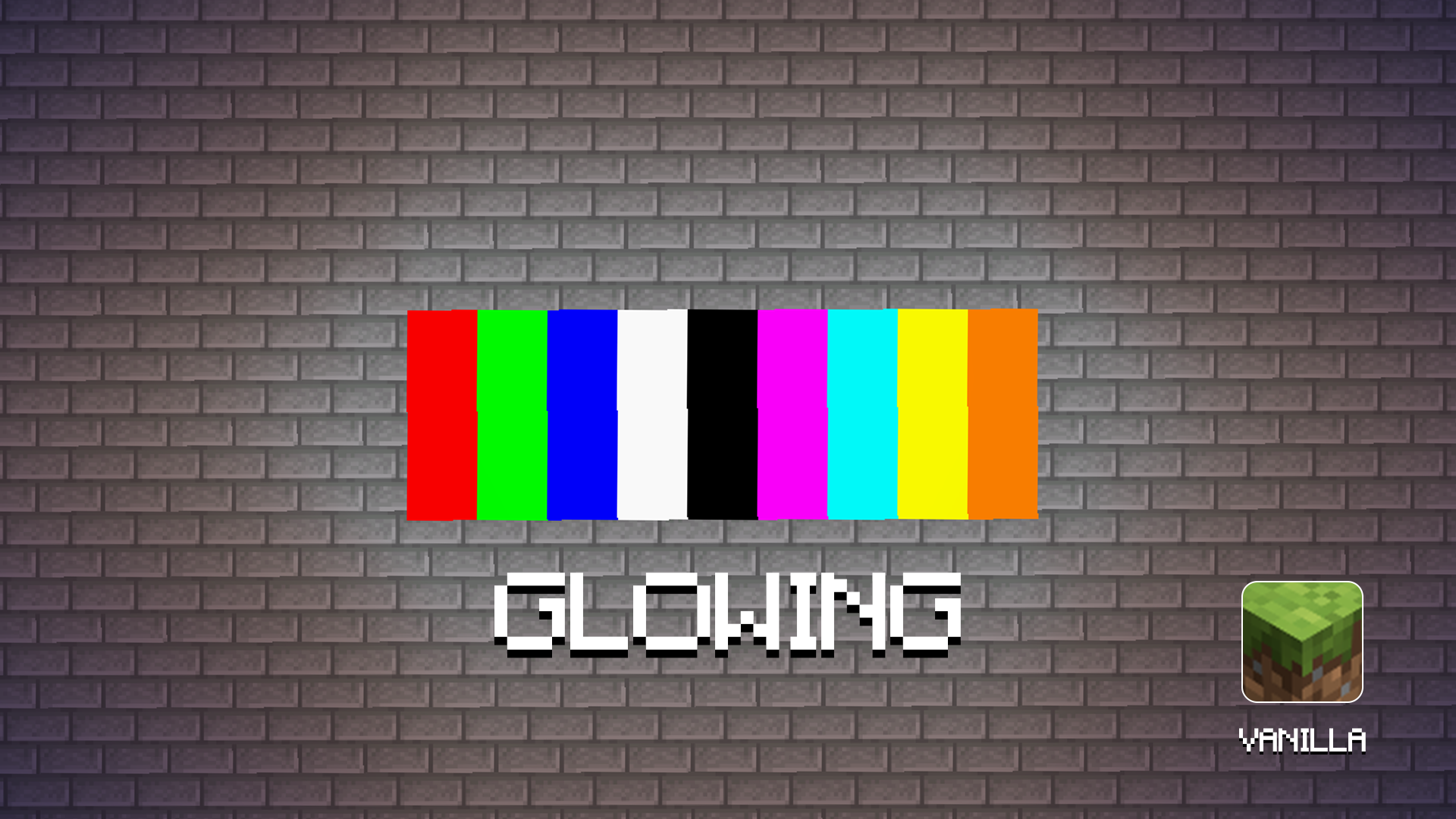
Red #FF0000 | Green #00FF00 | Blue #0000FF | White #FFFFFF | Black #000000 | **Magenta #FF00FF **| Cyan #00FFFF | Yellow #FFFF00 | Orange #FF8000
🧱 3 variants per color (27 blocks total)
Normal – a standard block, behaves like any other decorative block.
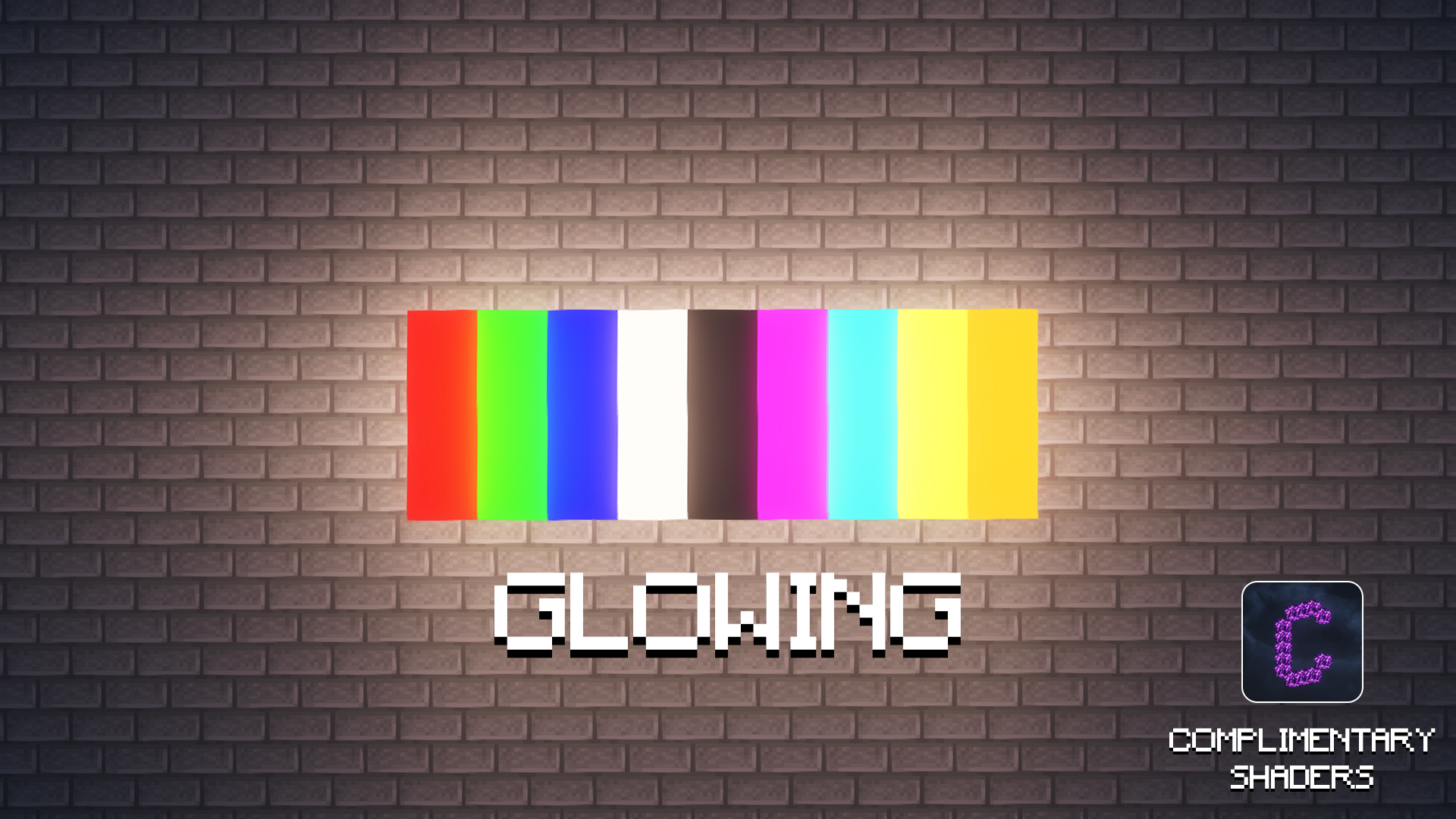
Glowing – a true light source (full light level), lighting up the surrounding area. Useful for keeping a backdrop lit evenly without extra torches.
No Shadow – always renders at full, consistent brightness on itself, regardless of time of day or nearby light – but unlike the Glowing variant, it does not cast light onto its surroundings. Purely a visual fix so the backdrop itself never darkens or shows uneven shading.
🗂️ Dedicated creative tab
All 27 blocks are grouped together in their own creative inventory tab, so you’re not digging through Building Blocks to find them.
📋 Requirements
- Minecraft 1.21.11
- Fabric Loader
- Fabric API
💡 Why chroma key blocks?
Standard wool or concrete blocks are never quite the “right” color for a proper green screen, and their color varies with lighting. Chroma Keys by Arspective solves both problems: pure, keyable colors, and a no-shadow variant that stays visually flat and consistent no matter your build’s lighting setup – perfect for a clean backdrop in front of the camera.
常见问题
Chroma Keys by Arspective 支持哪些 Minecraft 版本?
Chroma Keys by Arspective 支持 Minecraft Java 版 1.21.11,可用的加载器:Fabric。下载时注意选择和你游戏版本一致的文件。
Chroma Keys by Arspective 怎么安装?
先用 PCL2 或 HMCL 启动器安装对应版本的 Fabric,再把下载的 .jar 文件放进游戏目录的 mods 文件夹,重新启动游戏即可。开启了版本隔离的,mods 文件夹在 versions/版本名 下面。运行环境:客户端和服务端都要装。

评论
登录后评论和评分