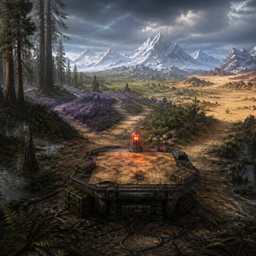
Choose Your Start Area
Choose your starting area from multiple Vanilla and Biomes O’ Plenty biomes when joining a world for the first time. Biomes O’ Plenty and The Lost Cities are required.
截图
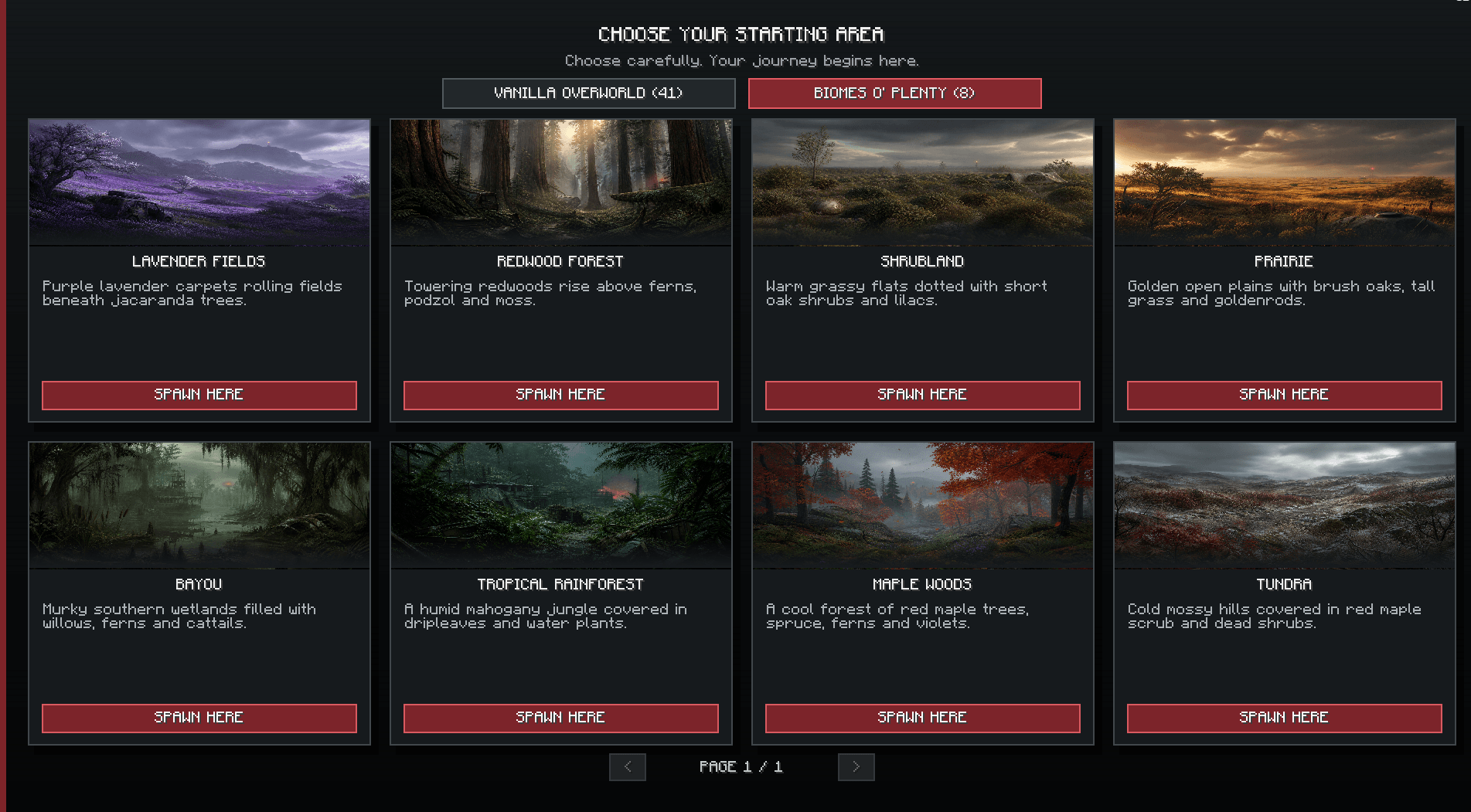
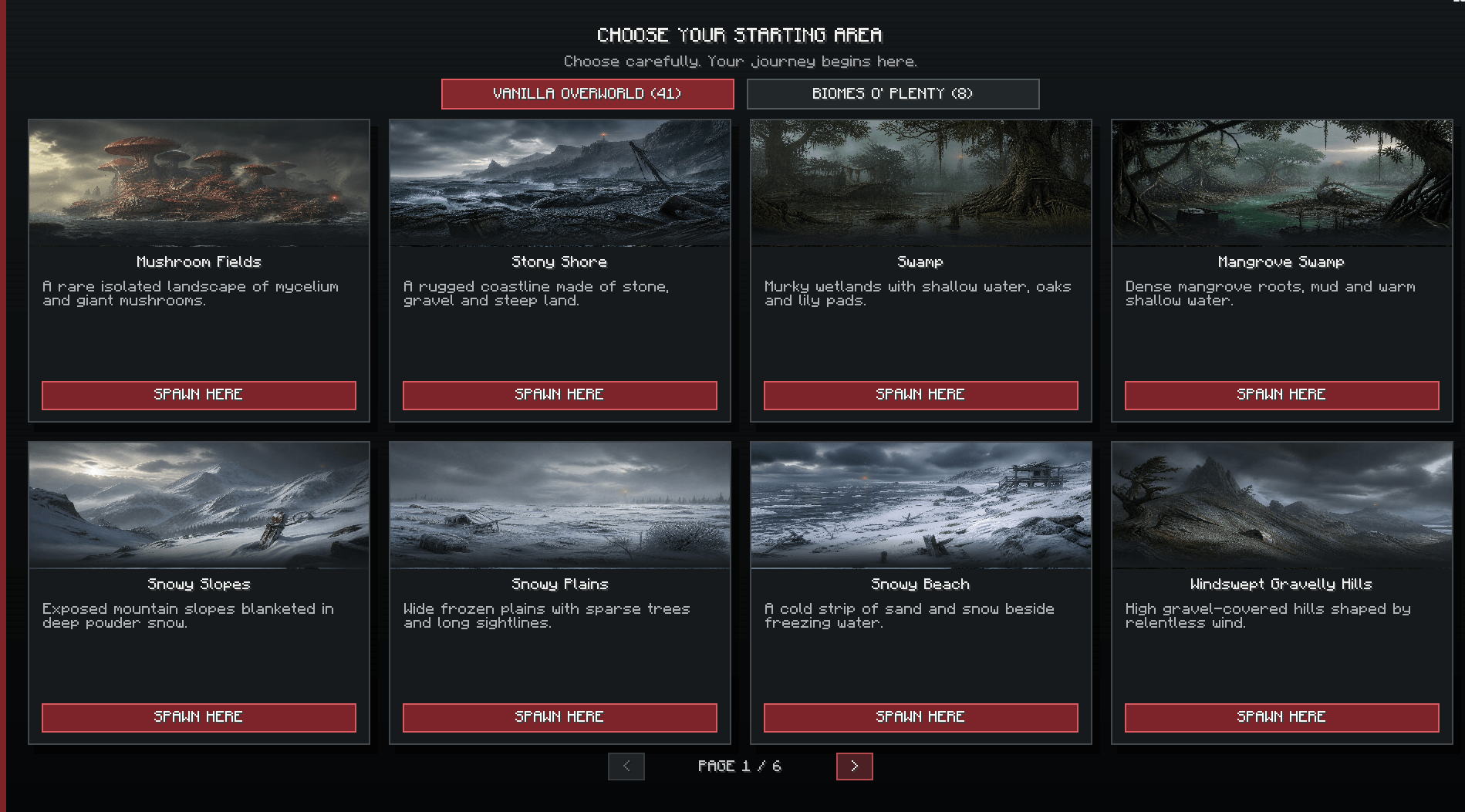
介绍
Choose Your Start Area lets players choose where they want to begin when joining a world for the first time.
The mod includes 41 Vanilla biome spawn options and 8 Biomes O’ Plenty biomes, plus support for The Lost Cities. After selecting an area, the game searches for a suitable location and teleports the player there.
The selection is saved, so the menu will not appear again after rejoining or dying.
The mod is also compatible with Choose Your Starting Class, allowing the starting area selection to appear first and the class selection afterward.
Biomes O’ Plenty and The Lost Cities are required for this mod to work.
This mod was originally created for my upcoming zombie modpack Project Zombie Escape.
常见问题
Choose Your Start Area 支持哪些 Minecraft 版本?
Choose Your Start Area 支持 Minecraft Java 版 1.20.1,可用的加载器:Forge。下载时注意选择和你游戏版本一致的文件。
Choose Your Start Area 怎么安装?
先用 PCL2 或 HMCL 启动器安装对应版本的 Forge,再把下载的 .jar 文件放进游戏目录的 mods 文件夹,重新启动游戏即可。开启了版本隔离的,mods 文件夹在 versions/版本名 下面。
Mellovin510 的其他作品
查看全部 →
Project Horror Escape
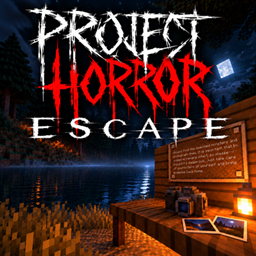
《Project Horror: Escape》是一款令人毛骨悚然的《Minecraft》恐怖整合包。拍下神秘怪物的照片、收集证据,并努力活下来逃出生天!
PHE-Core
这是我的 Minecraft 恐怖整合包 Project Horror: Escape 的官方核心模组。
The Lenore
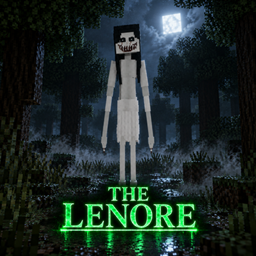
一种可怕的生物,会在夜间引诱受害者,现出真身后再追捕他们。
The Humming Woman
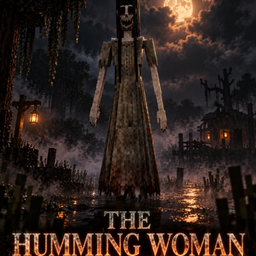
一个在夜色中徘徊、哼唱诡异旋律的恐怖女人。靠得太近,她就会开始追杀你。
评论
登录后评论和评分