
截图
介绍
Chest Counter
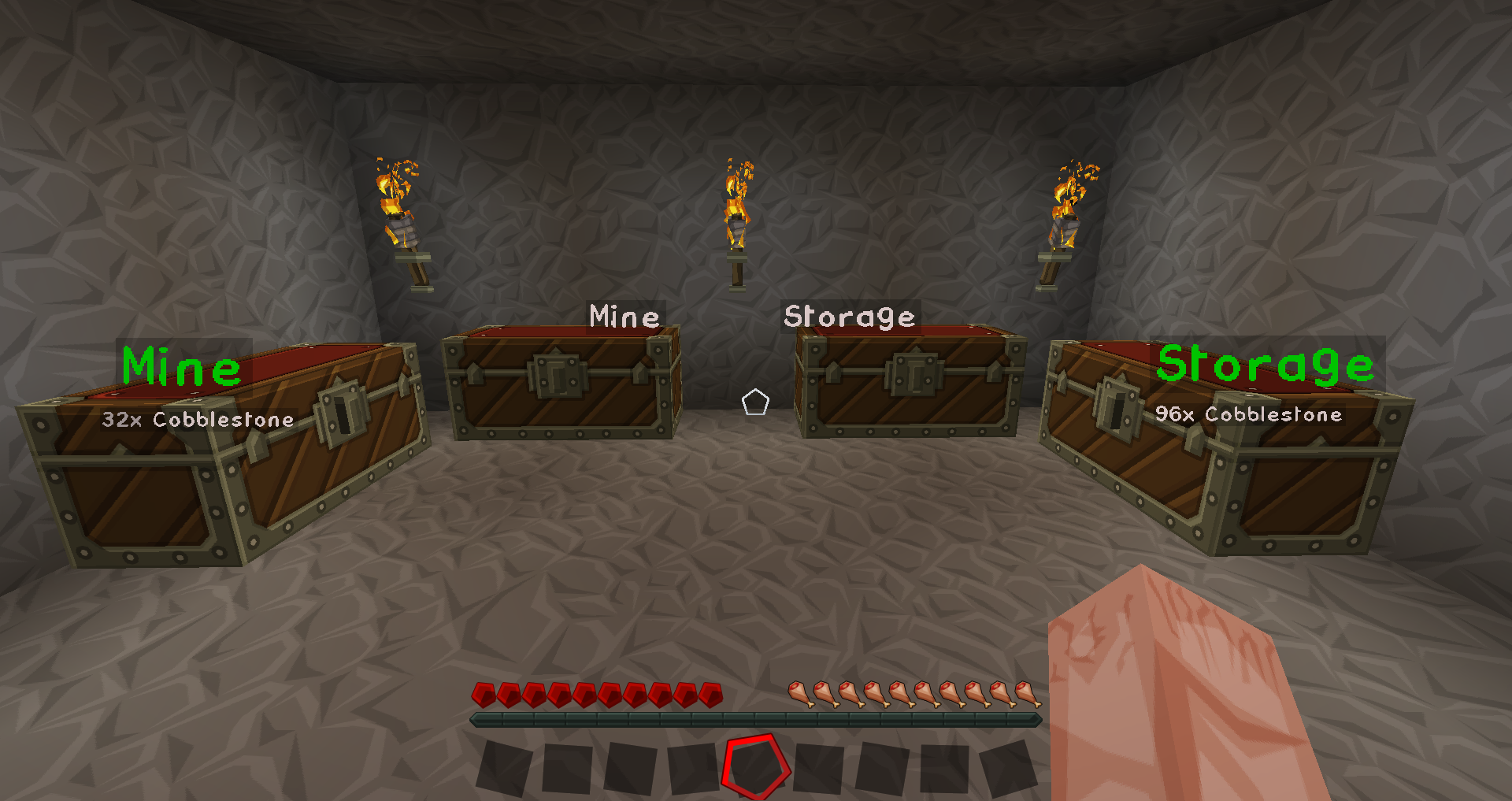
This mod will keep track of all the items in every chest that you have ever visited.
It enables you to find out how much of a particular item you have in your chests.
Installation
This mod requires the Forge Modloader to run.
Just drop the *.jar file into the ‘mods’ folder and start Forge as normal.
How to use
Just run around your existing world and open chests as you like.
The mod will remember each chest you opened and what was inside when you opened it.
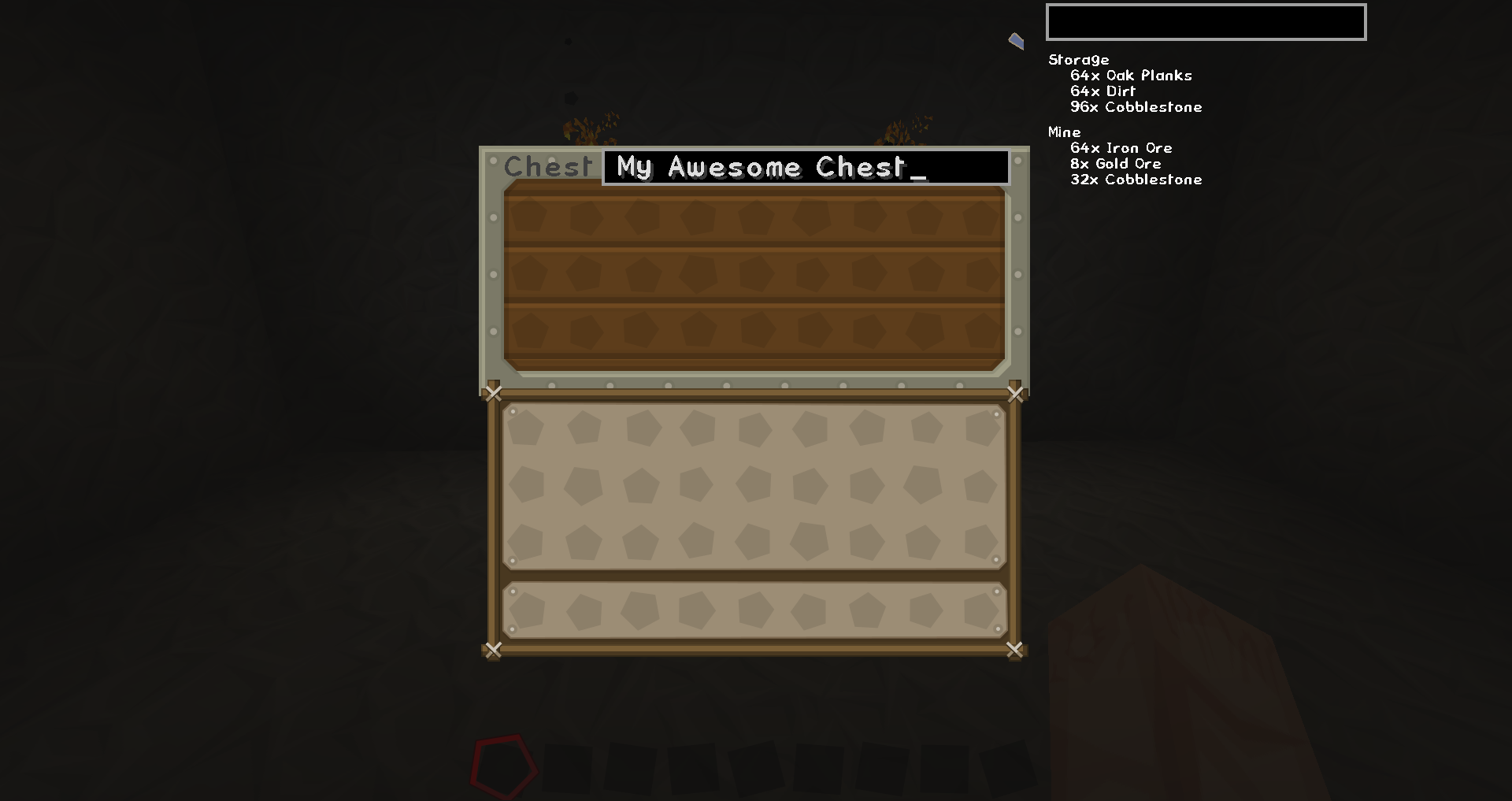
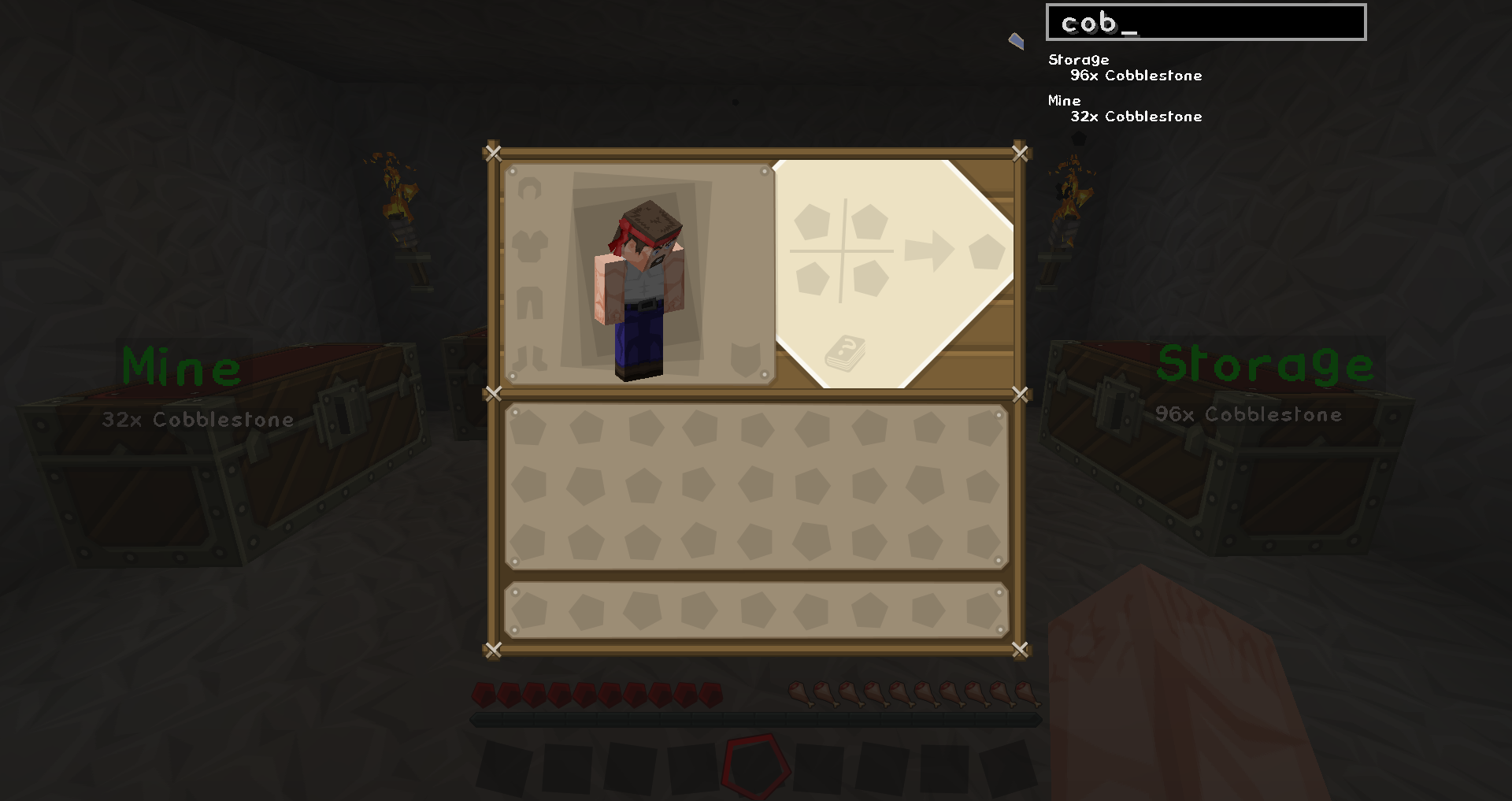
To find out where a certain item is, just open your inventory. You’ll find a search bar at the top right of your screen.
When you type into that search bar, the search results will be visible right below the search field.
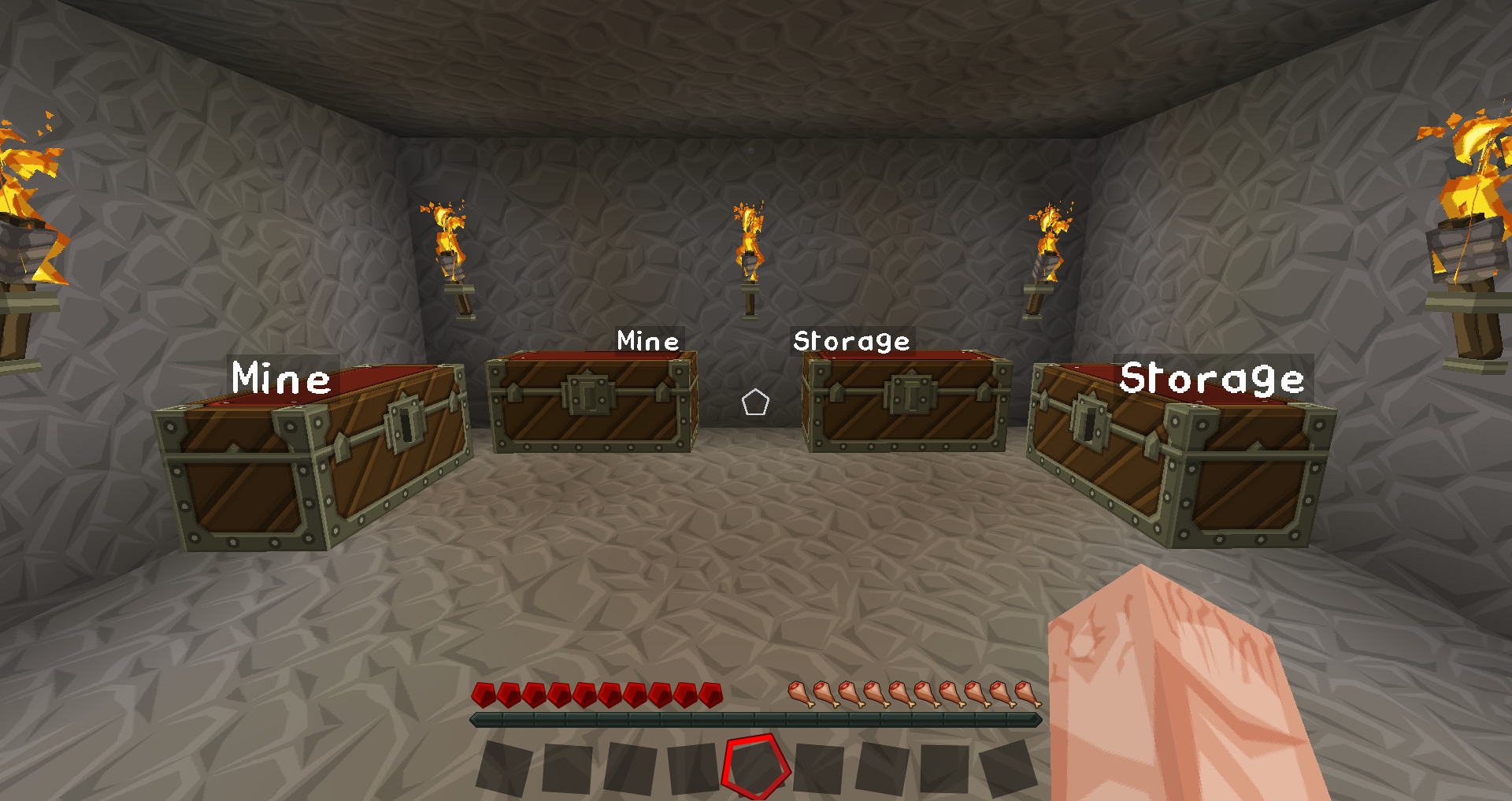
You can also give your chests labels. These labels are used to organize the search results when searching.
常见问题
Chest Counter 支持哪些 Minecraft 版本?
Chest Counter 支持 Minecraft Java 版 1.12.2–1.16.3,共 4 个版本,可用的加载器:Forge。下载时注意选择和你游戏版本一致的文件。
Chest Counter 怎么安装?
先用 PCL2 或 HMCL 启动器安装对应版本的 Forge,再把下载的 .jar 文件放进游戏目录的 mods 文件夹,重新启动游戏即可。开启了版本隔离的,mods 文件夹在 versions/版本名 下面。
评论
登录后评论和评分