Chest Searching
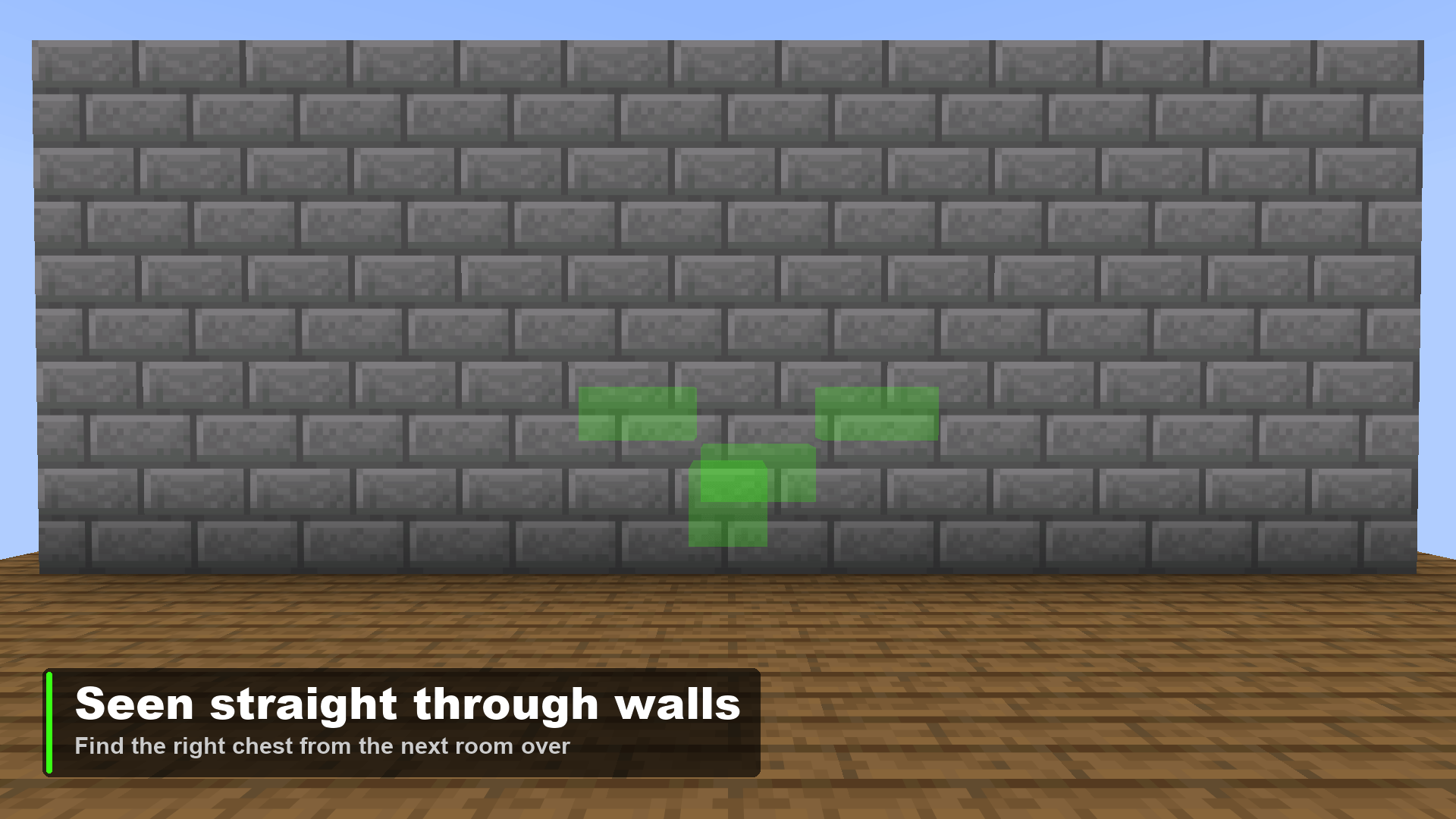
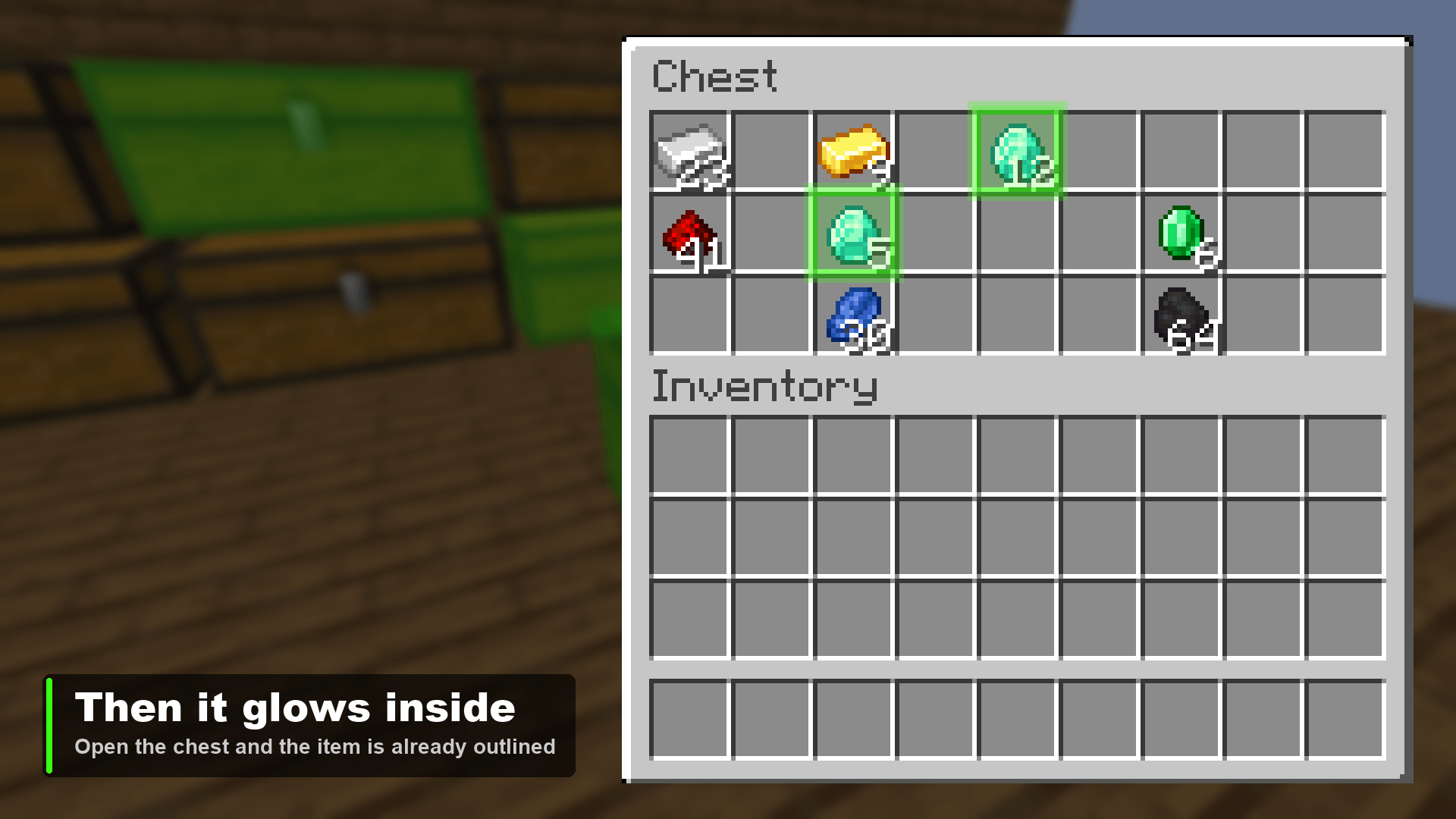
Press G, pick an item, and every chest, barrel or shulker box near you that actually holds it lights up green — through walls.
截图
介绍
Every base ends up with the wall. Thirty-odd chests, none of them labelled, and the spare iron is definitely in one of them.
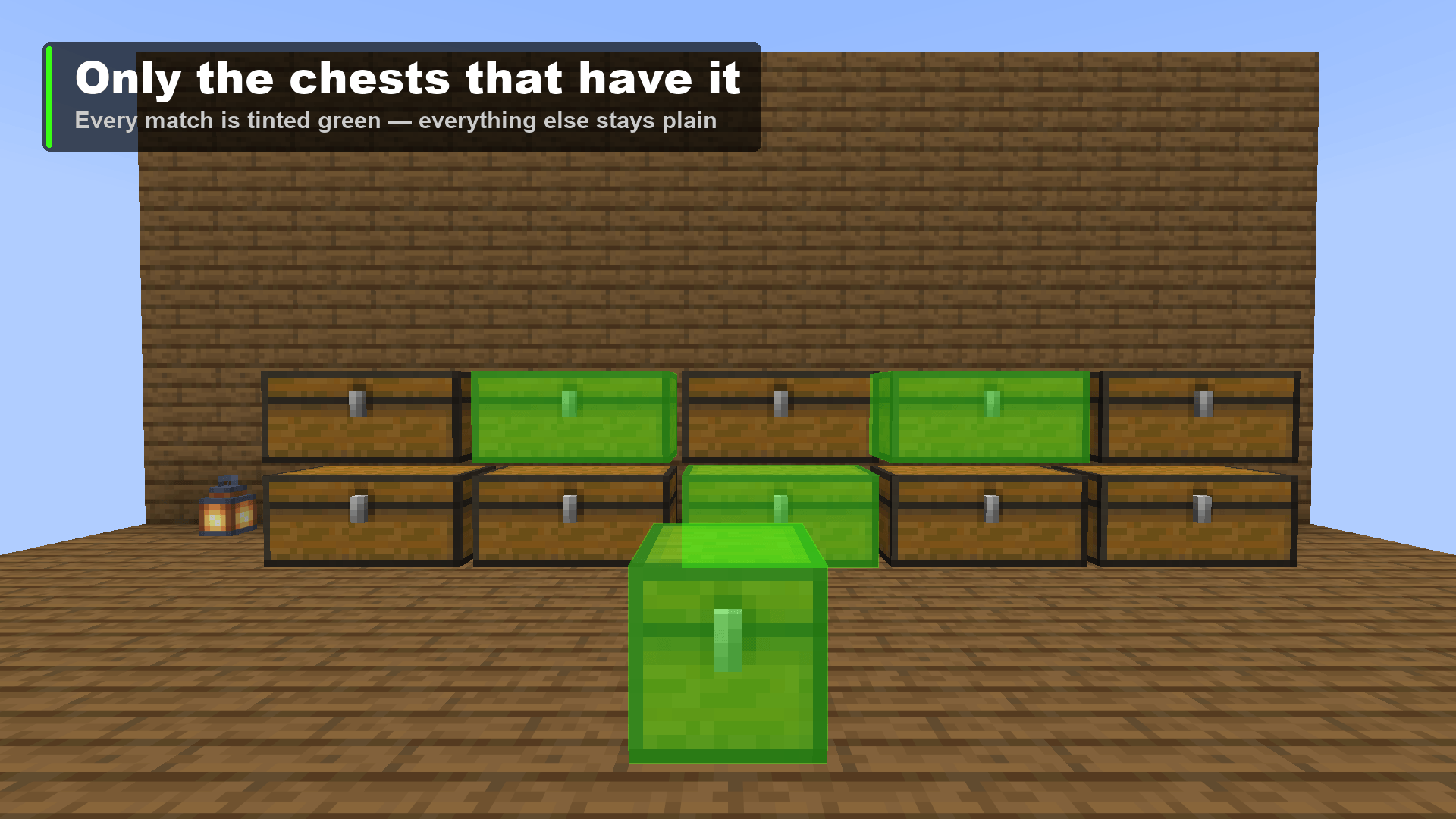
Press G, pick the item, and every container near you that actually holds it lights up in pulsing green — through walls, through the floor, from the far side of the base. No signs, no sorting system, no opening lids one at a time.
Three steps
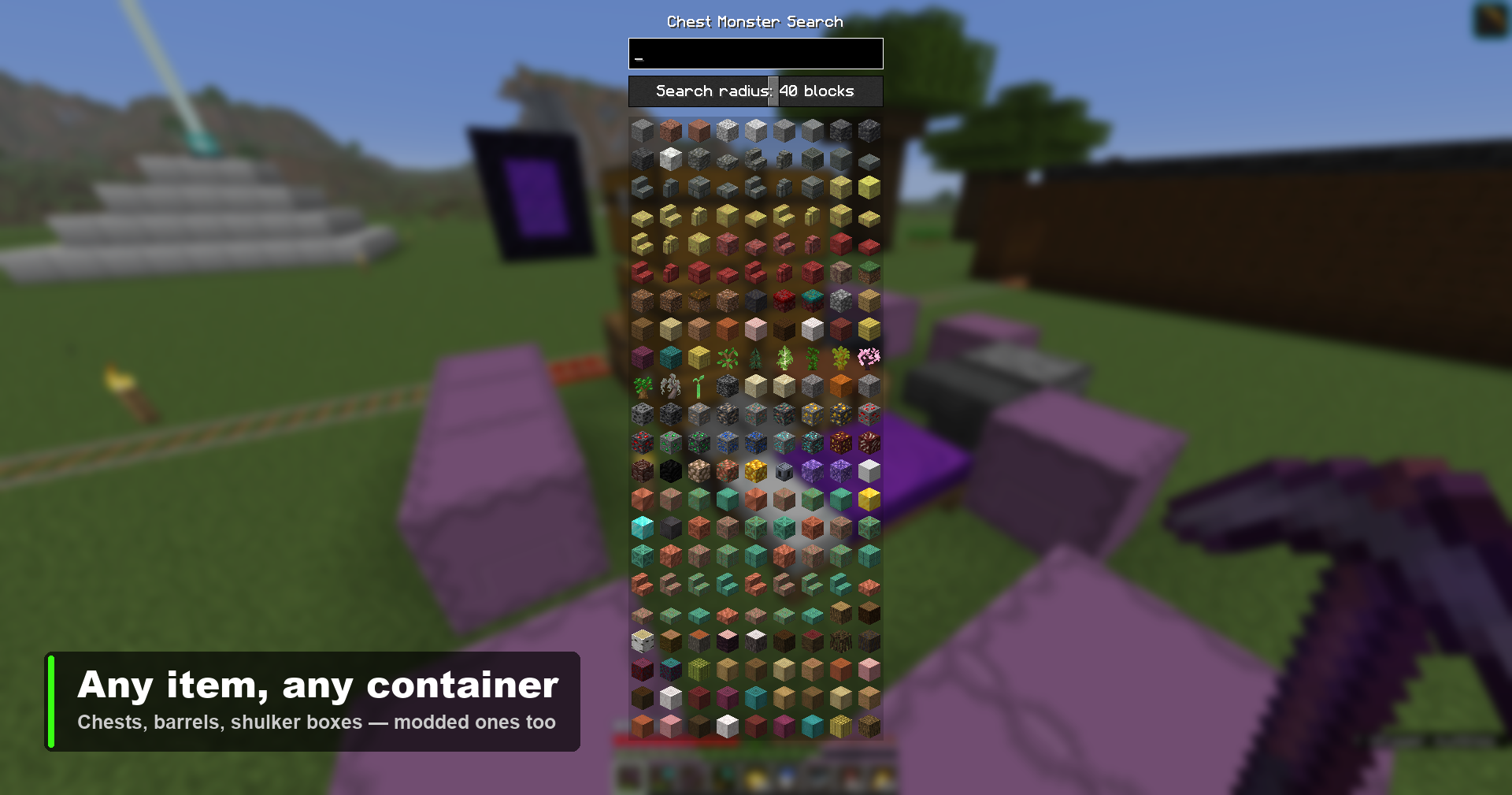
1. Press G. A picker opens with every item in the game, laid out like the creative menu.
2. Type to narrow it down. Filtering matches both the name you read (diamond sw) and the id you might type (diamond_sword), so whichever way you think about an item, it comes up.
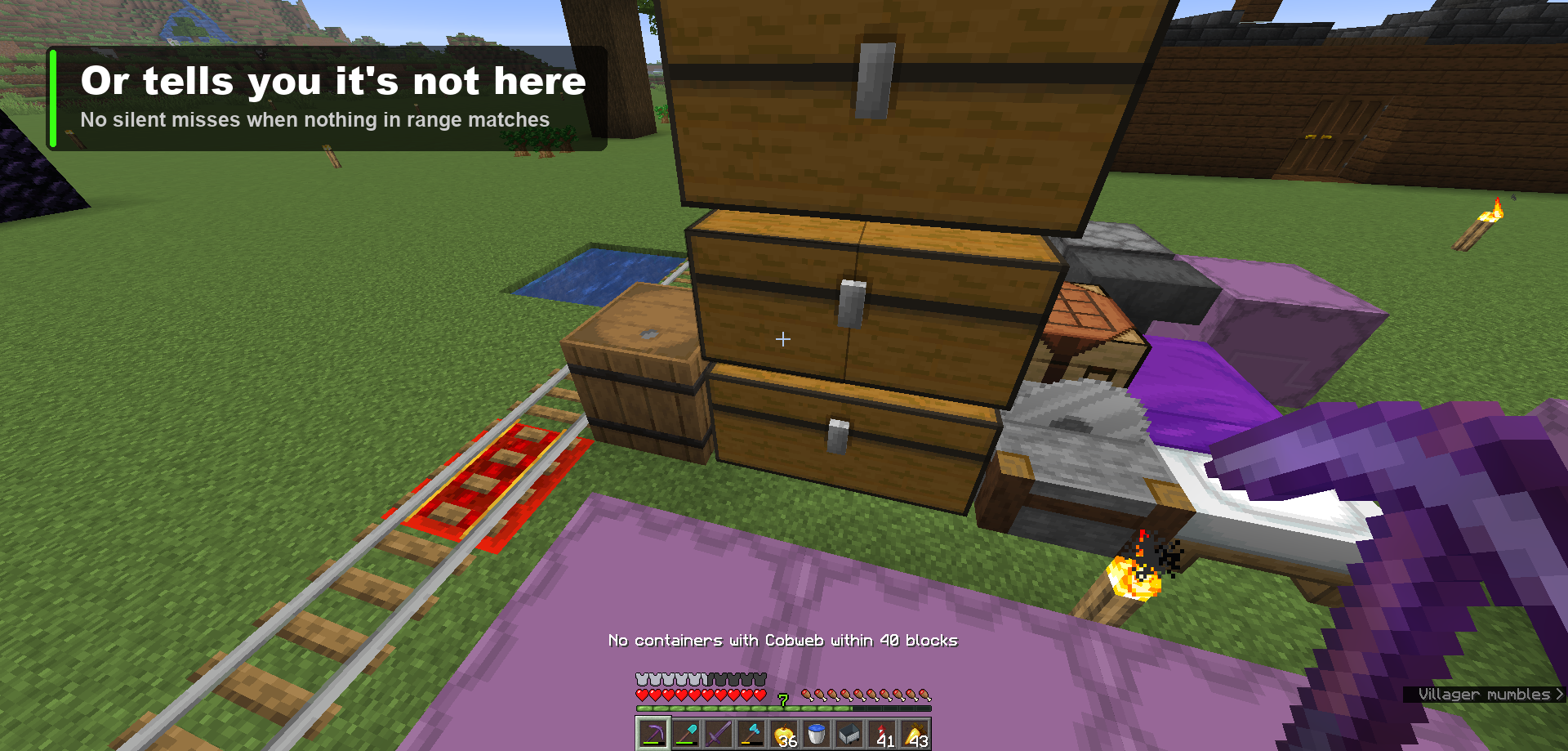
3. Click it. Matching containers glow for 30 seconds, pulsing in unison so they catch your eye, then fade out over the last three. The action bar tells you how many it found — and when nothing matches, it says so instead of leaving you staring at an unchanged room.
The radius is a slider in the same screen: 8 to 64 blocks, 16 by default, and it stays where you left it between sessions. Searching again replaces the previous highlights; they clear when you leave the world, and stay hidden if you change dimension.
Where it looks
Anything that holds items — chests, trapped chests, barrels, shulker boxes, hoppers, dispensers, droppers, furnaces. It works off the block entity rather than a hardcoded list, so storage blocks added by other mods are covered without either mod knowing about the other.
Two things are skipped on purpose:
- Unopened structure loot. A dungeon, temple or shipwreck chest you’ve never opened has no contents yet — the loot table rolls the first time a player opens it, and reading a slot is what triggers that roll. The mod leaves those chests alone rather than quietly spoiling them.
- Ender chests, which hold a per-player inventory rather than anything sitting at that block.
A double chest is two block entities but one piece of furniture, so it draws as a single rectangle around both halves — no seam down the middle — and counts as one container in the total, even though the matching stack physically sits in only one half.
Matching is by item type and ignores NBT: search for an enchanted book and you get every enchanted book, not one particular enchantment.
Multiplayer
Vanilla never tells your client what’s inside a chest you haven’t opened, so the scan has to happen on the server. One jar, runs on both sides.
| Where | Works? |
|---|---|
| Singleplayer | Yes — your game runs its own integrated server |
| LAN world you host | Yes |
| Server with the mod installed | Yes |
| Server without the mod | The picker opens and tells you; searching does nothing |
It tries to be a good guest on someone else’s hardware. The scan walks the block-entity map each loaded chunk already keeps rather than iterating blocks, so cost tracks how many containers are nearby rather than how big the radius is. On top of that the server clamps the radius, returns the nearest 512 containers at most, allows one search per player every half second, and never force-loads a chunk — anything not already loaded simply isn’t searched.
Settings
config/chestsearch.json:
| Key | Default | Range |
|---|---|---|
radius |
16 | 8–64 blocks; the same value the slider writes |
highlightSeconds |
30 | 5–120 |
The hotkey is rebindable in Options → Controls, under Chest Monster Search.
Requires
- Minecraft 26.2
- Fabric Loader 0.19.3 or newer
- Fabric API
- Java 25
Not there yet
Items inside a shulker box that’s itself sitting in a chest aren’t found — the scan doesn’t recurse into nested containers. That’s the next thing on the list.
License
MIT.
常见问题
Chest Searching 支持哪些 Minecraft 版本?
Chest Searching 支持 Minecraft Java 版 26.2–26.3,共 2 个版本,可用的加载器:Fabric。下载时注意选择和你游戏版本一致的文件。
Chest Searching 怎么安装?
先用 PCL2 或 HMCL 启动器安装对应版本的 Fabric,再把下载的 .jar 文件放进游戏目录的 mods 文件夹,重新启动游戏即可。开启了版本隔离的,mods 文件夹在 versions/版本名 下面。
johnnyscriptt 的其他作品
查看全部 →
Simple AutoClicker
Toggleable left/right autoclicking with per-button timings and an in-game settings screen. Client-side Fabric mod.

Simple AutoClicker
Toggleable left/right autoclicking with per-button timings and an in-game settings screen. Client-side Fabric mod - clicks route through vanilla attack/use logic, pause in menus, and reset when you leave a world.
Stardew Chest Buttons
Stardew Valley-style chest buttons - one click to deposit all your matching items, one to sort and organize any chest.

Stardew Chest Buttons
Stardew Valley-style chest buttons : one click to deposit all your matching items, one to sort and organize any chest.
评论
登录后评论和评分