
Chest & Inventory Sorter
Sort chests and inventories with quick controls; add optional sorting in my Balanced Backpacks mod.
截图
介绍
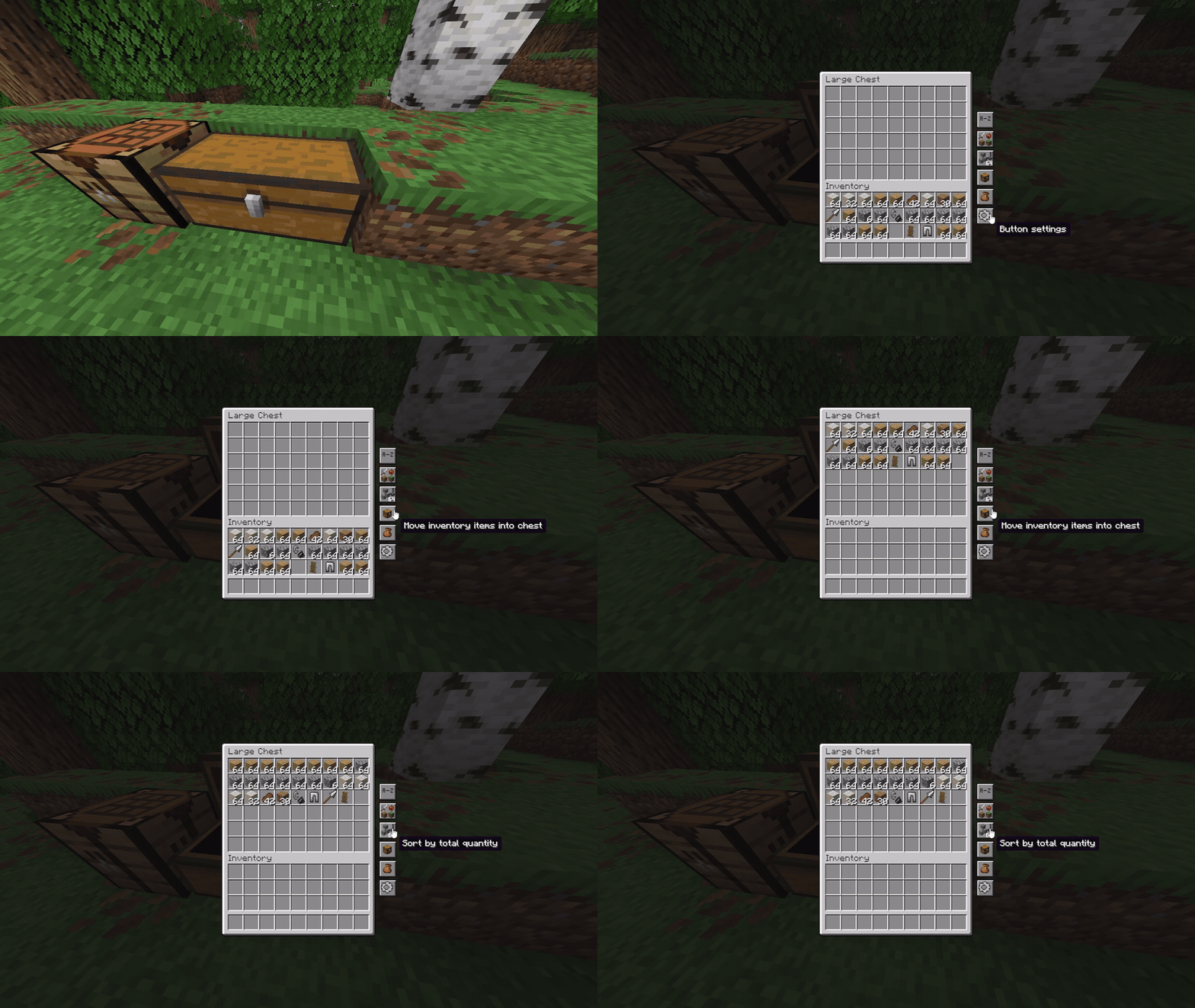
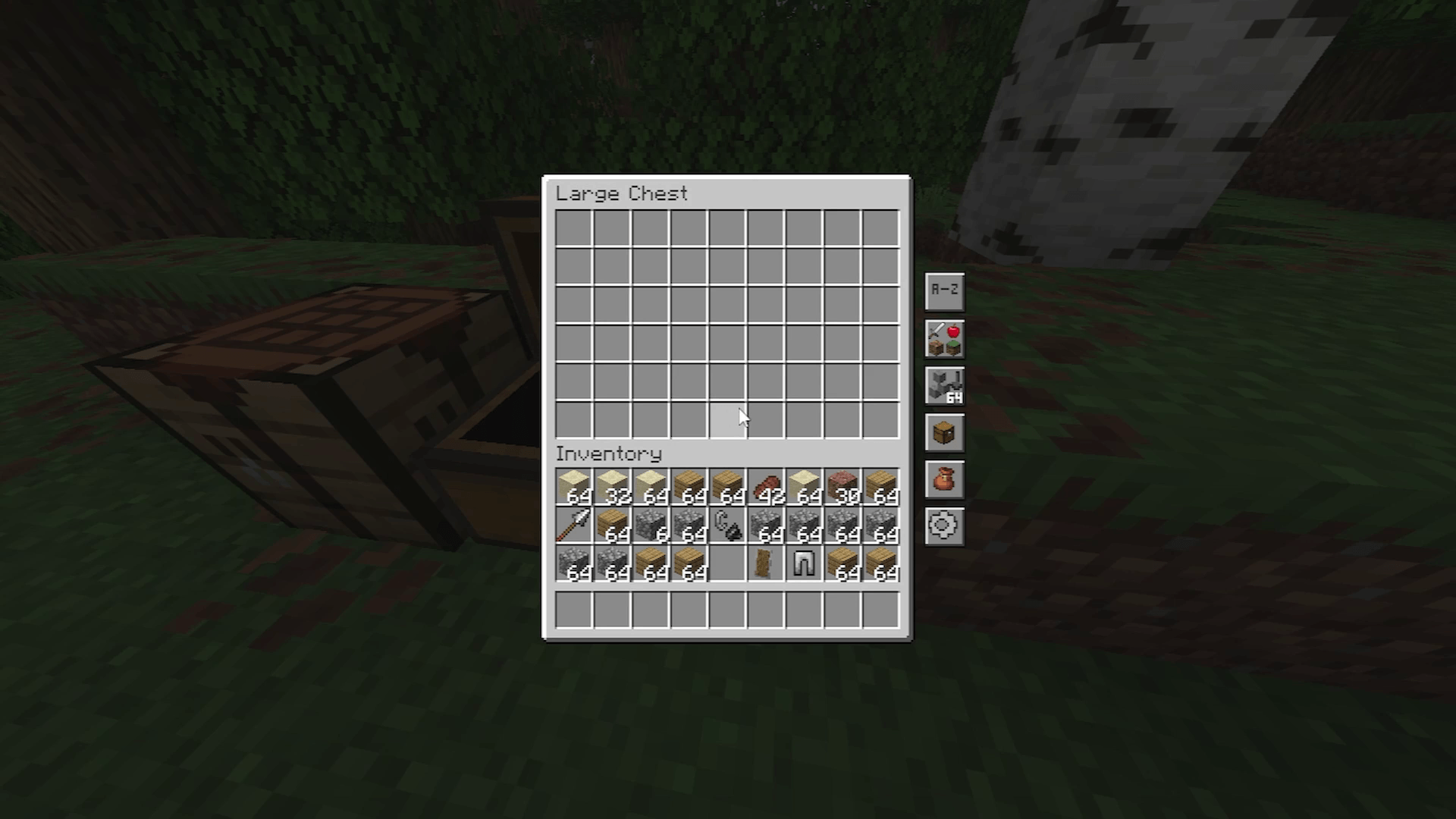
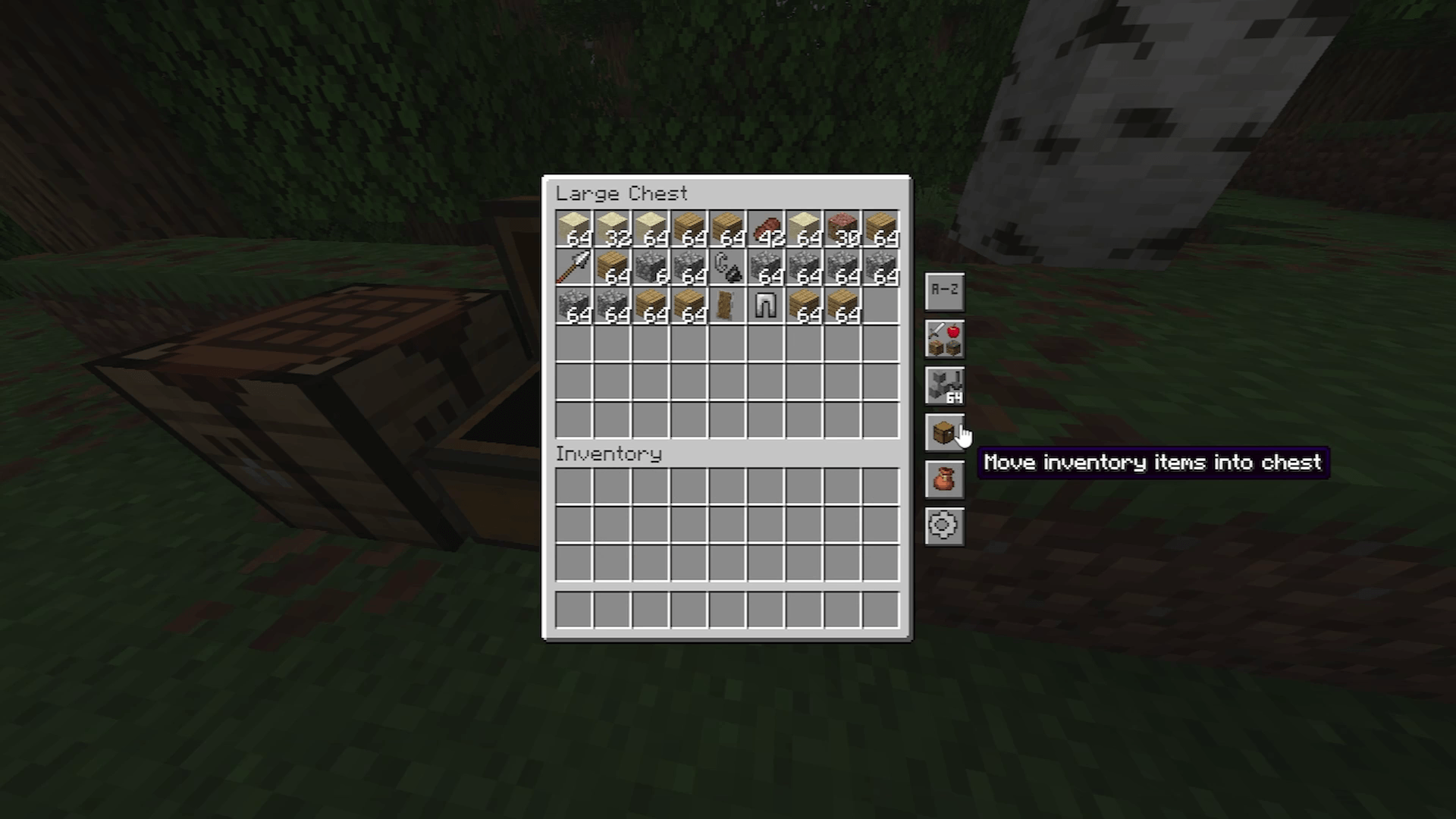
Keep your storage organized without leaving the screen. Chest & Inventory Sorter adds compact buttons to inventory and container screens, letting you sort items and move compatible stacks between an open container and your main inventory.
Features
- Sort items by name, category, or quantity.
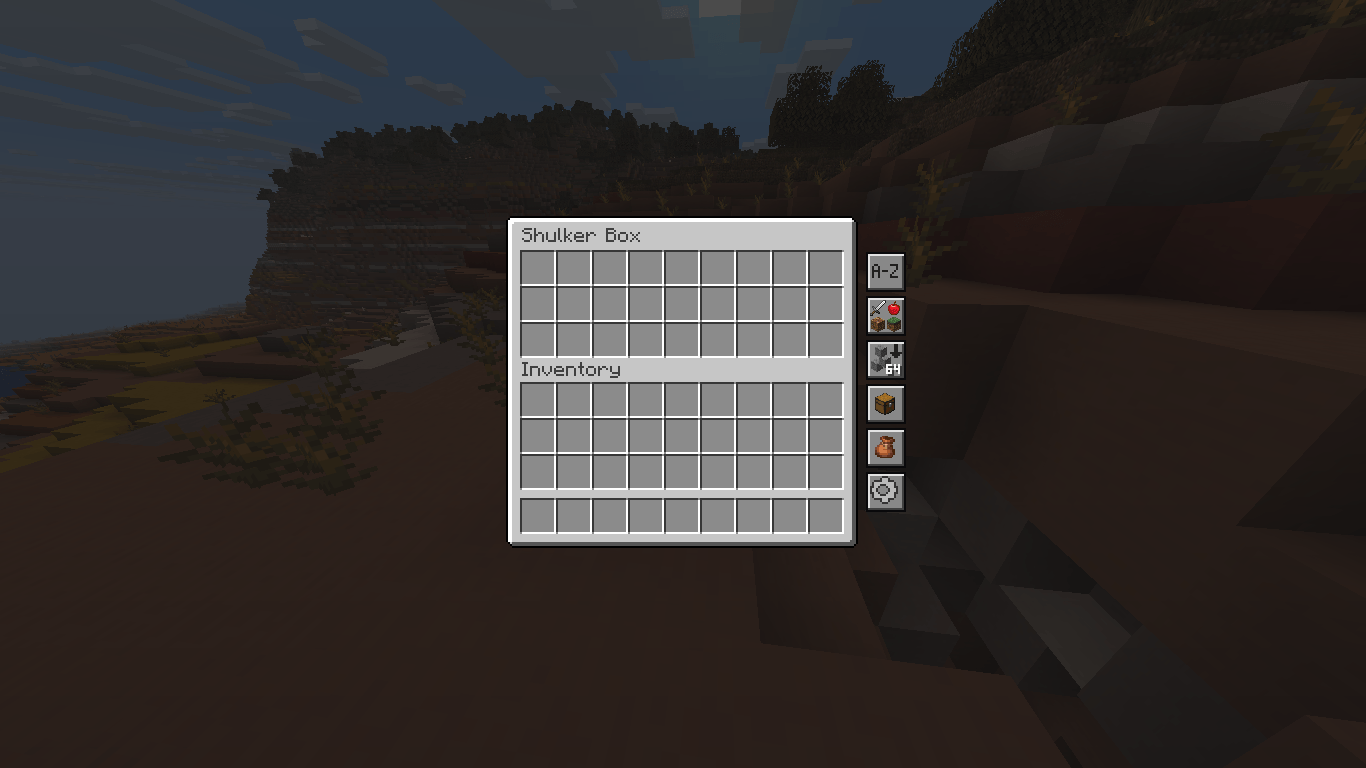
- Sort items in supported shulker box screens.
- Transfer compatible items in either direction between an open chest and the player’s 27 main inventory slots.
- Items that do not fit stay in place.
- Server-validated actions respect blocked slots and container filters.
Interface configuration
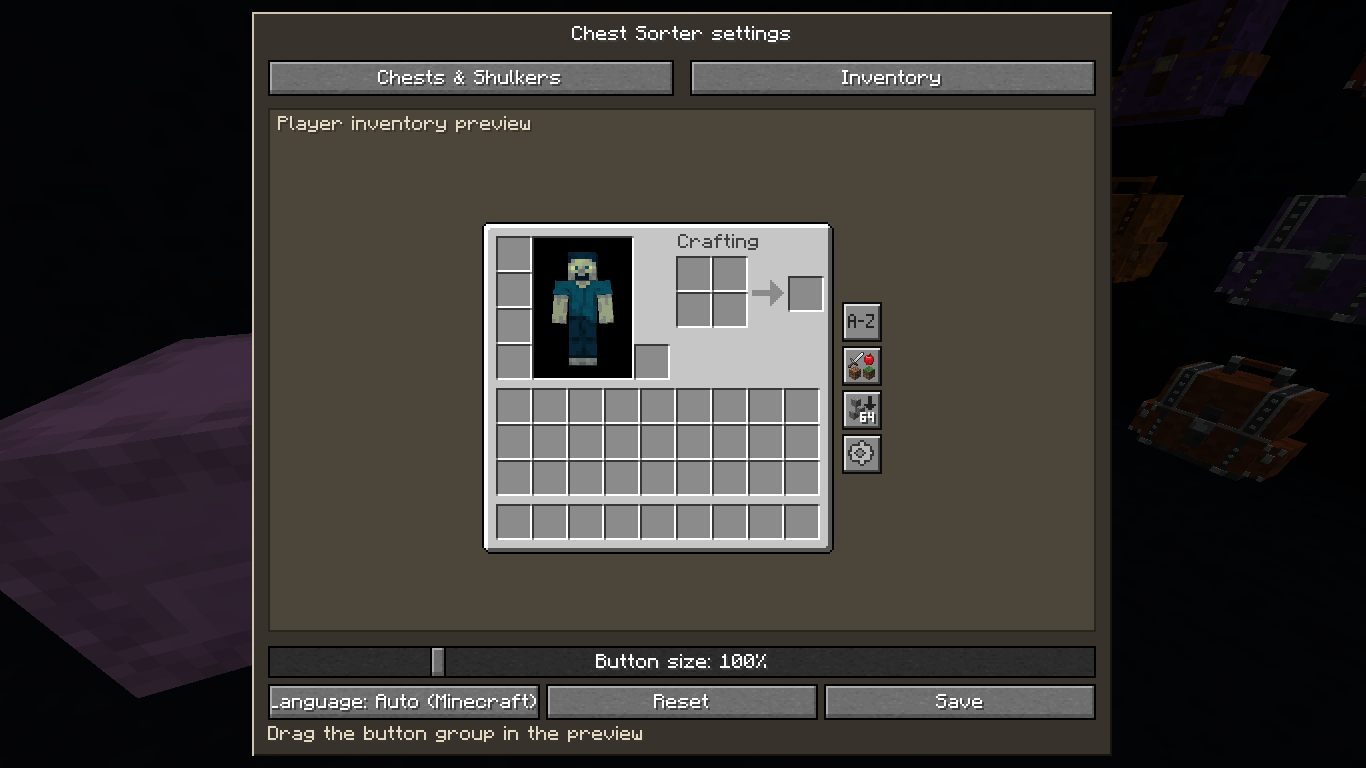
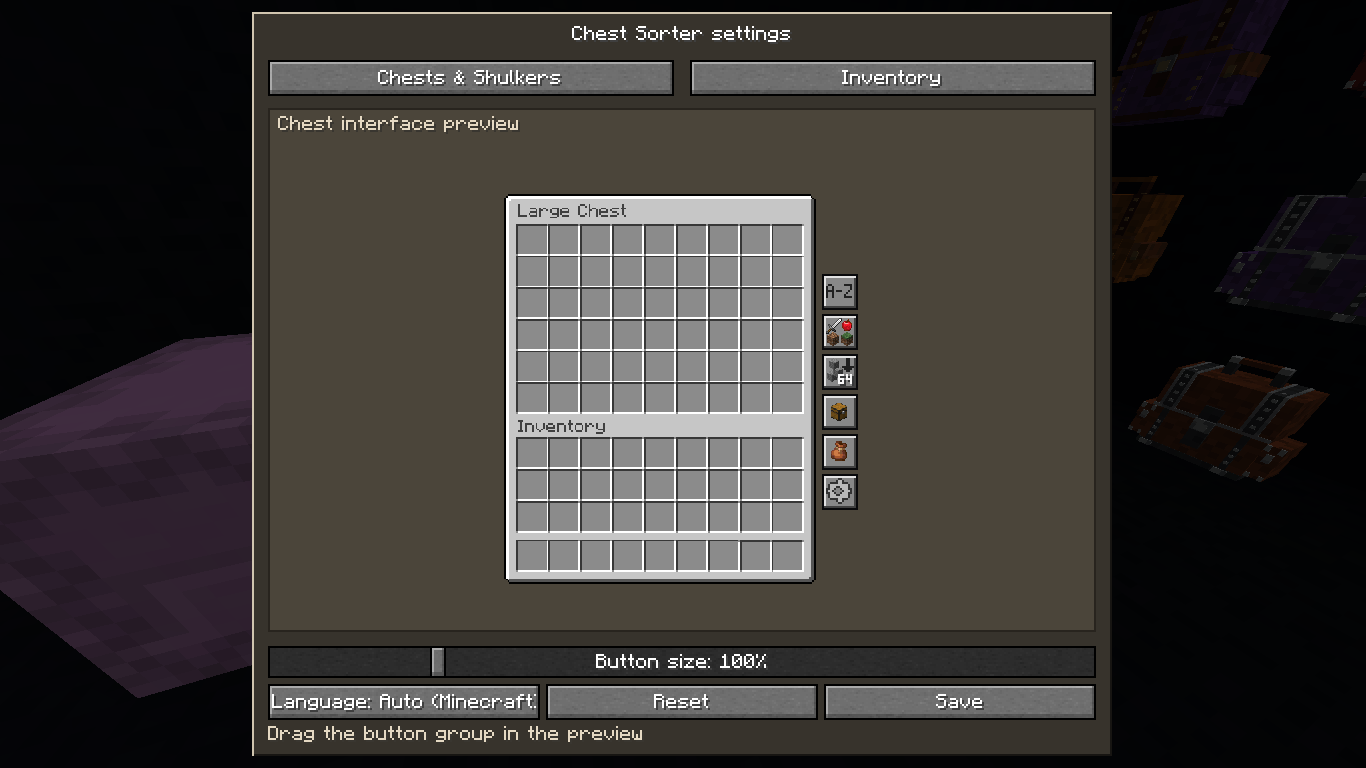
By pressing the gear button on your inventory or on the chest you can adjust the size and arrangement of the buttons
What’s new in 1.0.1
- Added shulker box compatibility.
- Fixed button design issues.
Optional Balanced Backpacks integration
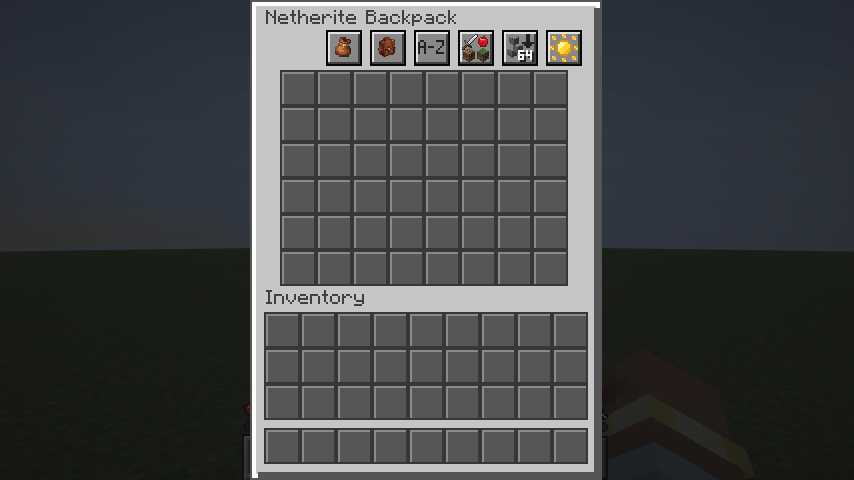
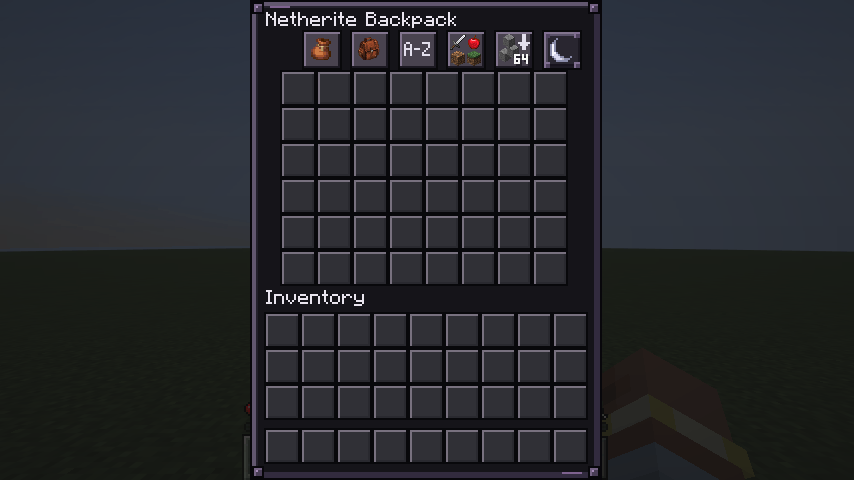
I also created Balanced Backpacks. Install both mods from my profile to sort and transfer items inside backpack screens. The gallery shows the same backpack before and after sorting. Each mod works independently for its core features.
Support
This mod is free to download. If you enjoy it, you can leave a one-time tip of any amount on Ko-fi, or send a one-time payment directly through PayPal. For optional monthly support, visit Patreon. Every contribution helps me maintain the mod and prepare updates for more Minecraft versions.
Contact & suggestions
Have a feature suggestion, want something added or removed, or need a build for another Minecraft version? Email me at [email protected]. Please include the Minecraft version and mod loader.
Español
Mantén tu almacenamiento organizado sin salir de la pantalla. Chest & Inventory Sorter agrega botones compactos a las pantallas de inventarios y contenedores para ordenar objetos y mover pilas compatibles entre un contenedor abierto y tu inventario principal.
Funciones
- Ordena objetos por nombre, categoría o cantidad.
- Ordena objetos en las pantallas compatibles de las cajas de shulker.
- Transfiere objetos compatibles en ambas direcciones entre un cofre abierto y los 27 espacios principales del inventario del jugador.
- Los objetos que no caben se quedan en su lugar.
- Las acciones validadas por el servidor respetan los espacios bloqueados y los filtros del contenedor.
Configuración de la interfaz
Presionando el botón de engranaje en su inventario o en el cofre puede ajustar el tamaño y la disposición de los botones
Novedades de la versión 1.0.1
- Se agregó compatibilidad con las cajas de shulker.
- Se corrigieron problemas en el diseño de los botones.
Integración opcional con Balanced Backpacks
También creé Balanced Backpacks. Instala ambos mods desde mi perfil para ordenar y transferir objetos dentro de las pantallas de las mochilas. La galería muestra la misma mochila antes y después de ordenar. Cada mod funciona de manera independiente para sus funciones principales.
Apoyo
Este mod es gratis. Si te gusta, puedes dejar una propina única del monto que quieras en Ko-fi o enviar un pago único directamente a través de PayPal. Para apoyar mensualmente de forma opcional, visita Patreon. Cada aporte ayuda a mantener el mod y preparar actualizaciones para más versiones de Minecraft.
Contacto y sugerencias
¿Tienes una sugerencia, quieres que añada o quite algo, o necesitas una compilación para otra versión de Minecraft? Escríbeme a [email protected]. Incluye la versión de Minecraft y el loader.
常见问题
Chest & Inventory Sorter 支持哪些 Minecraft 版本?
Chest & Inventory Sorter 支持 Minecraft Java 版 1.20.1–26.3,共 4 个版本,可用的加载器:Fabric / Forge / NeoForge。下载时注意选择和你游戏版本一致的文件。
Chest & Inventory Sorter 怎么安装?
先用 PCL2 或 HMCL 启动器安装对应版本的 Fabric / Forge / NeoForge,再把下载的 .jar 文件放进游戏目录的 mods 文件夹,重新启动游戏即可。开启了版本隔离的,mods 文件夹在 versions/版本名 下面。
评论
登录后评论和评分