
Chest Guard
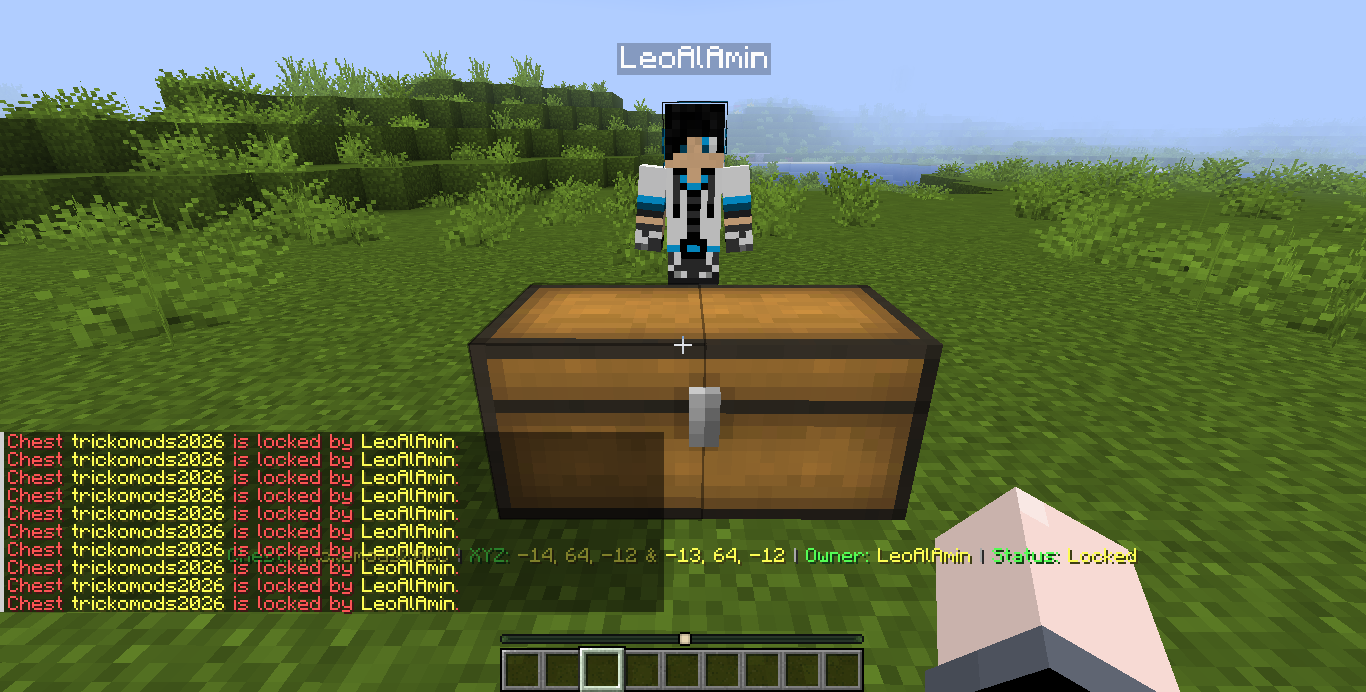
ChestGuard is a Forge mod for multiplayer servers that adds secure chest locking, permissions, real-time activity tracking, explosion protection, and controlled item transfers — turning basic storage into a monitored, owner-controlled system.
截图
介绍
❤️ Support Our Development
Your support helps us keep our projects alive and improving.
🚀 Help us reach 1,000 subscribers!



ChestGuard
ChestGuard is an advanced chest protection and management plugin for PaperMC servers. It provides chest ownership, permissions, secure item transfers, activity tracking, real-time alerts, and protection against unauthorized interaction and destruction.
Core Features
🔐 Chest Protection
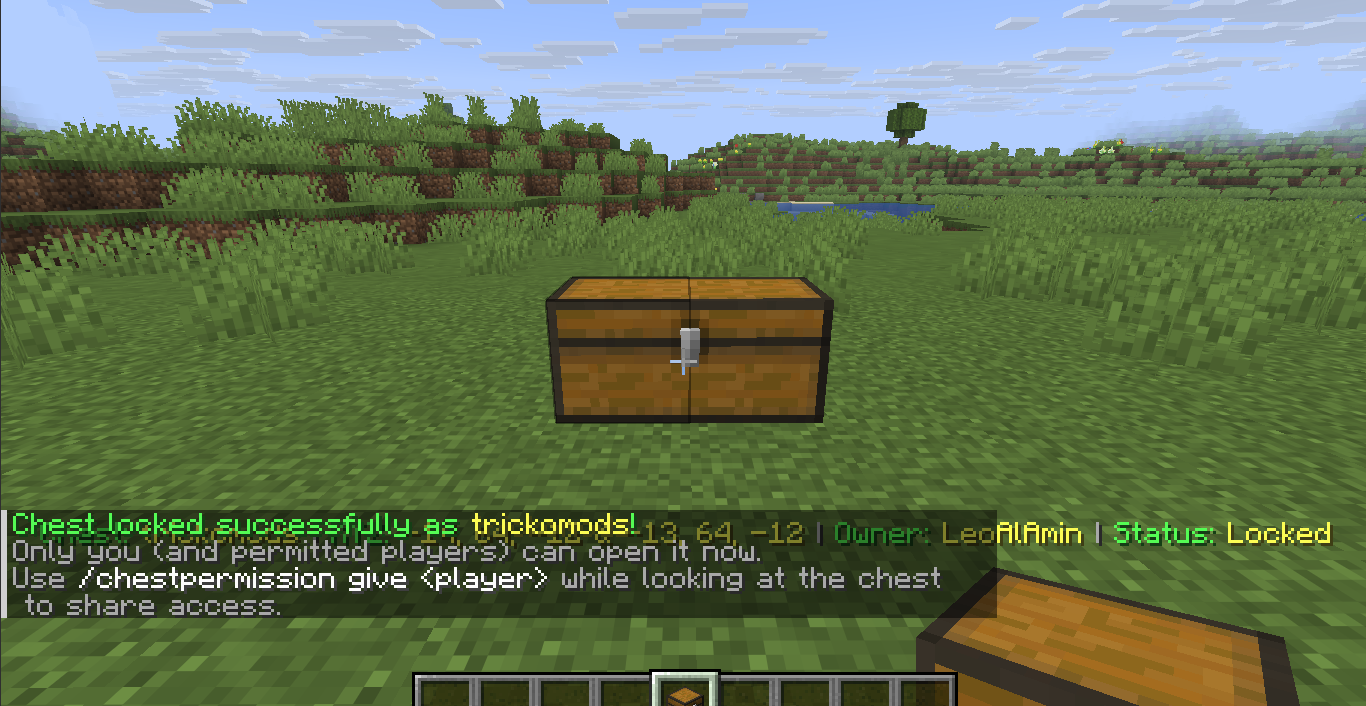
- Lock and name single or double chests with
/chestlock <name> - Unlock protected chests with
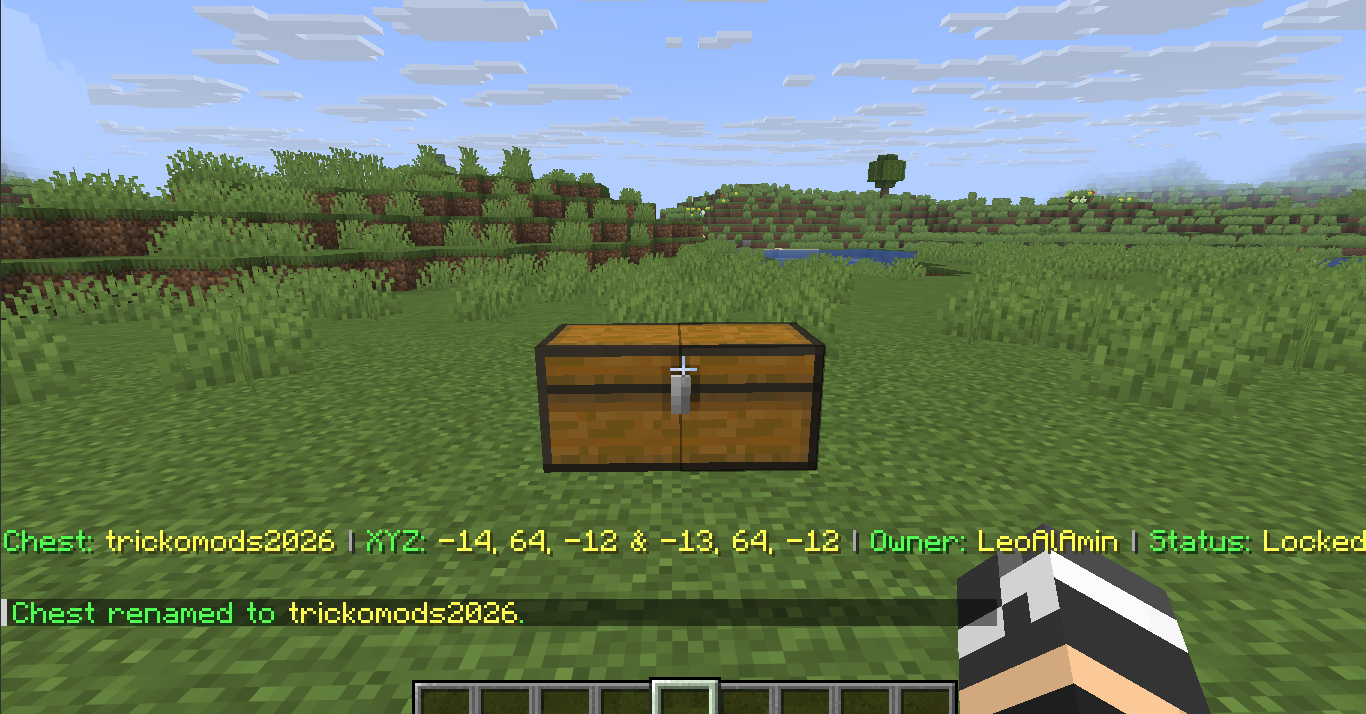
/chestunlock [name] - Rename locked chests with
/chestrename <old name> <new name> - View detailed chest information with
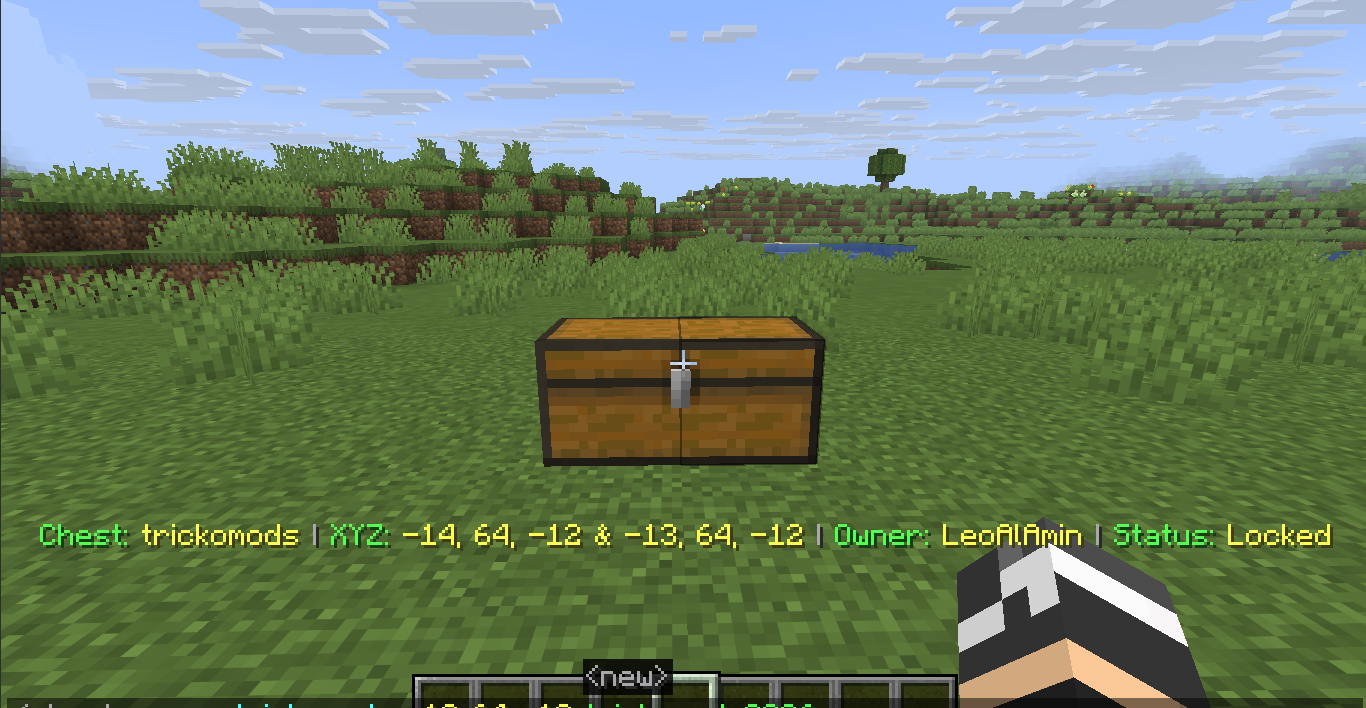
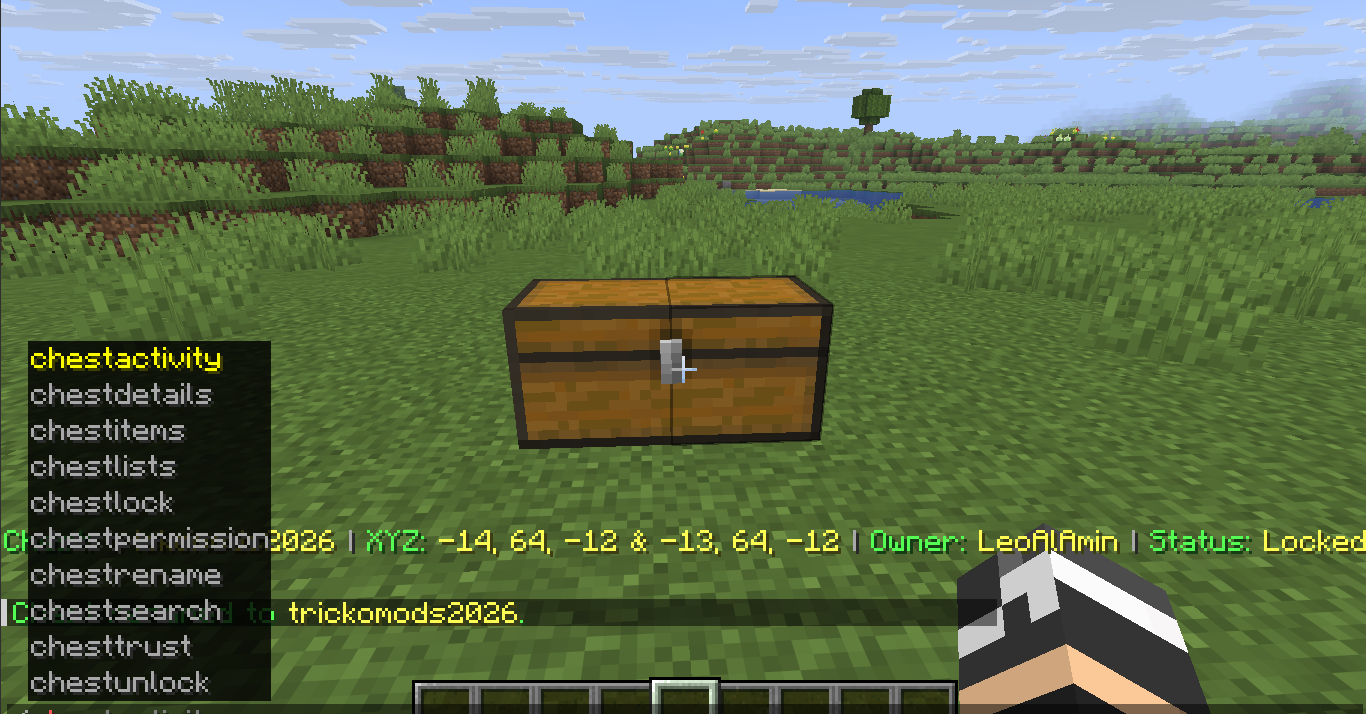
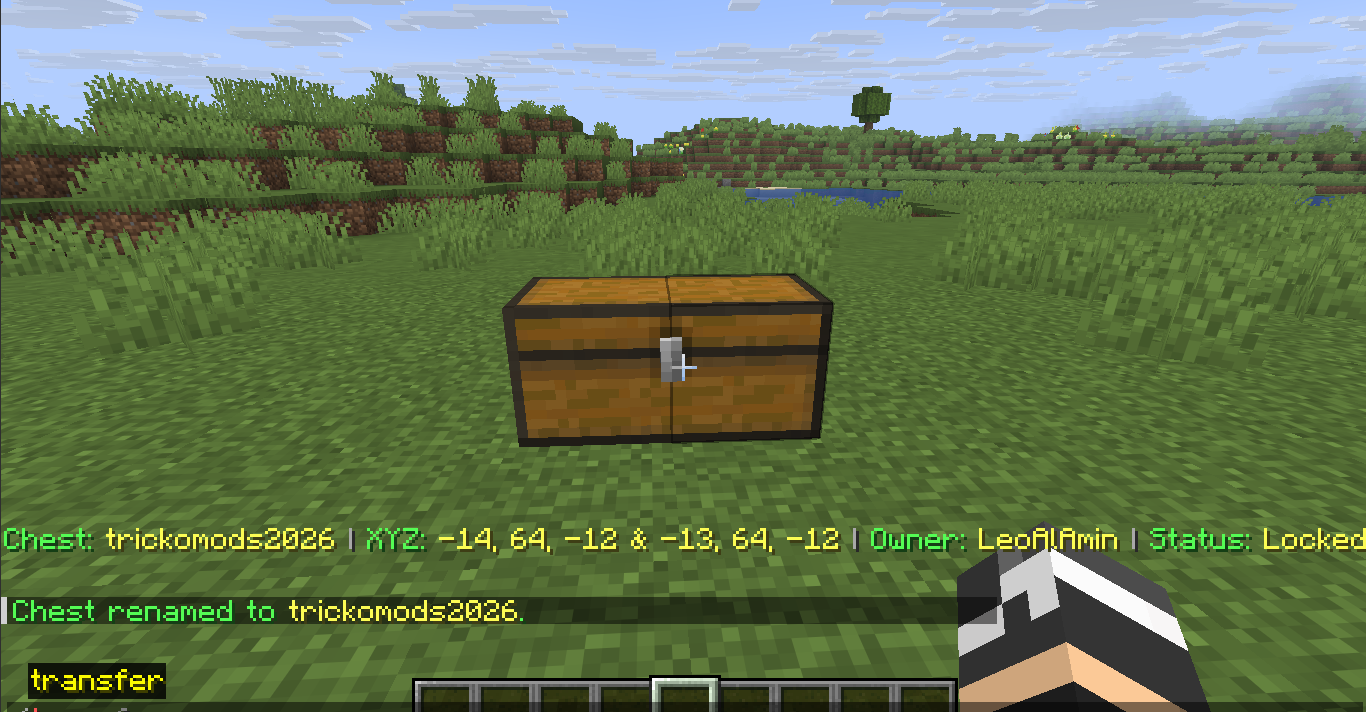
/chestdetails [name] - Display live chest information through an action bar while looking at a chest
- Shows chest name, owner, coordinates, and lock status
💥 Unbreakable & Explosion Protection
Locked chests are protected from unauthorized destruction in Creative, Survival, Adventure, and Spectator modes.
Protection includes:
- TNT explosions
- Creeper explosions
- Wither destruction
- Ender Dragon destruction
- Unauthorized hopper and minecart access
- Unauthorized adjacent chest placement
👥 Permission & Trust System
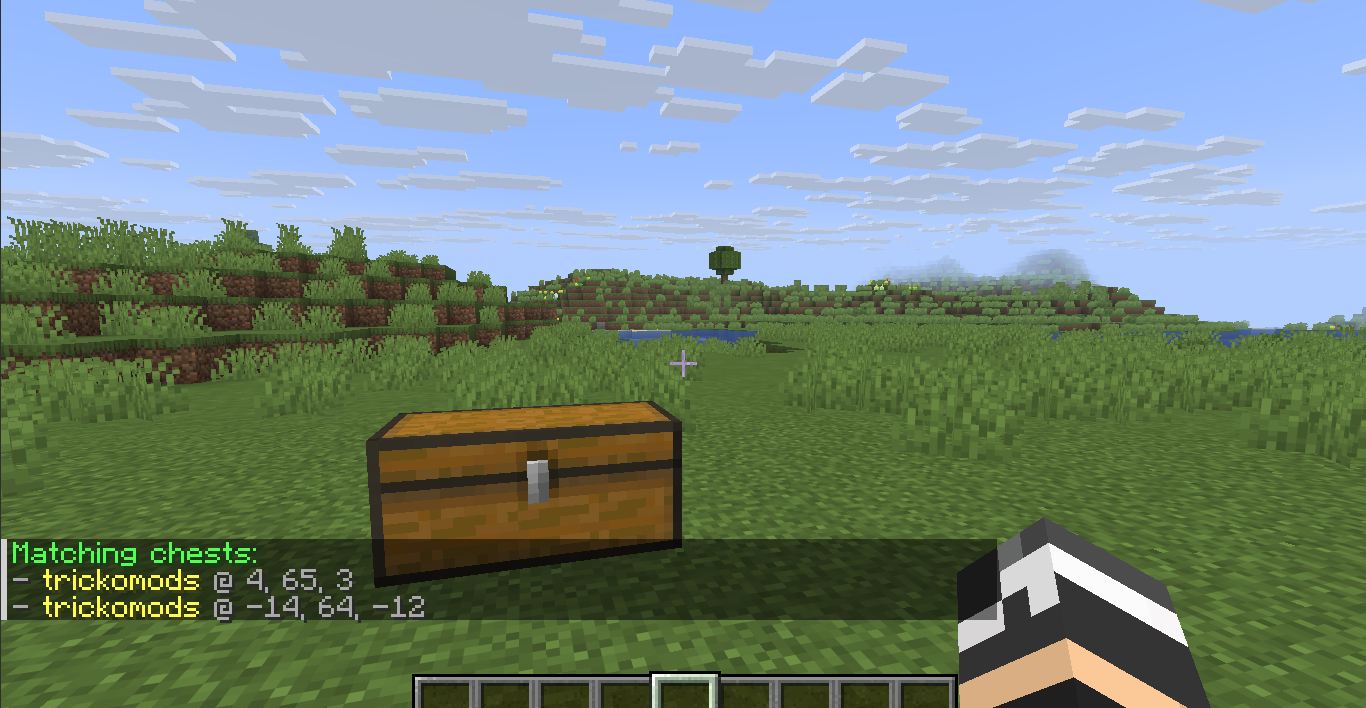
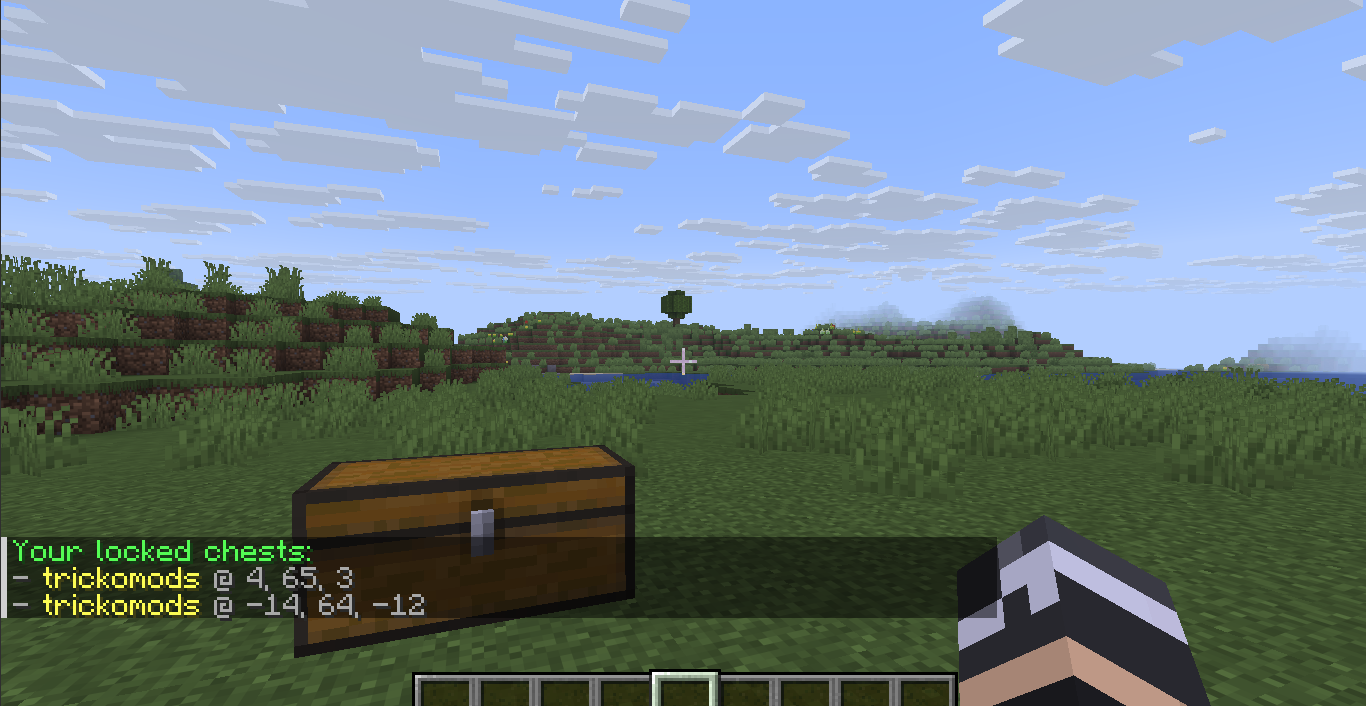
/chesttrustlist <chestname>— View trusted users/chestpermission give <player> <chestname>— Grant access/chestpermission remove <player> <chestname>— Revoke access/chestlists— List your owned chests/chestsearch <name>— Find an owned chest/lastchestplaced— Locate your last interacted chest
Permissions are designed to allow controlled access to protected storage without giving away ownership.
📦 Activity Monitoring
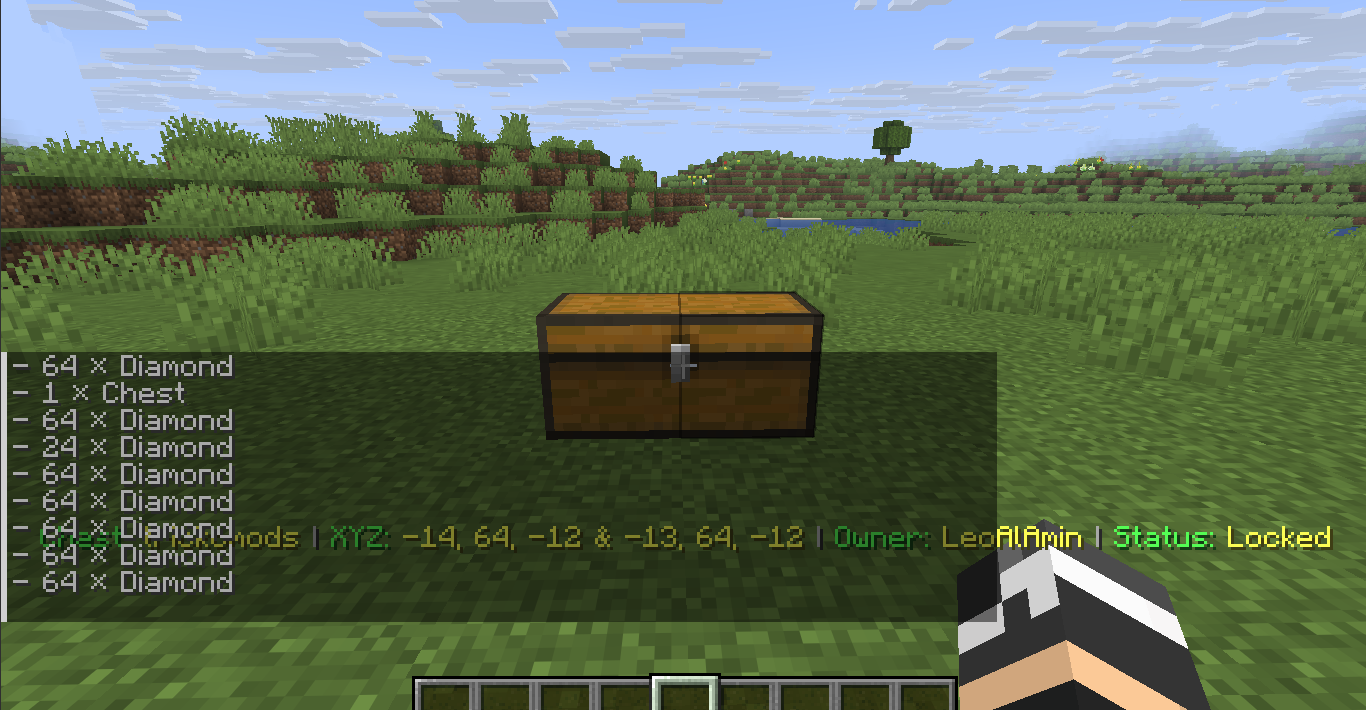
ChestGuard tracks inventory activity on protected chests.
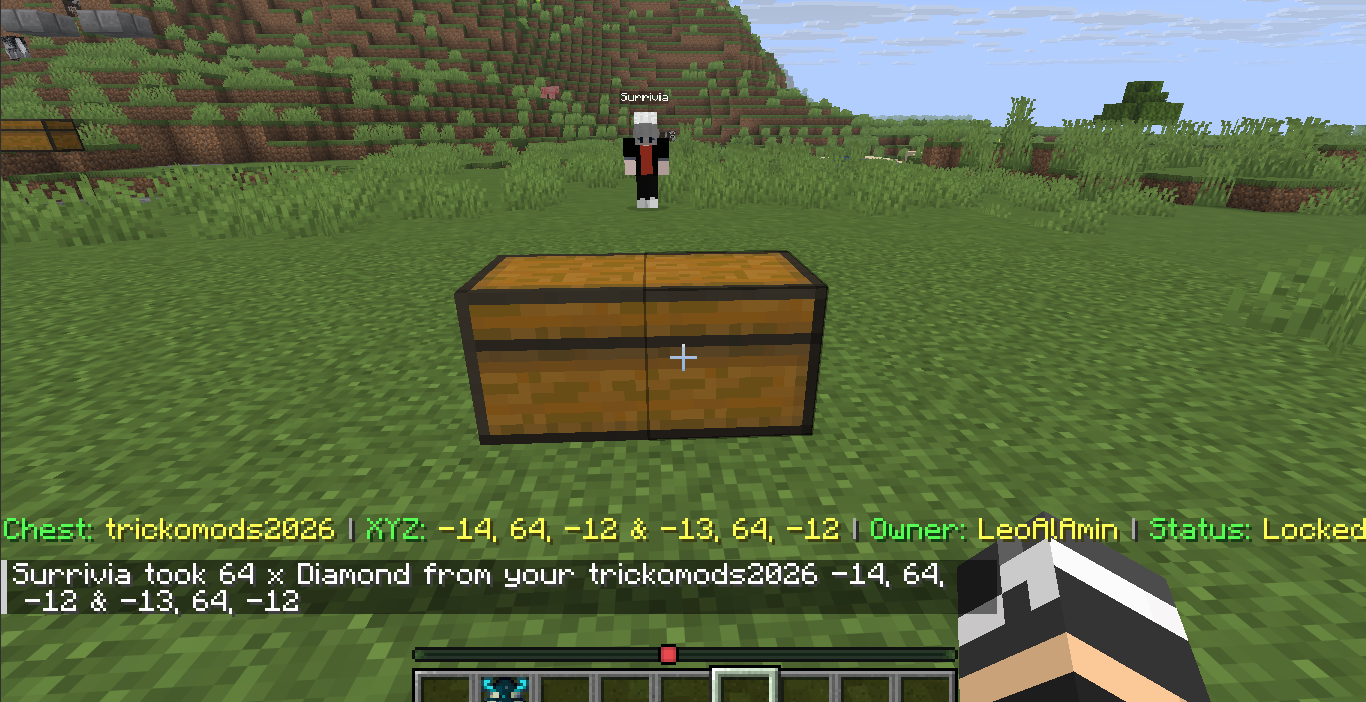
/chestitems [name]— View chest contents/chestactivity— View interaction history- Real-time notifications when trusted users access a chest
- Tracks items removed or deposited
- Shows player, item, quantity, chest name, and coordinates
🔄 Secure Item Transfer
ChestGuard includes a controlled item transfer system for moving items between chests.
Select Items
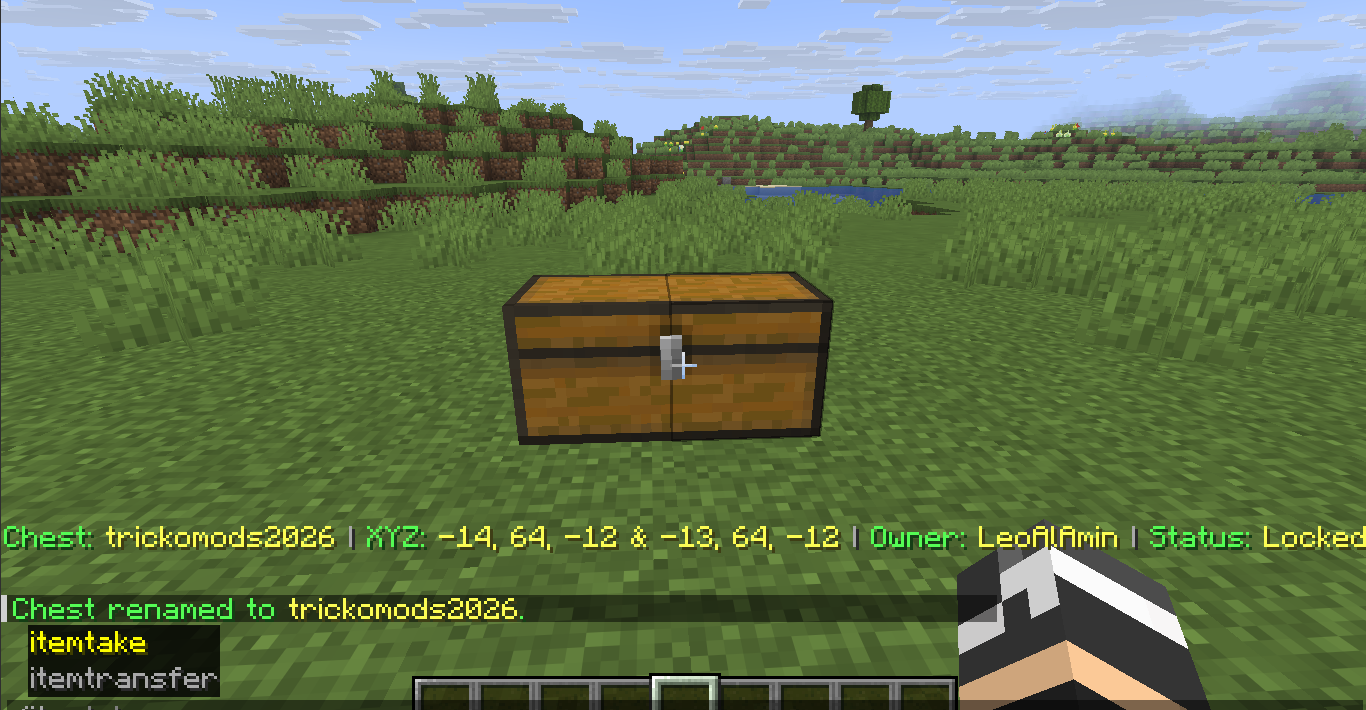
/itemtake [x y z] [all|item amount]
Select items from a source chest by looking at it or using coordinates.
Examples:
/itemtake all/itemtake emerald all/itemtake diamond 10
Transfer Items
/itemtransfer [x y z]
Transfers the selected items into a target chest.
Items automatically merge with existing stacks and are inserted starting from slot 0.
When another player’s locked chest is involved, the chest owner receives a private approval request with a 30-second approval window.
Transfer Approval
/transfer confirm— Approve the transfer/transfer deny— Reject the transfer
📋 Command Reference
| Command | Description | Access |
| — | — | — |
| /chestlock <name> | Lock and name a chest | Player |
| /chestunlock [name] | Unlock a chest | Owner |
| /chestrename <old> <new> | Rename a locked chest | Owner |
| /chestdetails [name] | View chest information | Owner / Trusted |
| /chesttrustlist <chest> | View trusted users | Owner |
| /chestpermission give/remove <player> <chest> | Manage permissions | Owner |
| /chestlists | List owned chests | Owner |
| /chestsearch <name> | Find a chest by name | Owner |
| /lastchestplaced | Locate last interacted chest | Player |
| /chestitems [name] | View chest contents | Owner / Trusted |
| /chestactivity | View activity history | Owner |
| /itemtake [x y z] [all\|item amount] | Select items | Owner / Trusted |
| /itemtransfer [x y z] | Transfer selected items | Owner / Trusted |
| /transfer confirm/deny | Manage transfer requests | Chest Owner |
| /chestguardhelp [page] | View in-game help | Player |
⚙️ Technical Highlights
- UUID-based ownership
- Persistent world-level JSON storage
- Client-side block resynchronization
- Explosion-resistant protected storage
- Hopper and minecart protection
- Real-time inventory tracking
- Automatic item stack merging
- Top-row inventory insertion
- Tab completion filtering
- Multiplayer-friendly permission management
- Lightweight server-side processing
⚠️ Important
ChestGuard is designed for PaperMC multiplayer servers. Extremely large-scale protected-storage setups may still increase server workload depending on the server environment.
常见问题
Chest Guard 支持哪些 Minecraft 版本?
Chest Guard 支持 Minecraft Java 版 1.21–26.2,共 16 个版本,可用的加载器:Fabric / Forge / Paper。下载时注意选择和你游戏版本一致的文件。
Chest Guard 怎么安装?
先用 PCL2 或 HMCL 启动器安装对应版本的 Fabric / Forge / Paper,再把下载的 .jar 文件放进游戏目录的 mods 文件夹,重新启动游戏即可。开启了版本隔离的,mods 文件夹在 versions/版本名 下面。运行环境:仅服务端。
TrickoMods 的其他作品
查看全部 →
TripWire Duper
TripwireDupe is a Minecraft mod and plugin that enables efficient tripwire hook duplication with optional redstone acceleration, stable performance, and broad platform compatibility.

String Duper
StringDuper restores classic tripwire string duping in Minecraft using a controlled tick-based system. Farms only run when the setup, water, and conditions are valid, with safety checks that reduce lag and prevent accidental activation.

Easy2Trade
Automate villager trading with a single click. Set a trade amount, choose the items you need, or use Max Trade for the best possible result.
评论
登录后评论和评分