Chest Front Labels
作者:the3ver
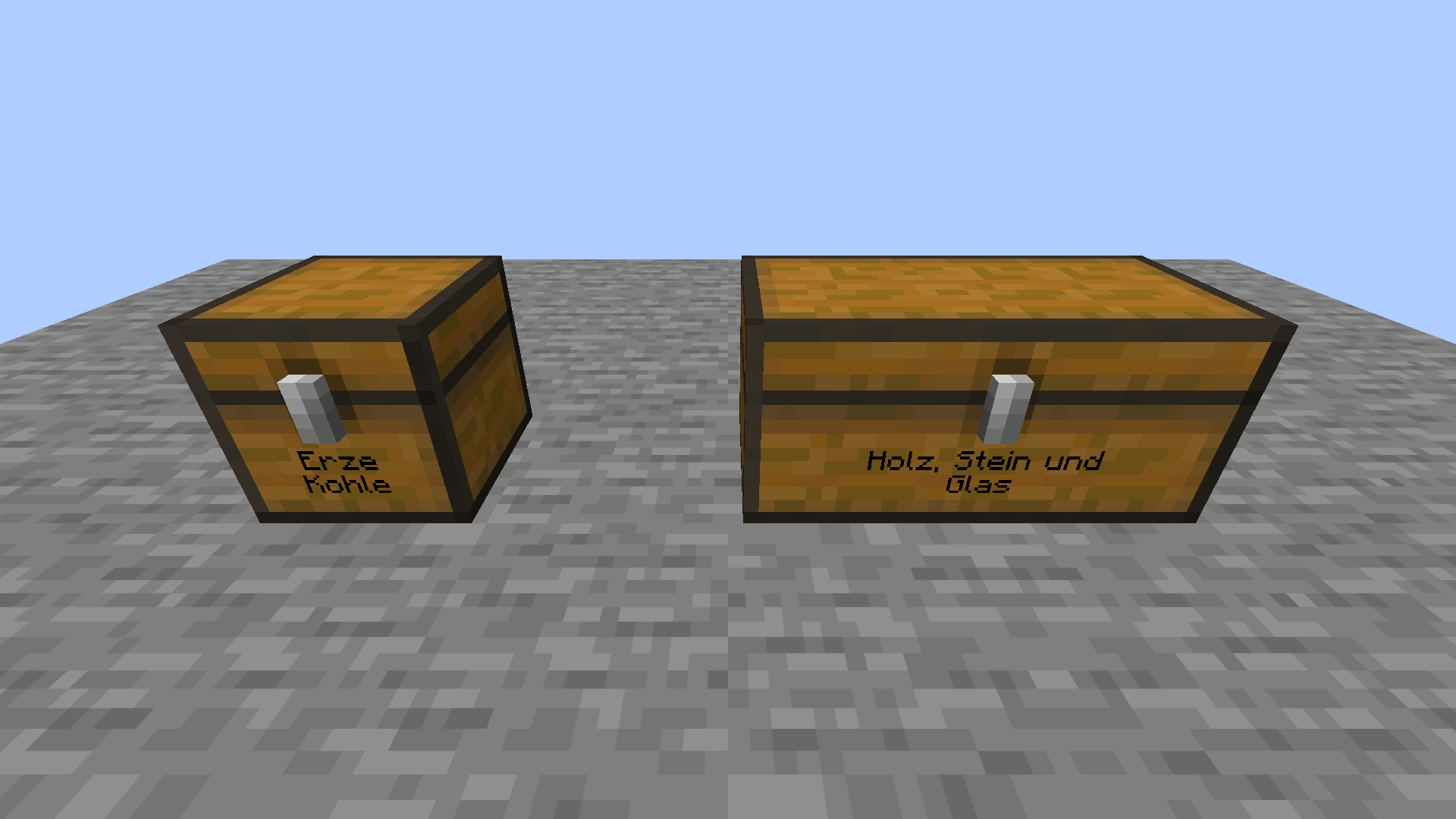
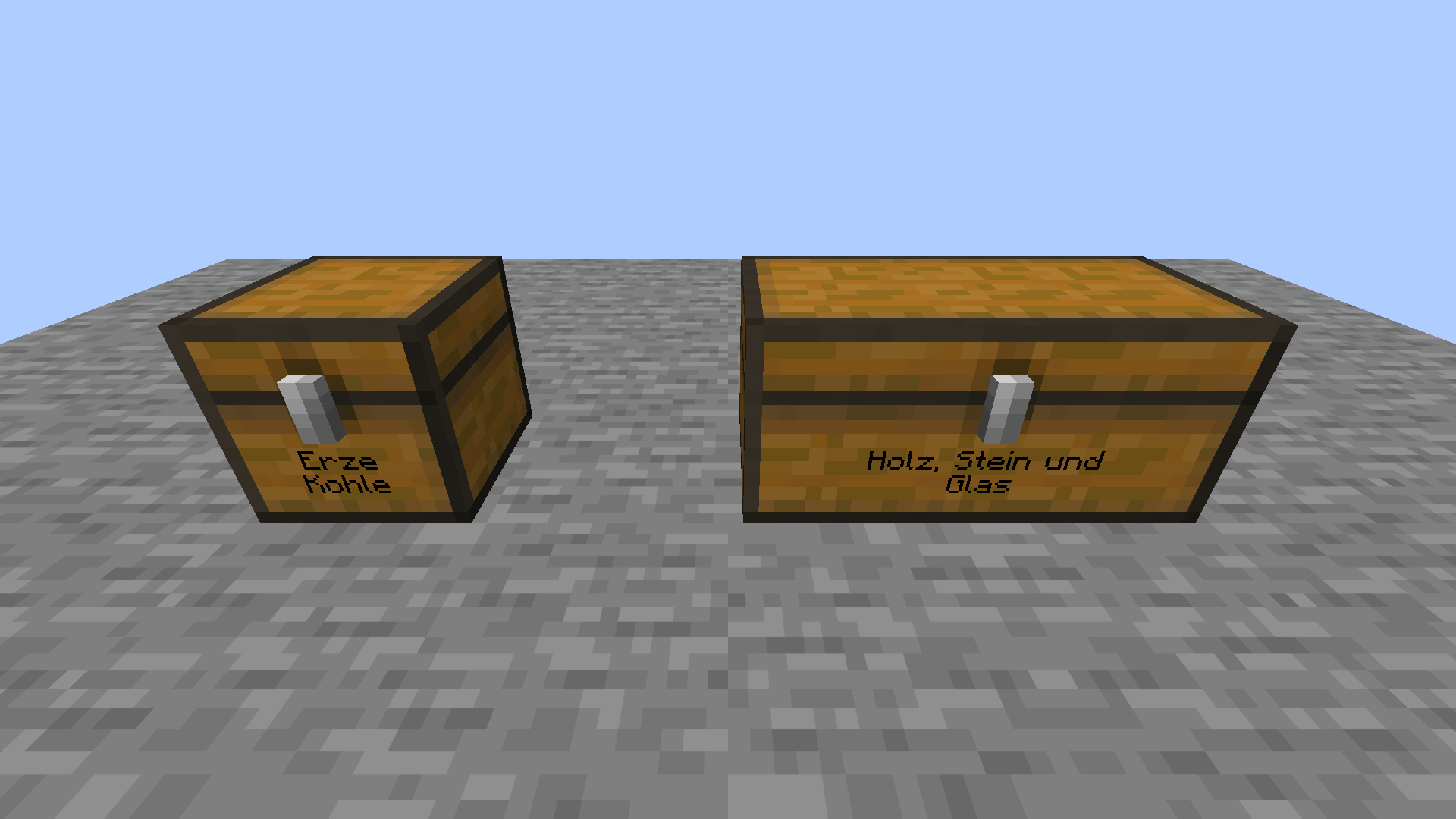
Label your chests like signs. The text sits right on the chest front, and double chests get one wide label.
截图
介绍
中文介绍正在准备中,下面暂时显示原文。
Label your chests like signs. The text is drawn directly on the chest front, below the latch.
How to use
- Keep both hands empty.
- Sneak and right-click a chest.
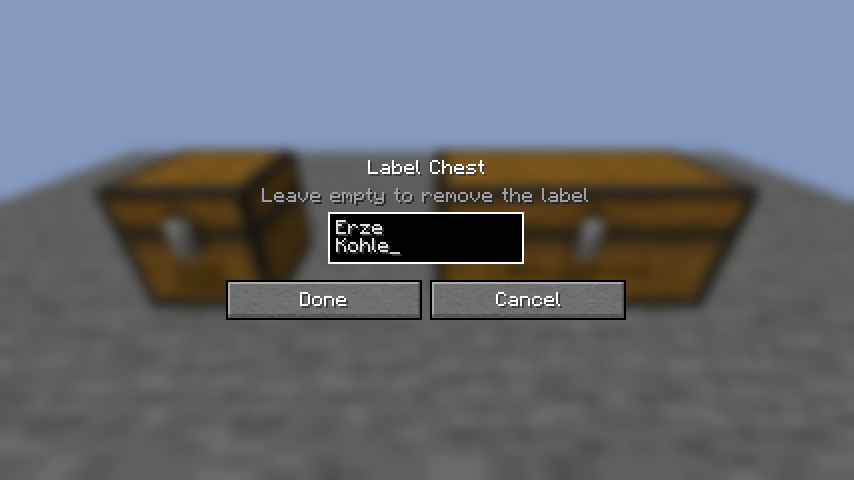
- Type your label like on a sign: up to two lines, Enter starts the second line.
- Click Done.
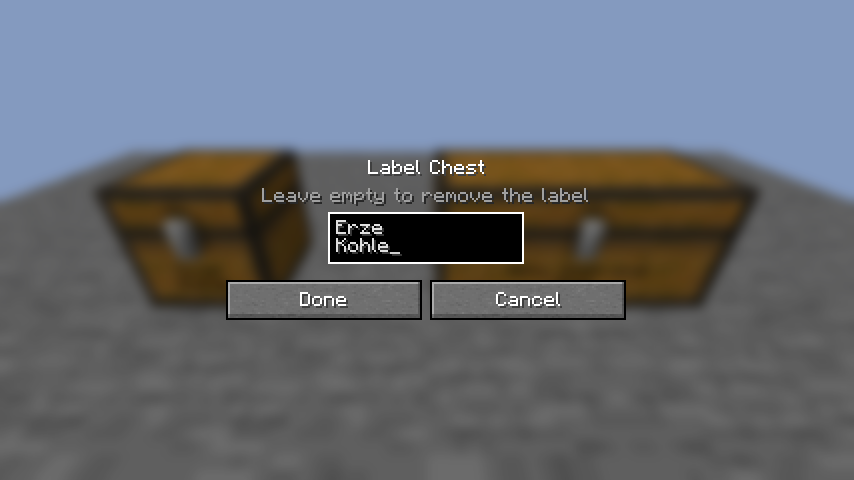
Details
- Double chests get one shared, wider label.
- Long text wraps and is drawn smaller.
- Confirm an empty text to remove the label.
- Works on chests and trapped chests.
- Labels are saved with the chest and shown to every player.
Requirements
- Minecraft 26.3, Fabric Loader 0.20+, Fabric API
- Install on the server and on every client.
常见问题
Chest Front Labels 支持哪些 Minecraft 版本?
Chest Front Labels 支持 Minecraft Java 版 26.3,可用的加载器:Fabric。下载时注意选择和你游戏版本一致的文件。
Chest Front Labels 怎么安装?
先用 PCL2 或 HMCL 启动器安装对应版本的 Fabric,再把下载的 .jar 文件放进游戏目录的 mods 文件夹,重新启动游戏即可。开启了版本隔离的,mods 文件夹在 versions/版本名 下面。

评论
登录后评论和评分