
Chatrix
作者:Miksek
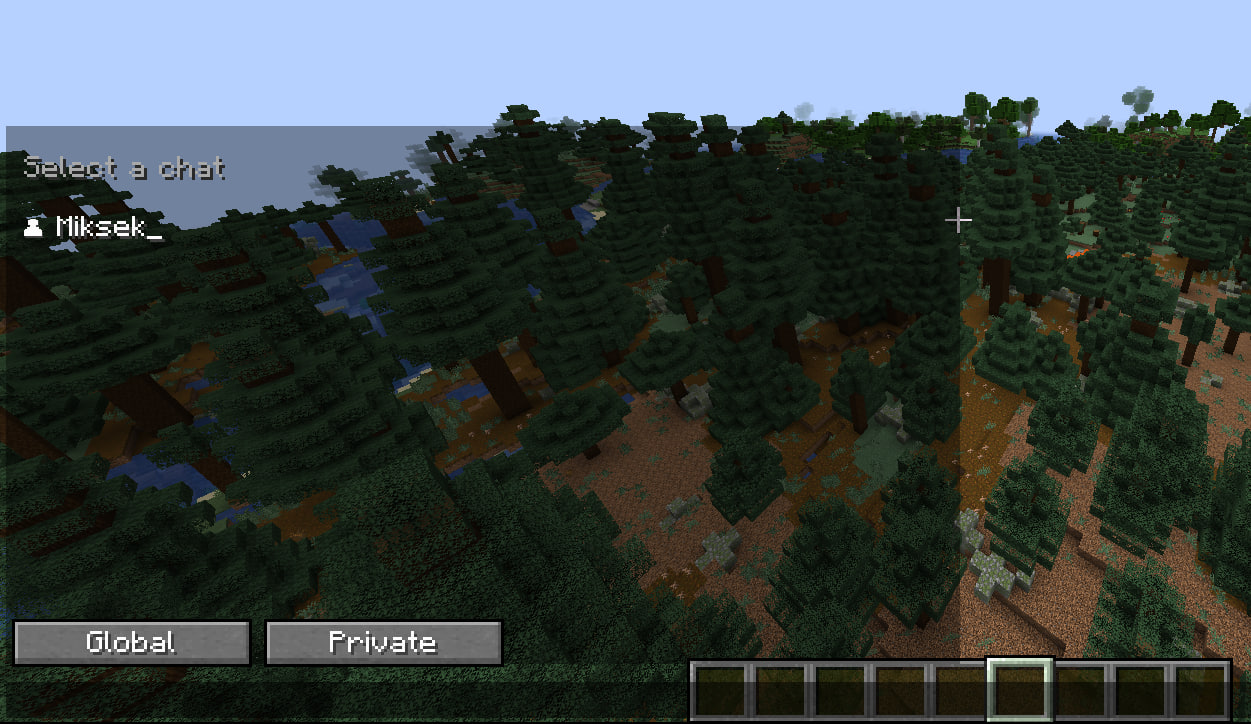
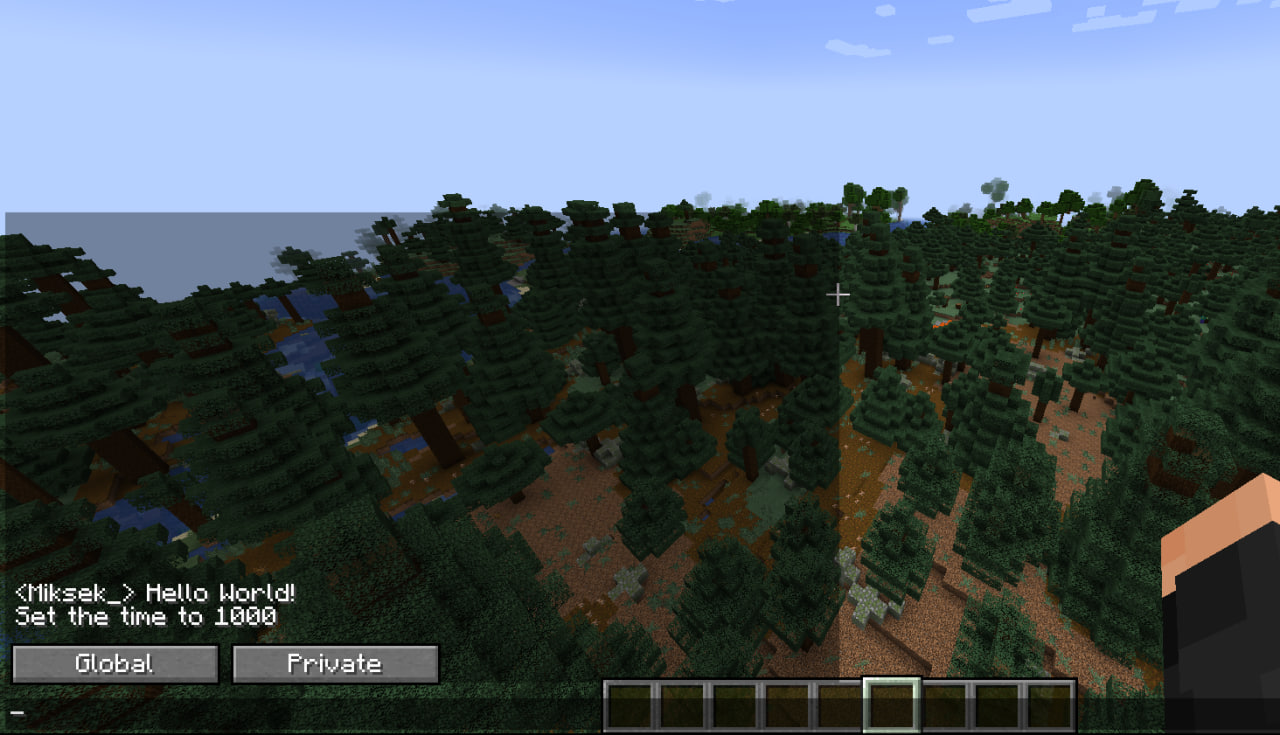
This mod completely overhauls Minecraft's chat system, adding a separate global and private chat.
截图

介绍
中文介绍正在准备中,下面暂时显示原文。
Chatrix
Modern Chat for Minecraft
Tired of losing private messages in a cluttered global chat?
Chatrix turns Minecraft’s outdated chat into a clean, organized messenger with tabs, notifications and a modern interface, while still looking like vanilla.
Supports Minecraft 1.21 – 26.3 · Fabric
Core Features
🗂️ Tab-Based Chat
- Separate Global and Private conversations
- Automatic detection of /msg and /tell
- Each player gets their own private chat
- No more mixed or lost messages
🔔 Notifications & Quick Reply
- Pop-up notification with the player’s head and message preview
- Press R (rebindable) to jump straight into the reply
- Unread counters on the HUD, the Private tab and every chat
- Mute players you don’t want to hear from
💬 Clean Messenger UI
- Most recent conversations at the top, muted players at the bottom
- Pin your important chats ★
- Start typing right away: the search and message boxes are focused automatically
- Online players are highlighted, offline ones are dimmed
🕓 Chat History
- History is saved per server and survives restarts
- Colors, clickable links and hover tooltips are kept
- Message timestamps and “Today / Yesterday” separators
- Saved in the background, with no lag even in busy chats
⚙️ Works on Any Server
- Built-in support for common /msg formats
- Auto-detect: one click and Chatrix figures out your server’s private message format
- Manual setup is still there for unusual servers
🛠️ Vanilla-Friendly Design
- Compact chat width (like vanilla)
- Proper word wrapping (no overlapping or broken text)
- Fits naturally into the Minecraft UI
Requires: Fabric API
常见问题
Chatrix 支持哪些 Minecraft 版本?
Chatrix 支持 Minecraft Java 版 1.21.1–1.21.10,共 10 个版本,可用的加载器:Fabric。下载时注意选择和你游戏版本一致的文件。
Chatrix 怎么安装?
先用 PCL2 或 HMCL 启动器安装对应版本的 Fabric,再把下载的 .jar 文件放进游戏目录的 mods 文件夹,重新启动游戏即可。开启了版本隔离的,mods 文件夹在 versions/版本名 下面。运行环境:仅客户端。
评论
登录后评论和评分