
Chat Stickers
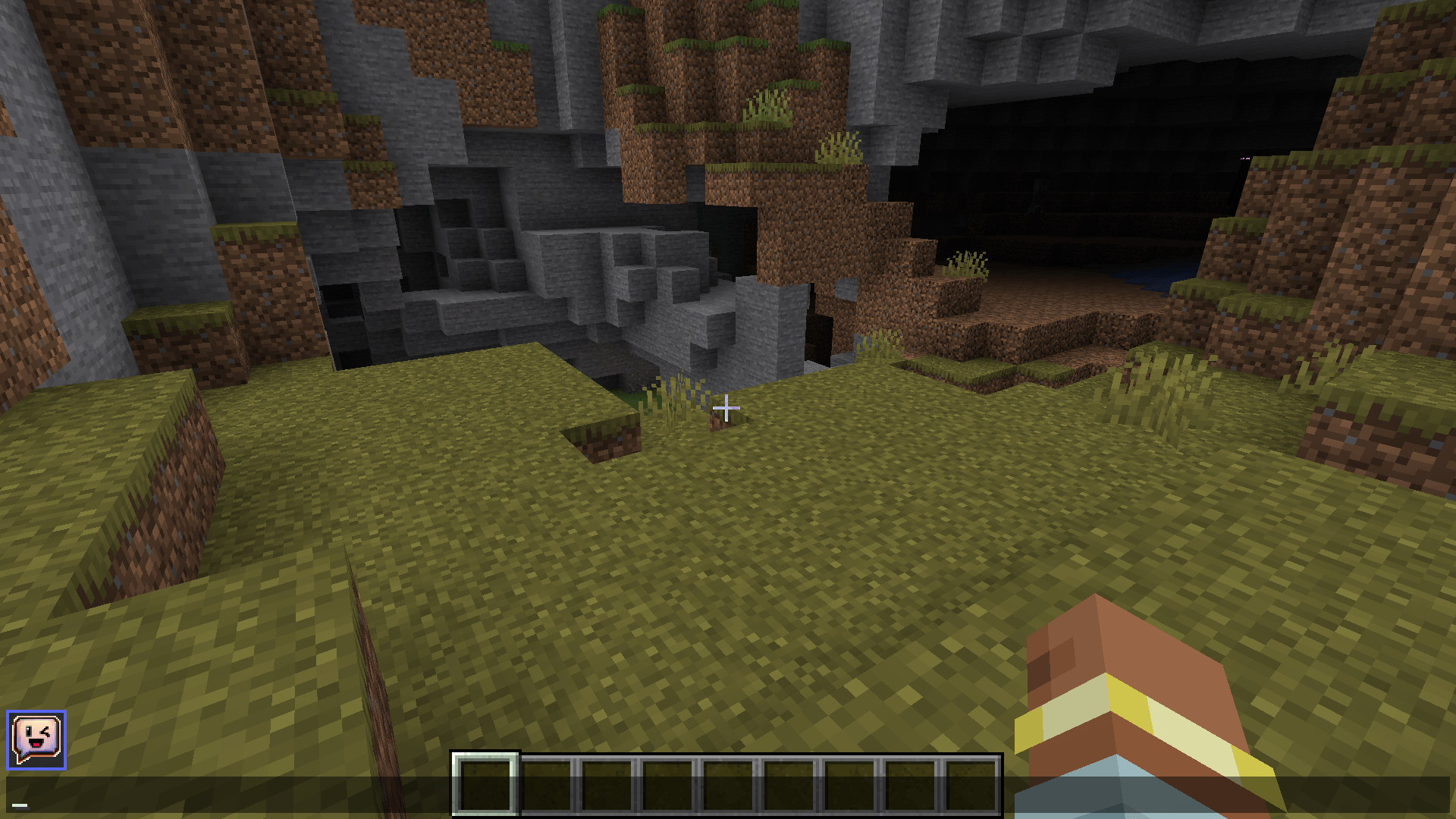
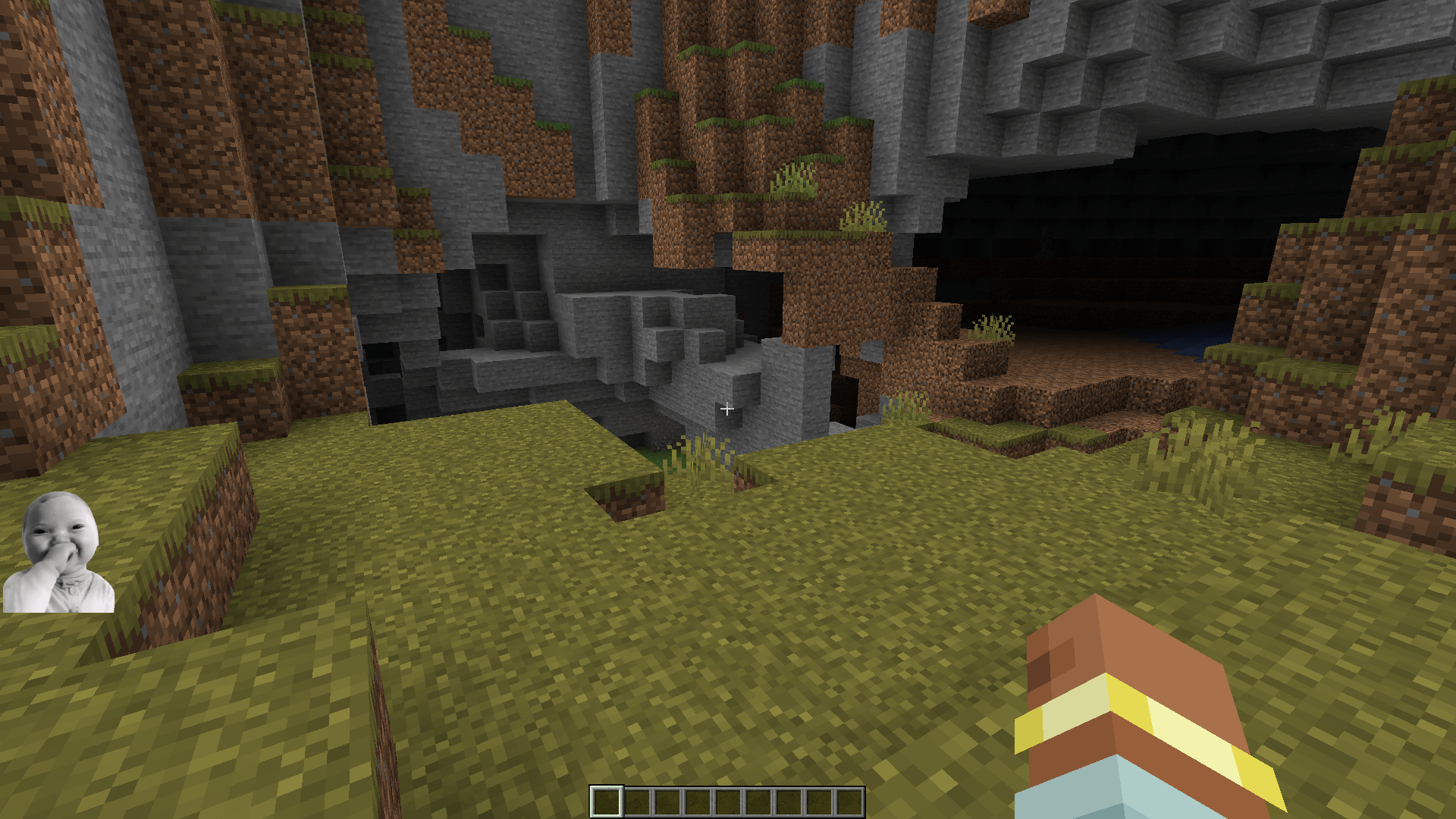
Adds a sticker system to Minecraft chat, allowing players to send and view stickers in real time. Enhance conversations with fun, expressive, and easy-to-use visual reactions.
截图
介绍
Chat Stickers
Bring your Minecraft conversations to life with an easy-to-use sticker system.
Send expressive stickers directly in chat
to react, joke around, celebrate, or simply make every conversation more fun.
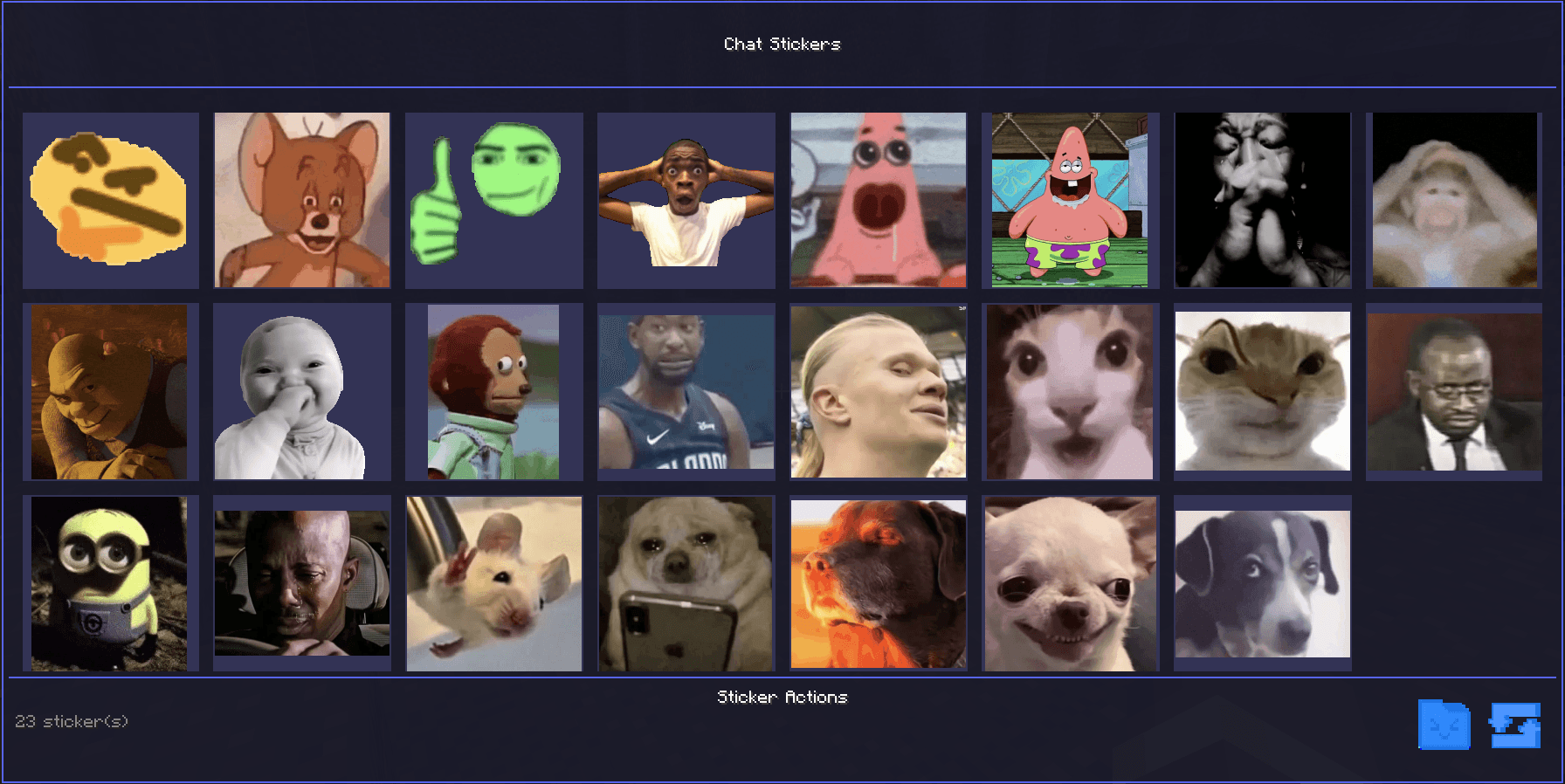
Browse your sticker collection through a clean and intuitive interface, then send your favorite stickers with just a few clicks.
Perfect for multiplayer servers,
adding personality and visual expression to every message.
Make chat more expressive, social, and fun with stickers!
Instructions:
• Stickers must be in PNG format.
• Image size must be between 300×300 px and
800×800 px.
• Place your stickers inside the
config/ChatStickers folder.
• This folder can be opened directly from the sticker menu inside the in-game chat.


常见问题
Chat Stickers 支持哪些 Minecraft 版本?
Chat Stickers 支持 Minecraft Java 版 1.20.1,可用的加载器:Forge。下载时注意选择和你游戏版本一致的文件。
Chat Stickers 怎么安装?
先用 PCL2 或 HMCL 启动器安装对应版本的 Forge,再把下载的 .jar 文件放进游戏目录的 mods 文件夹,重新启动游戏即可。开启了版本隔离的,mods 文件夹在 versions/版本名 下面。
PIASOP 的其他作品
查看全部 →
AutoKeyBinds
自动扫描所有 Minecraft 按键绑定,智能分配唯一且不冲突的按键与组合键,填补未绑定的操作,同时严格避免重复和系统保留快捷键。
Pingaland
魔法能量、生机森林、奇幻世界、奇迹之地、附魔与冒险。

Unique Loot
Unique Loot是一个黑暗奇幻模组,为游戏玩法增添了惊险的转折。每当敌人倒下,都有机会掉落强大的传奇武器,让每场战斗都成为潜在的寻宝之旅。
Third View On Attack
攻击敌对生物时自动切换到第三人称,战斗结束后返回第一人称。忽略村民和商人。以更动态、更具电影感的视角增强战斗体验。
评论
登录后评论和评分