
Spell Check & Auto Correct
Offline chat spellchecking with multilingual dictionaries, ranked suggestions, and optional autocorrect.
截图
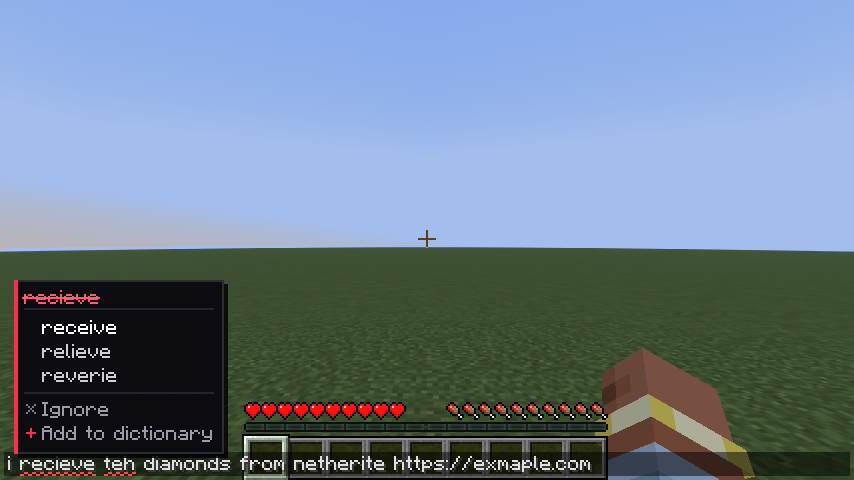
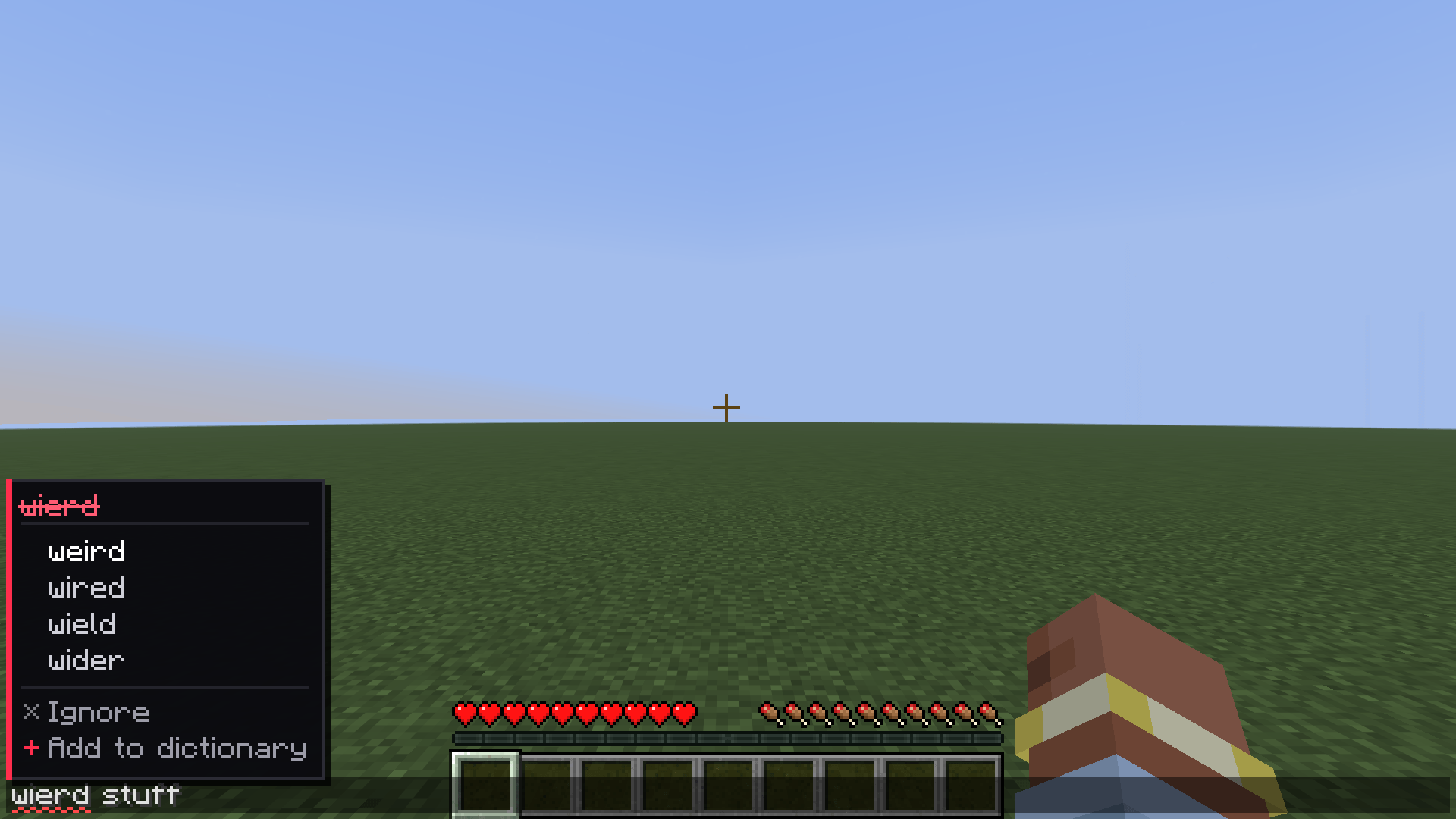
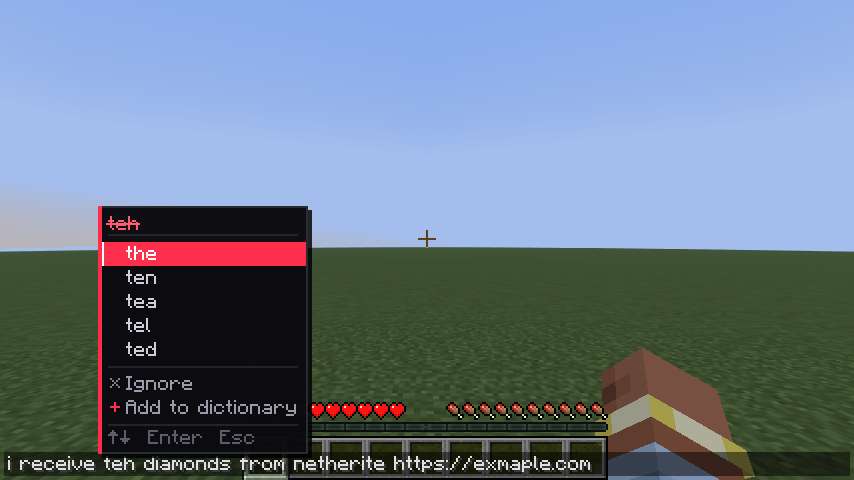
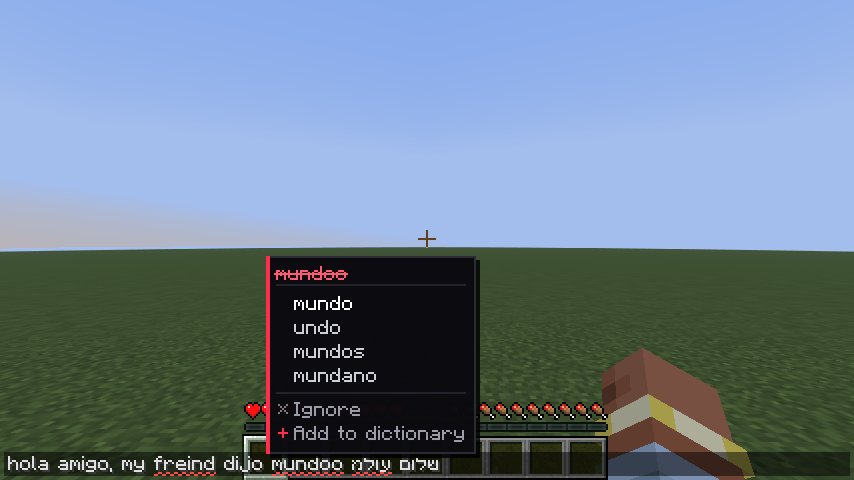
介绍
💖 Spell Check & Auto Correct 💖
A little spellchecker for Minecraft’s chat box ♡
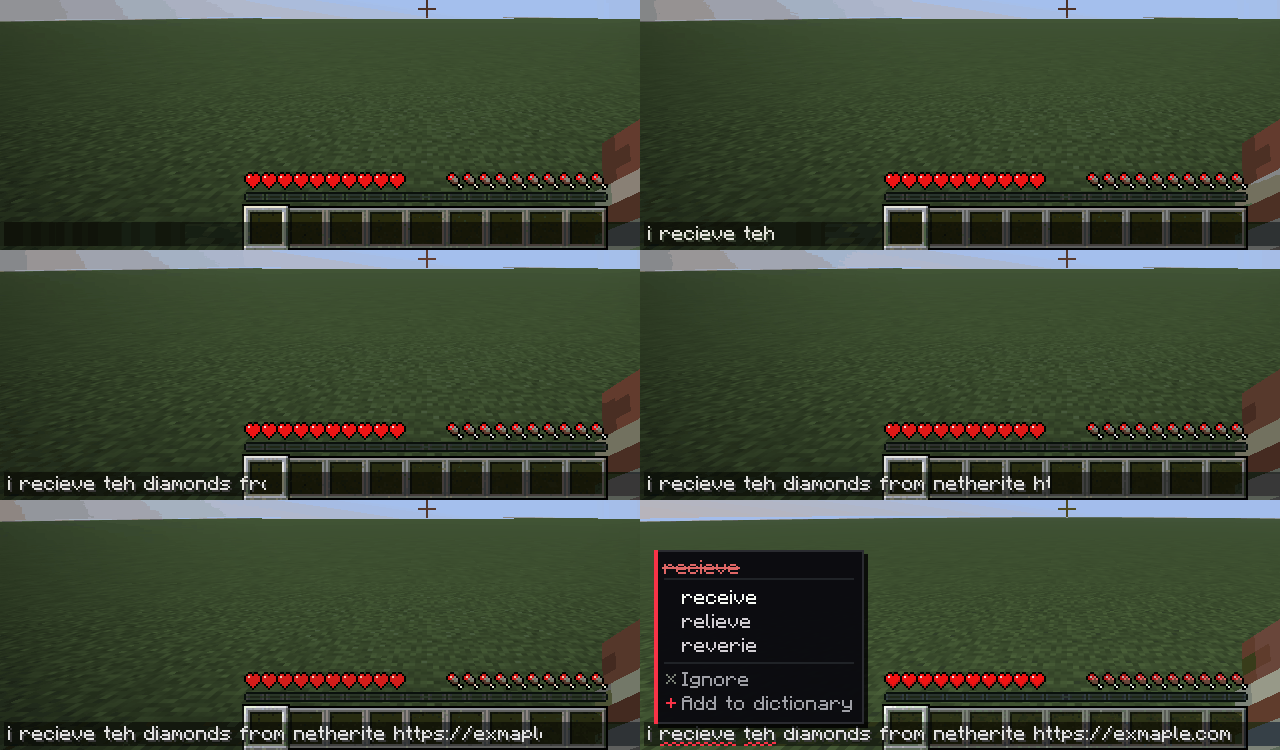
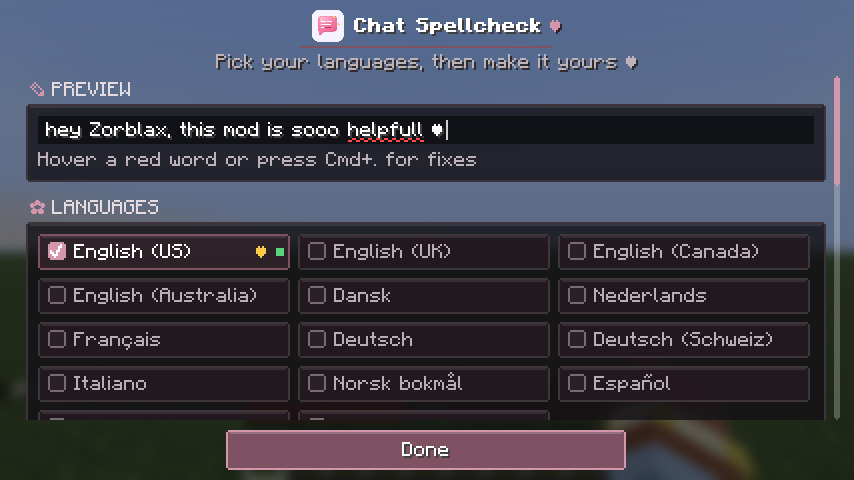
Typos get a red squiggle as you type. Hover one and click to fix it, no retyping needed!
Client-side only · works on any server, even vanilla · fully offline
💕 Features
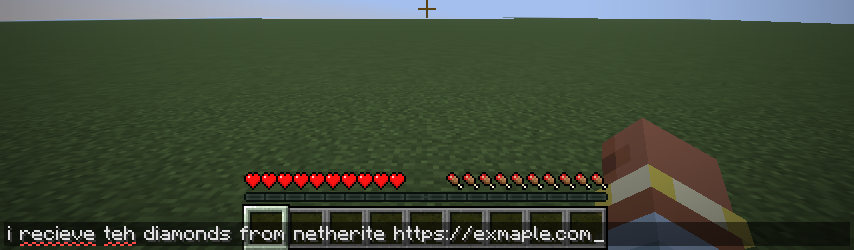
- Underlines as you type. Misspelled words get a red squiggle. Nothing else about the chat box changes.
- Click to fix. Hover a word to see suggestions, then click one. Only that word changes, and your cursor stays where it was.
- Keyboard shortcut. Press Ctrl+. (Cmd+. on Mac) for suggestions at your cursor. ↑/↓ to pick, Enter to apply, Esc to close.
- Ignore or add words. Ignore hides a word until you close the game. Add to dictionary saves it for good.
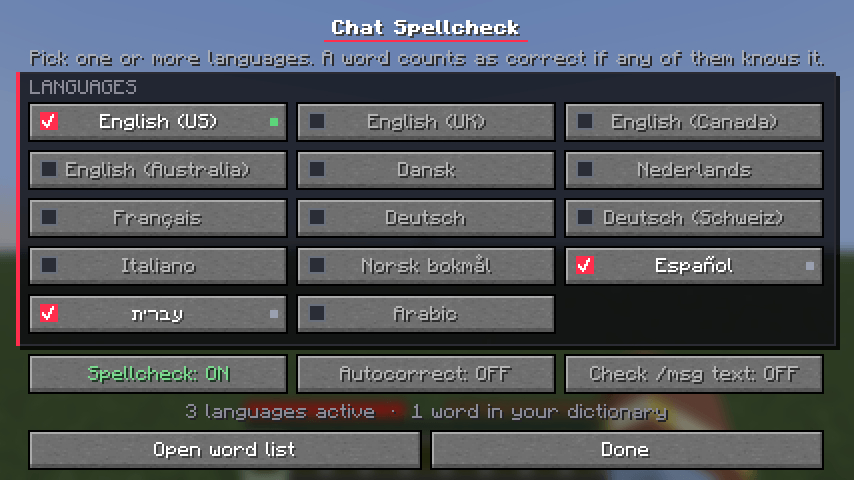
- 14 dictionaries. Turn on as many as you like: English (US, UK, Canada, Australia), Danish, Dutch, French, German, Swiss German, Italian, Norwegian (Bokmål), Spanish, Hebrew and Arabic.
- Knows Minecraft. Item, block and mob names (modded ones too), online players’ names, and chat slang like gg, afk and brb are never flagged.
- Knows chat. Stretched words like sooo, laughs like hahaha, and names in the middle of a sentence are left alone.
- Smart suggestions. The most likely word comes first, using word frequencies for English, German, Spanish, French, Italian and Hebrew.
- Ready on first launch. It turns on your game’s language and shows a little tip the first few times you chat.
- A cosy settings screen. It has a live preview, underline style and colour (including blue for colour-blind players), and stats for your typing.
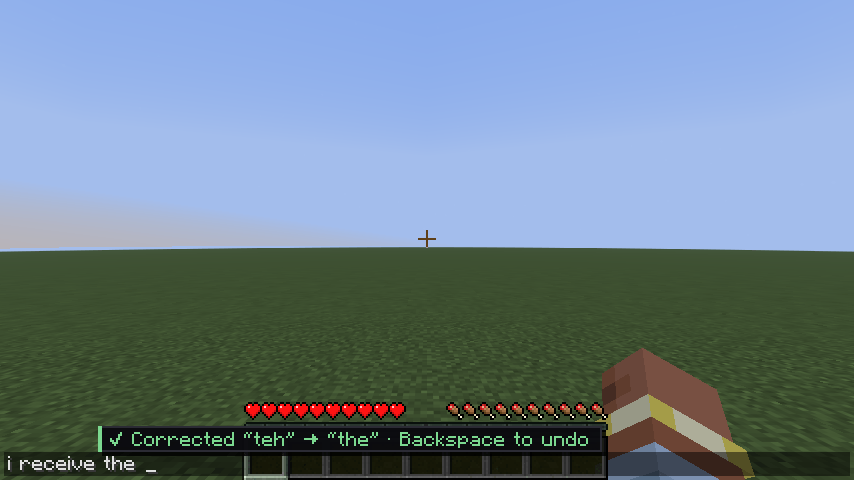
- Optional autocorrect. Off by default. When it’s on, only typos it’s very sure about get fixed, and Backspace undoes it.
- Hebrew and Arabic show in the right reading order while you type.
🌸 Install
- Install Fabric Loader 0.19.5 or newer.
- Put Chat Spellcheck and Fabric API in your mods folder.
- Pick the file for your version: the 26.3 file for Minecraft 26.3, the 26.2 file for Minecraft 26.2.
- Open chat and start typing!
Type /spellcheck to choose languages and settings, or open them from Mod Menu if you have it.
💭 Good to know
- It checks spelling, not grammar, so “their” vs “there” won’t be caught.
- It only works in the chat box, not on signs, books or anvils.
- Autocorrect does the most in English. Spanish, French, German, Italian, Dutch and Norwegian get missing-accent fixes, and Hebrew gets final-letter and clear one-letter fixes. Swiss German, Danish and Arabic only show suggestions.
📜 Source and licenses
Source code, bug reports and the full README are on GitHub. The mod is MIT-licensed; the bundled dictionaries and Lucene keep their own licenses (Apache-2.0, GPL, AGPL, MPL and Creative Commons), with full texts included in the download.
💗 Optional support
BisectHosting server hosting – 25% off your first purchase. This is an affiliate link; I may earn a commission from qualifying purchases. Chat Spellcheck is free, and renting a server is not required to use it.
Made with 💗 for everyone who types too fast in chat
常见问题
Spell Check & Auto Correct 支持哪些 Minecraft 版本?
Spell Check & Auto Correct 支持 Minecraft Java 版 26.2–26.3,共 2 个版本,可用的加载器:Fabric。下载时注意选择和你游戏版本一致的文件。
Spell Check & Auto Correct 怎么安装?
先用 PCL2 或 HMCL 启动器安装对应版本的 Fabric,再把下载的 .jar 文件放进游戏目录的 mods 文件夹,重新启动游戏即可。开启了版本隔离的,mods 文件夹在 versions/版本名 下面。
评论
登录后评论和评分