
Chat Commands QOL
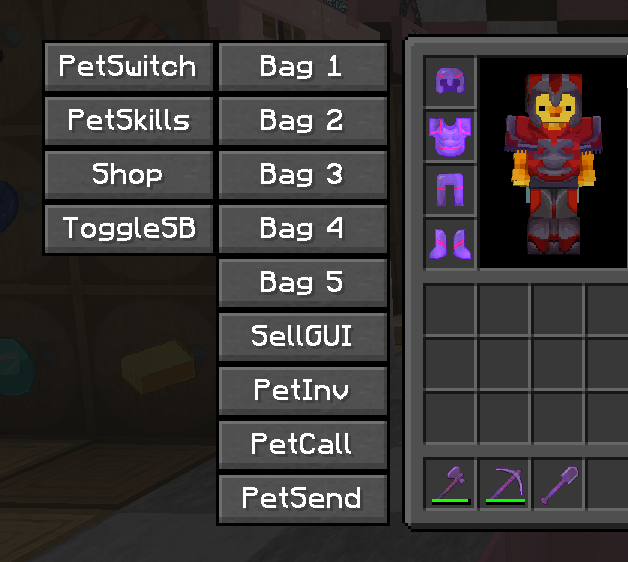
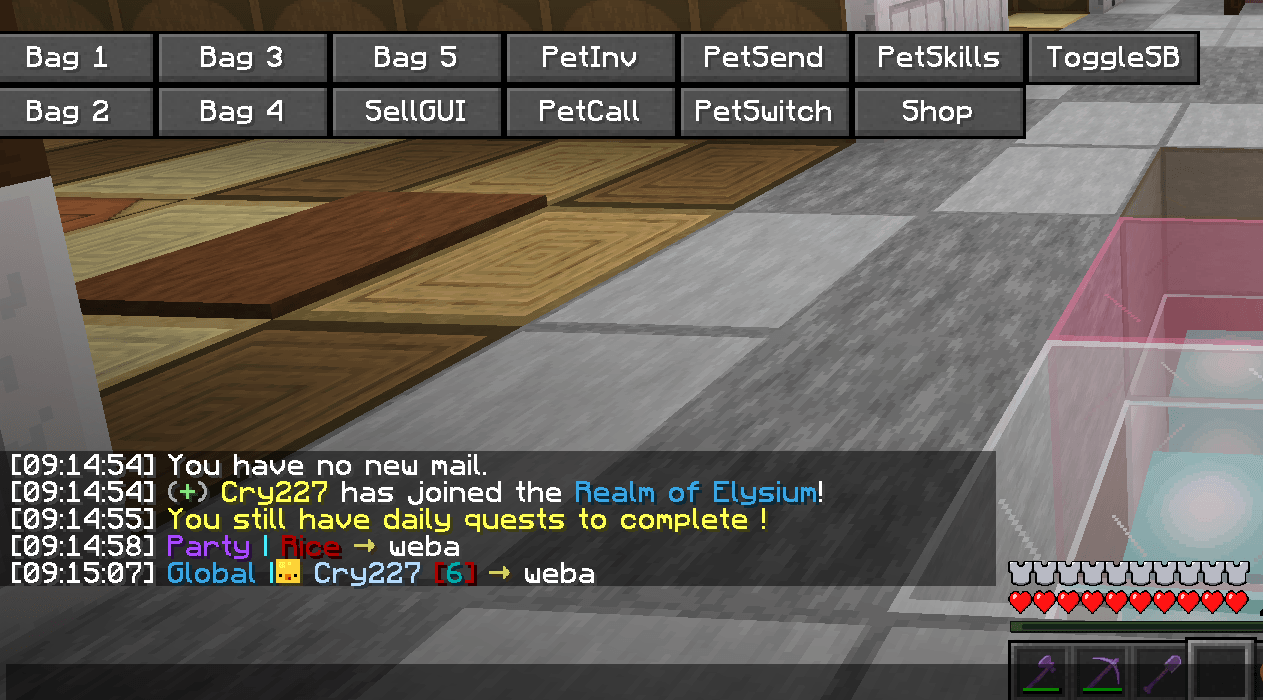
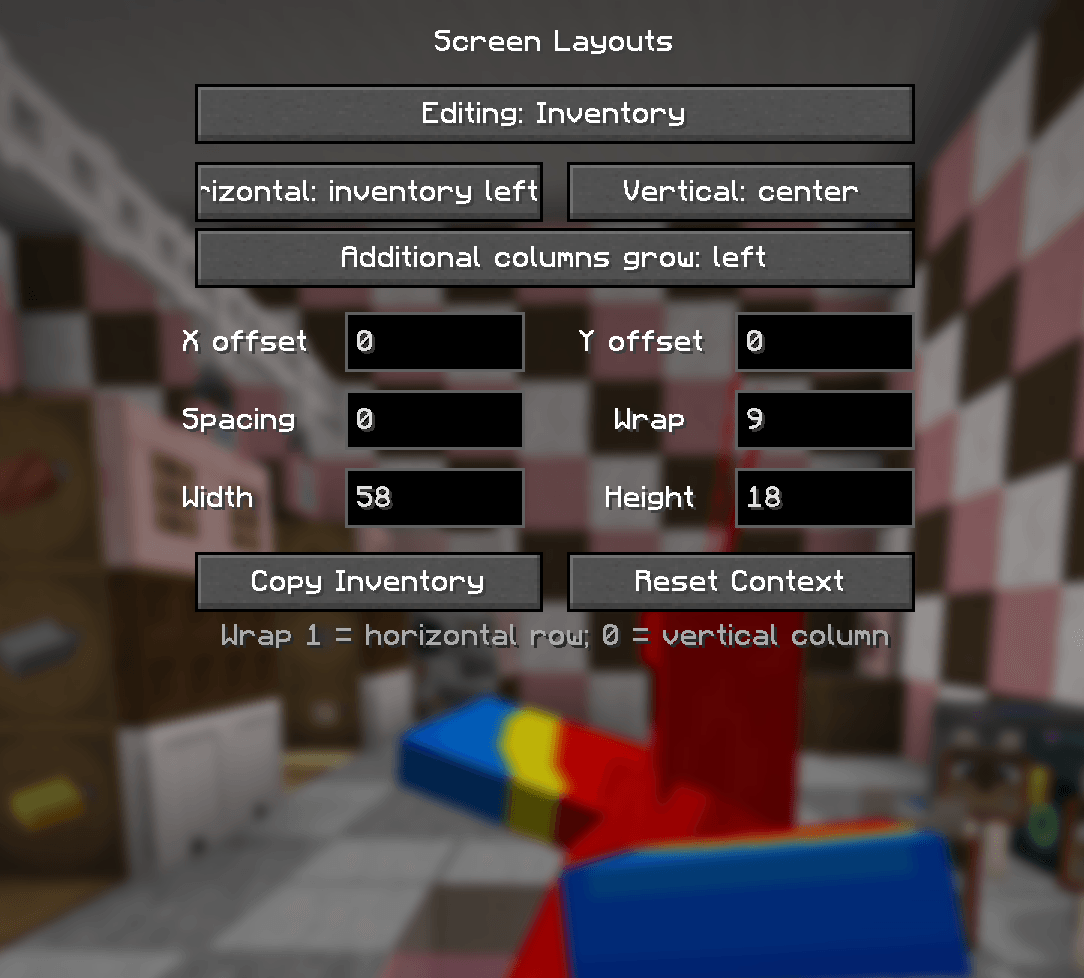
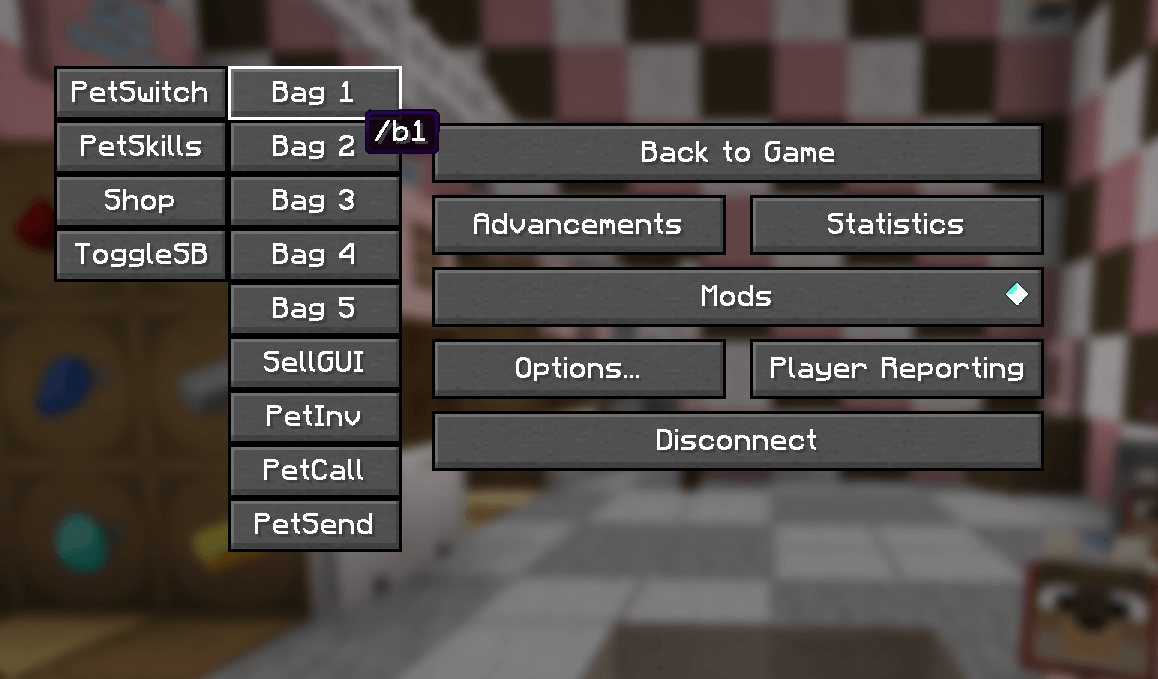
On a server that requires constant Chat Commands for bags or pets? Add them as buttons for your inventory, pause menu, chat, and containers!
截图
介绍
Chat Commands QoL
Run your most-used Minecraft commands with a single click.
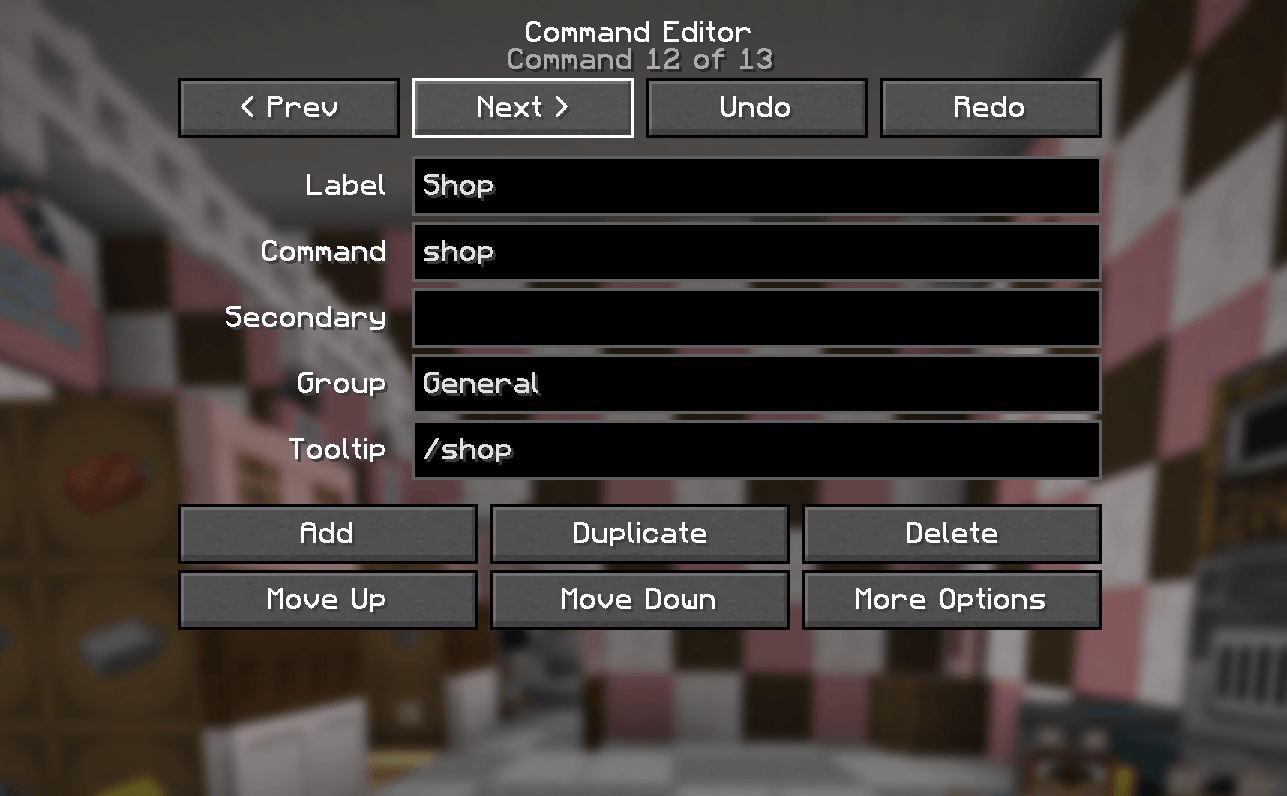
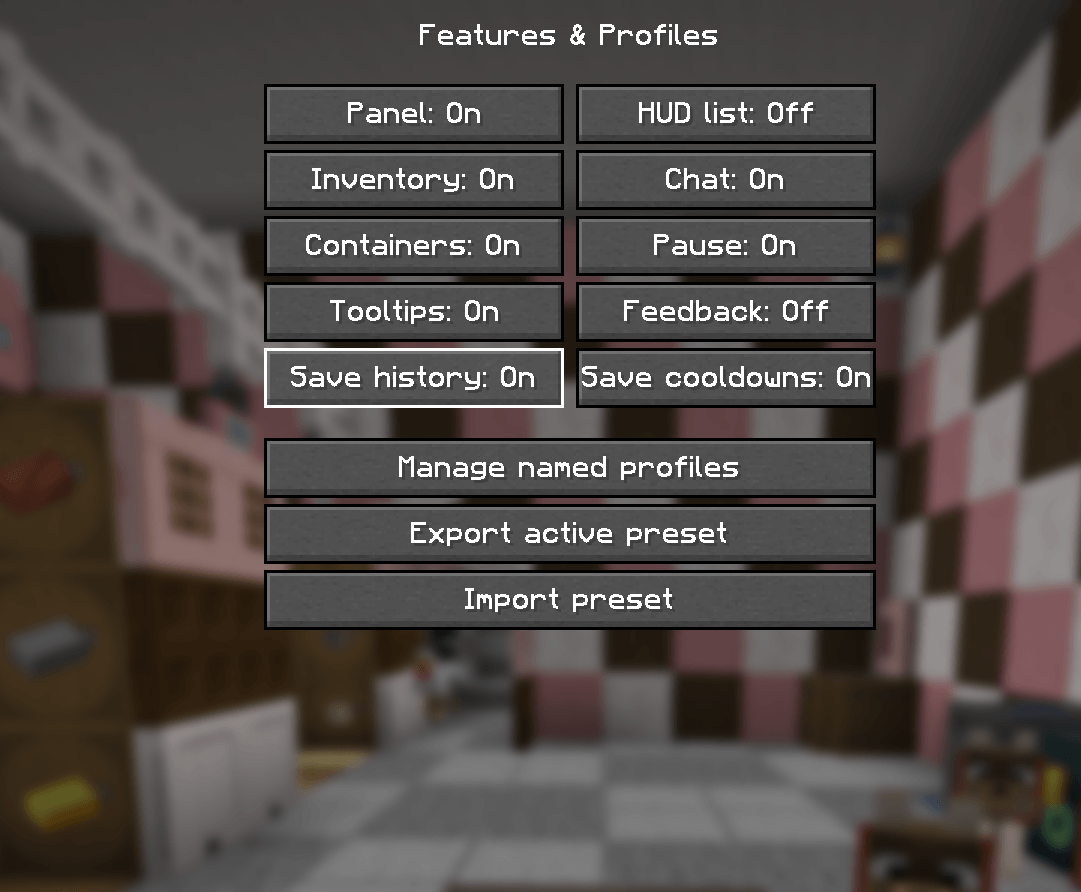
Chat Commands QoL is a client-side Fabric mod that adds fully customizable command buttons to inventory, chat, container, pause, and HUD screens. Create shortcuts for server commands, build multi-step macros, organize commands into groups, and tailor layouts for individual servers—without requiring the mod to be installed server-side.
Features
- Custom command buttons with labels, colors, tooltips, and right-click actions
- Independent layouts for inventory, chat, containers, pause menu, and HUD
- Drag-free in-screen layout editor with sizing, spacing, wrapping, and positioning controls
- Multi-command macros with delays, cooldowns, and confirmation prompts
- Dynamic placeholders such as
{player},{x},{y},{z}, and{dimension} - Prompted values like
{prompt:Player}and{prompt:Amount:10} - Command groups, searchable command palette, and recent-command history
- Per-server profiles with exact, wildcard, and regex address matching
- Visibility rules based on dimension, screen, health, game mode, held item, and height
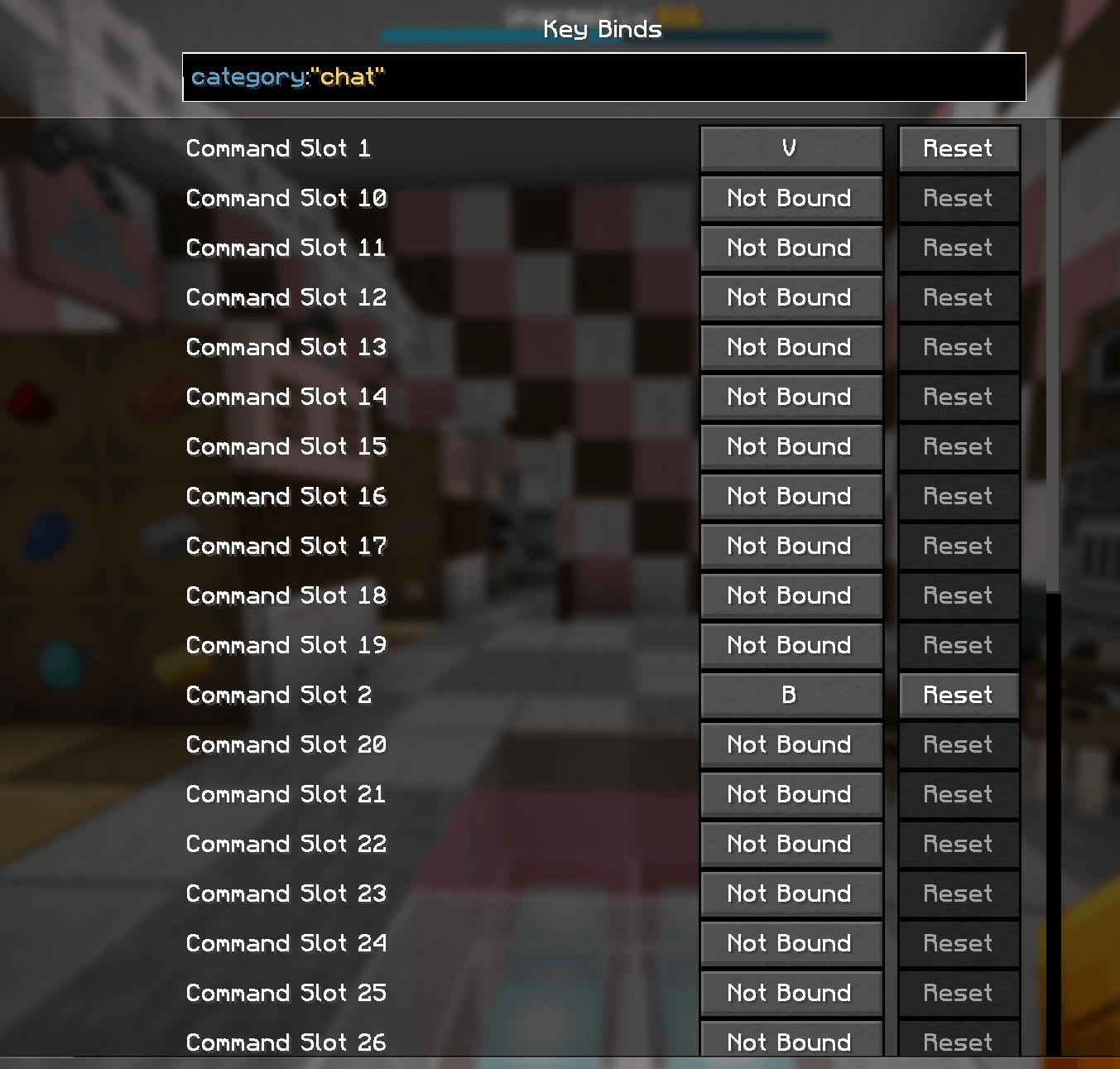
- Up to 32 configurable keybind slots
- Clipboard and file-based preset import/export
- Server-command autocomplete, undo/redo, autosave, and live previews
The mod is entirely client-side, so you can use it on compatible multiplayer servers without requiring server owners or other players to install anything.
Requirements: Minecraft Java Edition 1.21.10, Fabric Loader, Fabric API, and Java 21. Mod Menu is optional but recommended for convenient in-game configuration.
常见问题
Chat Commands QOL 支持哪些 Minecraft 版本?
Chat Commands QOL 支持 Minecraft Java 版 1.21.10,可用的加载器:Fabric。下载时注意选择和你游戏版本一致的文件。
Chat Commands QOL 怎么安装?
先用 PCL2 或 HMCL 启动器安装对应版本的 Fabric,再把下载的 .jar 文件放进游戏目录的 mods 文件夹,重新启动游戏即可。开启了版本隔离的,mods 文件夹在 versions/版本名 下面。
评论
登录后评论和评分