
Chat Better
Paste images, send GIFs, voice messages and colour emoji straight in Minecraft chat, with smooth animations.
截图

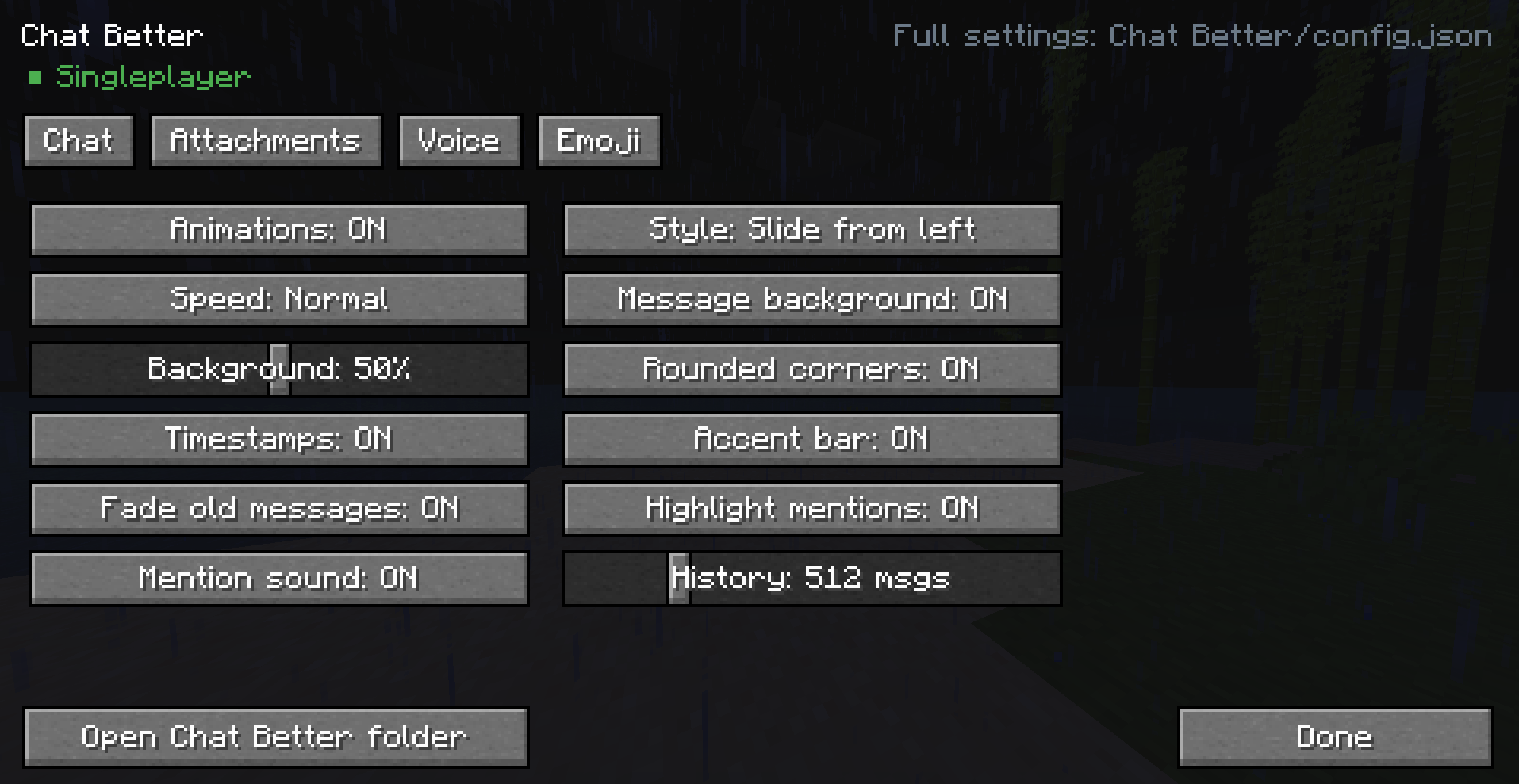
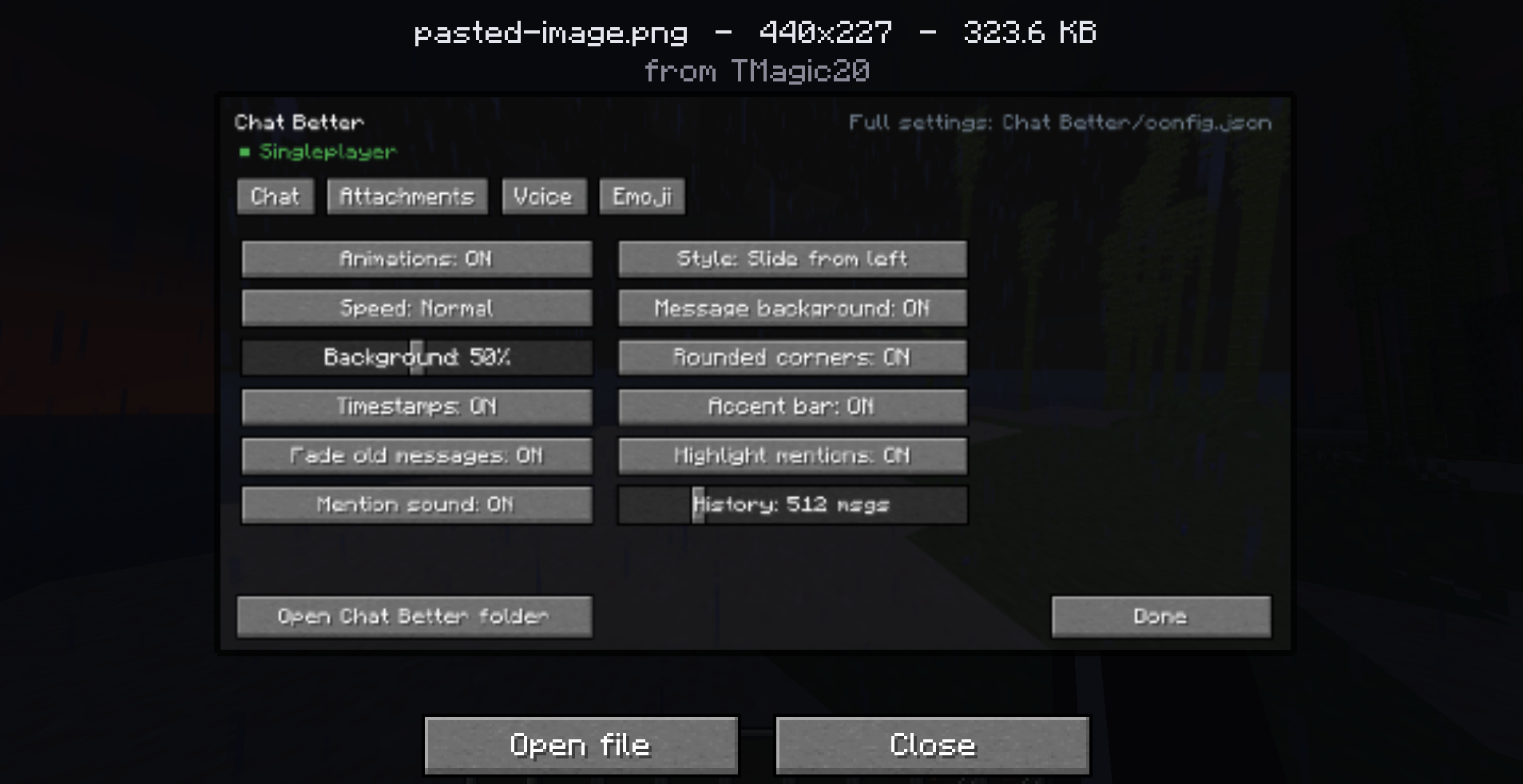
介绍
_Chat Better turns Minecraft chat into a modern messenger._
── WHAT IT DOES ──────────────────────────────
• Animated messages — nine entry styles (slide, fade, pop, bounce, unfold,
typewriter and more), with older messages sliding up smoothly instead of
snapping.
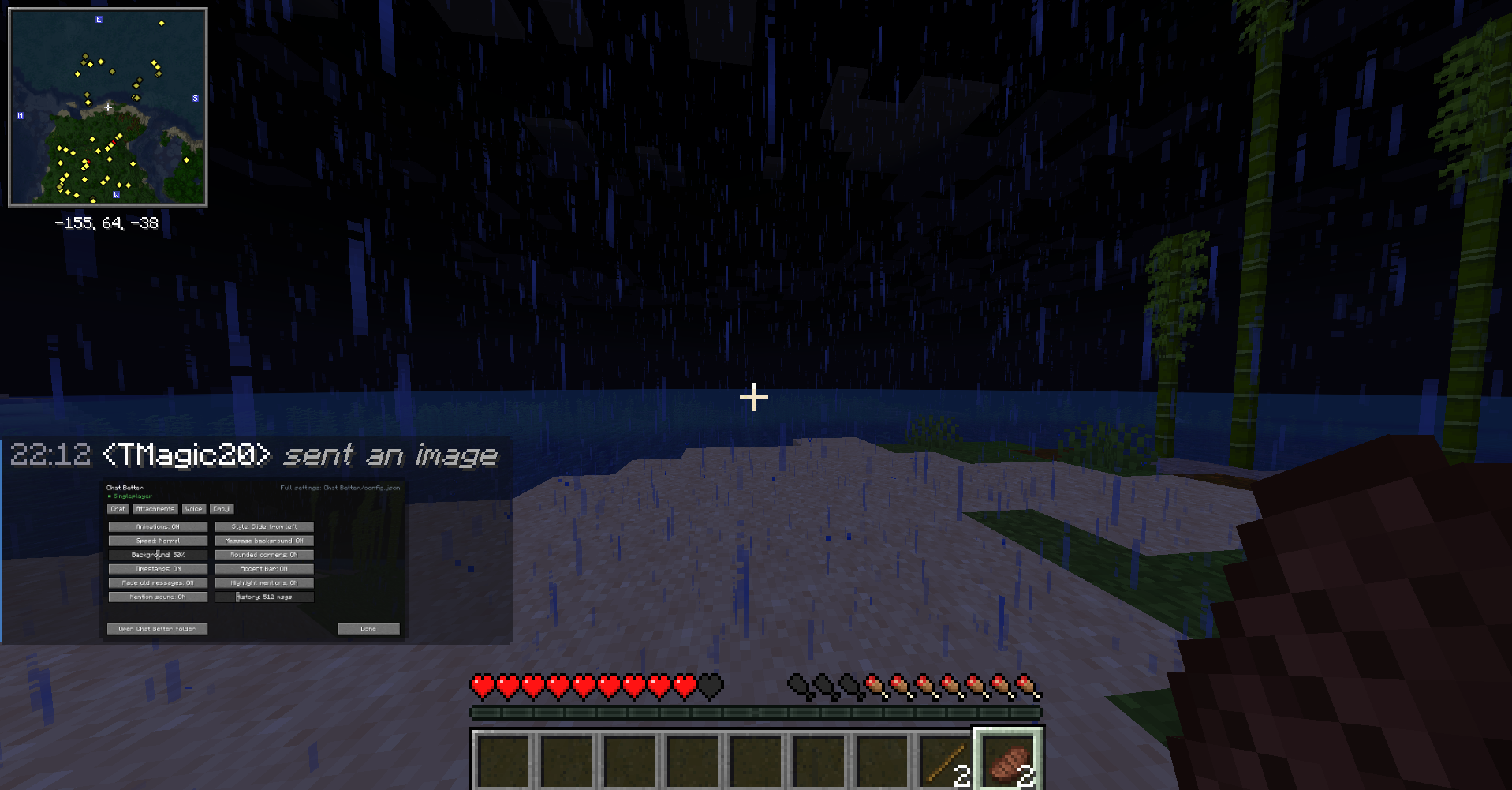
• Images — paste straight from your clipboard with Ctrl+V, or drag a file onto
the game window. They render inline in chat; click for a full-window view.
• GIFs — animated inline, properly frame-composited.
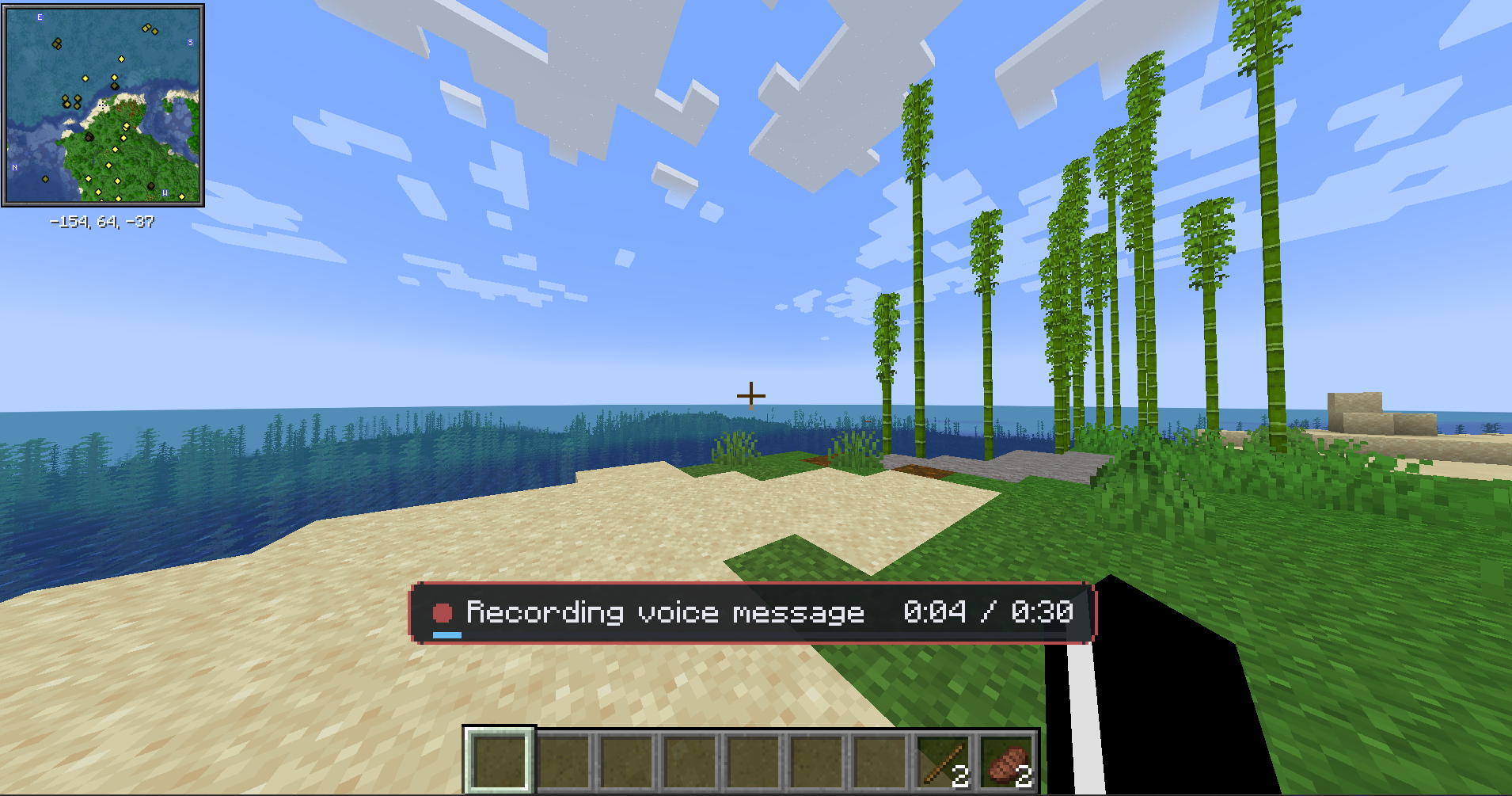
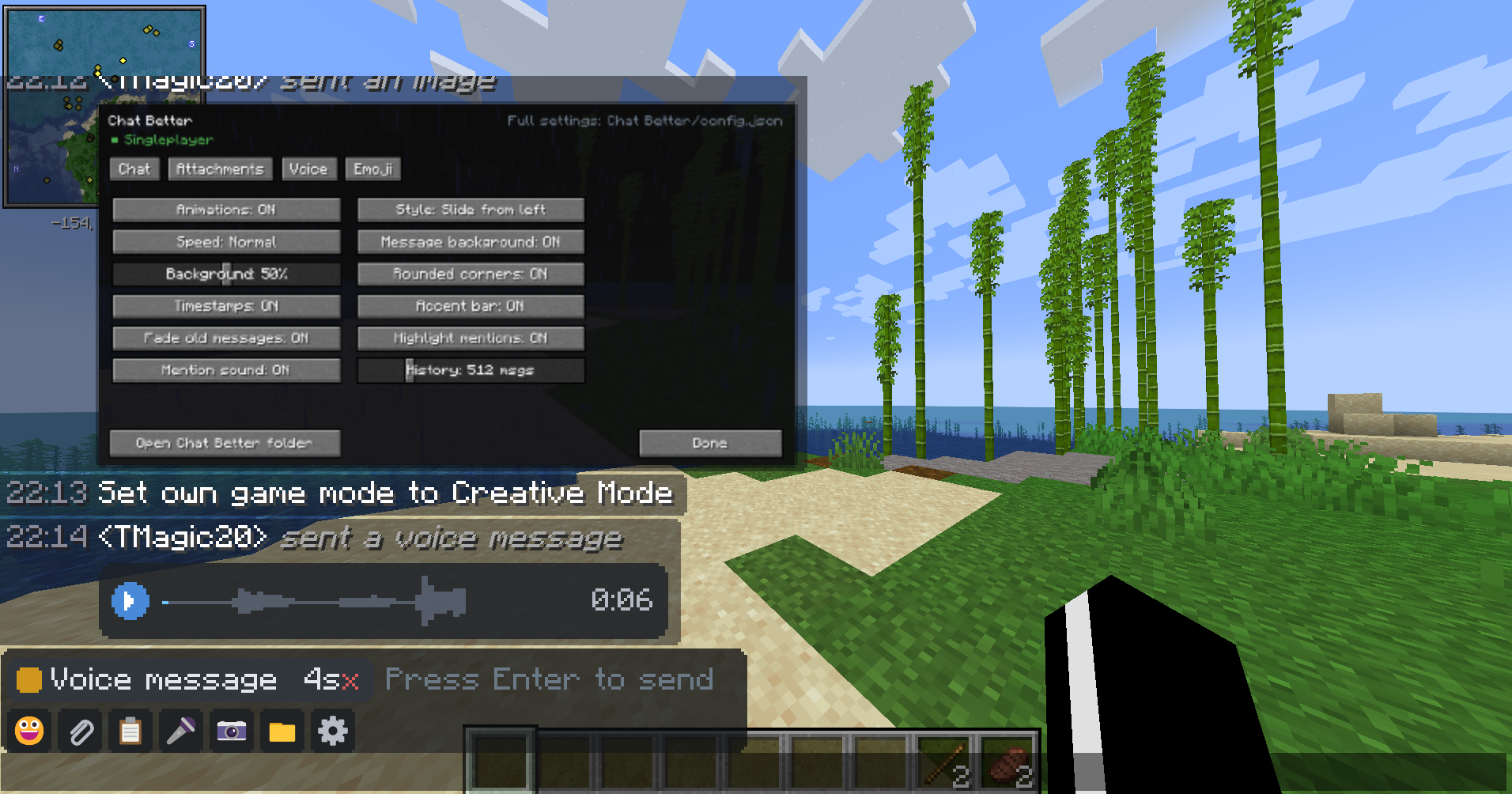
• Voice messages — hold a key to record, release to attach. Waveform with a play
button, and a live microphone level while recording so you can tell if you are
muted.
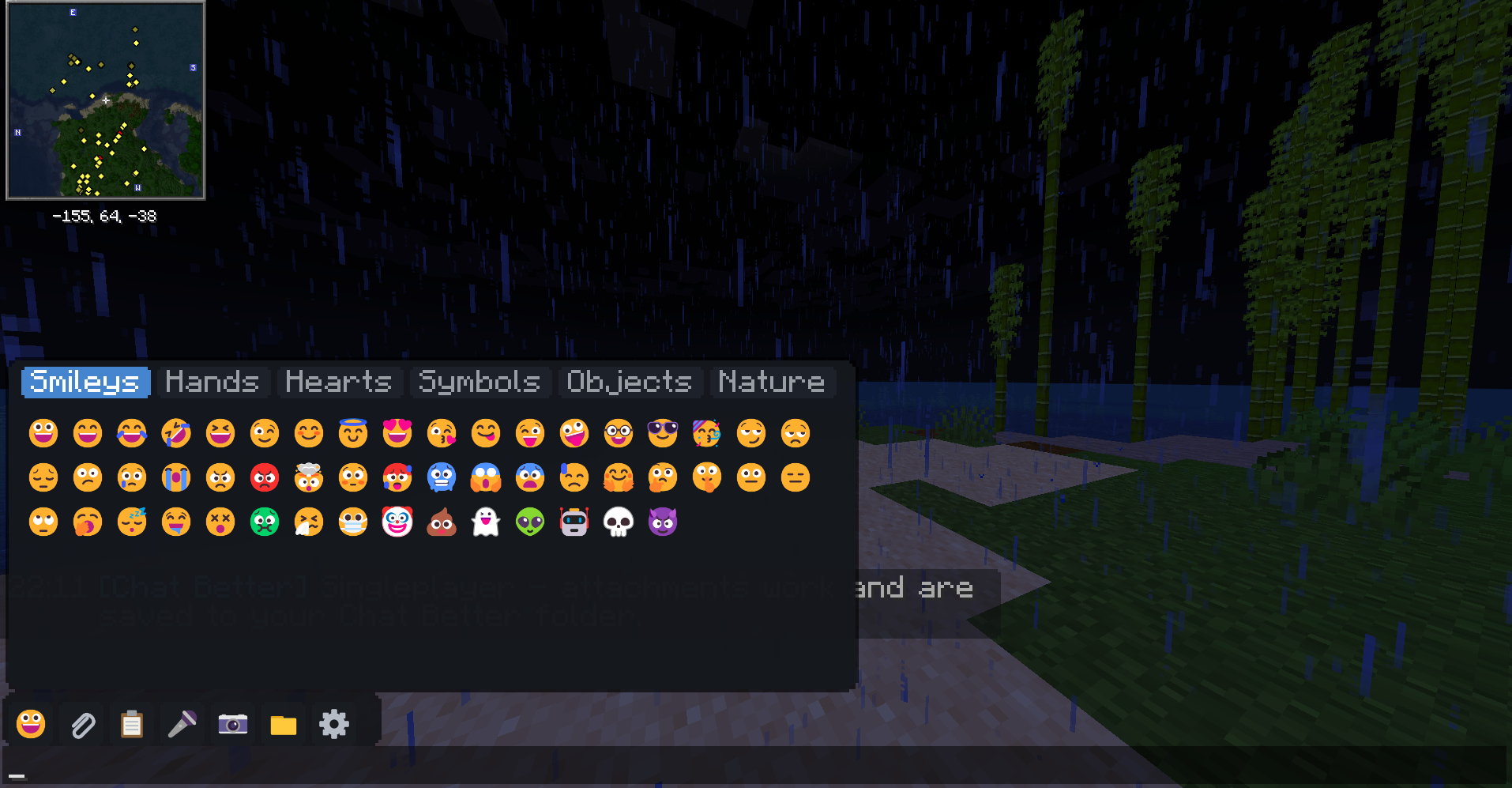
• Emoji — type :smile:, :fire:, :heart: and they render as colour images.
🙂 <3 xD and friends convert automatically. A picker is built into the chat bar.
• A dedicated “Chat Better” section in Options → Controls for every keybind.
• An archive — everything you send or receive is saved to a “Chat Better” folder
next to your other Minecraft folders, with an index of who sent what, when, and
on which server. Browse it in game with the gallery screen.
── MULTIPLAYER ───────────────────────────────
__Attachments travel over your normal Minecraft server connection, split into small
chunks. Nothing is uploaded to any third-party service.
• Server has Chat Better → attachments are shared with everyone. Players without
the mod see a plain text line describing the attachment.
• Server does not have it → the mod still works and attachments stay on your
machine. The mod tells you which situation you are in when you join.
Server owners get their own “Chat Better” folder next to server.properties, with
size limits, a per-player cooldown, bandwidth pacing and a delivery radius in
server-config.json — enforced server side, so clients cannot raise them. It also
keeps an archive of what every player has sent, which can be turned off._
_
── REQUIREMENTS ──────────────────────────────
_Minecraft 1.20.1 · Forge 47+ · Java 17_
── PERMISSIONS ───────────────────────────────
✔ Modpacks: YES. You may include Chat Better in any modpack, public or private,
on CurseForge or elsewhere. No need to ask, and no need to credit me beyond
leaving the mod page linked where your pack lists its mods.
✔ Videos, screenshots, reviews: go ahead.
常见问题
Chat Better 支持哪些 Minecraft 版本?
Chat Better 支持 Minecraft Java 版 1.20.1–1.21.1,共 2 个版本,可用的加载器:Forge / NeoForge。下载时注意选择和你游戏版本一致的文件。
Chat Better 怎么安装?
先用 PCL2 或 HMCL 启动器安装对应版本的 Forge / NeoForge,再把下载的 .jar 文件放进游戏目录的 mods 文件夹,重新启动游戏即可。开启了版本隔离的,mods 文件夹在 versions/版本名 下面。运行环境:客户端和服务端都要装。


评论
登录后评论和评分