
Chat Accessibility [FABRIC/FORGE]
Adds some accessibility related settings to the chat settings menu!
截图
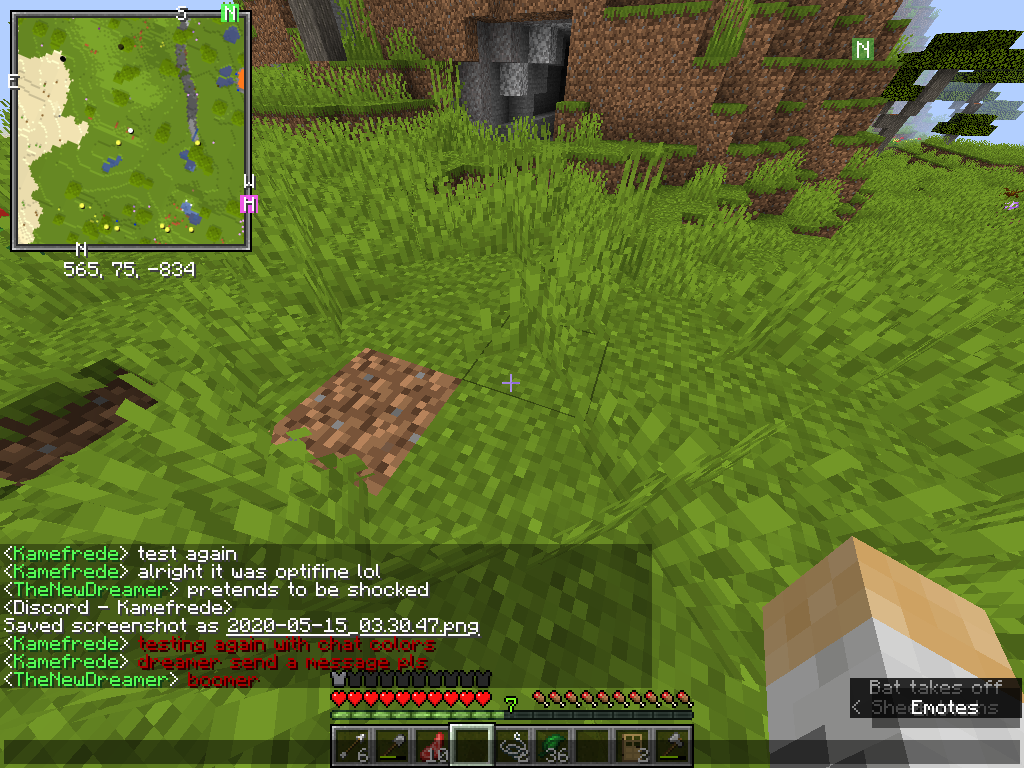
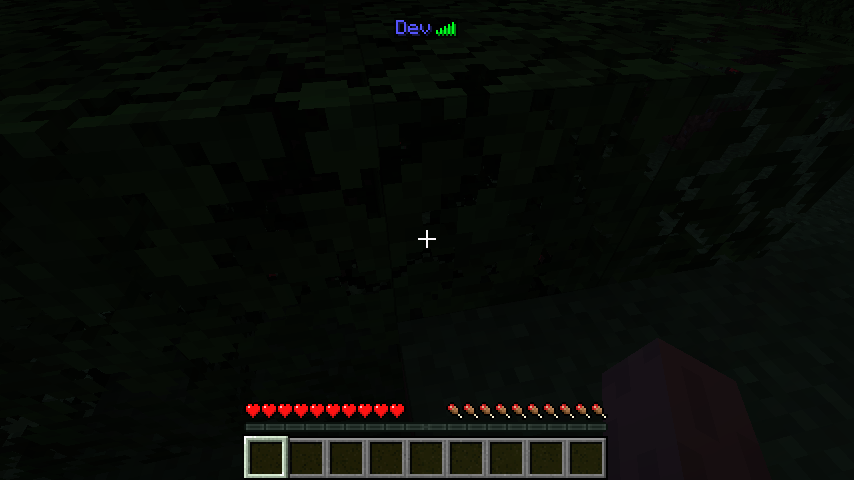
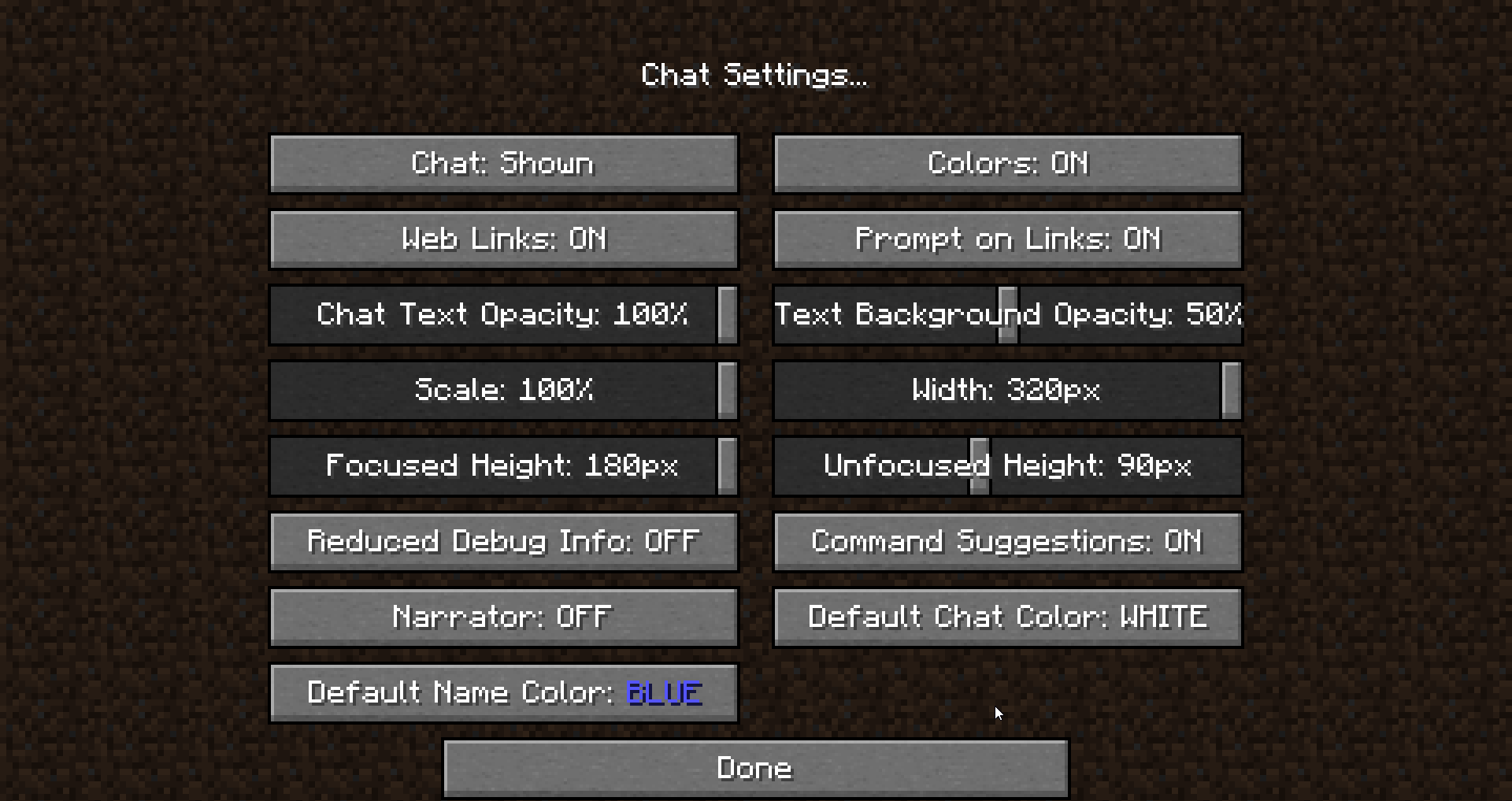
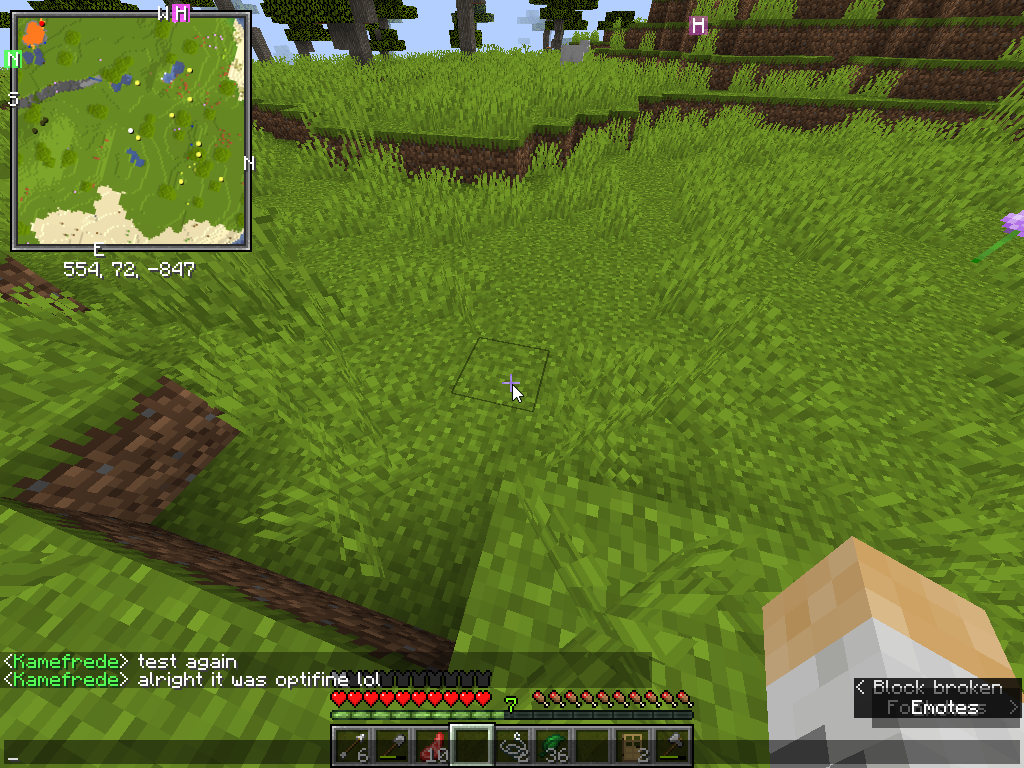
介绍
This mod was made for a friend of mine who has a hard time distinguishing player names from the messages in chat!
This is a very simple tweak mod that allows you to change the default color for player names in both the chatbox and playerlist and also the default message color for any chat message.
(If a player name or chat message is already colorized by any means, this mod will not attempt to recolorize it.)
You can change the respective colors either via the Chat Settings menu on the Minecraft setting menu or via the mod’s config file.
If any of this sounds confusing, take a look at the Images tab for a practical example!
Are you in need of a server to play with your friends? Don’t know how to set up one? Just rent one from BisectHosting!

Click the link above to be taken to their offerings and use my code KAME for 25% percent off your first month
This is a purely clientside mod, and as such does not need to be installed on a server!
If you have any suggestions on how I could improve this mod, please leave them in the comments!
常见问题
Chat Accessibility [FABRIC/FORGE] 支持哪些 Minecraft 版本?
Chat Accessibility [FABRIC/FORGE] 支持 Minecraft Java 版 1.14–1.15.2,共 8 个版本,可用的加载器:Fabric / Forge。下载时注意选择和你游戏版本一致的文件。
Chat Accessibility [FABRIC/FORGE] 怎么安装?
先用 PCL2 或 HMCL 启动器安装对应版本的 Fabric / Forge,再把下载的 .jar 文件放进游戏目录的 mods 文件夹,重新启动游戏即可。开启了版本隔离的,mods 文件夹在 versions/版本名 下面。
kamefrede123 的其他作品
查看全部 →
Random PSIdeas
一款旨在通过实用功能增强 PSI 体验的模组。

JoJo Meme Loadscreen
将默认的 Mojang 徽标界面替换为更好的版本
JNEM Loadscreen
将默认的 Mojang 标志界面替换为 JNEM2。
Reskillable PSI Compat
为 PSI 和 Reskillable 添加兼容性。
评论
登录后评论和评分