
Changed: More Creatures
This is a mod that adds new variants, new achievements, and new blocks to Changed-mc.
截图


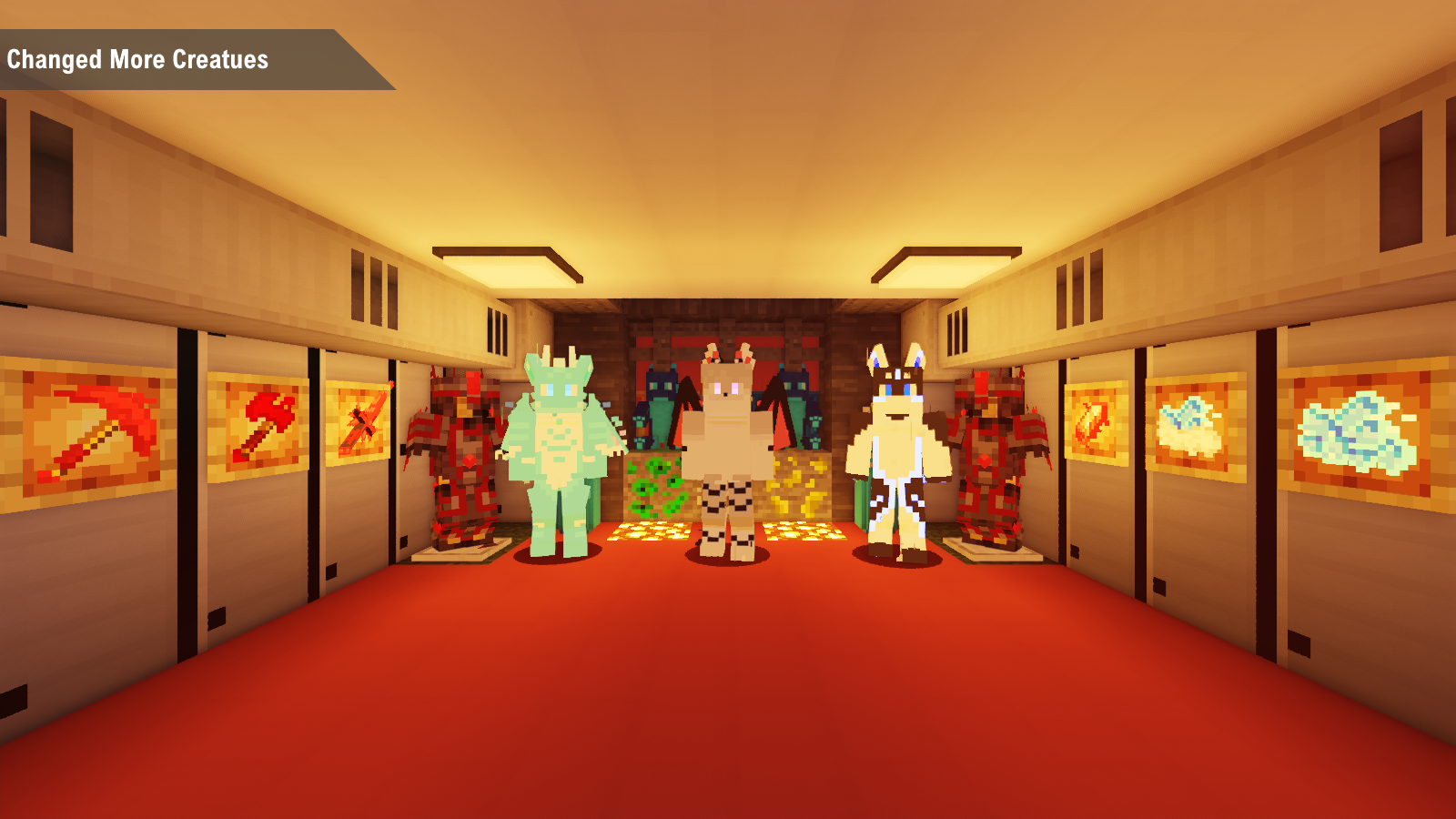
介绍
- This MOD primarily adds new variants and blocks to changed-mc.
- There hava a this mod picture image.
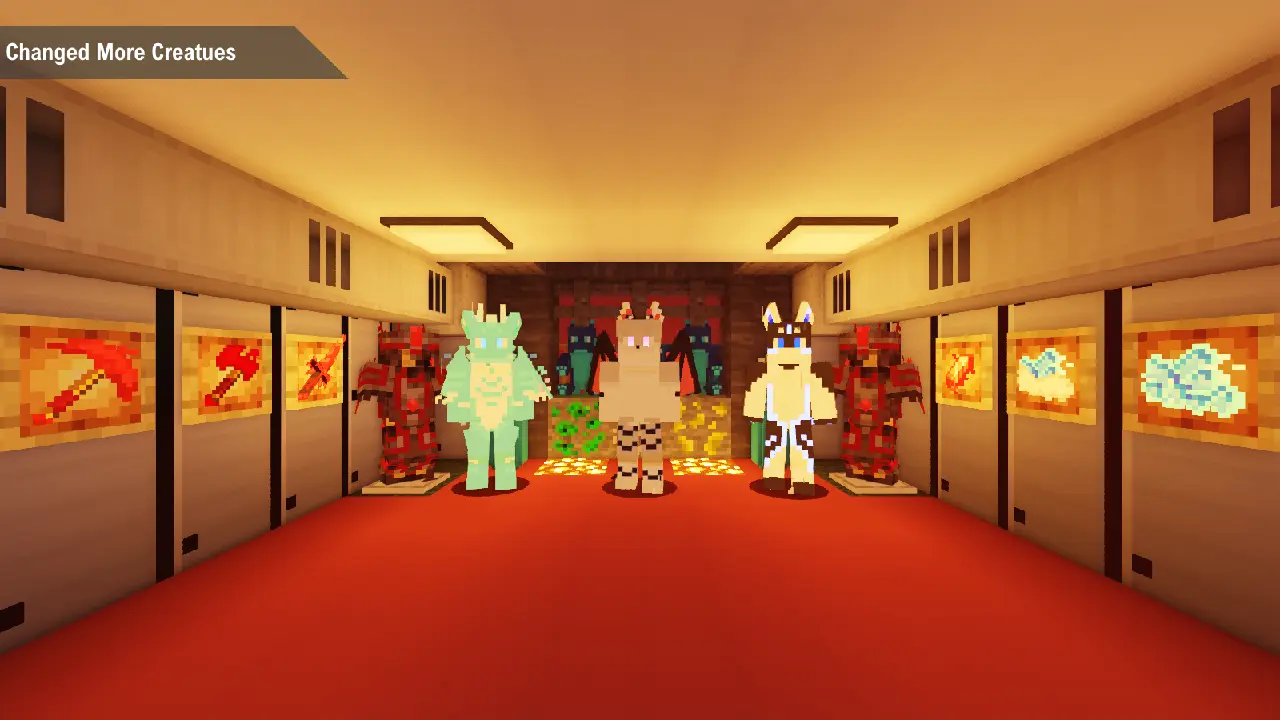
New creatures and companions:
Encounter a variety of gelatinous creatures, such as dragons, foxes, sharks, and radwolves, each with their own unique style and behavior.
Powerful Gear and Tools:
Craft a full set of Painite armor and tools, or experiment with Fleece armor to dominate your adventures.
What is this Mod for?
This Mod is an add-on for Changed-mc (Changed) and Changed-addon, but compared to those two mods, this mod mostly adds entities and some skills (it does not use Changed-mc 0.16+ of the newer versions), and it adds some new blocks and various small things to the game. Some of them may be items that break game balance and are OP, but most of the time they come with penalties.
This mod is also actively developing new content and optimizing code structure and art assets.
(The author is learning art and programming <- but is very basic)
How do I report issues?
(You don’t know how to do this either?)
Issues report
How do I find the entities in the mod?
They will spawn in your save, such as in plains, rivers, deserts, etc., but some creatures will not spawn in the world, and you need to use some methods to obtain them.
Why does my game crash?
You should probably submit the issue to GitHub, but only if you have this mod installed.
World Warning
- Due to the mod ID change in version 1.3, please use the Remap IDs mod(https://modrinth.com/mod/remap-ids) and configure it by creating a changed_creatures.json file in the
config/remapids/remaps/directory with the following content:
{
   "source": "goodblock:*",
   "target": "changed_creatures:*"
}
常见问题
Changed: More Creatures 支持哪些 Minecraft 版本?
Changed: More Creatures 支持 Minecraft Java 版 1.18.2–1.20.1,共 2 个版本,可用的加载器:Forge。下载时注意选择和你游戏版本一致的文件。
Changed: More Creatures 怎么安装?
先用 PCL2 或 HMCL 启动器安装对应版本的 Forge,再把下载的 .jar 文件放进游戏目录的 mods 文件夹,重新启动游戏即可。开启了版本隔离的,mods 文件夹在 versions/版本名 下面。运行环境:客户端和服务端都要装。
评论
登录后评论和评分