
CC: Spatial Projector
Programmable ComputerCraft holograms for drawing lines, boxes, markers, and overlays in the world.
截图
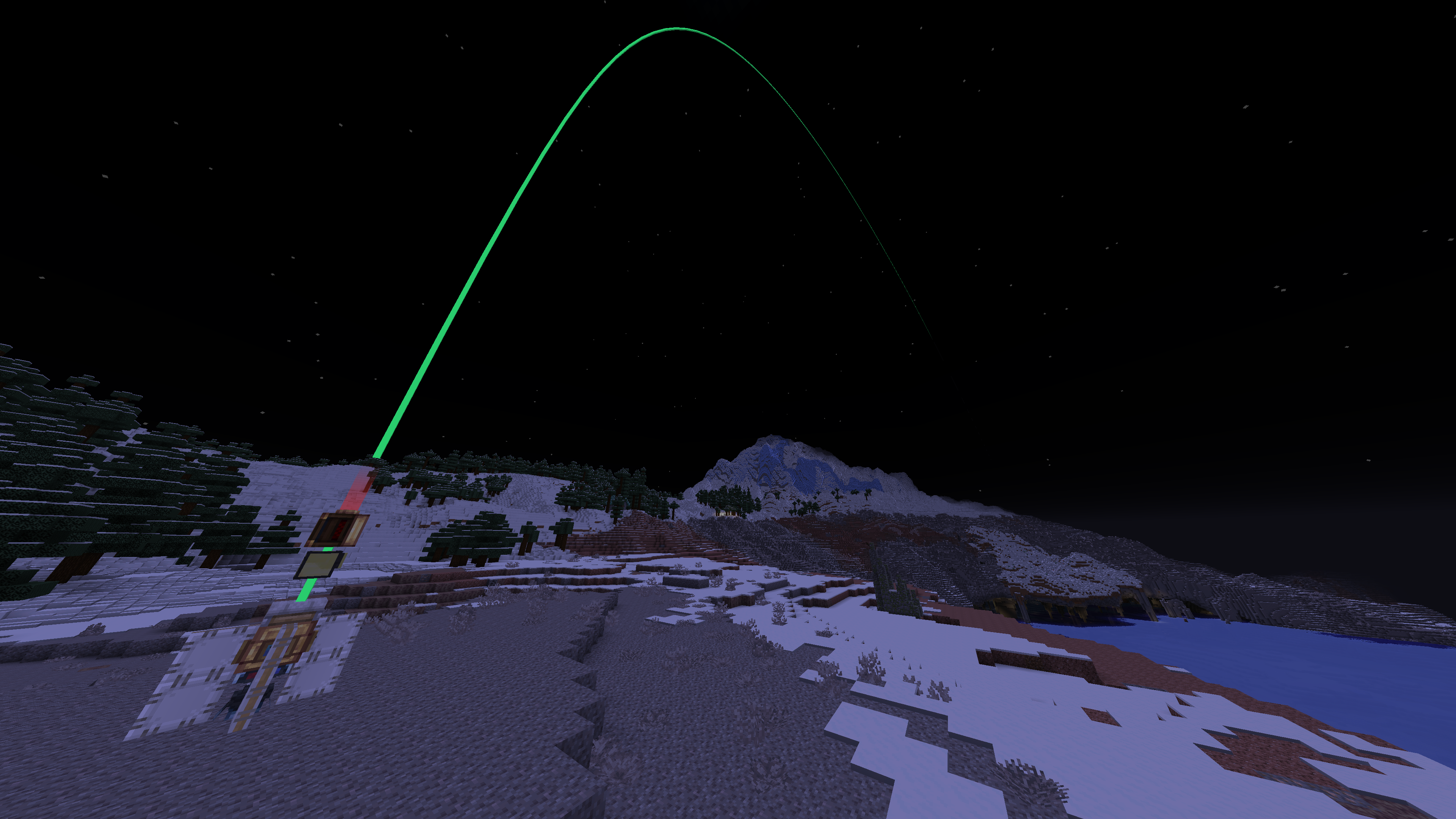
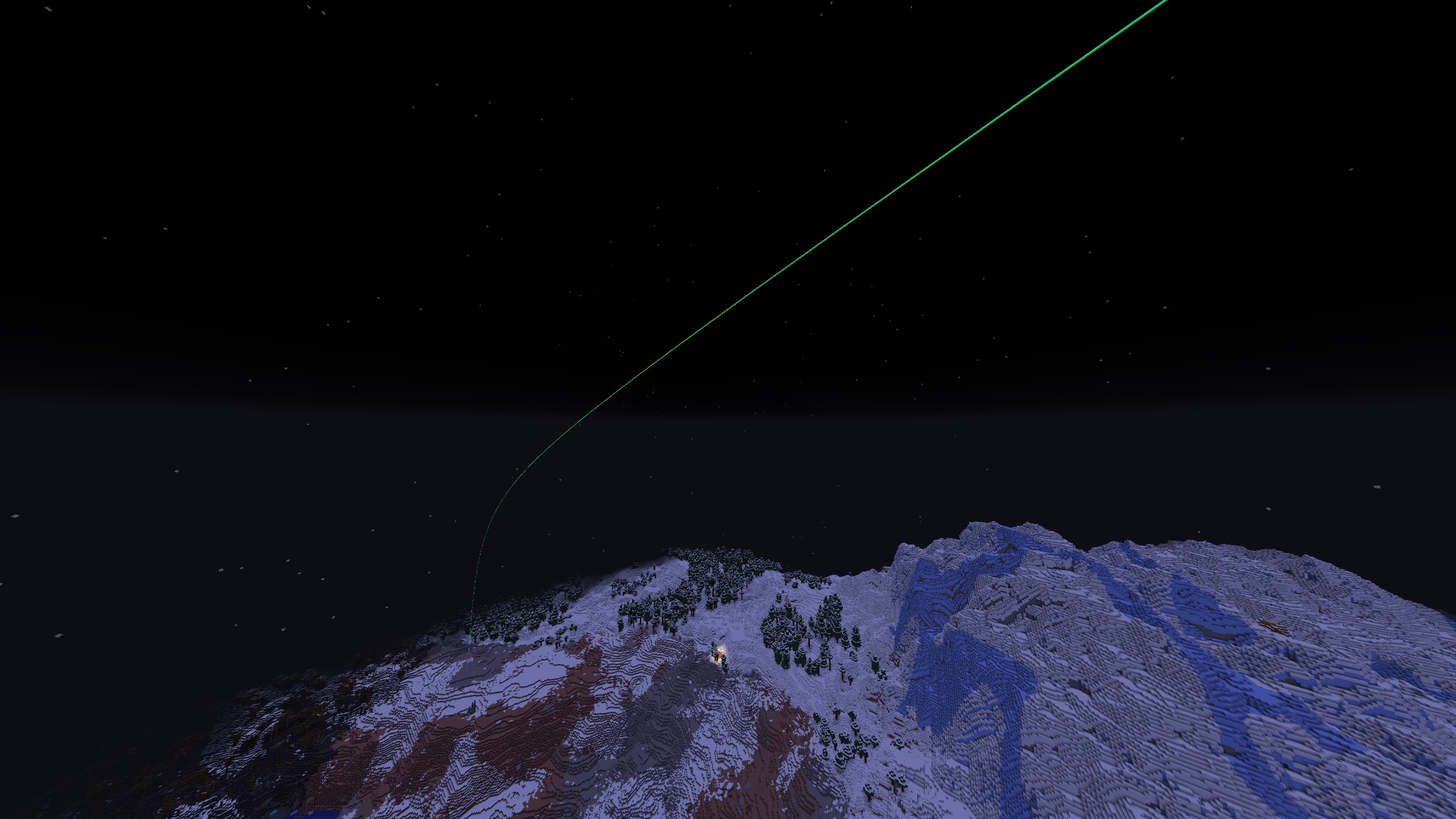
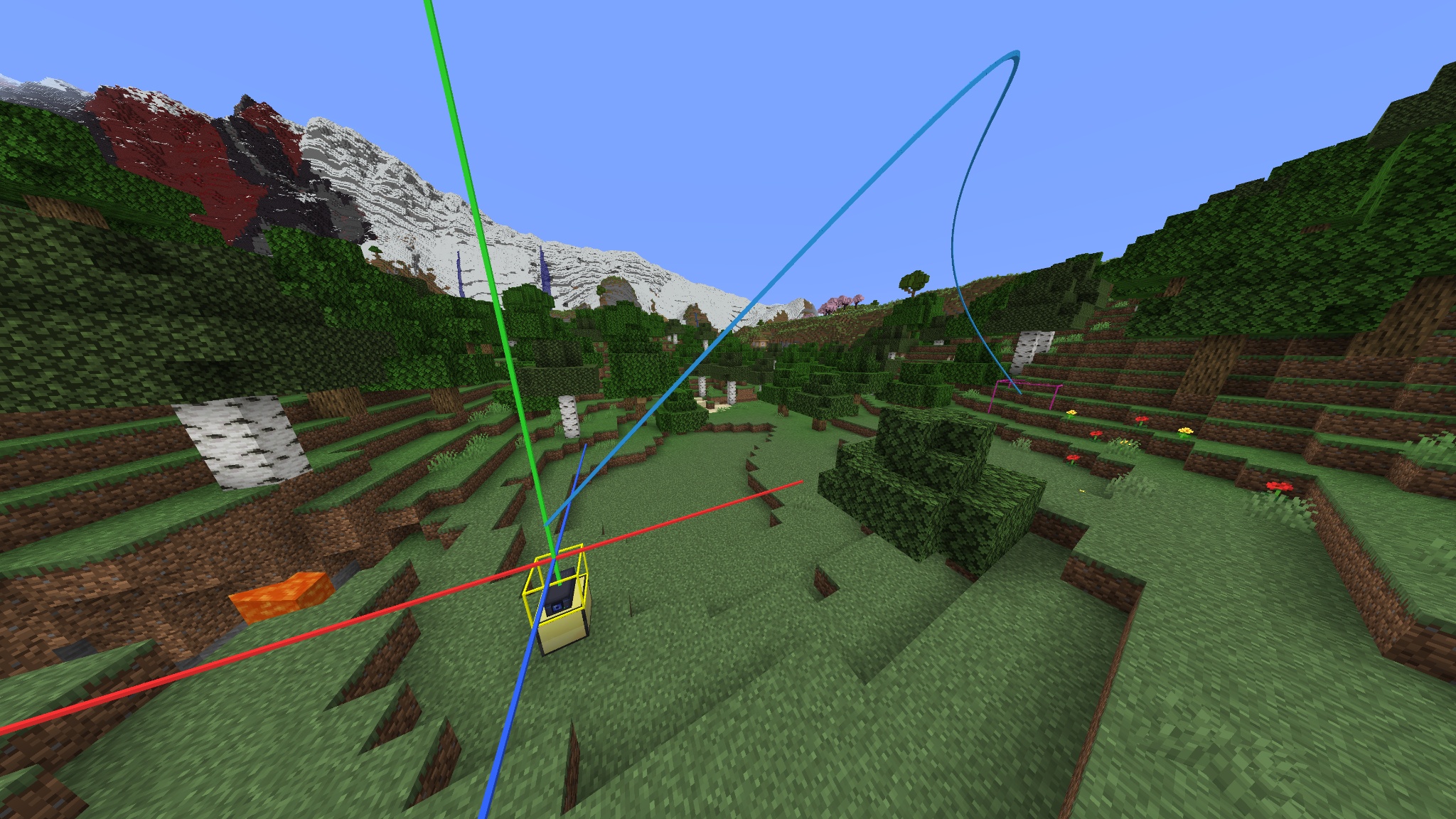
介绍
CC: Spatial Projector
Programmable world-space overlays for CC:Tweaked computers and turtles.
CC: Spatial Projector lets ComputerCraft programs draw lines, paths, boxes, and markers directly in the Minecraft world.
Place a Spatial Projector, connect it to a ComputerCraft computer, turtle, or wired modem, and wear bound Spatial Goggles to see its output. Use it for technical build planning, navigation, turtle debugging, automation displays, and custom spatial interfaces.
Visuals are overlays only. They do not place blocks, spawn entities, or affect collisions.
Features
- ComputerCraft peripheral named
spatial_projector - Spatial Goggles for viewing projector output
- Lua API for lines, polylines, boxes, and markers
- Named visual objects that can be updated, removed, listed, or cleared
- Persistent visuals by default
- Optional TTL for temporary visuals
- Configurable limits and default values
- Built-in demo and utility commands
- Optional Curios support for wearing goggles in a supported Curios slot
Quick start
- Place a Spatial Projector.
- Put a ComputerCraft computer or turtle next to it, or connect it using a wired modem.
- Right-click the projector with Spatial Goggles to bind them.
- Wear the bound goggles.
- Run the built-in demo:
spatial_projectorUseful CraftOS commands:
spatial_projector          -- run the demo
spatial_projector demo 30  -- run the demo with a 30-second TTL
spatial_projector clear    -- clear all visuals
spatial_projector stats    -- show projector statistics
spatial_projector list     -- list object IDs in the buffer
Lua example
local projector = peripheral.find("spatial_projector")
if not projector then
    error("spatial_projector not found")
end

projector.clear()

projector.line("axis.x", 0, 64, 0, 16, 64, 0, {
    color = 0xff3333,
    width = 0.07,
})

projector.marker("target", 16, 64, 0, {
    color = 0xff33cc,
    size = 1.0,
})

projector.sync()
Drawing API
Each visual is stored under a string ID inside the projector buffer. Drawing another object with the same ID replaces the previous visual.
projector.line(id, x1, y1, z1, x2, y2, z2, options)
projector.polyline(id, points, options)
projector.box(id, x1, y1, z1, x2, y2, z2, options)
projector.marker(id, x, y, z, options)
options is optional. If it is omitted, the projector uses its configured defaults.
{
    color = 0x33ff88, -- RGB color
    width = 0.0625,  -- line, polyline, and box width
    ttl = 0,         -- seconds before auto-removal; 0 means persistent
    size = 0.35,     -- marker size
}
Line
Draws a segment between two world positions.
projector.line("line.id", 0, 64, 0, 10, 64, 0, {
    color = 0xff3333,
    width = 0.07,
    ttl = 30,
})
Polyline
Draws a connected path through a dense array of {x, y, z} points.
projector.polyline("route", {
    {0, 64, 0},
    {4, 65, 4},
    {8, 64, 8},
    {12, 64, 4},
}, {
    color = 0x33ff88,
    width = 0.06,
})
Box
Draws a box between two opposite corners.
projector.box("build.area", 0, 63, 0, 10, 70, 10, {
    color = 0x3399ff,
    width = 0.05,
})
Marker
Draws a marker at one world position.
projector.marker("target", 16, 64, 0, {
    color = 0xff33cc,
    size = 1.0,
})
Buffer utilities
projector.clear()       -- remove all visuals
projector.remove(id)    -- remove one visual by ID
projector.list()        -- list object IDs
projector.stats()       -- get projector statistics
projector.getLimits()   -- get configured limits
projector.sync()        -- send pending drawing changes
Call sync() after a batch of drawing changes.
Requirements
Requires Minecraft 1.21.1, NeoForge 21.1.x, Java 21, CC:Tweaked 1.120.0+, and Create 6.0.10+.
Create is used as a rendering/library dependency. CC: Spatial Projector does not add Create contraption mechanics.
Optional: Curios API 9.x for wearing Spatial Goggles in a supported Curios slot. Without Curios, goggles can be worn as a normal helmet.
Notes
- Only players wearing goggles bound to a projector receive its visuals.
- Coordinates use normal Minecraft world coordinates.
list()returns object IDs, not full geometry data.- Visuals remain until they are cleared, removed, overwritten, expire through TTL, or are cleaned up when the chunk or world unloads.
常见问题
CC: Spatial Projector 支持哪些 Minecraft 版本?
CC: Spatial Projector 支持 Minecraft Java 版 1.21.1,可用的加载器:NeoForge。下载时注意选择和你游戏版本一致的文件。
CC: Spatial Projector 怎么安装?
先用 PCL2 或 HMCL 启动器安装对应版本的 NeoForge,再把下载的 .jar 文件放进游戏目录的 mods 文件夹,重新启动游戏即可。开启了版本隔离的,mods 文件夹在 versions/版本名 下面。运行环境:客户端和服务端都要装。
TierForger 的其他作品
查看全部 →
CC: Wireless Peripheral Sable
Adds wireless peripheral linking for CC: Tweaked computers on Sable contraptions. Connect remote peripherals through a persistent virtual hub with configurable link costs and limits. Requires Create, Sable, and CC: Tweaked.
CC: Spatial Projector
Programmable ComputerCraft holograms for drawing lines, boxes, markers, and overlays in the world.
评论
登录后评论和评分