
截图

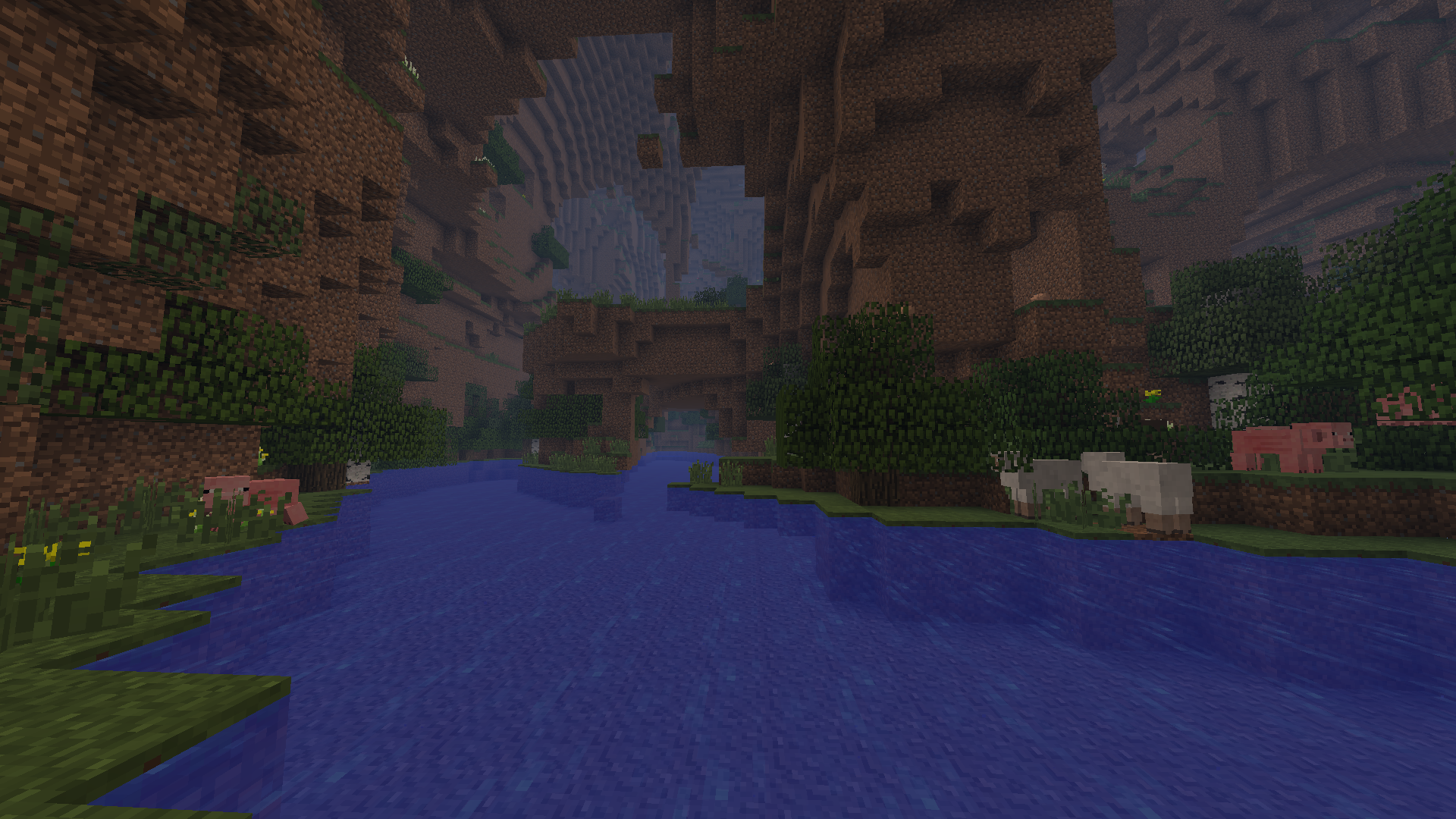
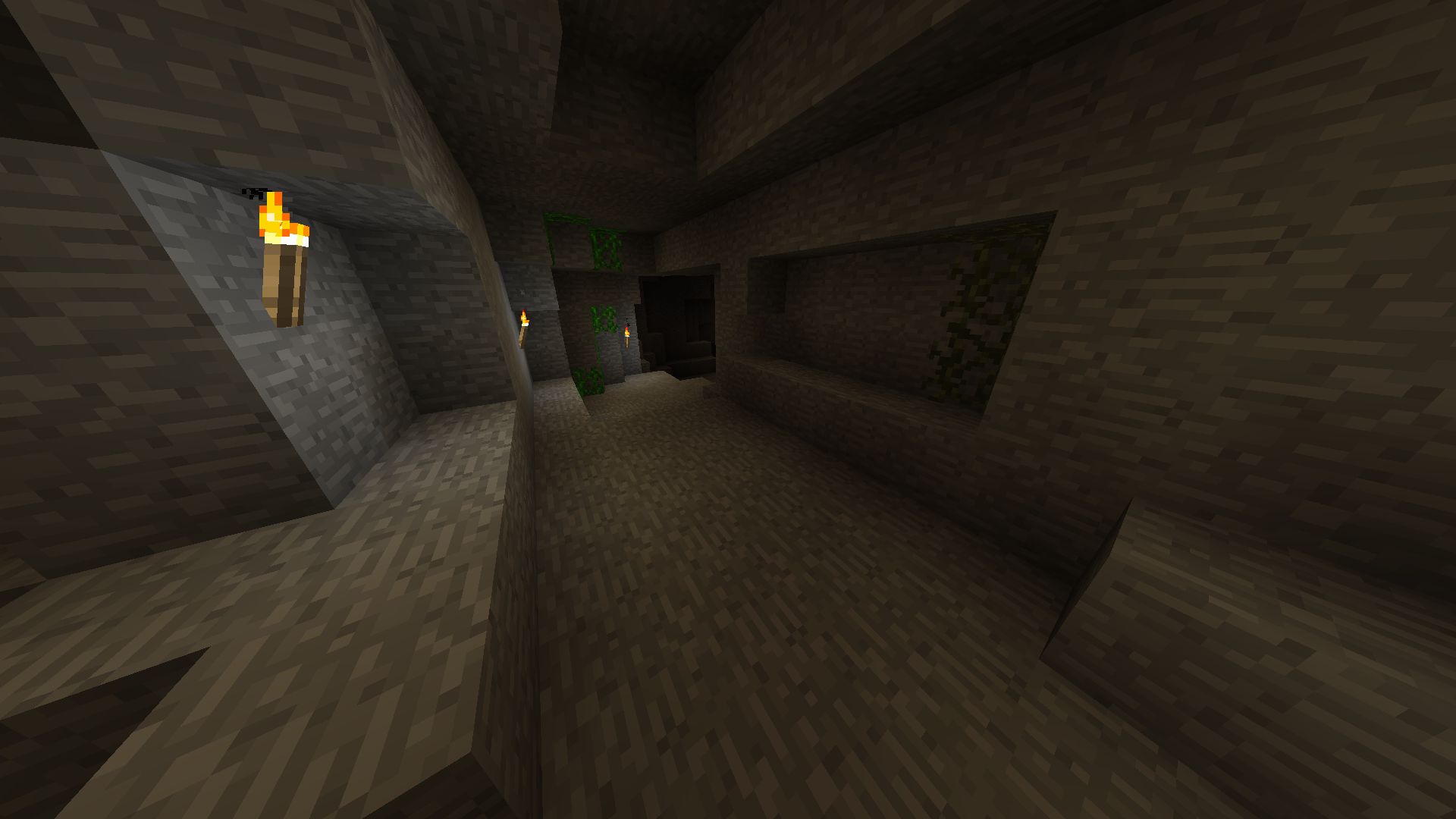
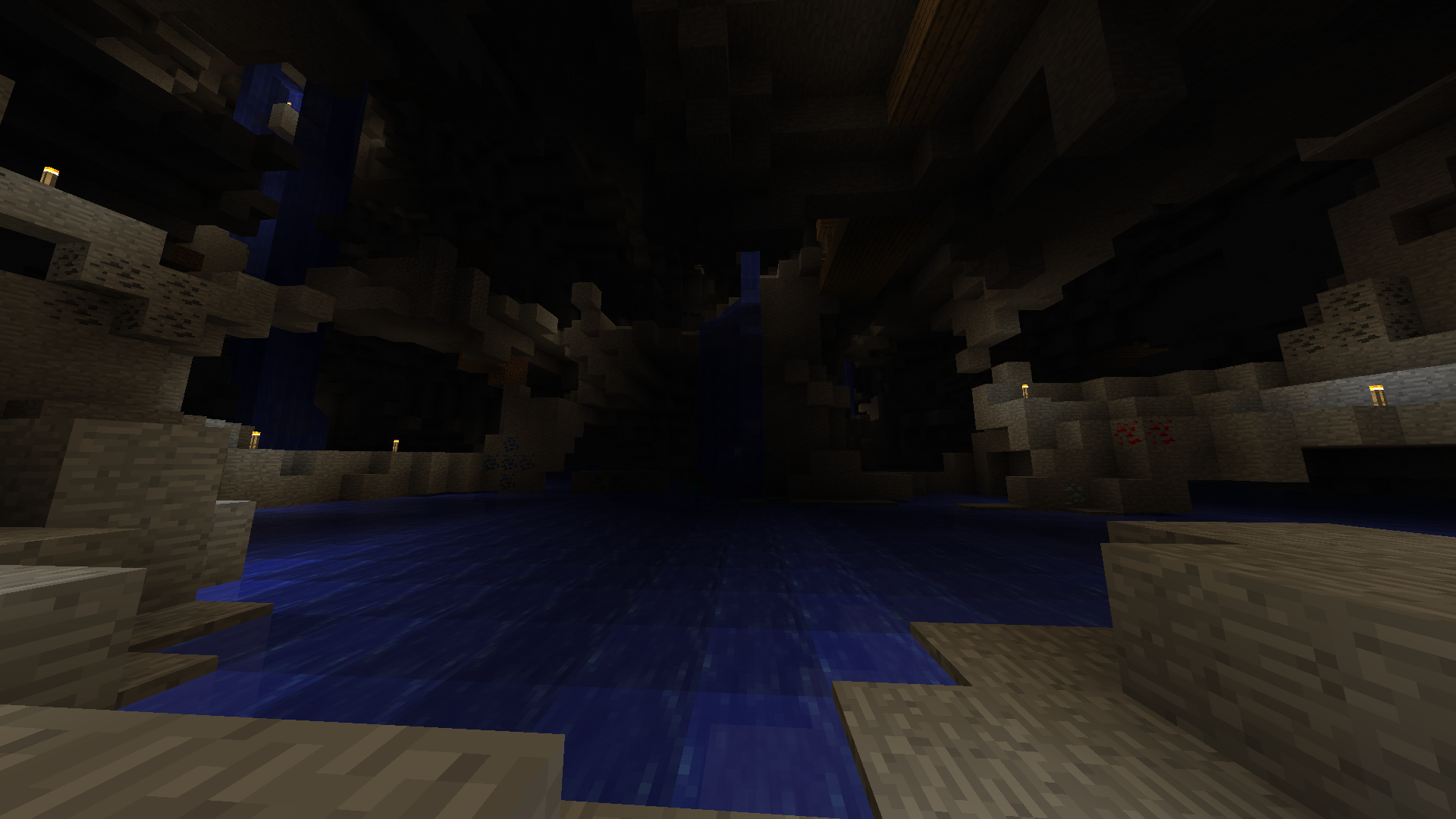
介绍
For Minecraft 1.12.2: Cavern II
For Minecraft 1.9: Cavern
Description
Adds more new cave dimensions!
And some blocks, items, mobs, bosses, and optional recipes.
Configuration
This mod is recommends you to change config settings in the GUI.
- Click Mods on the main Minecraft menu and click “Caveworld 2” mod entry in the list.
- Click Config and change the this mod config settings.
Cave Portals
- Build the portal frame of Moss Stone or Mossy Stone Bricks (4×5 minimum, 23×23 maximum).
- Place the Ender Chest into the portal frame. (for Caveworld dimension)
Place the Emerald into the portal frame. (for Cavern dimension)
Place the Aquamarine into the portal frame. (for Aqua Cavern dimension)
Place the Cavenium into the portal frame. (for Caveland dimension)
Place the Refined Cavenium into the portal frame. (for Cavenia dimension) - Walk inside your portal. Stand into the portal frame and wait.
- Enjoy the cave dimension!
Mining Point / Miner Rank
Mining points can get when mining ores in the cave dimensions.
Miner rank will promote when the mining points has accumulated.
You can get some benefits according to your miner rank.
For example: If your rank is Aqua Miner or better, even though you are in the water, you can mine with ease.
Mining points and miner rank will display ingame screen corner while you hold a pickaxe.
常见问题
Caveworld 2 支持哪些 Minecraft 版本?
Caveworld 2 支持 Minecraft Java 版 1.7.10,可用的加载器:Forge。下载时注意选择和你游戏版本一致的文件。
Caveworld 2 怎么安装?
先用 PCL2 或 HMCL 启动器安装对应版本的 Forge,再把下载的 .jar 文件放进游戏目录的 mods 文件夹,重新启动游戏即可。开启了版本隔离的,mods 文件夹在 versions/版本名 下面。
kegare0127 的其他作品
查看全部 →
Cavern II
祝你在洞穴里生活愉快!

IncreaseMobs
Increase the mob spawns.

Crafting EX
Duplicated recipes will be able to craft with a vanilla crafting table.

Cavern
Adds new cave dimensions, ores, items, mobs, magic, and others.
评论
登录后评论和评分