截图
介绍
Caustica
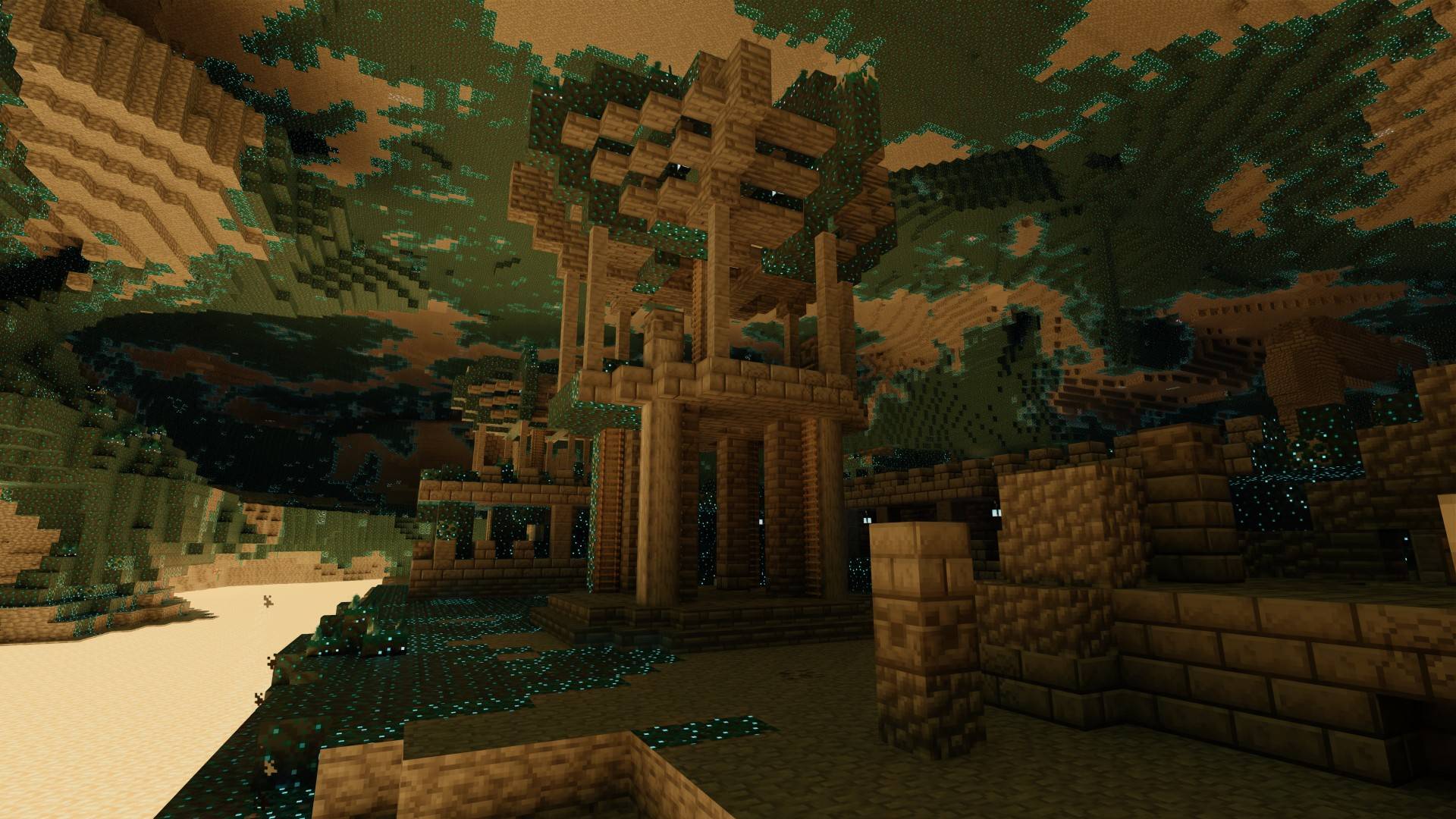
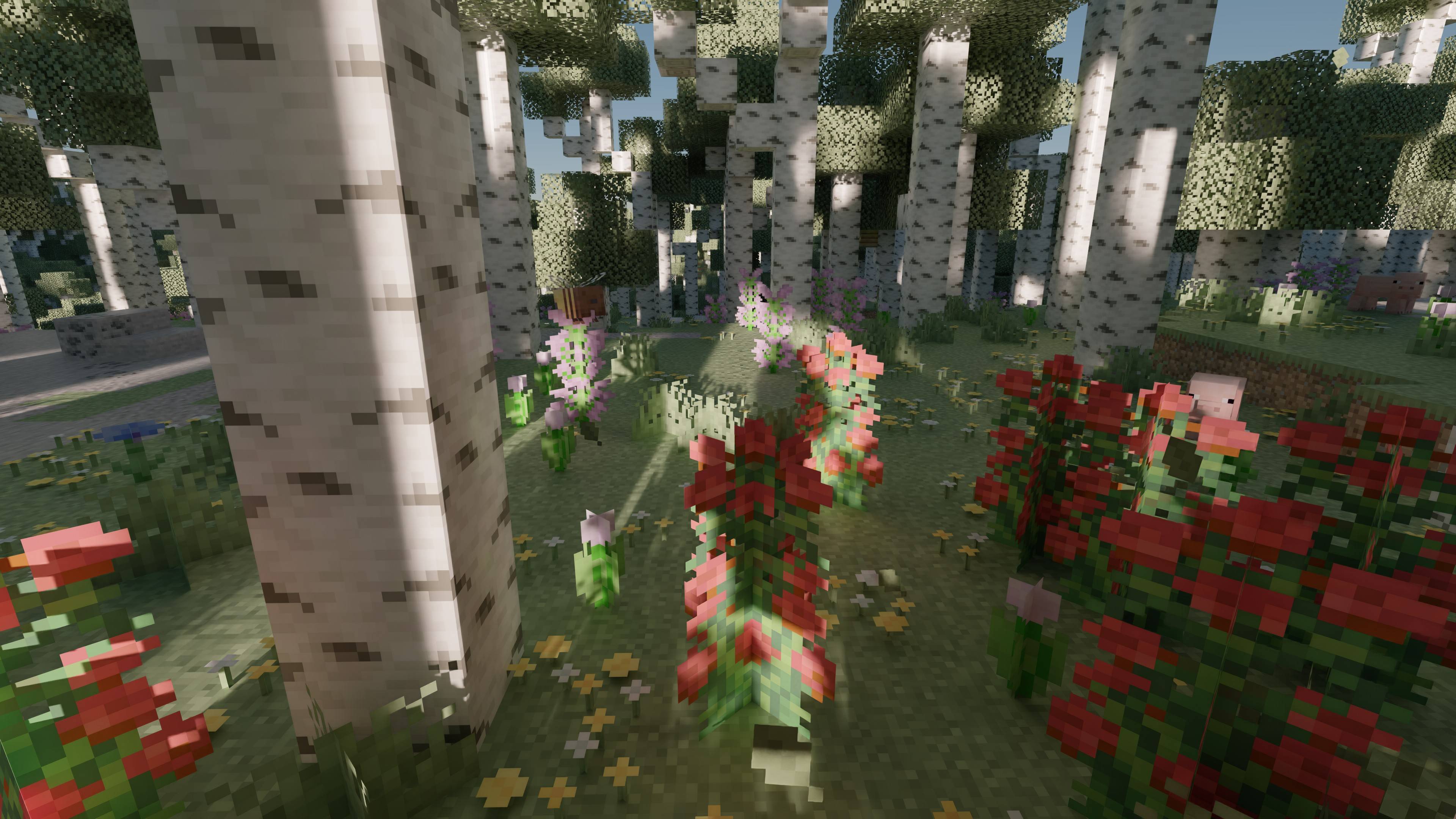
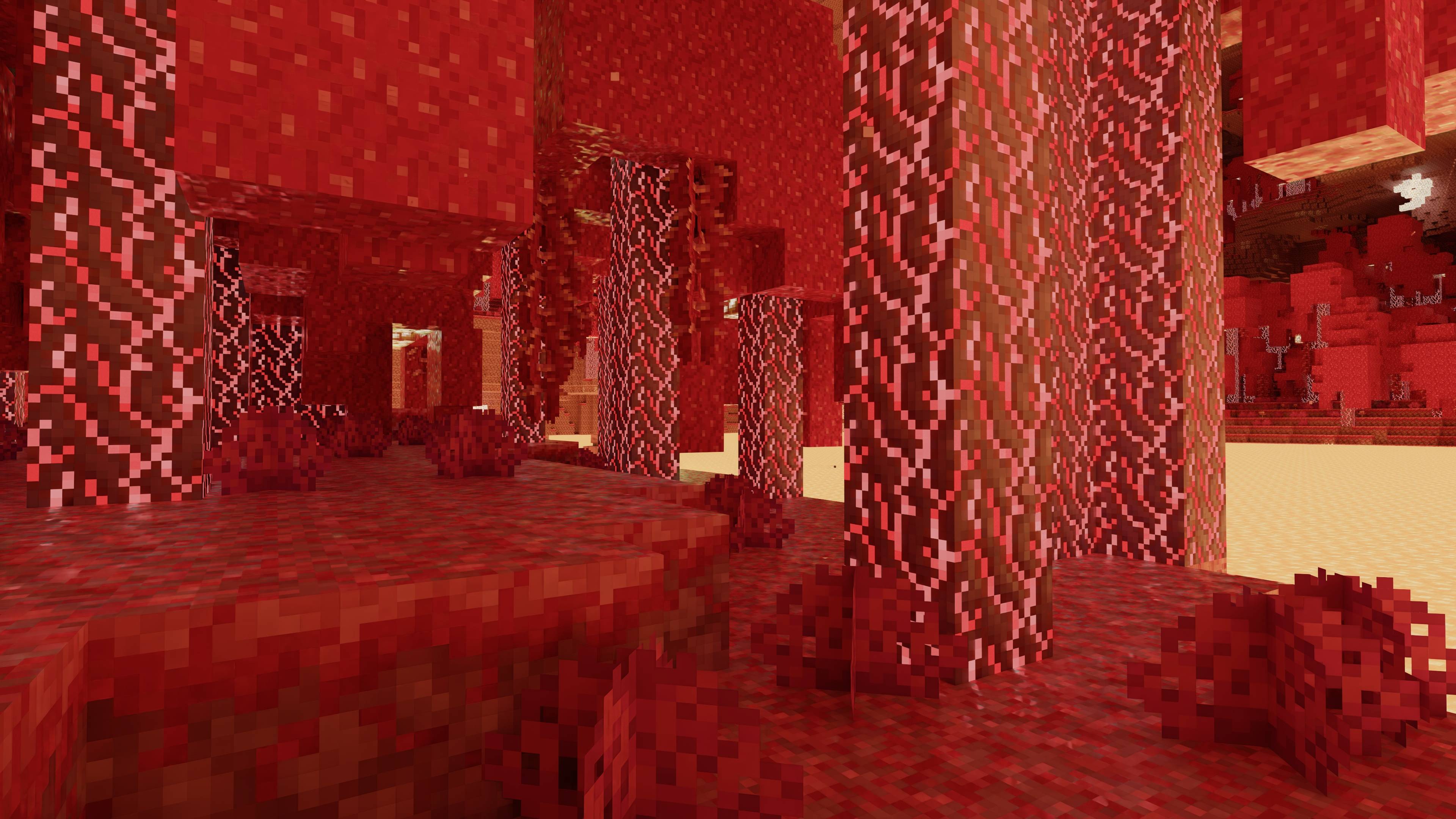
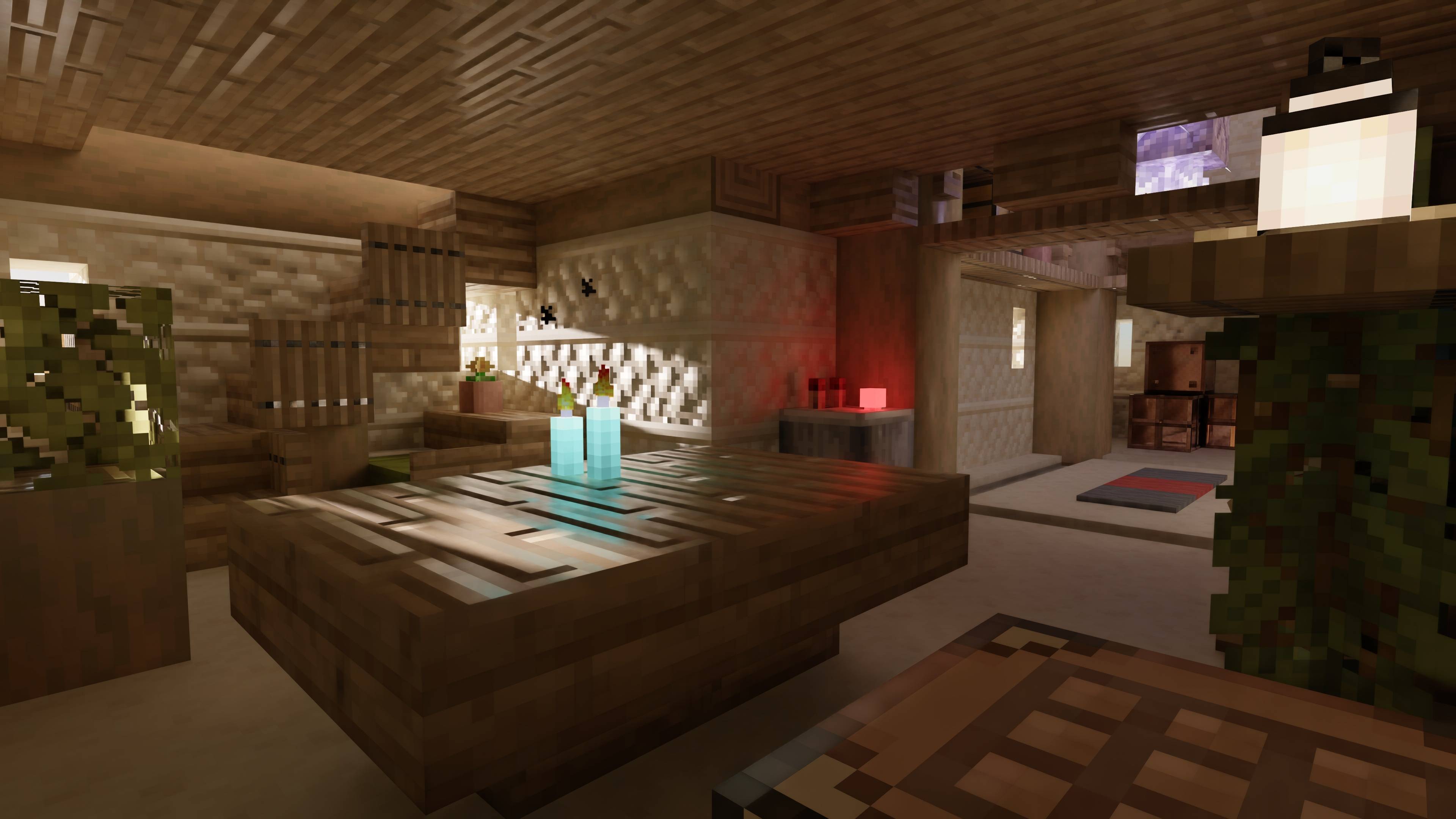
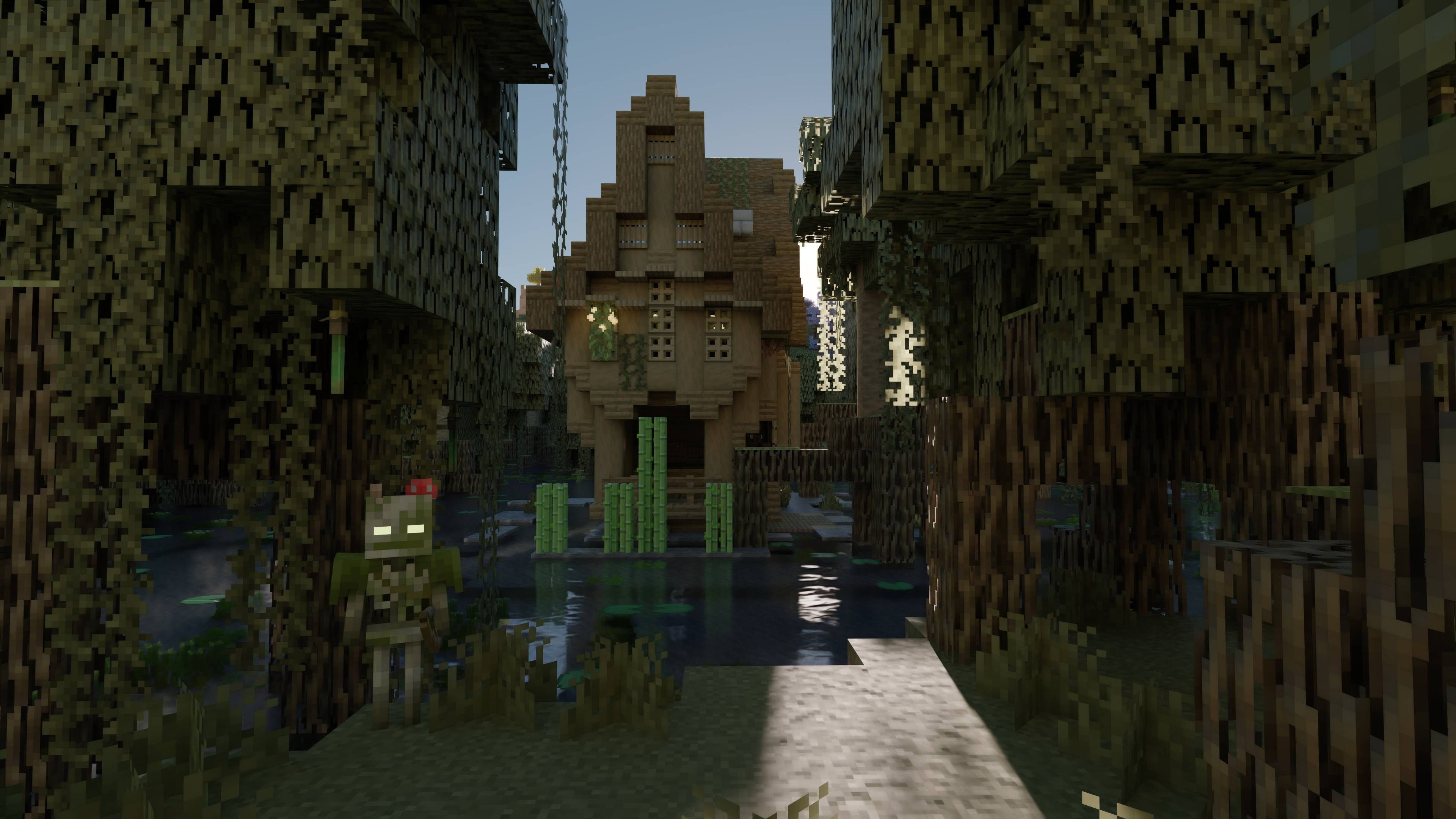
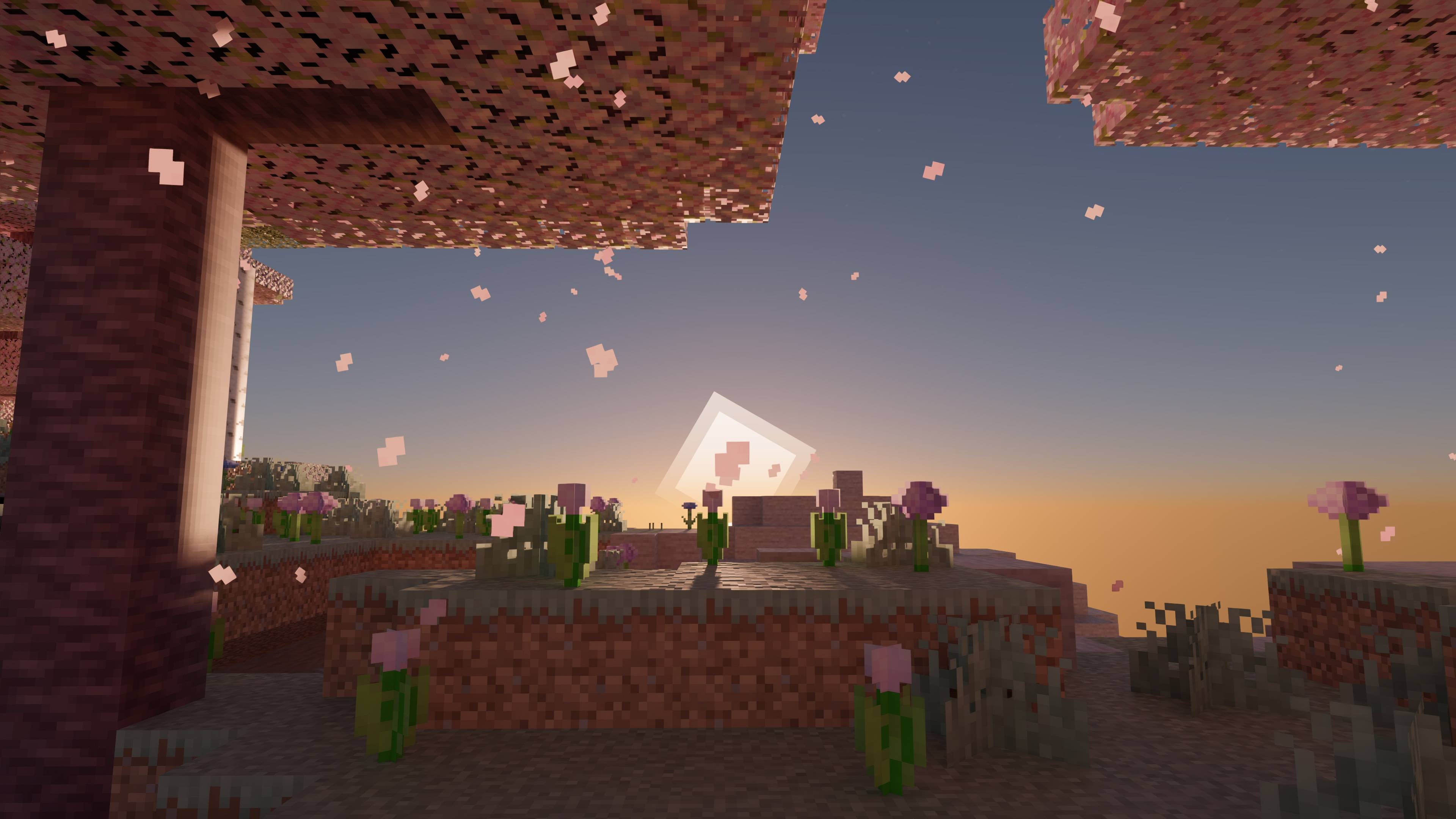
Caustica is an experimental ray-traced renderer for Minecraft 26.2’s Vulkan backend.
It replaces the vanilla world view with hardware ray tracing and NVIDIA DLSS
features while keeping Minecraft’s familiar UI and gameplay intact.
Caustica is early software. Expect bugs, missing visual cases, and frequent
changes while the renderer is being built.
Features
- Vulkan hardware path-traced world rendering
- DLSS Ray Reconstruction support
- DLSS Frame Generation support (experimental)
- HDR output
- Dynamic entity rendering in the ray-traced scene
- LabPBR-style material support
- OMM (Opacity Micro-Map) + SER (Shader Execution Reordering) optimizations
Requirements
- Vulkan graphics backend enabled
- A GPU and driver with Vulkan ray tracing support
- NVIDIA RTX GPU and supported driver for DLSS features
- HDR-capable display and OS HDR mode for HDR output
- Install LabPBR resource pack like SPBR for better visuals
Installation
- Install Fabric Loader for Minecraft
26.2. - Install Fabric API.
- Put the Caustica jar in your Minecraft
modsfolder. - Launch the game with the Vulkan graphics backend.
- Open Video Settings to adjust Caustica’s renderer options.
Usage Notes
- Caustica is client-side only.
- DLSS Ray Reconstruction and Frame Generation require supported NVIDIA
hardware and drivers. - Use Java args to improve performance. Minecraft Launcher default:
-XX:+UseCompactObjectHeaders -XX:+AlwaysPreTouch -XX:+UseStringDeduplication -XX:+UseZGC - Frame Generation is experimental and needs to be enabled by modifying the configuration file.
- HDR output requires an HDR swapchain and a correctly configured HDR display.
- If Minecraft falls back to OpenGL after a crash, re-enable the Vulkan backend
before using Caustica again.
Compatibility
Caustica takes over the world renderer, so other mods that heavily modify world
rendering, shader pipelines, post-processing, or the Vulkan backend may conflict.
UI-only mods are more likely to work.
Status
Caustica is not a finished renderer yet. Current work focuses on visual
correctness, world coverage, stability, and making the SDR/HDR presentation
paths behave consistently.
常见问题
Caustica 支持哪些 Minecraft 版本?
Caustica 支持 Minecraft Java 版 26.2,可用的加载器:Fabric。下载时注意选择和你游戏版本一致的文件。
Caustica 怎么安装?
先用 PCL2 或 HMCL 启动器安装对应版本的 Fabric,再把下载的 .jar 文件放进游戏目录的 mods 文件夹,重新启动游戏即可。开启了版本隔离的,mods 文件夹在 versions/版本名 下面。
评论
登录后评论和评分