
截图
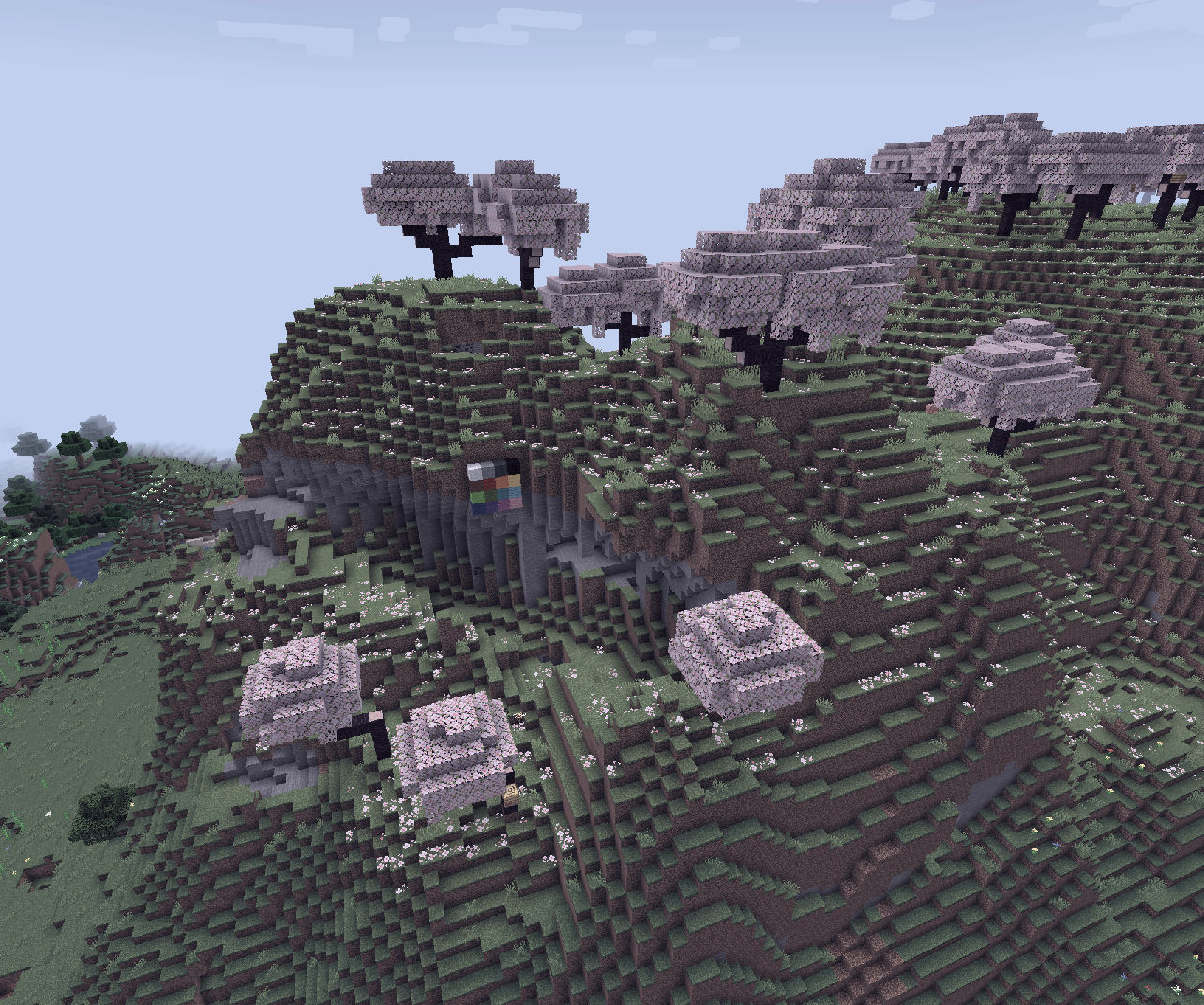
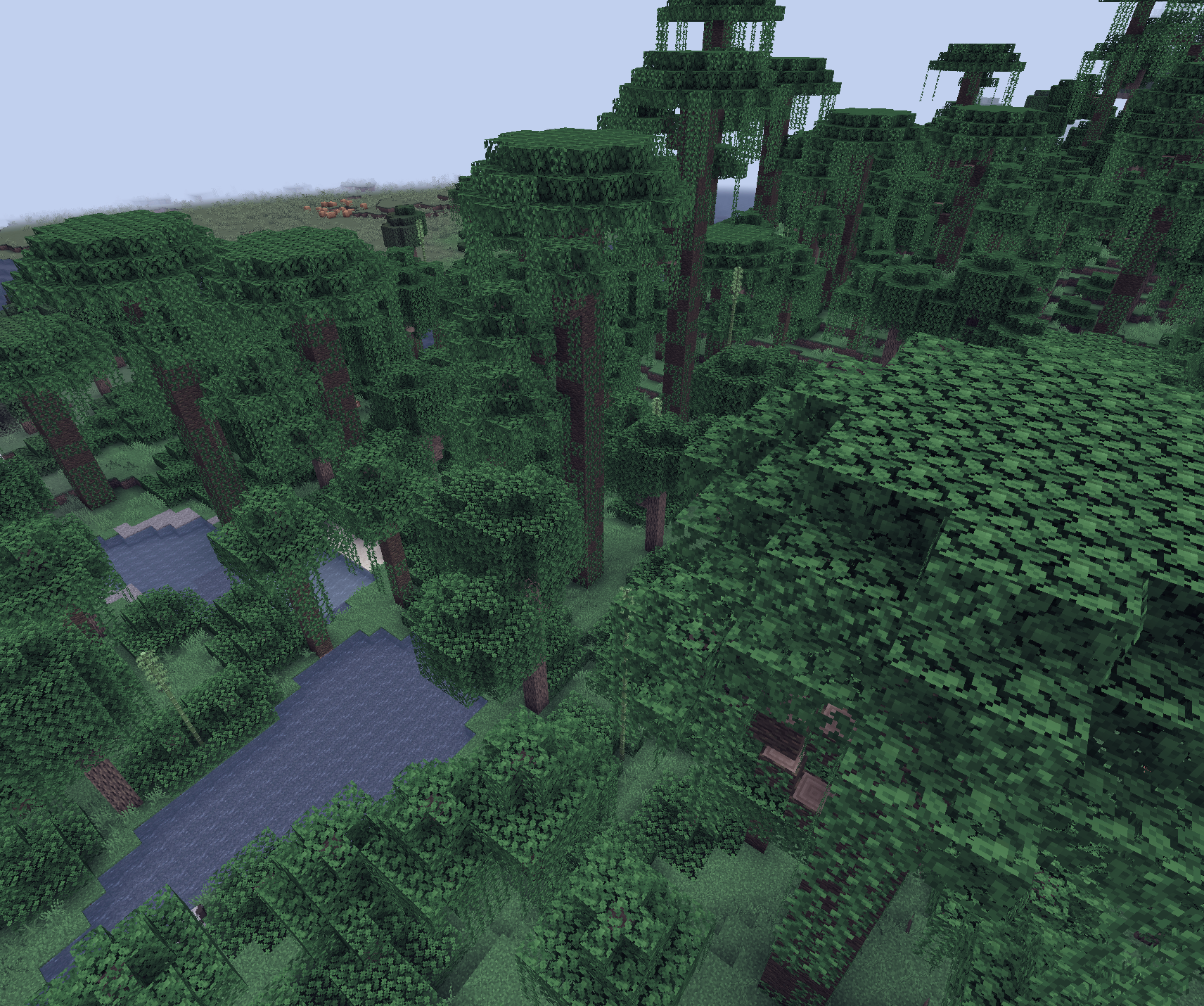
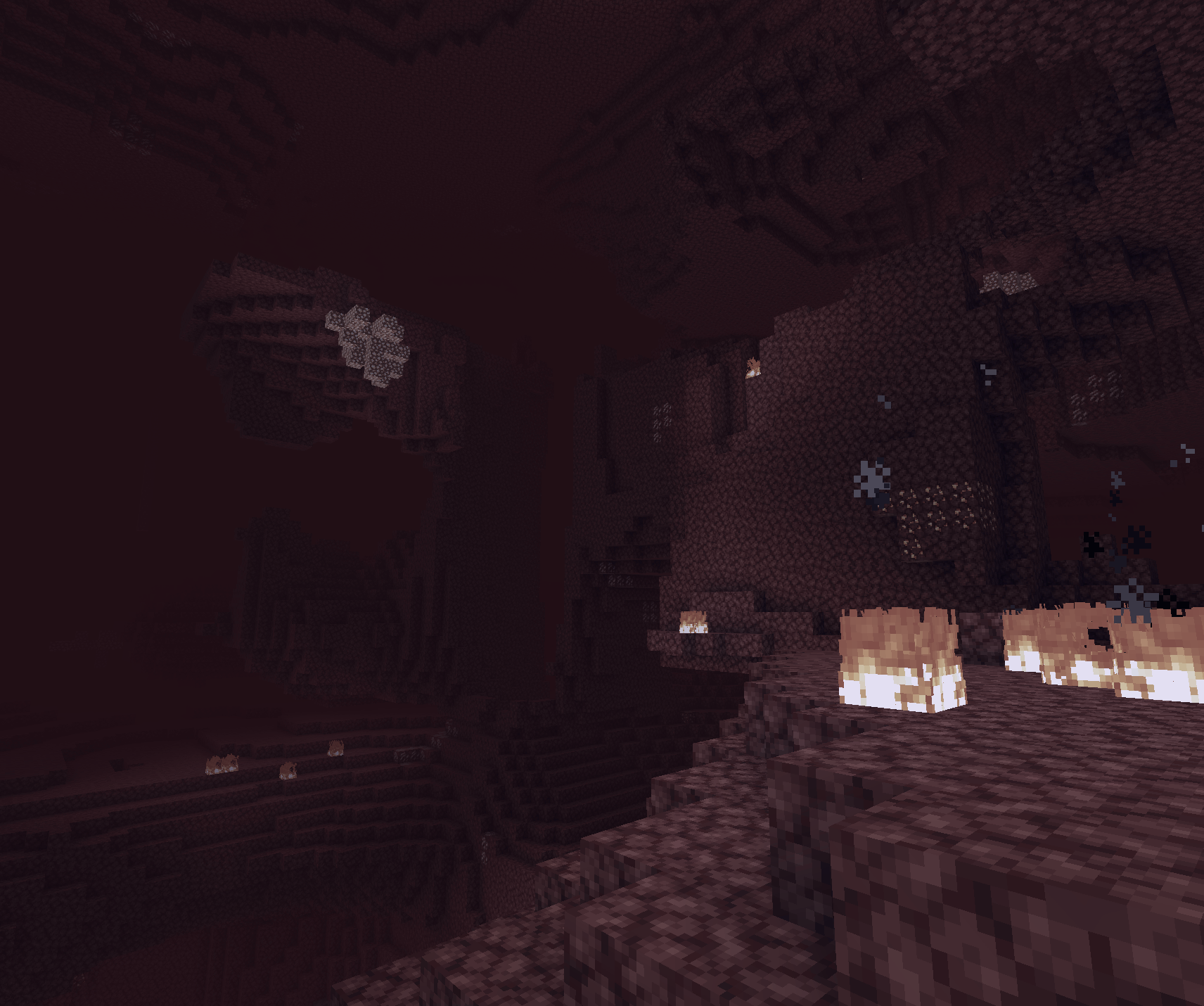
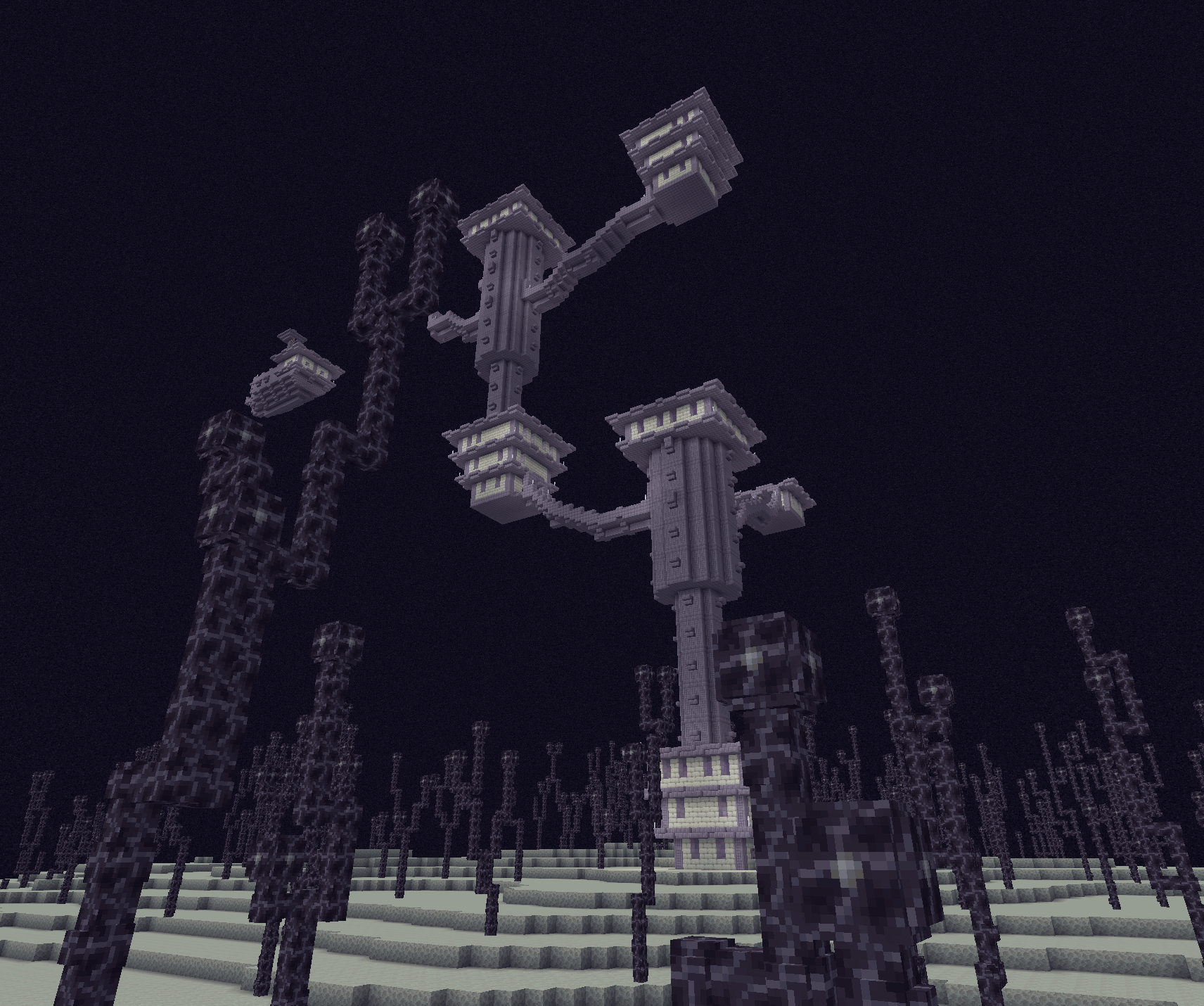
介绍
Soothing pastel theme for Minecraft!
A lightweight client-side mod that applies real-time palette swaps to Minecraft using HALD CLUTs. The default palette is Catppuccin Mocha, but any palette can be used via resource pack.
The mod uses HALD CLUT level 14 images (2744×2744) as a lookup table. Every frame, the game samples this image to remap colors. The CLUT is loaded from minecraft:textures/effect/lut.png and can be replaced with any resource pack.
This mod has no UI or config file. You change palettes by swapping the CLUT image.
Changing the Palette
- Create a resource pack with the path
assets/minecraft/textures/effect/lut.png. - Add your own HALD CLUT level 14 image (the images I use are generated by lutgen-rs) at that location.
- Apply the resource pack.
- The image can be changed at runtime and updated using F3 + T to reload resource packs.
Catppuccin is a trademark of the Catppuccin Org (https://github.com/catppuccin). This mod uses the Catppuccin palette and assets under the MIT License.
常见问题
Catppuccin Palette 支持哪些 Minecraft 版本?
Catppuccin Palette 支持 Minecraft Java 版 1.20.1–1.20.6,共 6 个版本,可用的加载器:Fabric / Quilt。下载时注意选择和你游戏版本一致的文件。
Catppuccin Palette 怎么安装?
先用 PCL2 或 HMCL 启动器安装对应版本的 Fabric / Quilt,再把下载的 .jar 文件放进游戏目录的 mods 文件夹,重新启动游戏即可。开启了版本隔离的,mods 文件夹在 versions/版本名 下面。运行环境:仅客户端。
miyucomics 的其他作品
查看全部 →
Sparkle!
一个简单的模组,为闪亮的物品、方块和实体添加闪光粒子效果。

Hexcellular
为Hexcasting添加属性iota,便于iota的同步、存储和通信

Hexical
一款有趣的小型 Hexcasting 扩展,加入了我觉得很酷的各种内容!
Hexpose
Hexcasting 的前置库附属模组,新增了许多占卜图样和灵体,供其他附属模组使用。
评论
登录后评论和评分