
cascade
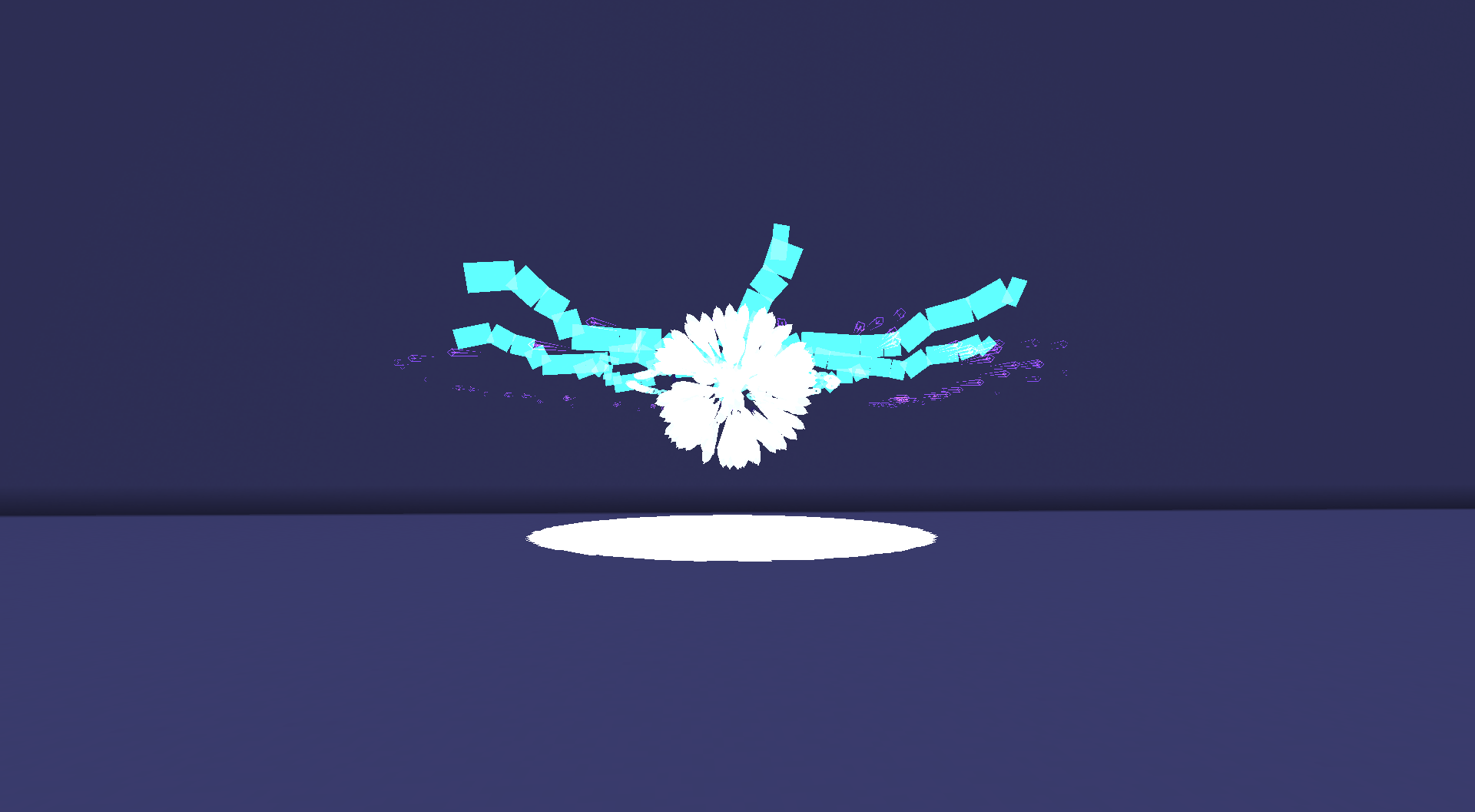
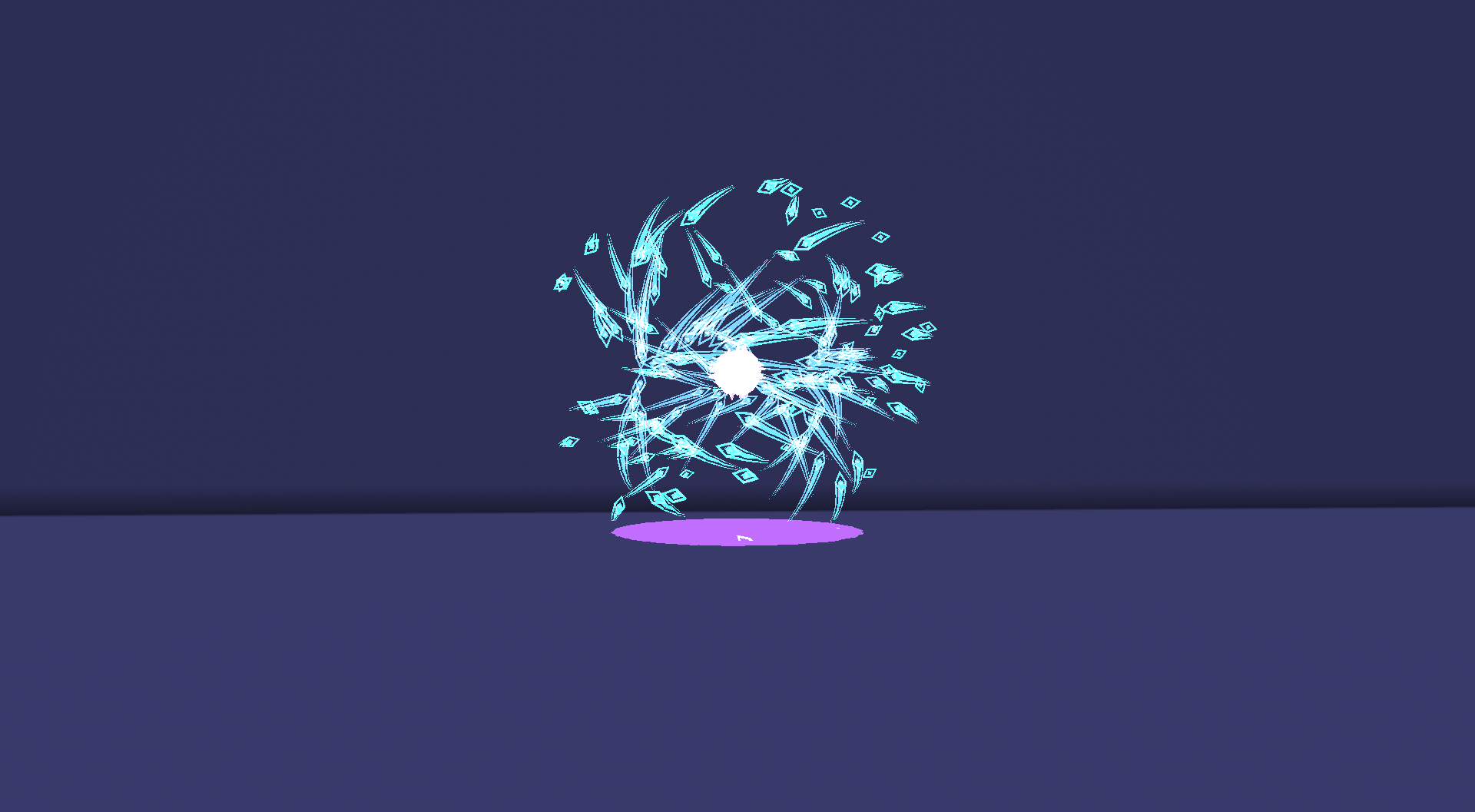
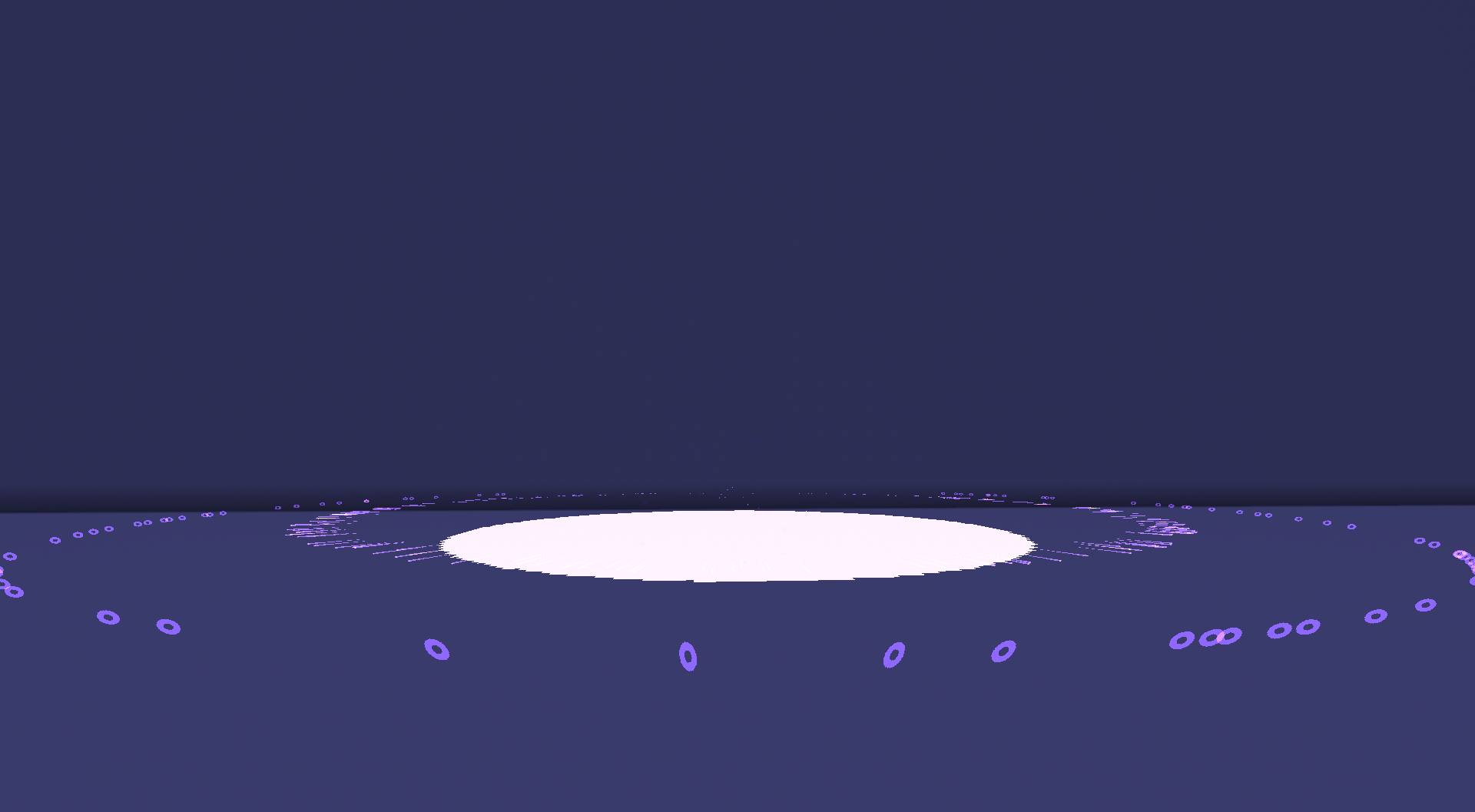
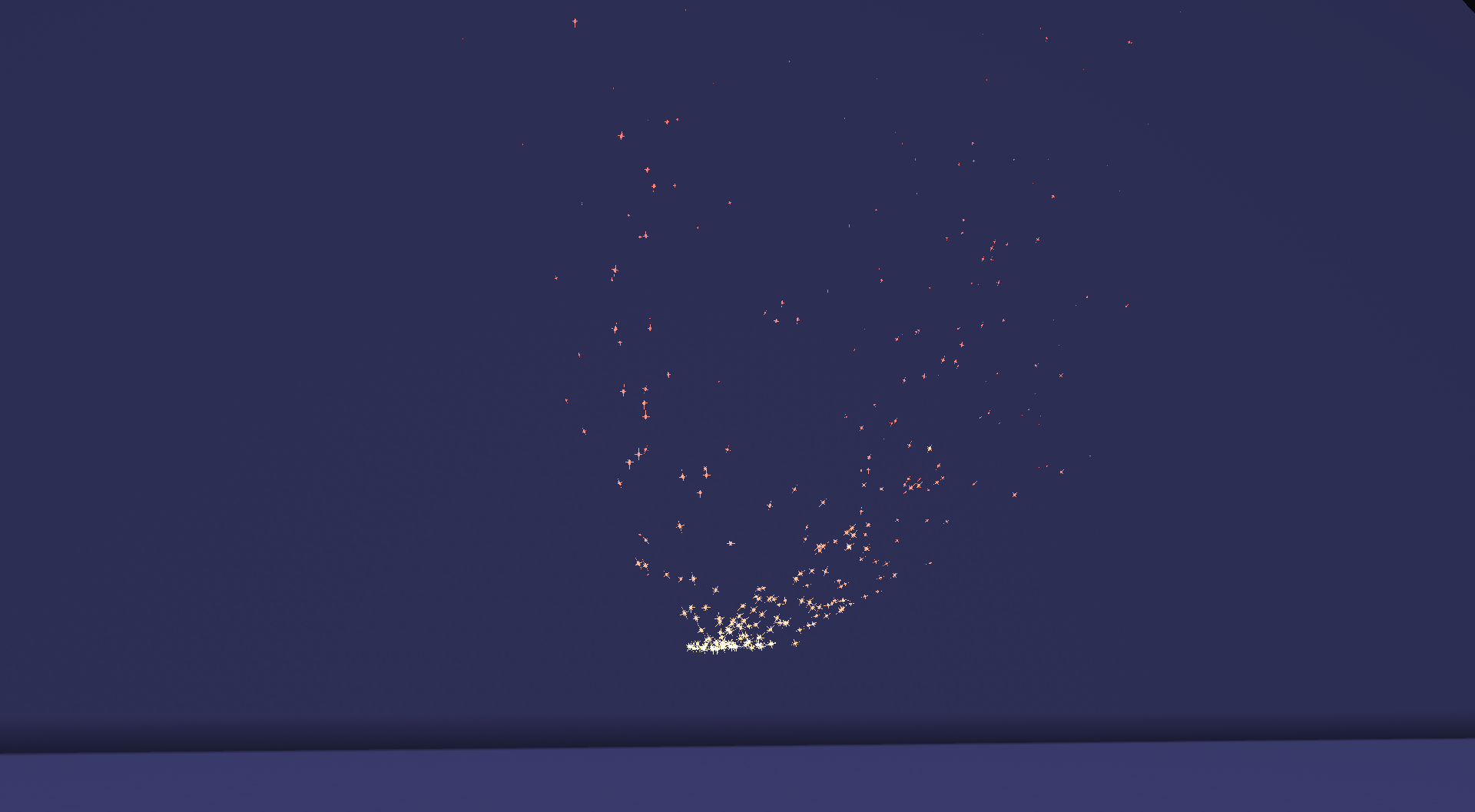
A code-first visual effects and sequencing library. Particle emitters, beams, volumes, bloom, and choreographed timelines for other mods to build on.
截图
介绍
Cascade
A code-first visual effects and sequencing library for Minecraft on NeoForge and Fabric.
Cascade lets your mod play high-performance visual effects directly from server-side code. Effects are streamed to nearby clients, where they are simulated and rendered locally. Nothing is spawned as an entity, and nothing is saved to the world.
Cascade is a developer library.
Installing it by itself adds no gameplay content.
Demo
See Cascade in action:
Quick Example
Vfx.emitter()
    .shape(ShapeSpec.sphere(0.5f))
    .count(200)
    .lifetime(40)
    .speed(0.2f)
    .gradient(Easings.LINEAR, 0xFFCC33, 0xFF3300)
    .play(level, pos);
Features
Particle System
- Configurable emitter shapes
- Size, alpha, velocity, and color curves
- Multi-stop color gradients
- Collision and soft particles
- Trails and sub-emitters
- Block, item, mesh, and custom particles
Simulation
- Gravity and drag
- Curl noise
- Vortices and attractors
- Boids flocking
- Deterministic simulation core
Rendering
- Beams
- Energy domes
- Camera shake
- Dynamic light casting
- Raymarched signed-distance volumes
- HUD-layer particles
- Selective bloom that only affects Cascade effects
Sequencing
- Delays
- Parallel branches
- Composable effect timelines
Extensibility
- Datapack-defined JSON effects
- Registration API for custom particle behaviors
- Optional GPU-resident backend for extremely large particle counts
- Mixin-free on both NeoForge and Fabric
- Unit-tested simulation core
Installation
Add the Maven repository:
repositories {
    maven {
        url = uri("https://raw.githubusercontent.com/ChocoBooyy/maven/main")
    }
}
Add the dependency matching your Minecraft version:
dependencies {
    implementation("dev.chocoboy.cascade:cascade-neoforge:1.0.0+26.1")
    // or:
    // implementation("dev.chocoboy.cascade:cascade-fabric:1.0.0+1.21.1")
}
Documentation
The wiki covers every feature, including:
- Getting Started
- Particle emitters
- Sequencing
- Behaviors
- Rendering
- Datapack effects
- Custom extensions
- Capabilities & Limits (exactly what works where)
Requirements
| Minecraft | Java | Cascade Version |
|———–:|:—-:|—————–|
| 26.1 | 25 | 1.0.0+26.1 |
| 1.21.1 | 21 | 1.0.0+1.21.1 |
Supports:
- NeoForge
- Fabric + Fabric API
License
MIT
常见问题
cascade 支持哪些 Minecraft 版本?
cascade 支持 Minecraft Java 版 1.21.1–26.3,共 6 个版本,可用的加载器:Fabric / NeoForge。下载时注意选择和你游戏版本一致的文件。
cascade 怎么安装?
先用 PCL2 或 HMCL 启动器安装对应版本的 Fabric / NeoForge,再把下载的 .jar 文件放进游戏目录的 mods 文件夹,重新启动游戏即可。开启了版本隔离的,mods 文件夹在 versions/版本名 下面。运行环境:客户端和服务端都要装。
ChocoBoy 的其他作品
查看全部 →
Create: Henry
A create add-on with Create: Dreams n Desires features and more.

Create: Henry
A create add-on with Create: Dreams n Desires features and more.
Create: Henry
A create add-on with Create: Dreams n Desires features and more.

Create: Circuits
Create addon that adds redstone logic gates, signal arithmetic and memory elements.
评论
登录后评论和评分