
介绍
Carbon
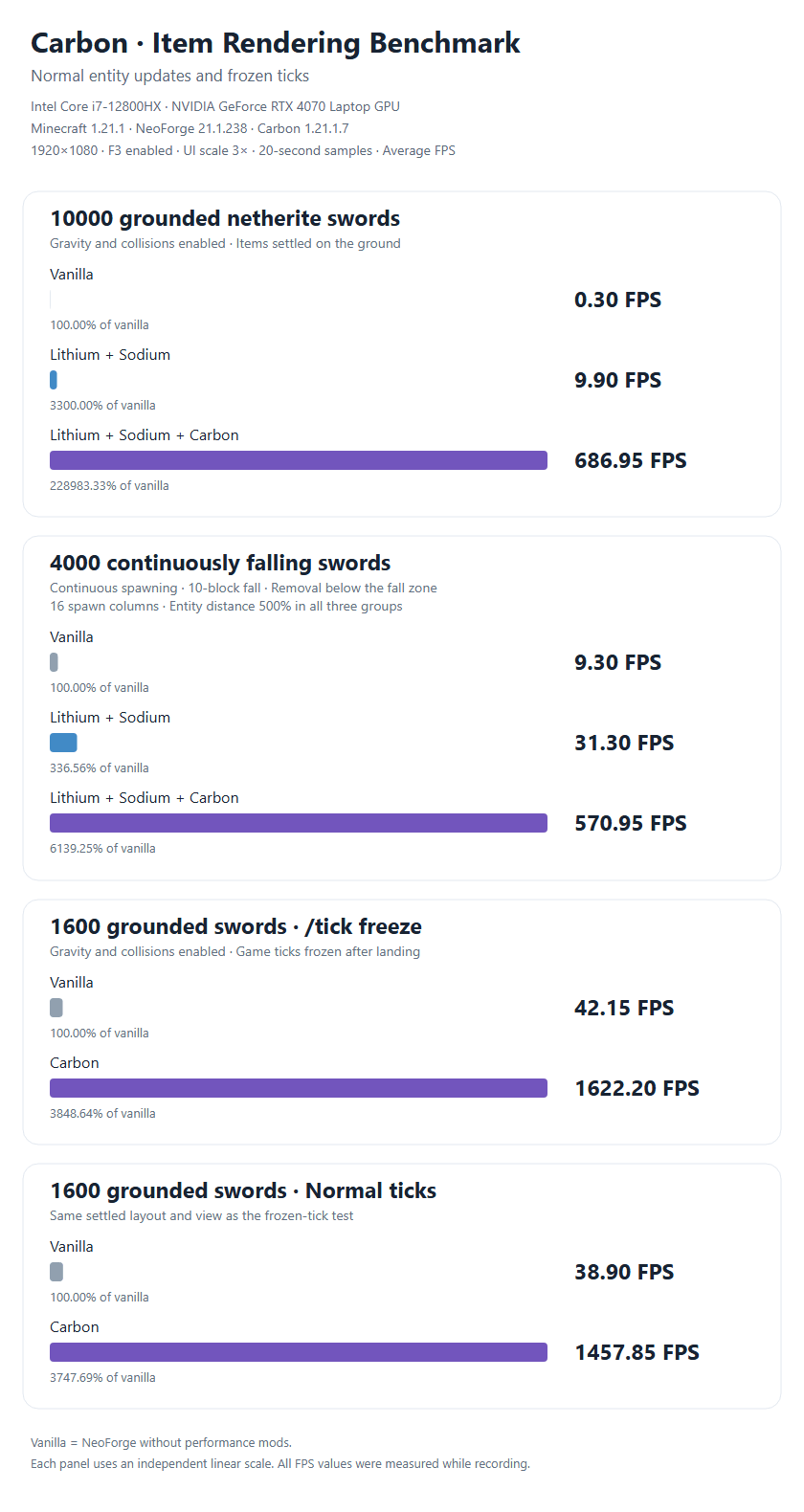
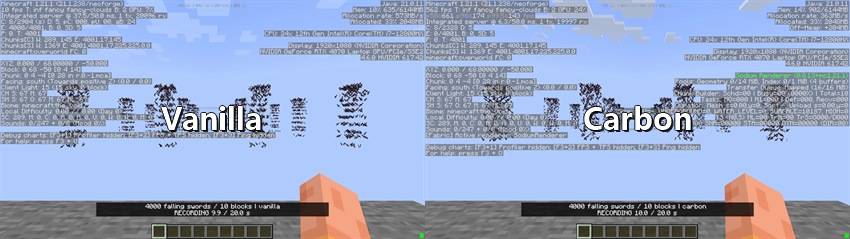
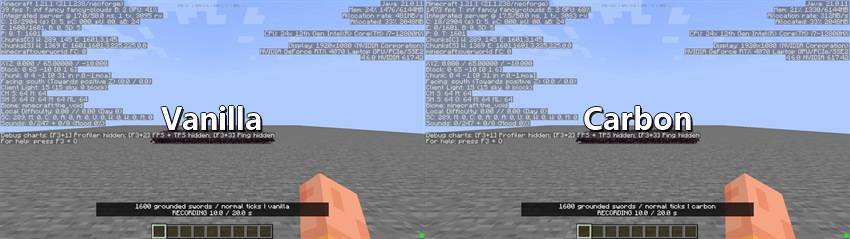
Carbon is a client-side performance mod that caches item model geometry on the GPU and batches matching items through instanced rendering. It reduces repeated rendering work, especially in scenes with large numbers of dropped items.
Features
- Optimized dropped items: Handles rotation, bobbing, and scaling on the GPU, and reuses scene data when it has not changed.
- Support across display contexts: Optimizes compatible standard item models in your hand, in GUIs, and in other contexts that use Minecraft’s standard item rendering pipeline.
- Enchantment glint and shadows: Batches ordinary enchantment glint and vanilla circular item shadows alongside item rendering.
- Optional visual physics: Adds tumbling while items move and lets them settle naturally when they land. This only affects appearance; movement, collisions, and pickup behavior remain unchanged.
- Rendering fallback: Uses the original rendering path for models or effects that cannot be safely batched.
Shader Compatibility
Tested with Iris 1.8.14-beta.1+mc1.21.1 and Photon v1.4, including shader shadows. Compatibility with other shader packs may vary.
Configuration
Configure Carbon through its in-game configuration screen or config/carbon-client.toml. Optional visual physics is disabled by default. Use /carbon stats to inspect rendering and cache statistics.
常见问题
Carbons 支持哪些 Minecraft 版本?
Carbons 支持 Minecraft Java 版 1.20.1–26.1.2,共 3 个版本,可用的加载器:Forge / NeoForge。下载时注意选择和你游戏版本一致的文件。
Carbons 怎么安装?
先用 PCL2 或 HMCL 启动器安装对应版本的 Forge / NeoForge,再把下载的 .jar 文件放进游戏目录的 mods 文件夹,重新启动游戏即可。开启了版本隔离的,mods 文件夹在 versions/版本名 下面。
First_sight 的其他作品
查看全部 →
aimbot
Super Lock

Fargo Soul
Fargo's Soul 带来一系列可制作的饰品,为你提供各种增益和能力。

TwilightSoul
新增一系列 Fargo's Soul Mod 与暮色森林之间的联动物品。

Create Soul
新增多个 Fargo's Souls 与机械动力之间的联动物品。
评论
登录后评论和评分