
截图
介绍

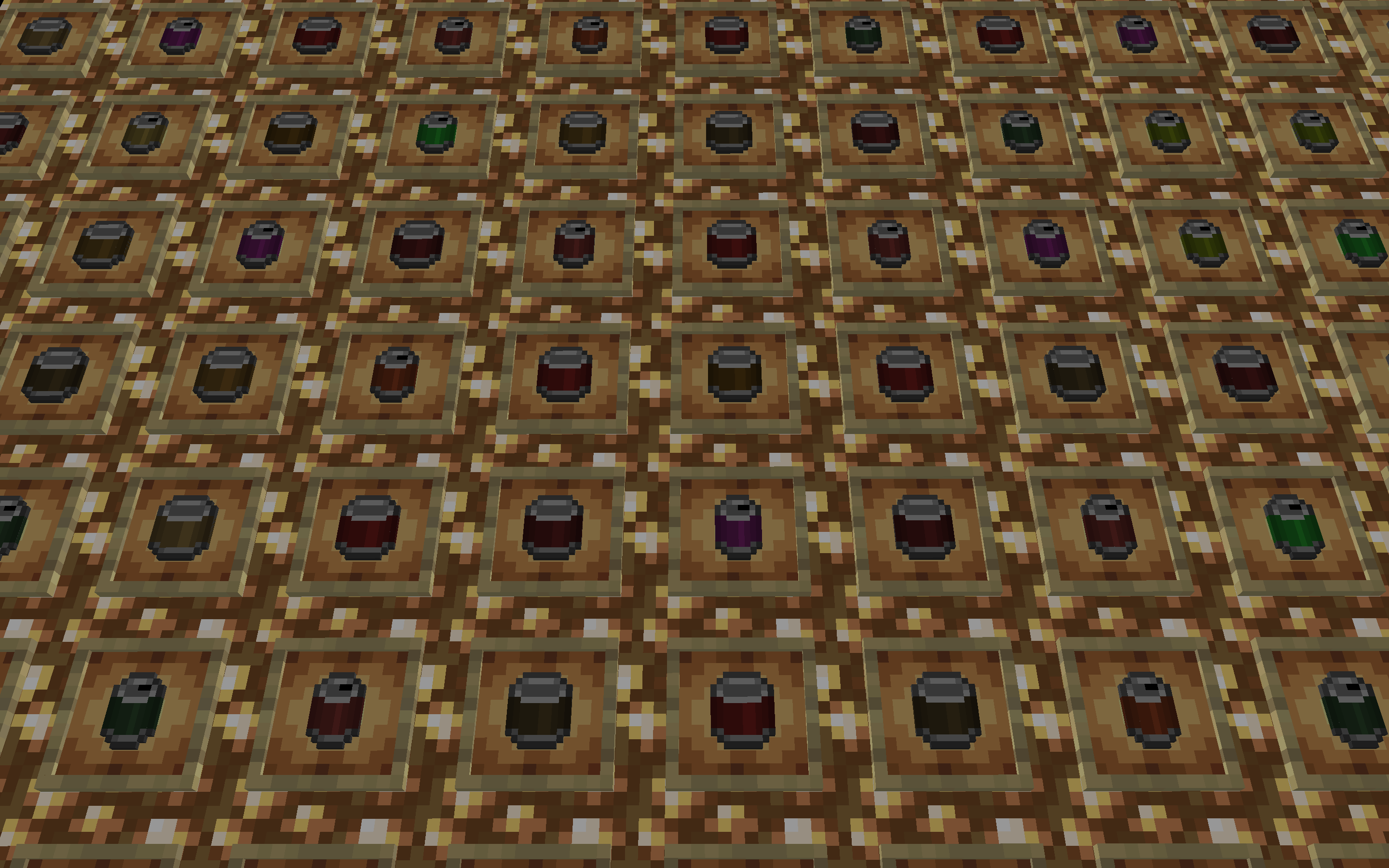
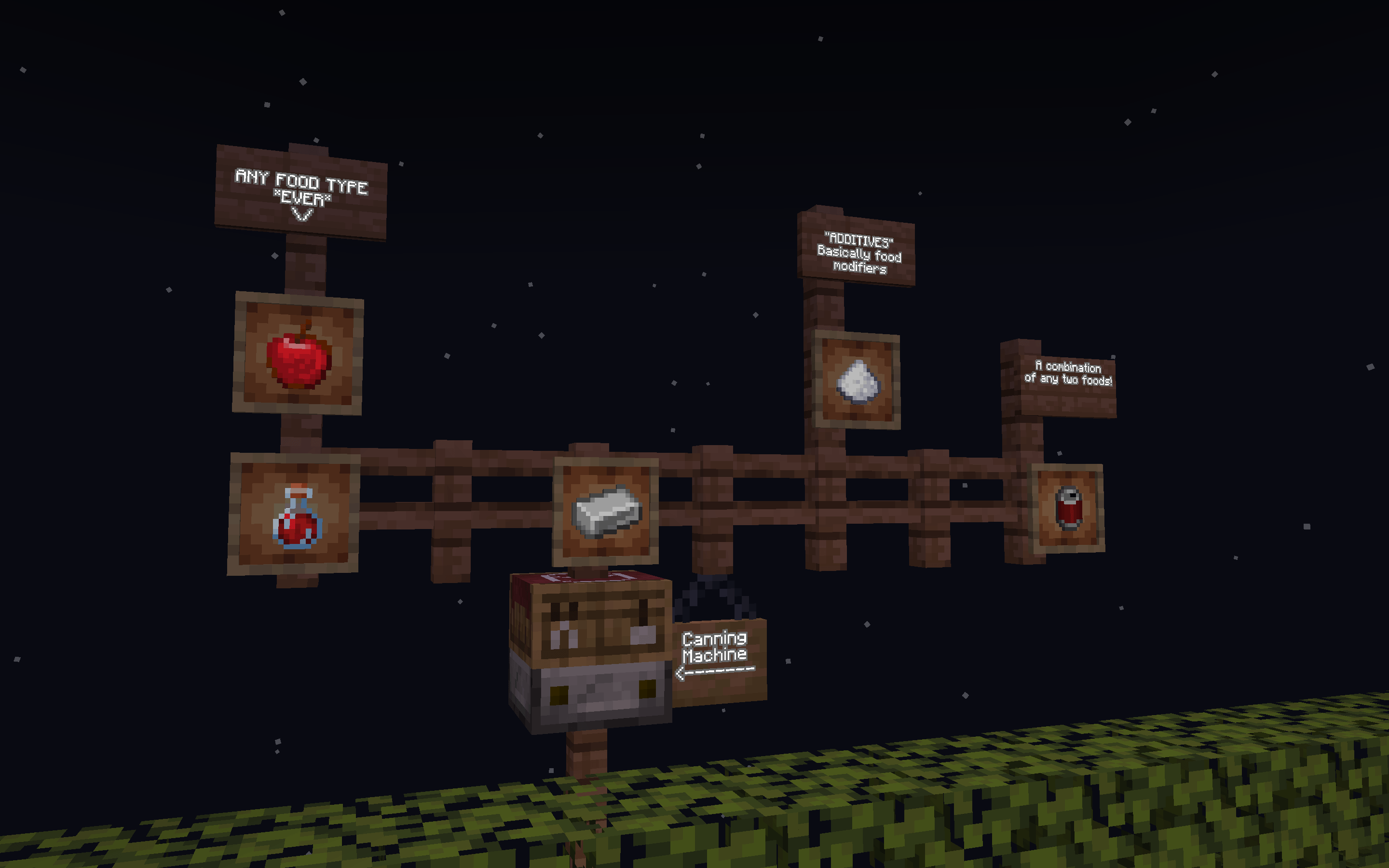
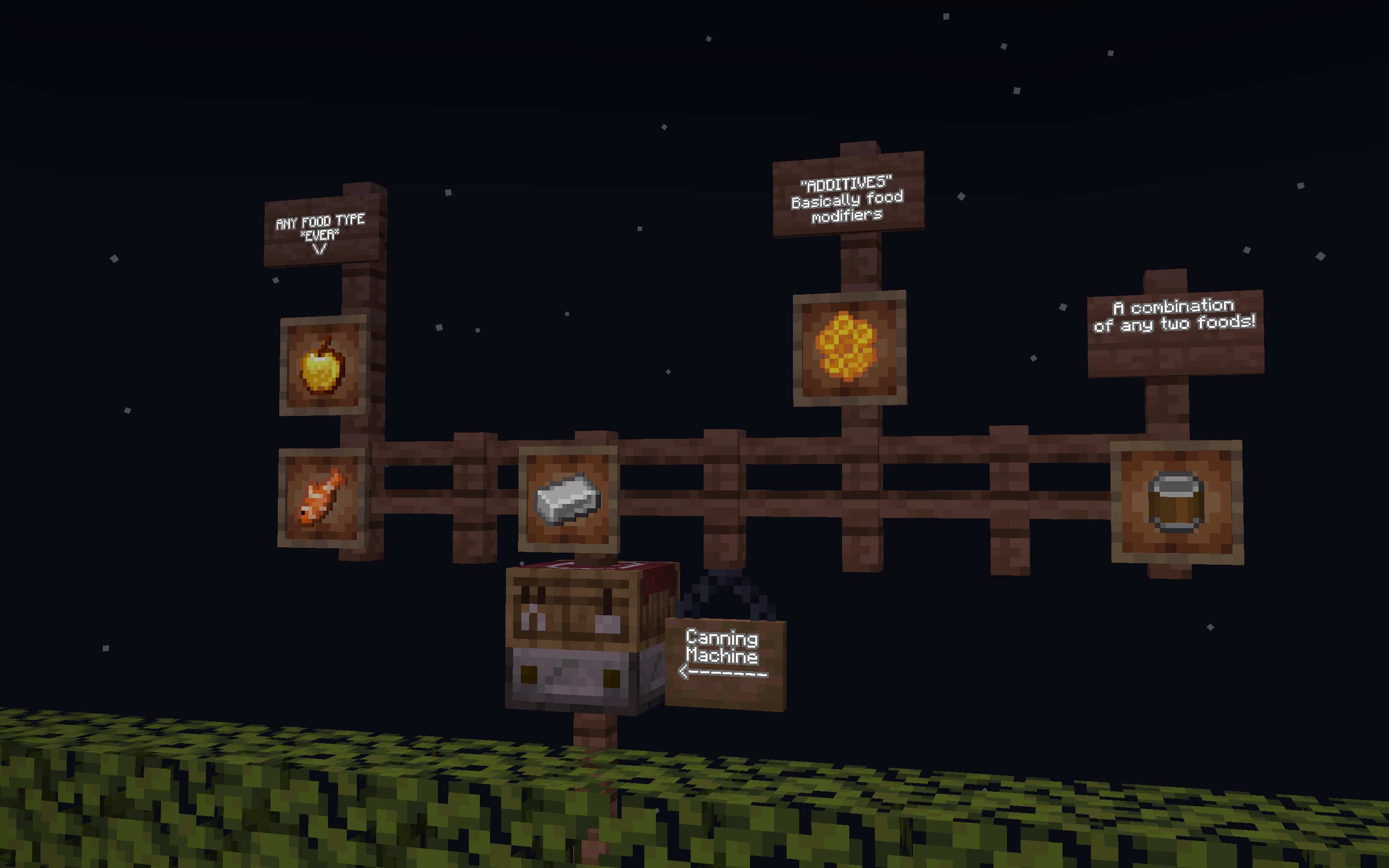
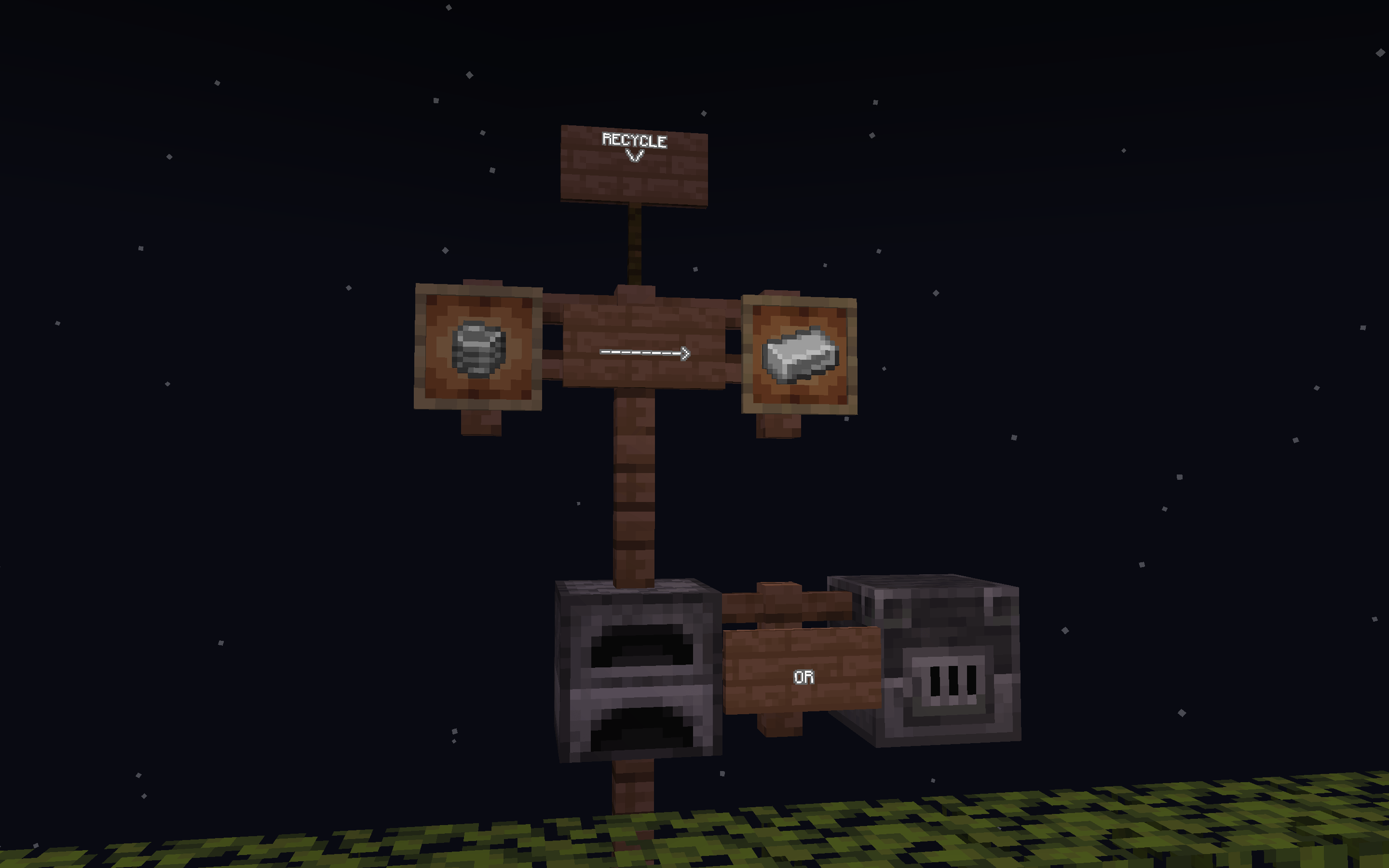
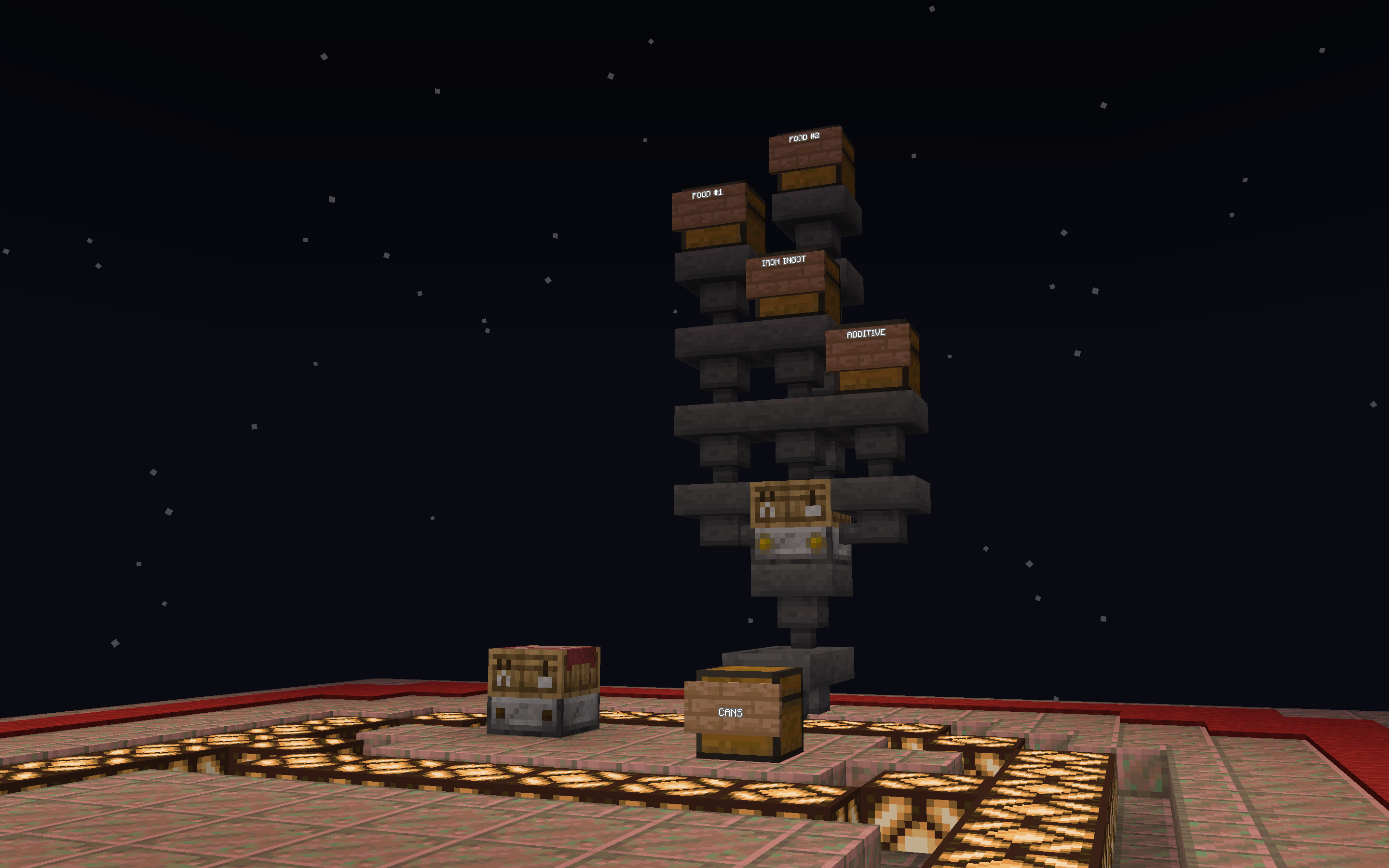
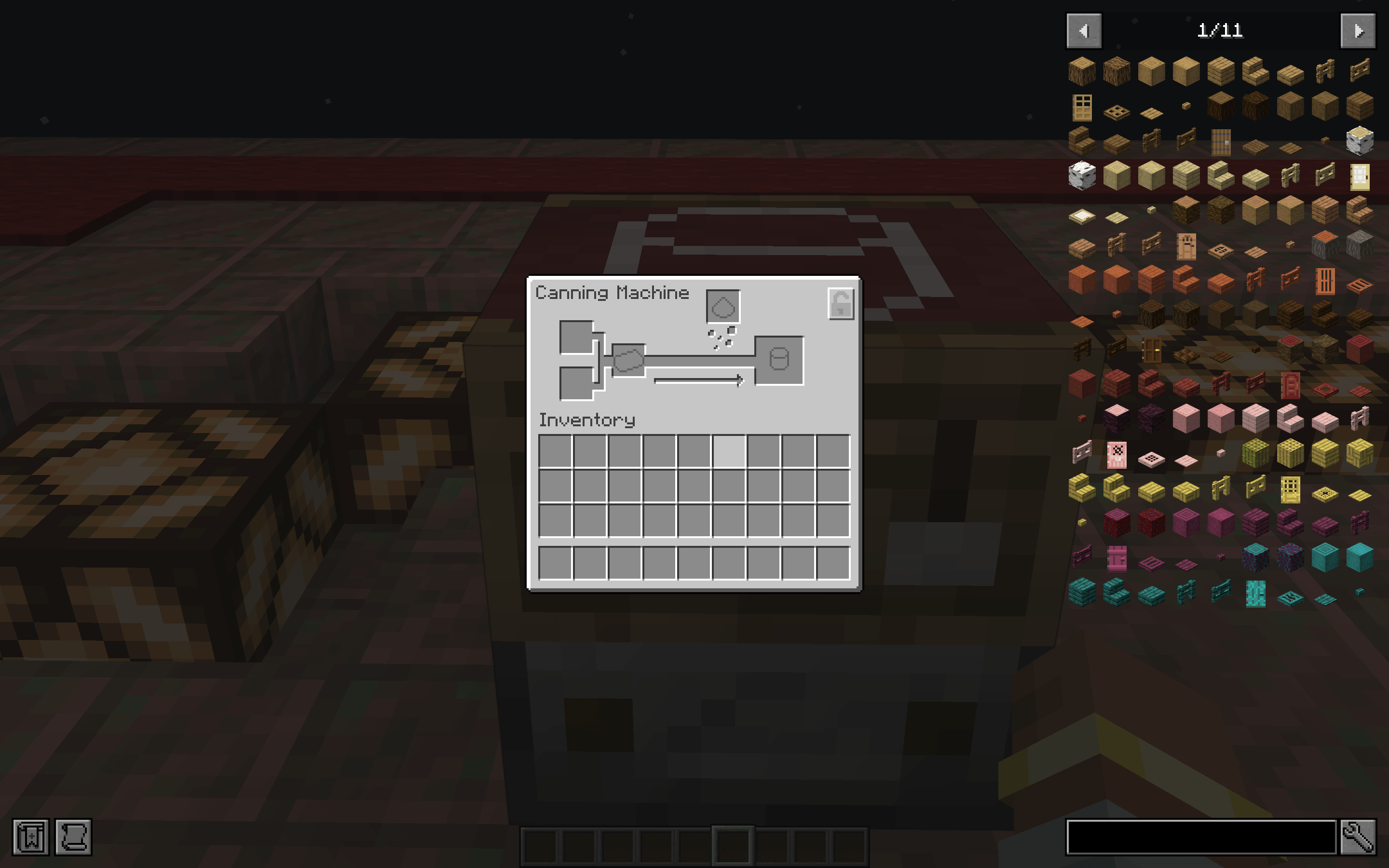
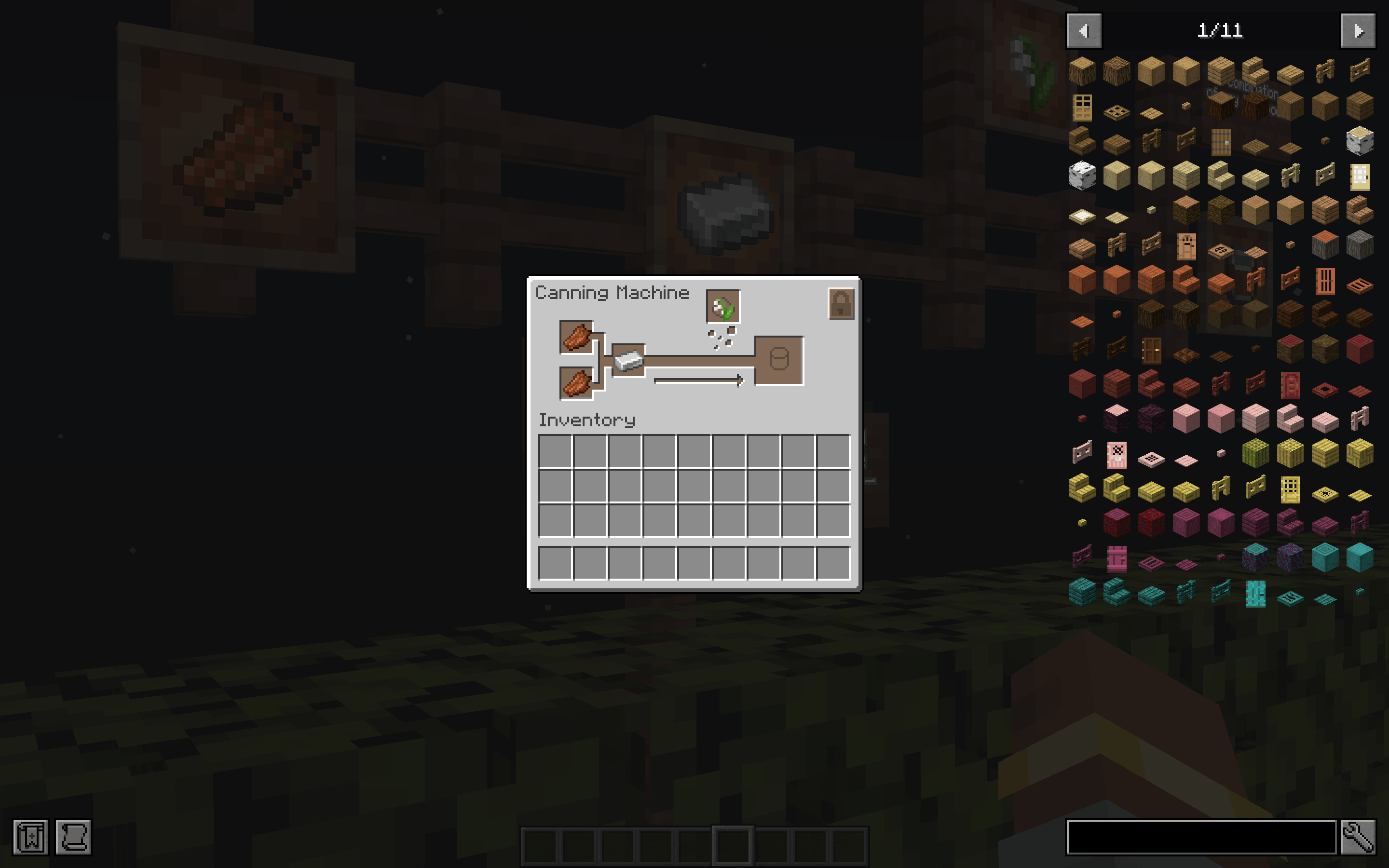
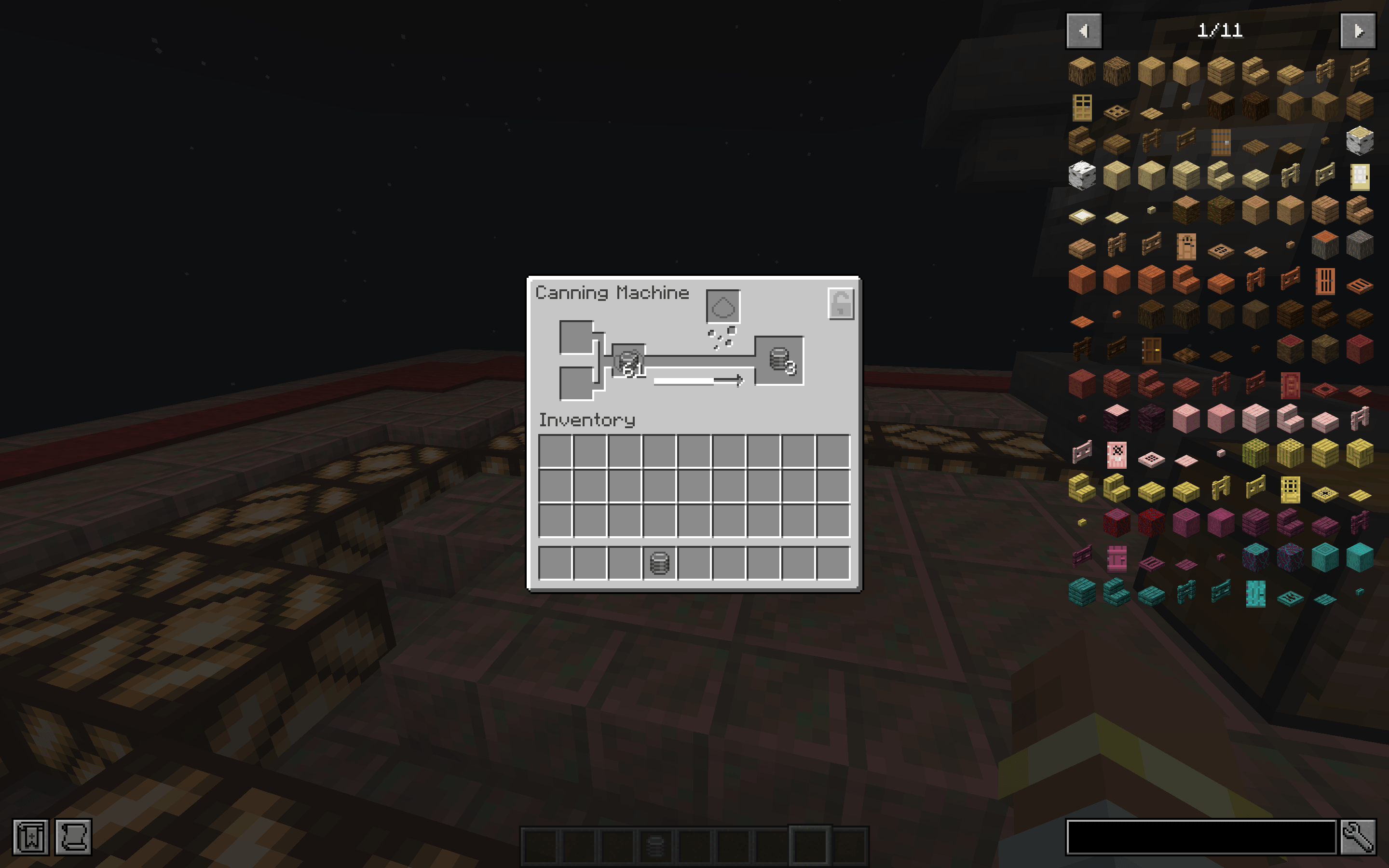
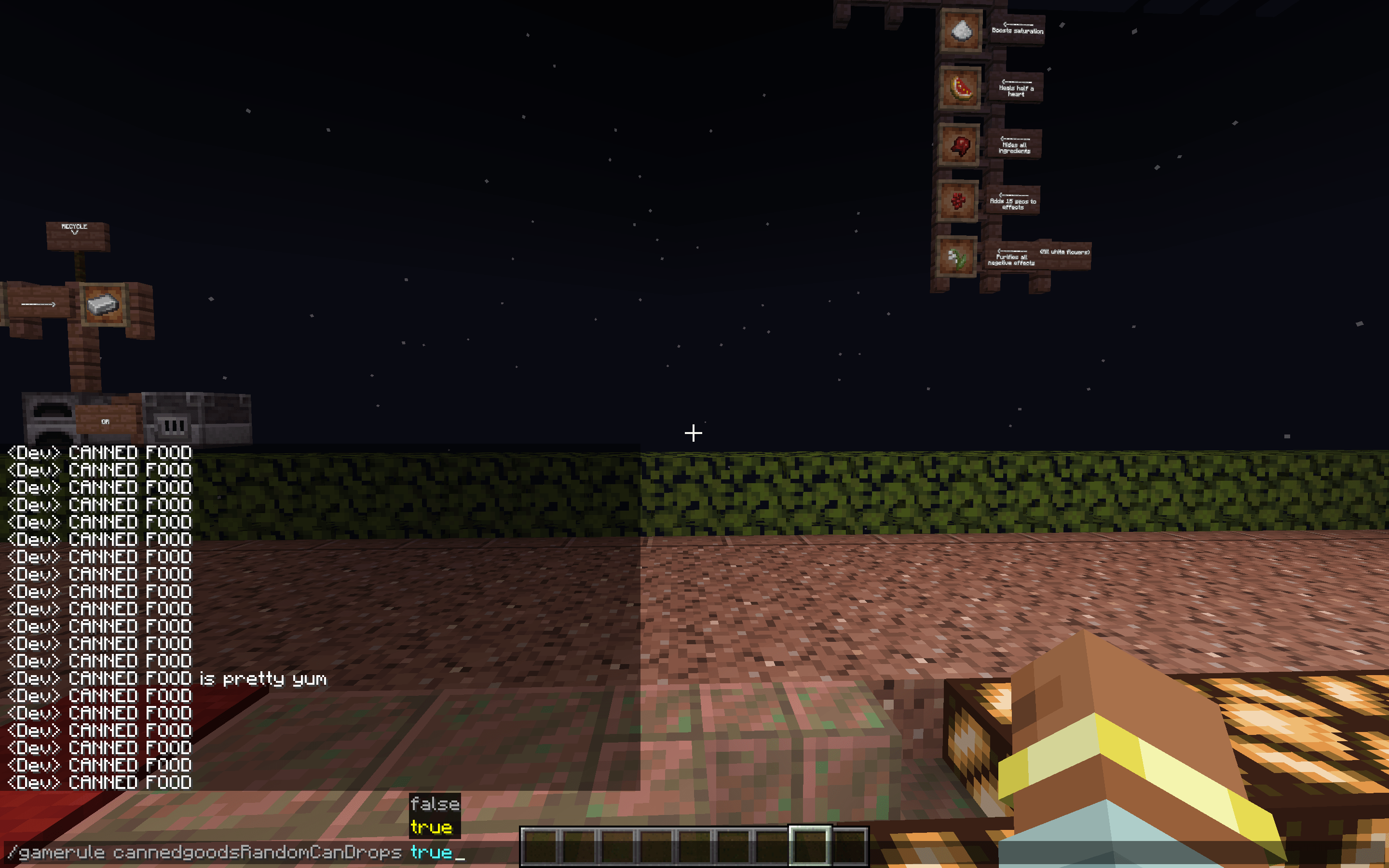
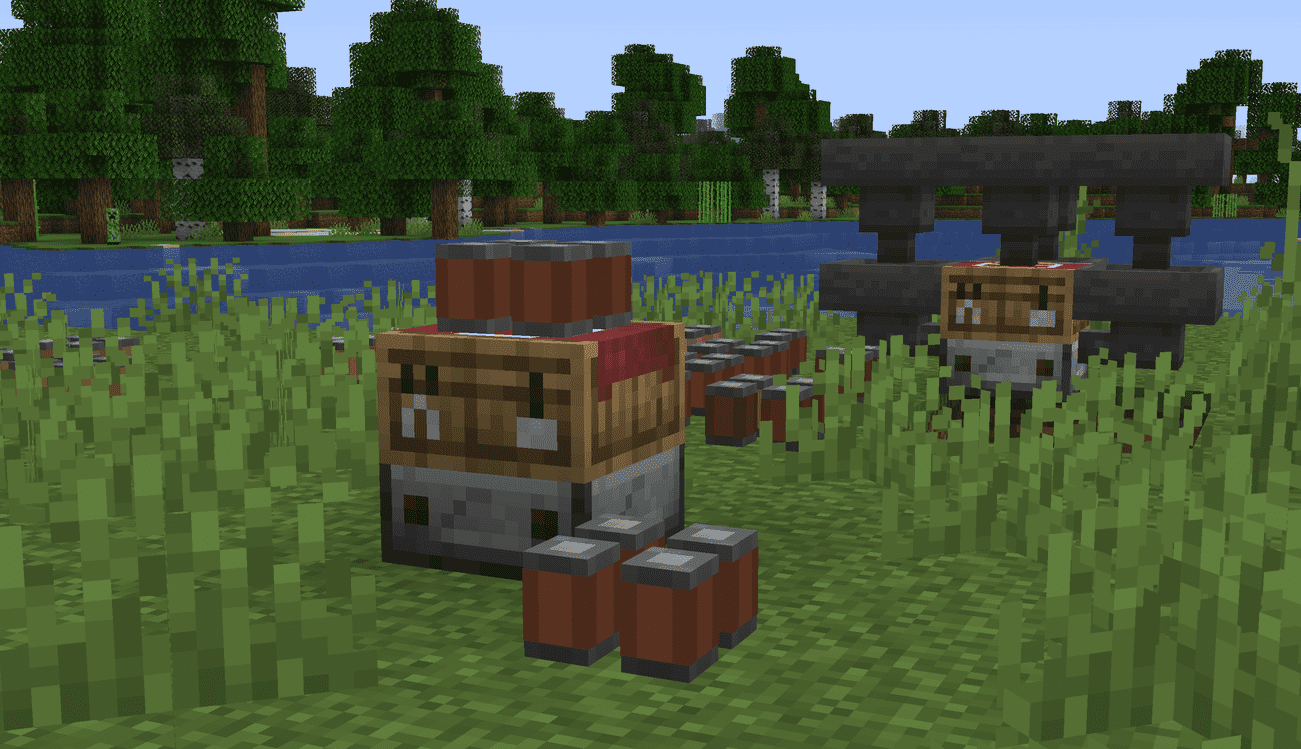
Canned Goods 2.0 is a streamlined survival and logistics overhaul that revolutionizes how you store sustenance. By investing a little iron, you can condense double the food into a single slot—optimizing your inventory and enabling expeditions that last twice as long.
______________________________________________________________________________________________________________________________________________________________________________________________________________________________________________
Key Features
- Double Storage: Pack twice the food quantity into a single inventory slot.
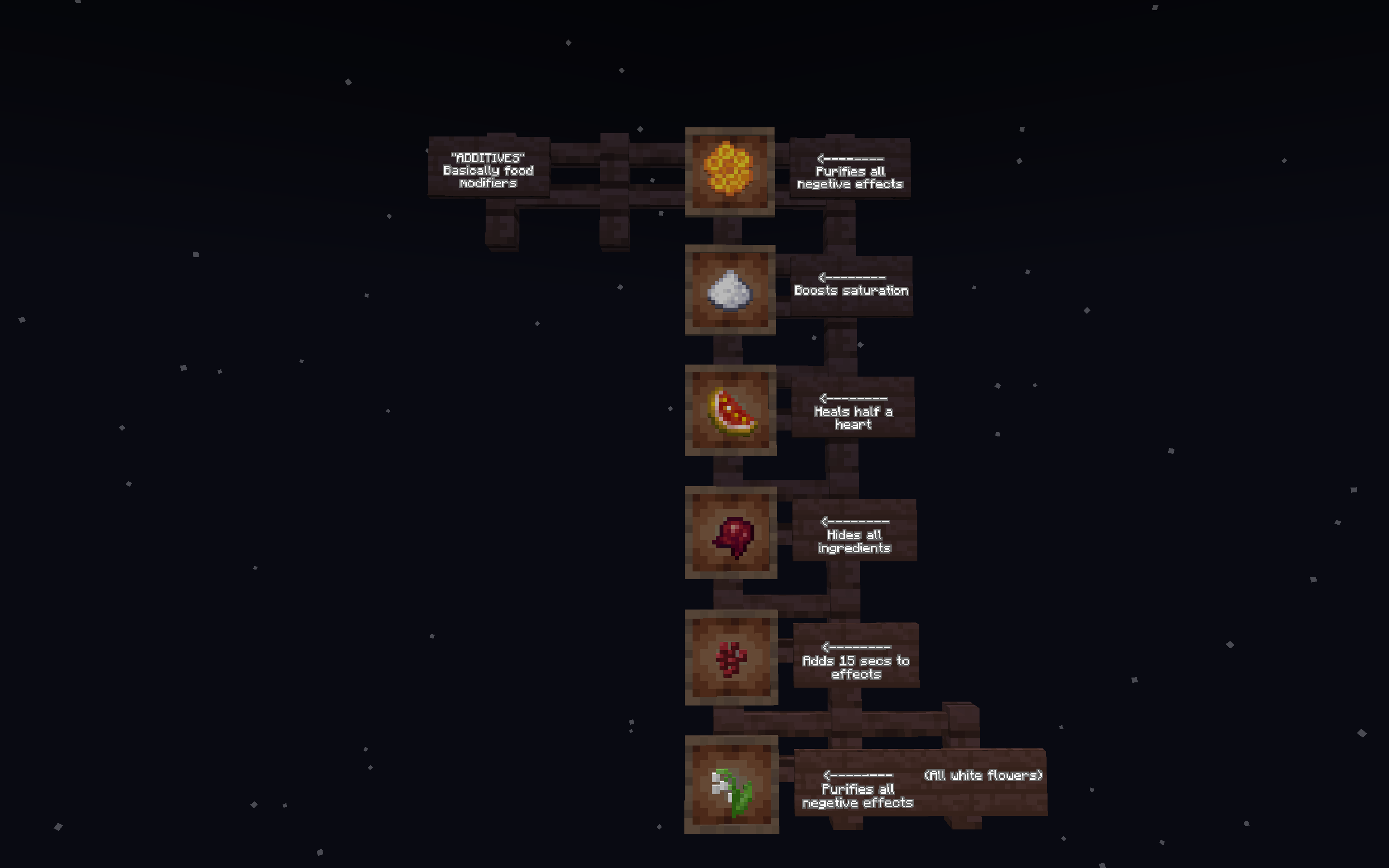
- Potion Infusion: Mix and match potion effects directly into your canned rations.
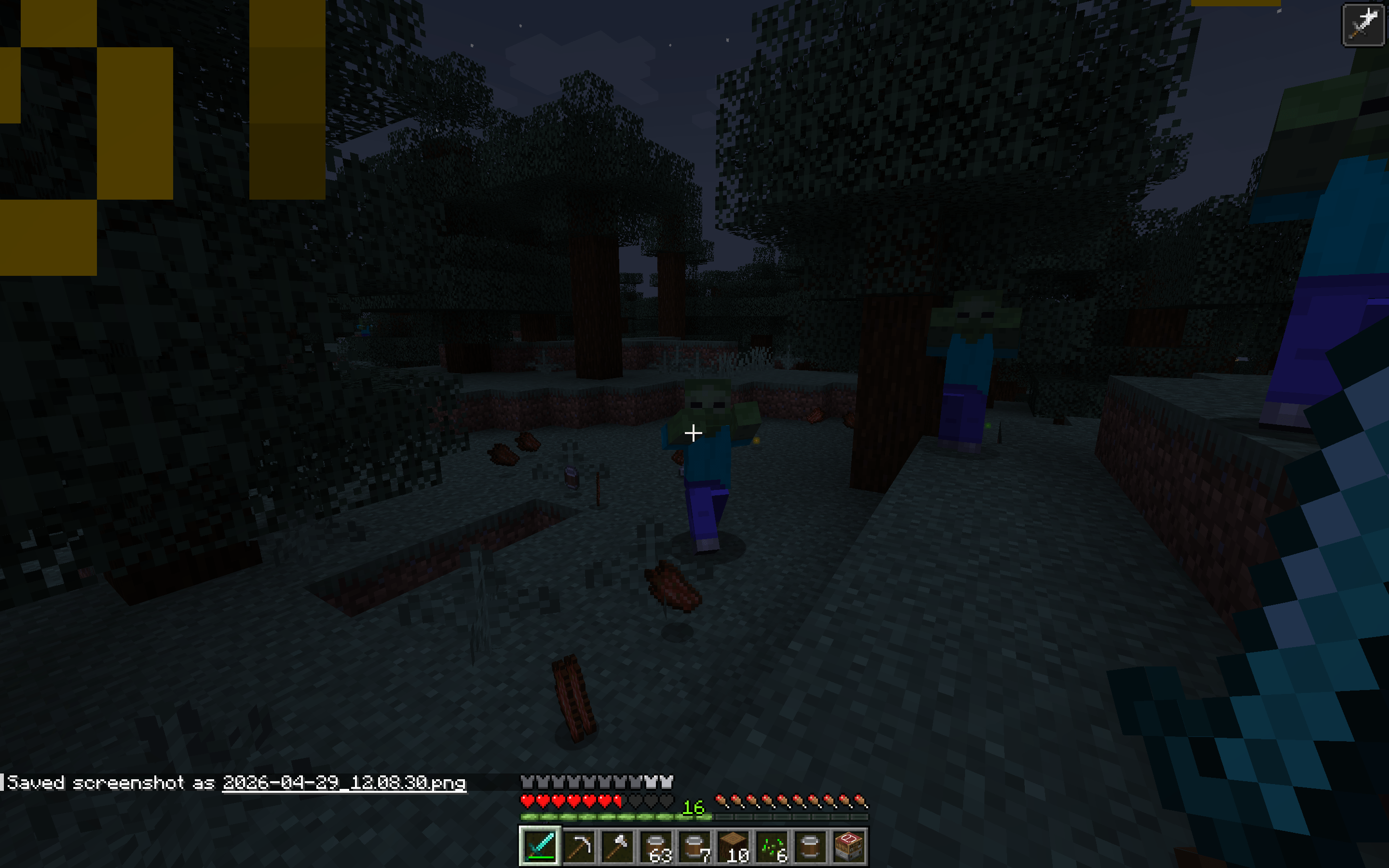
- Flesh Purification: Neutralize the negative effects of Rotten Flesh for safe consumption.
- Universal Compatibility: Seamlessly interfaces with food items from any mod.
- JEI Integration: Full recipe support via Just Enough Items.
- Infinite Variety: Countless combinations to discover and craft.
Installation
-
-
Install Forge or Fabric.
-
Drop the
.jarfile into your.minecraft/modsfolder. -
Launch and play!
-
Modpacks & Feedback
- Modpacks: 100% allowed! Drop a comment if you use it—we’d love to play your pack.
- Ideas? This mod is brand new. Share your feature suggestions below to help shape the next update!
常见问题
Canned Goods 2.0 支持哪些 Minecraft 版本?
Canned Goods 2.0 支持 Minecraft Java 版 1.20.1,可用的加载器:Fabric / Forge。下载时注意选择和你游戏版本一致的文件。
Canned Goods 2.0 怎么安装?
先用 PCL2 或 HMCL 启动器安装对应版本的 Fabric / Forge,再把下载的 .jar 文件放进游戏目录的 mods 文件夹,重新启动游戏即可。开启了版本隔离的,mods 文件夹在 versions/版本名 下面。
Murdrbanna 的其他作品
查看全部 →
TACTICAL SPOON
A mod focused on adding new exciting weapons from my SMP

WAY_TOO_DEEP
A Modpack for SUPER advanced minecraft players. If you want pure creation and mega builds in your hardcore world this is the pack.

MB Build Tools
Imagine.. trowels, chisels, void cleanup, conveyors, fans, machines, portable XP, and a respawn anchor that doesn’t care what dimension you’re in.

Needle N’ Goo
Imagine the possibilities of if you could turn potion effects into blocks? Here it is..
评论
登录后评论和评分