
截图
介绍

Bring Bedrock Edition’s /camera command to Java Edition.
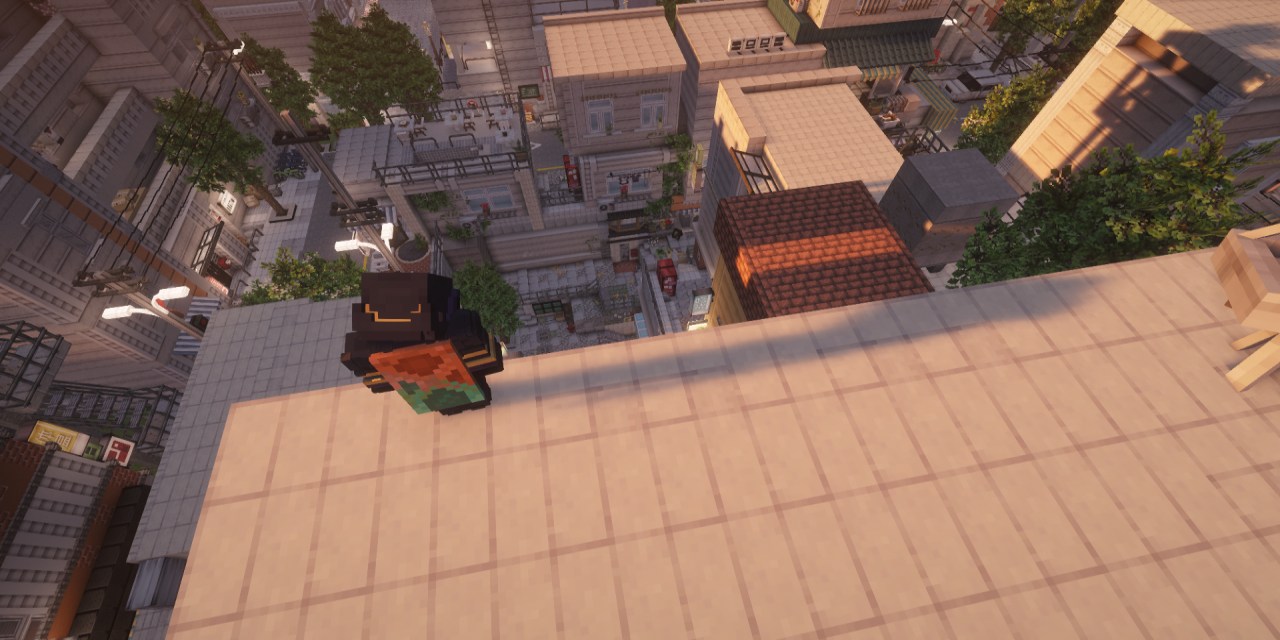
Camera Mod gives server operators full control over the player’s camera – move it anywhere in the world, animate it with smooth easing, switch perspectives, and trigger cinematic screen fades. All without touching the player’s actual position or sending anything suspicious to anti-cheat systems.
Features
/camera set – Camera Control
Place the camera at any position with optional rotation and smooth easing.
/camera set @p free ease 2 in_out_expo pos ~ ~10 ~ rot 90 0
/camera set @p third_person
/camera set @p first_person
Presets: first_person · third_person · third_person_front · free
Easing functions (30+): linear · spring · in_quad · out_quad · in_out_quad · in_cubic · out_cubic · in_out_cubic · in_quart · in_out_quart · in_sine · out_sine · in_out_sine · in_expo · out_expo · in_out_expo · in_circ · in_out_circ · in_back · out_back · in_out_back · in_elastic · out_elastic · in_out_elastic · in_bounce · out_bounce · in_out_bounce · and more
Rotation supports ~ (relative to current rotation):
rot 90 0      - absolute
rot ~ ~       - keep current
rot ~10 ~-45  - relative offset
Coordinates support ~ and ^:
pos ~ ~5 ~        - 5 blocks above current position
pos ^ ^ ^10       - 10 blocks forward from facing direction
/camera fade – Screen Fade
Trigger a full-screen color fade with configurable timing.
/camera fade @p time 0.5 1.0 0.5 color 0 0 0   - black fade
/camera fade @p time 0.2 0.1 0.3 color 1 1 1   - white flash
/camera clear – Reset
Instantly return the camera to vanilla behaviour.
/camera clear @pExample – Cinematic Sequence
camera fade @p time 0 0.5 0.7 color 0 0 0
execute as @p at @s run camera set @p free ease 0.1 in_out_expo pos ~ ~3 ~ rot 90 0
camera fade @p time 0 0.1 0.2 color 1 1 1
execute as @p at @s run camera set @p free ease 3 in_out_quad pos ~ ~100 ~ rot 90 0
camera fade @p time 0.5 1.0 0.5 color 0 0 0
camera clear @p
Permissions
All /camera commands require operator level 2.
This mod was made exclusively for personal use and will not receive any updates. No support, no new versions – use as-is.
常见问题
Camera Command 支持哪些 Minecraft 版本?
Camera Command 支持 Minecraft Java 版 1.21.1,可用的加载器:Fabric。下载时注意选择和你游戏版本一致的文件。
Camera Command 怎么安装?
先用 PCL2 或 HMCL 启动器安装对应版本的 Fabric,再把下载的 .jar 文件放进游戏目录的 mods 文件夹,重新启动游戏即可。开启了版本隔离的,mods 文件夹在 versions/版本名 下面。运行环境:客户端和服务端都要装。
评论
登录后评论和评分