
Camera Command in Java
Brings Bedrock's /camera command to Java Edition: cinematic camera control that never takes away player control.
截图
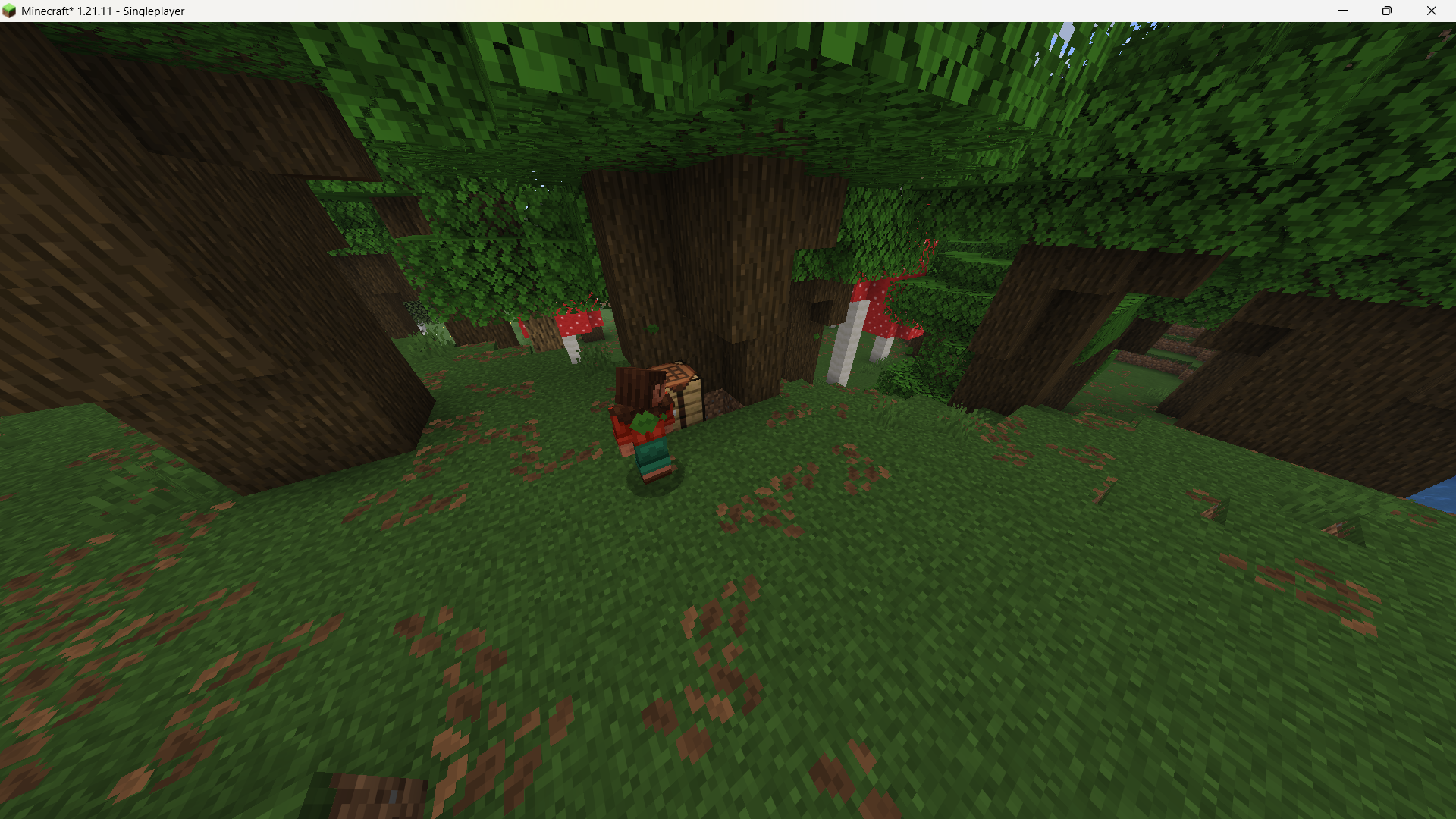
介绍
Camera Command
A Fabric mod that recreates Bedrock Edition’s /camera command as faithfully as possible on
Java Edition. Build cutscenes, overview shots, FOV changes, and screen fades with a single
command — all without touching the player’s actual controls.
The player keeps moving, looking around, and interacting exactly as normal. The camera is
purely a visual redirect: it changes what’s rendered on screen, not who or what the player
is controlling. That means you can drive elaborate camera sequences from command blocks while
players keep walking, mining, and fighting like nothing happened.
Features
/camera <players> clear— end any active camera override and return to normal view/FOV/camera <players> attach_to_entity <entity>— visually follow a target entity/camera <players> detach_from_entity/remove_target— stop following/looking at a target/camera <players> set minecraft:free ...— place the camera at any position/rotation, with optional look-at targeting and eased transitions/camera <players> set minecraft:follow_orbit ...— an orbiting camera centered on a target entity/camera <players> fov_set <value> [ease] [easeType]/fov_clear— smoothly change or restore FOV/camera <players> fade time <in> <hold> <out> [color r g b]/fade color <r g b>— full-screen fade in/out
Easing curves use the same names as Bedrock (linear, in_out_cubic, spring, etc.) and show
up in tab-completion.
Requirements
- Minecraft: 1.21.11
- Fabric Loader: 0.17.3+
- Fabric API (required)
Differences from Bedrock (please read before using)
Java Edition’s engine doesn’t have an identical camera system, so there are a few known gaps:
- Mouse look always turns the player’s own body/view. Moving the mouse while a free camera is active rotates the player, not the camera itself — free-look independent of the player isn’t reproduced.
play_splineisn’t implemented; Java Edition has no equivalent spline-playback system.- Fixed presets like
minecraft:first_person/third_personaren’t implemented, since they’d overlap with vanilla’s own F5 perspective switching. Onlyminecraft:freeandminecraft:follow_orbitare supported. view_offsetis approximated as a world-space offset rather than a true screen-space offset.
Credits
Author: L0TCH4
常见问题
Camera Command in Java 支持哪些 Minecraft 版本?
Camera Command in Java 支持 Minecraft Java 版 1.21.11,可用的加载器:Fabric。下载时注意选择和你游戏版本一致的文件。
Camera Command in Java 怎么安装?
先用 PCL2 或 HMCL 启动器安装对应版本的 Fabric,再把下载的 .jar 文件放进游戏目录的 mods 文件夹,重新启动游戏即可。开启了版本隔离的,mods 文件夹在 versions/版本名 下面。运行环境:客户端和服务端都要装。
L0TCH4 的其他作品
查看全部 →
Pocket Tools
Use the crafting table and furnace directly from your inventory screen.

Surveyor’s Compass
A compass that points toward the nearest village, shipwreck, nether fortress, bastion remnant, or stronghold, depending on the key item placed inside it.

Lava Armour
This project adds lava armour set and lava sword.
评论
登录后评论和评分