
截图
介绍
中文介绍正在准备中,下面暂时显示原文。
Camera Anim
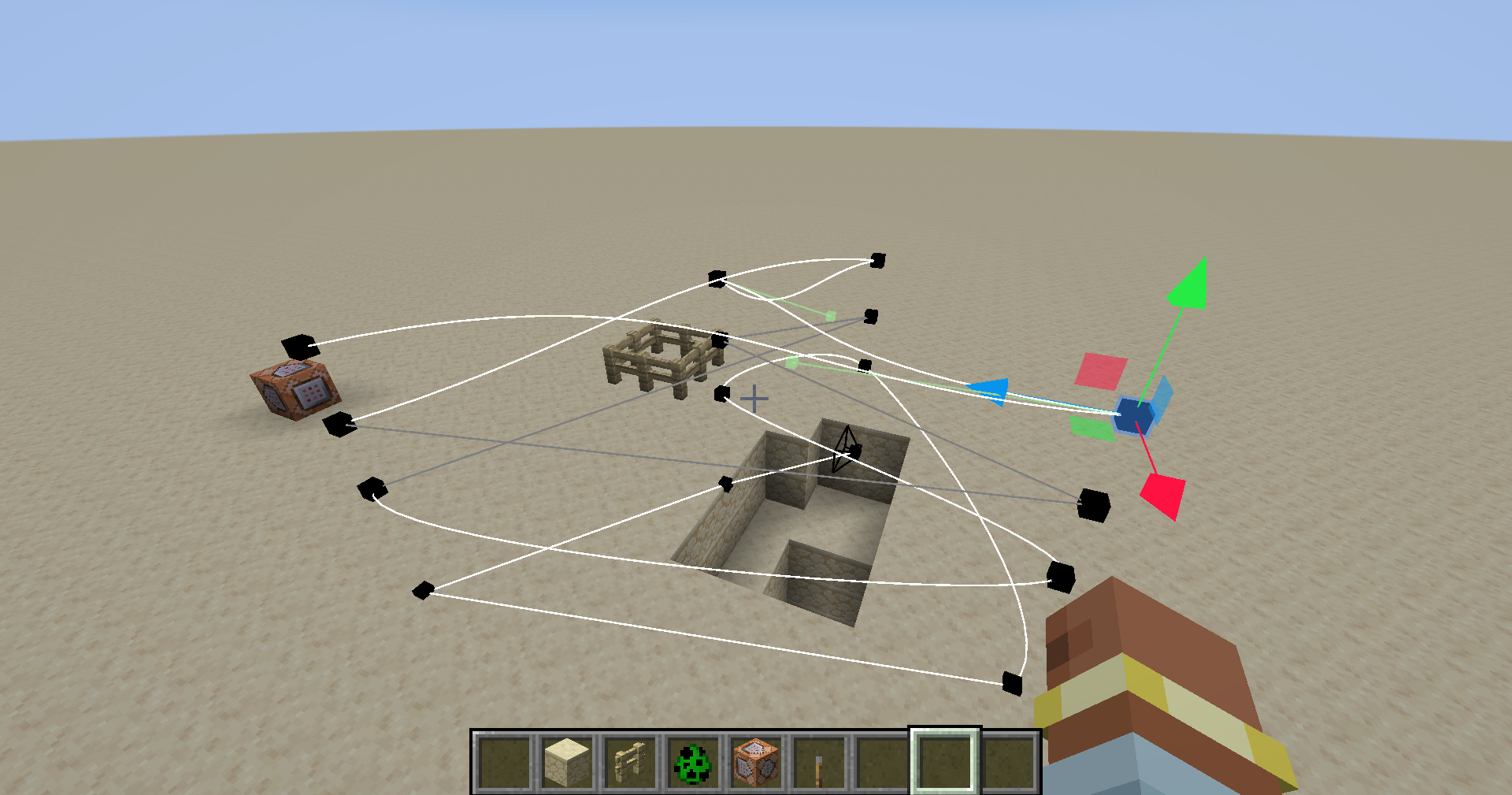
In game camera anim maker and loader.
This mod only modifies the player’s camera and does not modify the entity pos.
How To Use
- Switch to _Edit Mode_ .
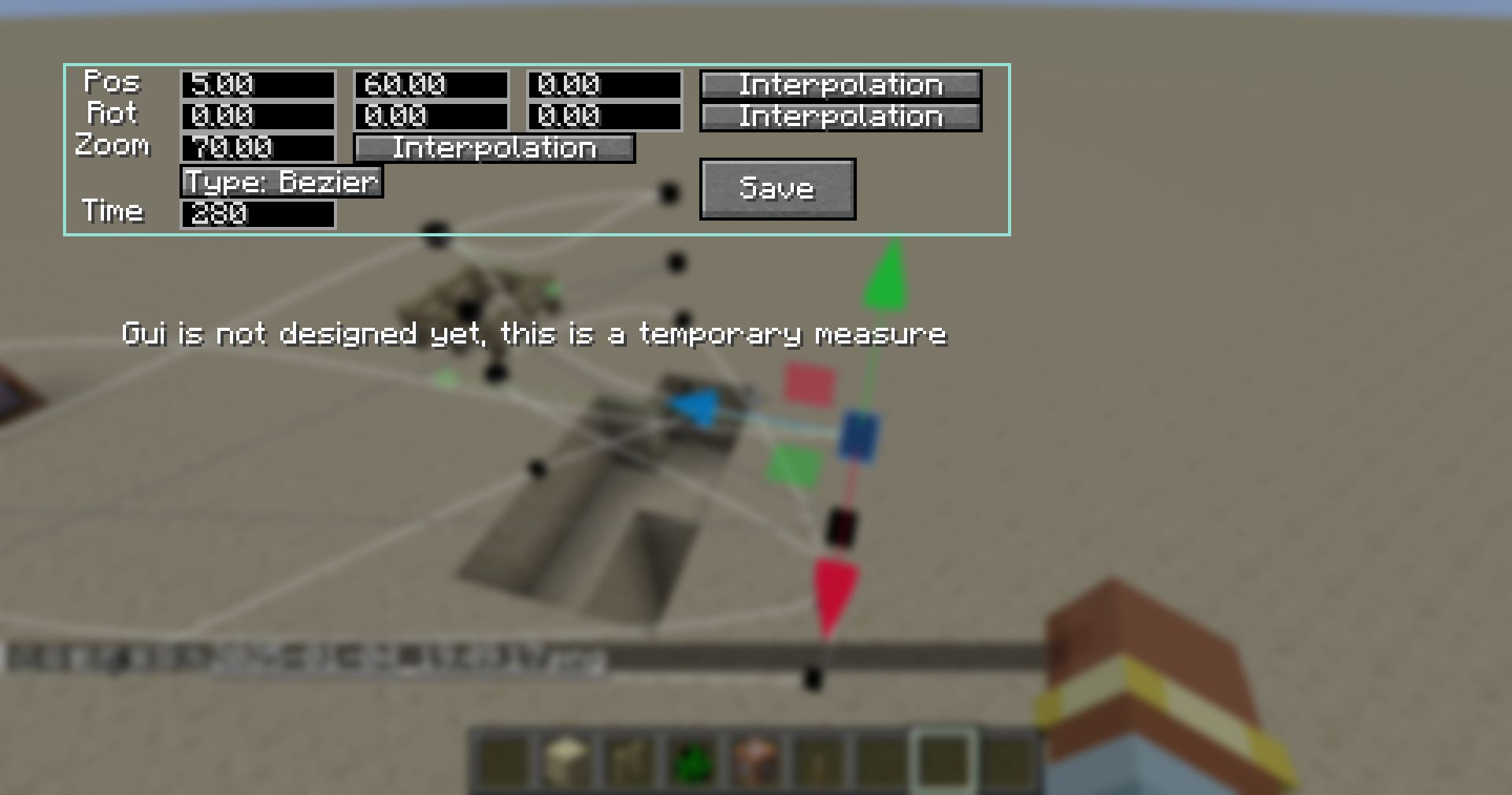
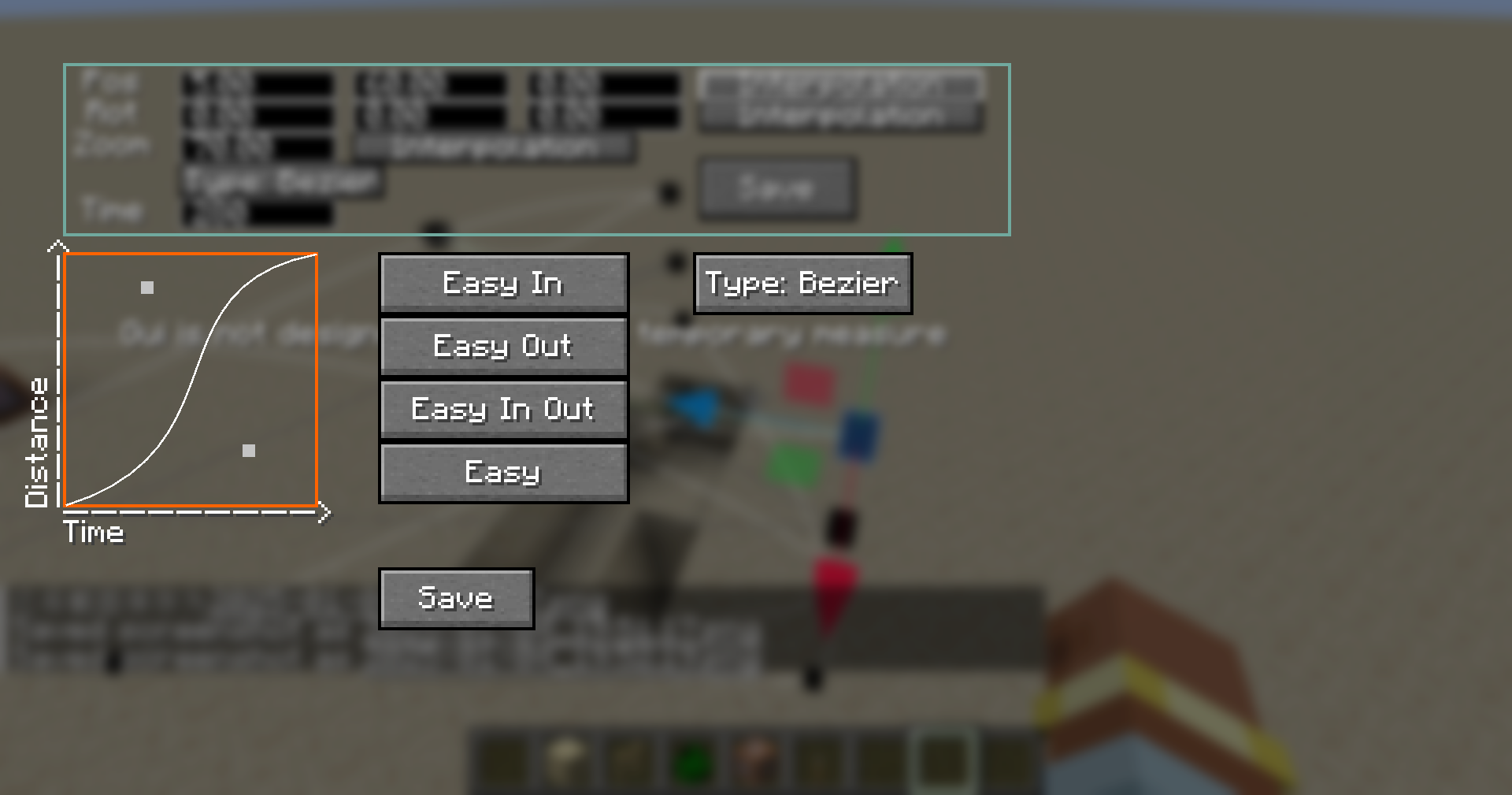
- Create you path.
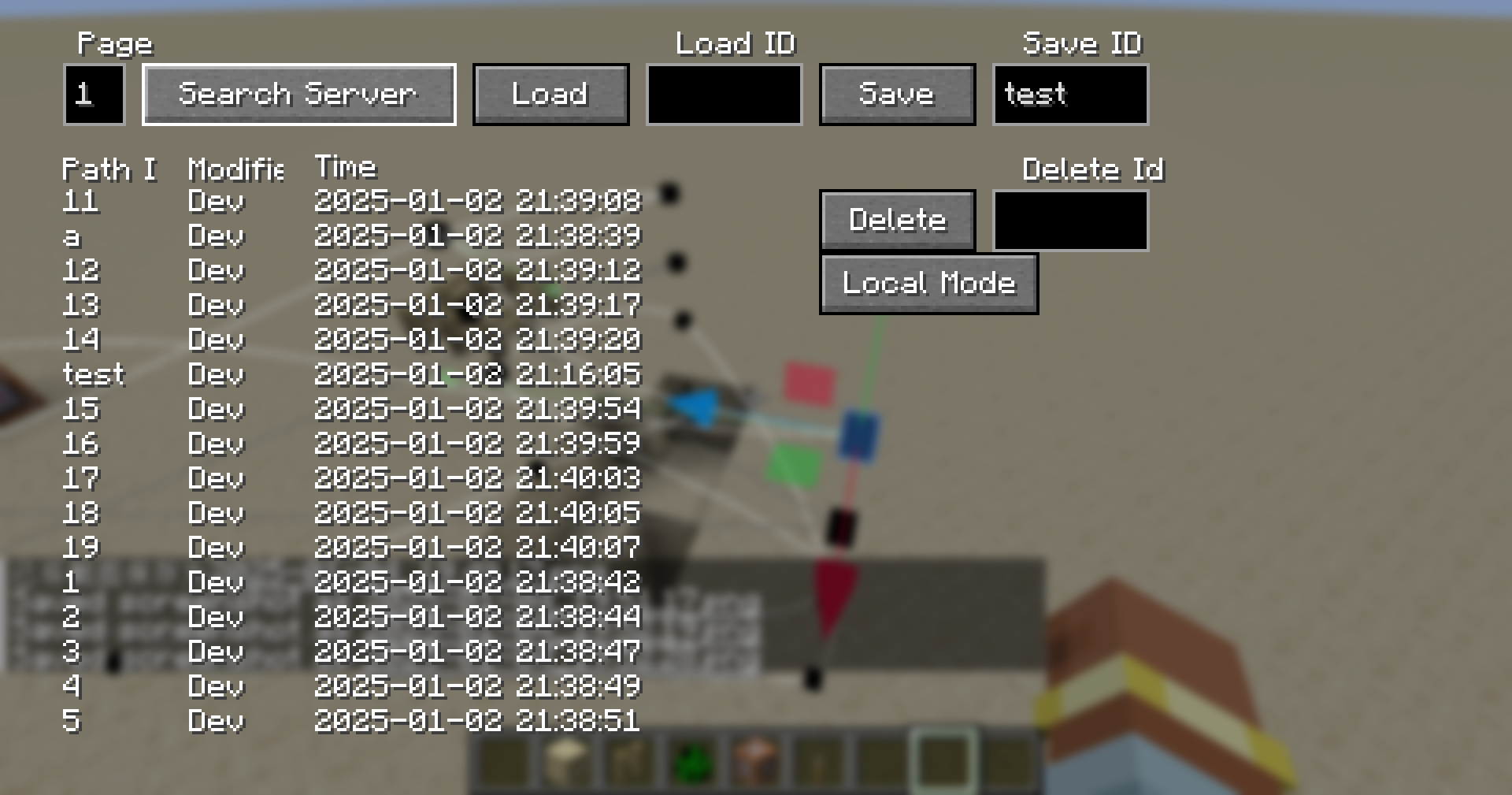
- Save to server.
- Use following command to make the specified player play the animation.
/cameraanim play <player> <path id>Operation Guide
- All Key Binds are, by default, _Unbound_.
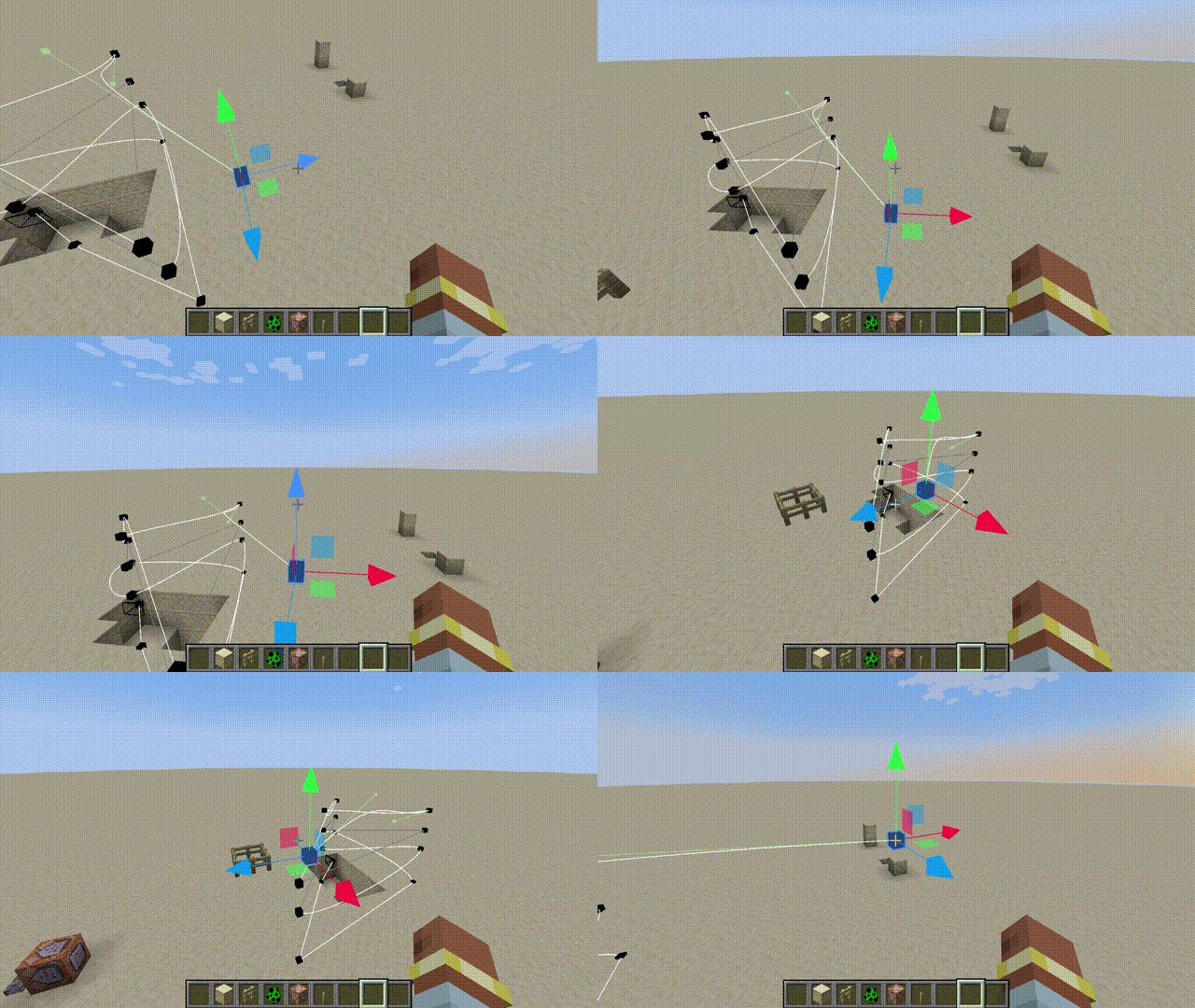
- When you enter the edit mode, you can see the keyframes and paths.
- In edit mode, press the _Preview Key_ to enter the current animation, and then press the _Play Key_ to start the animation.
- Select a keyframe and press the _Set Camera Time Key_ to adjust the playback time to that keyframe.
- The _Left Mouse Button_ is used to select keyframes and move components, and the _Right Mouse Button_ can grab and move the selected keyframes.
- You can read and load server and local animations in the _Manager_. Local animations are saved in the camera-anim folder in the root directory of the game.
常见问题
Camera Anim 支持哪些 Minecraft 版本?
Camera Anim 支持 Minecraft Java 版 1.20–1.21.4,共 7 个版本,可用的加载器:Forge / NeoForge。下载时注意选择和你游戏版本一致的文件。
Camera Anim 怎么安装?
先用 PCL2 或 HMCL 启动器安装对应版本的 Forge / NeoForge,再把下载的 .jar 文件放进游戏目录的 mods 文件夹,重新启动游戏即可。开启了版本隔离的,mods 文件夹在 versions/版本名 下面。运行环境:客户端 / 服务端。
AnECanSaiTin 的其他作品
查看全部 →
Free camera API
by AnECanSaiTin
Free camera mode and modify camera state flexible
4.1万
6 个月前
Modrinth

Zoom
by AnECanSaiTin
Add more function for player camera.
1.2万
2 年前
Modrinth
Zoom
by AnECanSaiTin
Add more function for player camera.
1.2万
2 年前
Modrinth

Hitbox Api
by AnECanSaiTin
Add more colliders for Minecraft
1,291
1 年前
Modrinth
评论
登录后评论和评分