
Calub’s Materials
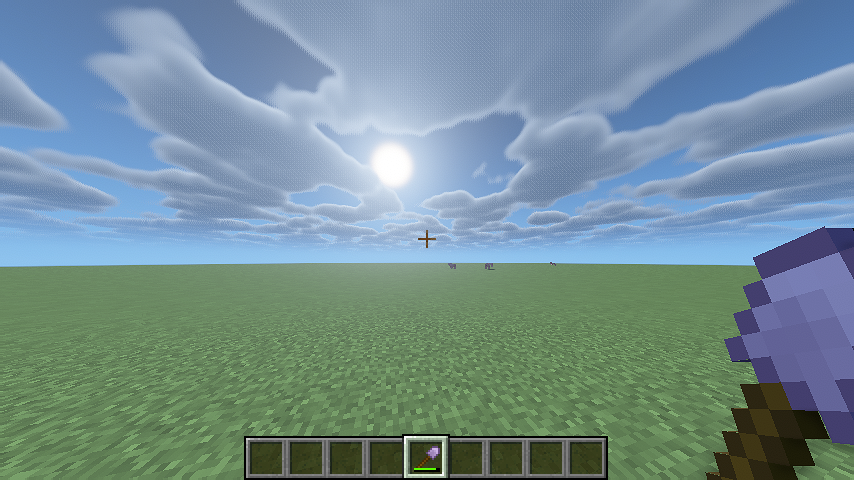
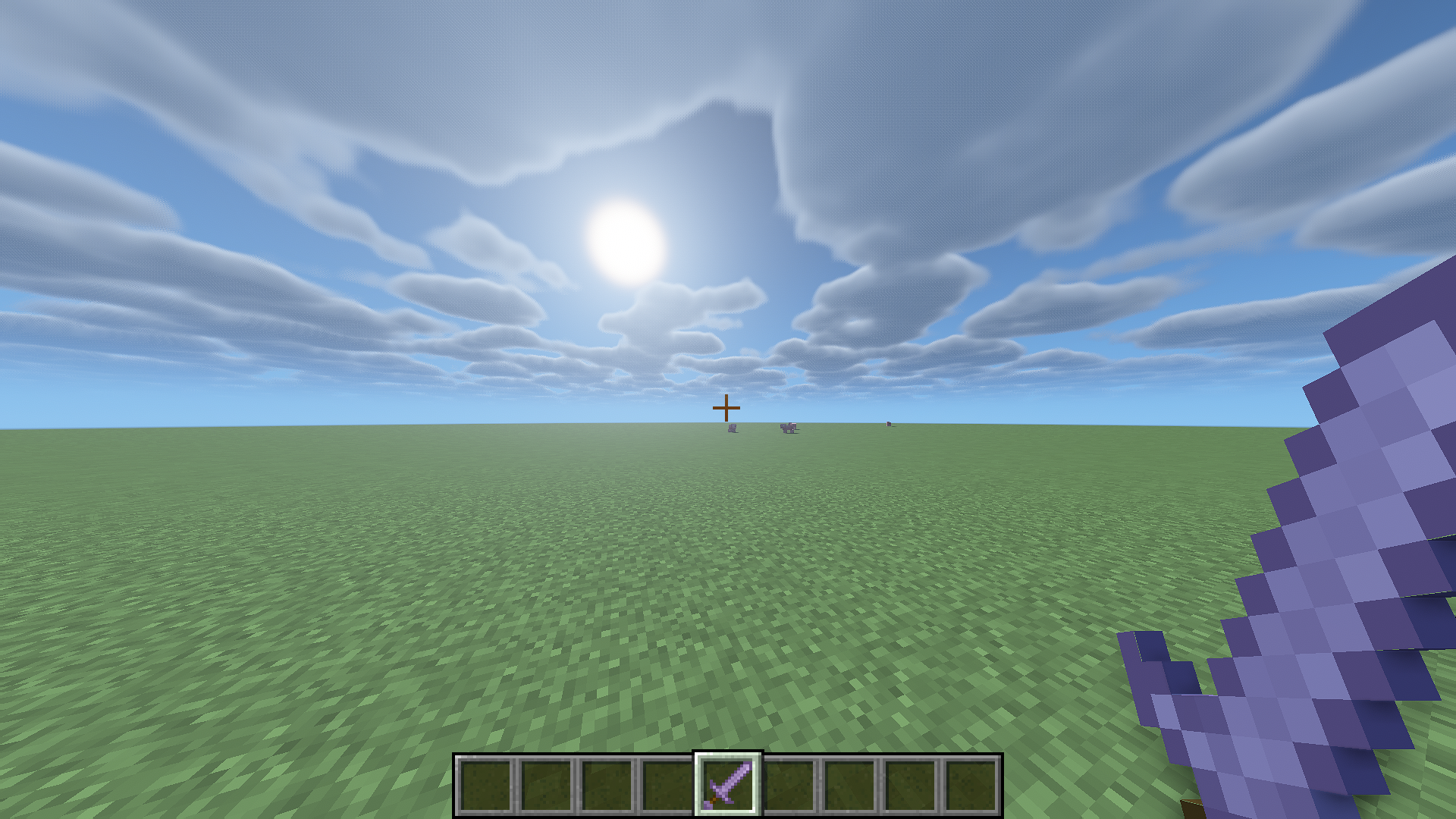
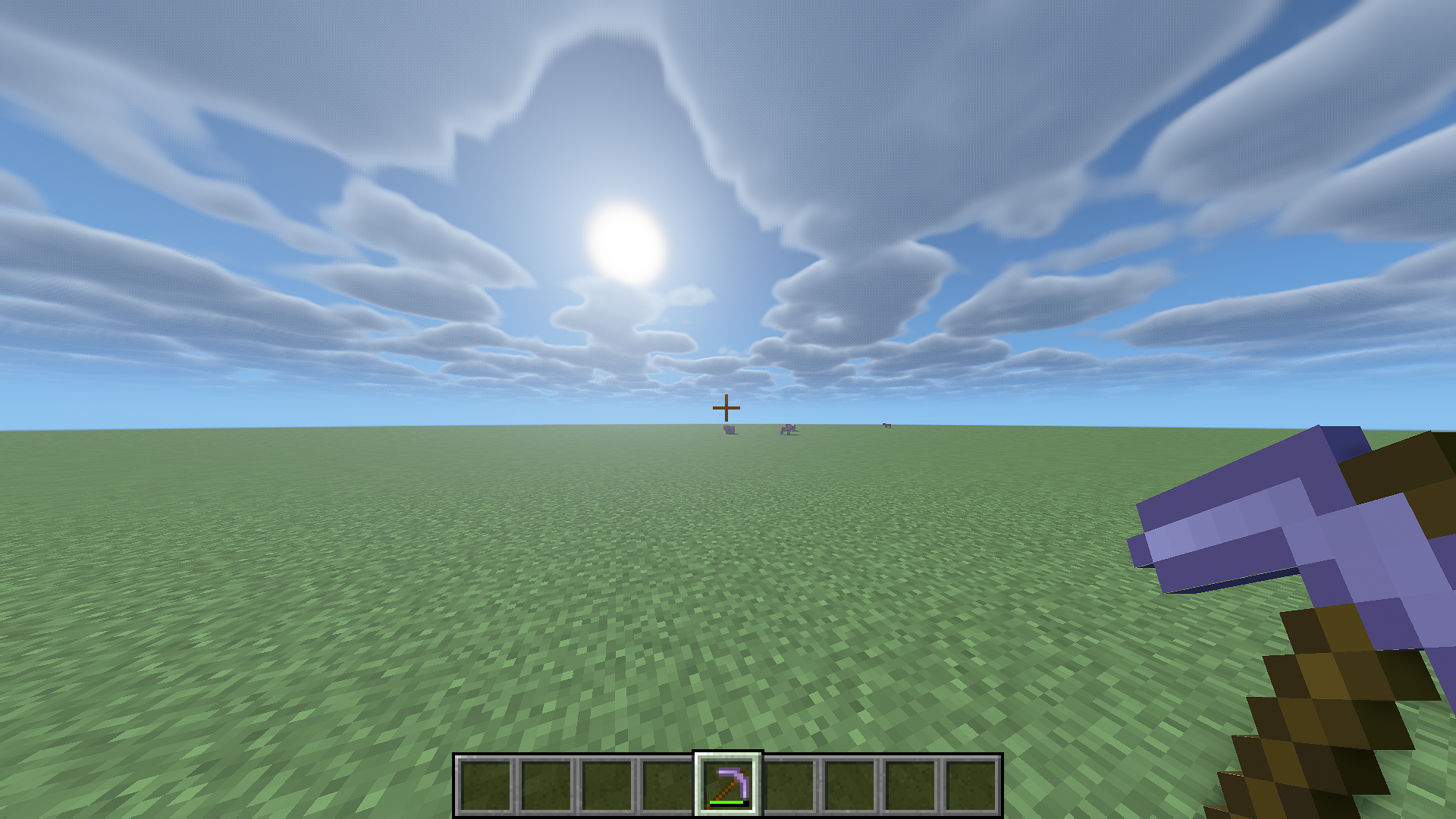
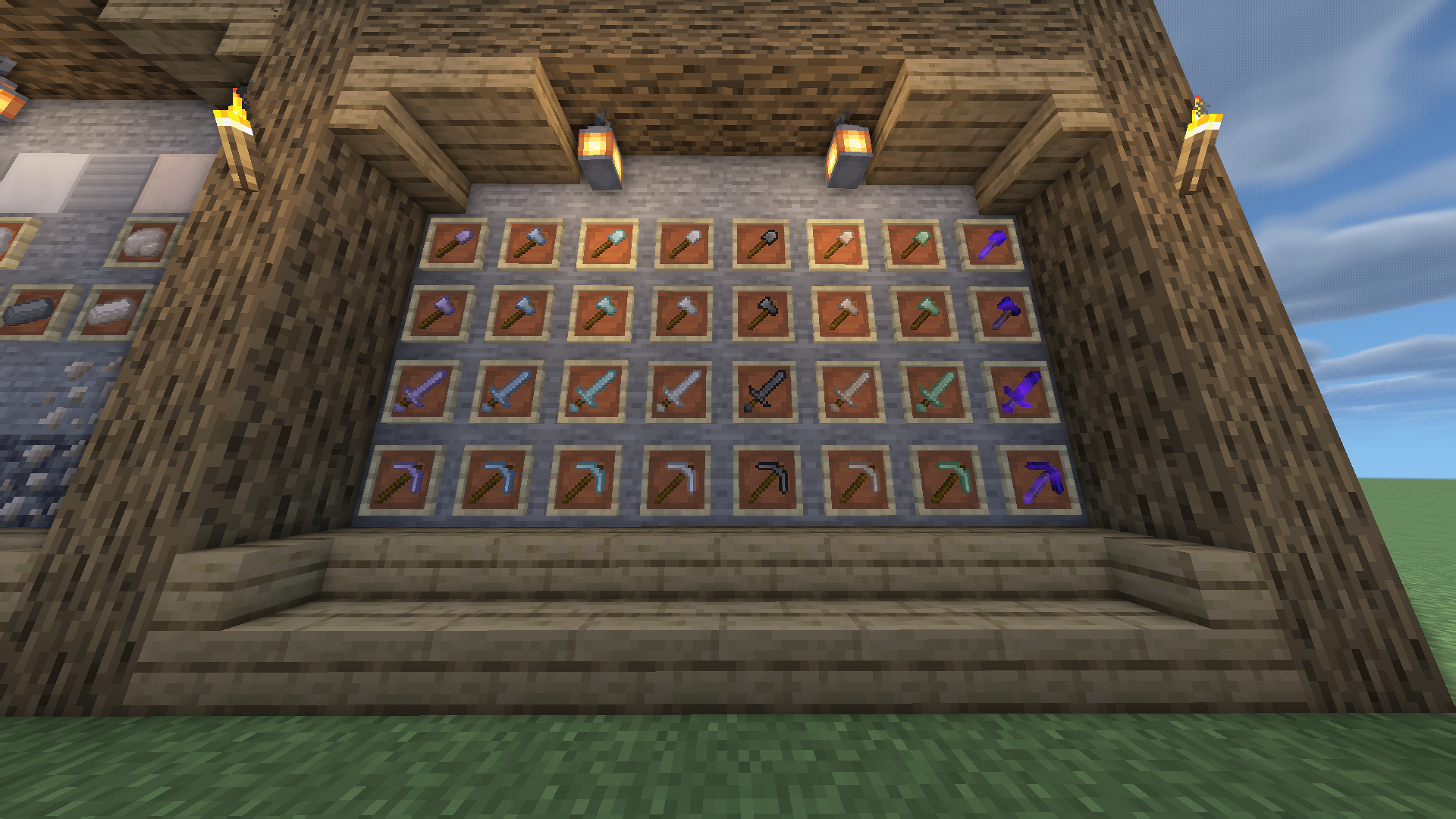
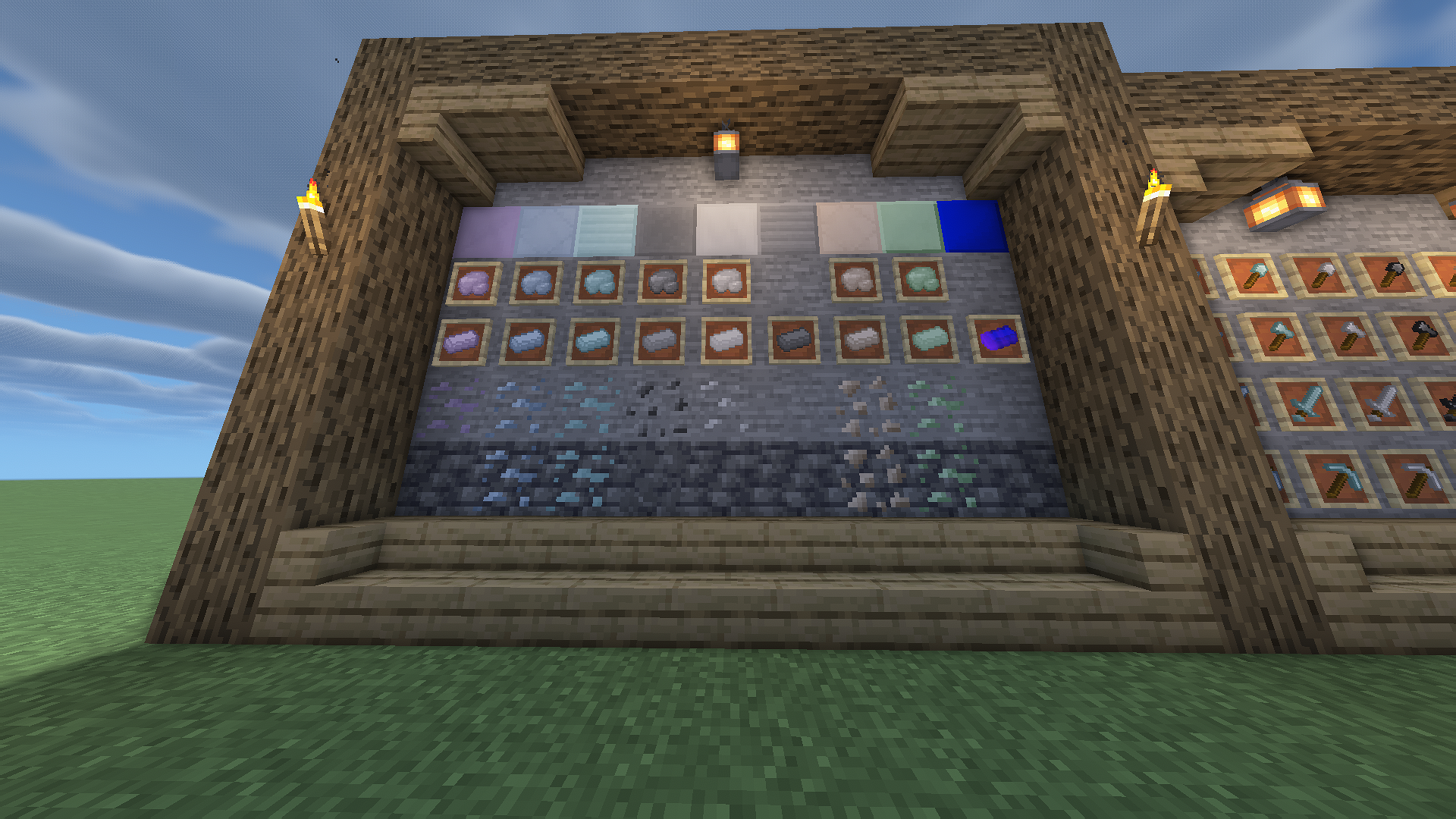
A mod that adds 9 materials to minecraft, 7 of which are generated in the overworld. This mod adds tools for each of the materials.
截图
介绍
Calub’s Materials
Calub’s Materials is a minecraft mod that adds 9 materials to Minecraft, 7 of which generate in the overworld. This mod includes tools for each of the materials, and further uses will be included in future Calub’s mods.
Aluminum

Aluminum is the weakest and most common material in the mod. It can be found between y=40 and y=-10. Aluminum is slightly weaker than iron.
Titanium

Titanium is stronger than iron, but weaker than diamond. Titanium has extremely high durability. It can be found between y=5 and y=-30.
Platinum

Platinum is slightly stronger than iron, but has extremely low durability. Platinum can be found between y=35 and y=-10.
Lead


Lead is the only material without a tool set. It will be very important in future Calub’s mods. It can be found in less common large groups from y=60 to y=-10.
Silver

Silver is slightly weaker than iron and has low durability. It can be found between y=64 and y=15.
Steel

Steel cannot be found naturally, steel must be crafted using 2 iron and 2 coal. Steel is stronger than iron and has high durability.


Tungsten

Tungsten is stronger than diamond, and has high durability. It can be found between y=5 and y=-40.
Osmium

Osmium is slightly weaker than diamond, but has very high durability. It can be found between y=30 to y=-60.
Ultinum

Ultinum is the strongest material in the mod. Ultinum is crafted using 4 platinum ingots, 2 aluminum ingots, 1 osmium ingot, 1 tungsten ingot, and 1 steel ingot. Ultinum is stronger than netherite and has a high durability.

If you would like to make an addon for this mod, please feel free to. I ask that you don’t use the Calub’s naming scheme though for the main name of the mod though.
常见问题
Calub’s Materials 支持哪些 Minecraft 版本?
Calub’s Materials 支持 Minecraft Java 版 1.18.2,可用的加载器:Forge。下载时注意选择和你游戏版本一致的文件。
Calub’s Materials 怎么安装?
先用 PCL2 或 HMCL 启动器安装对应版本的 Forge,再把下载的 .jar 文件放进游戏目录的 mods 文件夹,重新启动游戏即可。开启了版本隔离的,mods 文件夹在 versions/版本名 下面。

评论
登录后评论和评分