截图

介绍
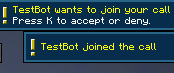
This mod uses P2P calling to add discord, google meet, etc typed like calls to minecraft. With this mod you dont have to be in server with the person, it even works even when you are on the main menu!
How to use?
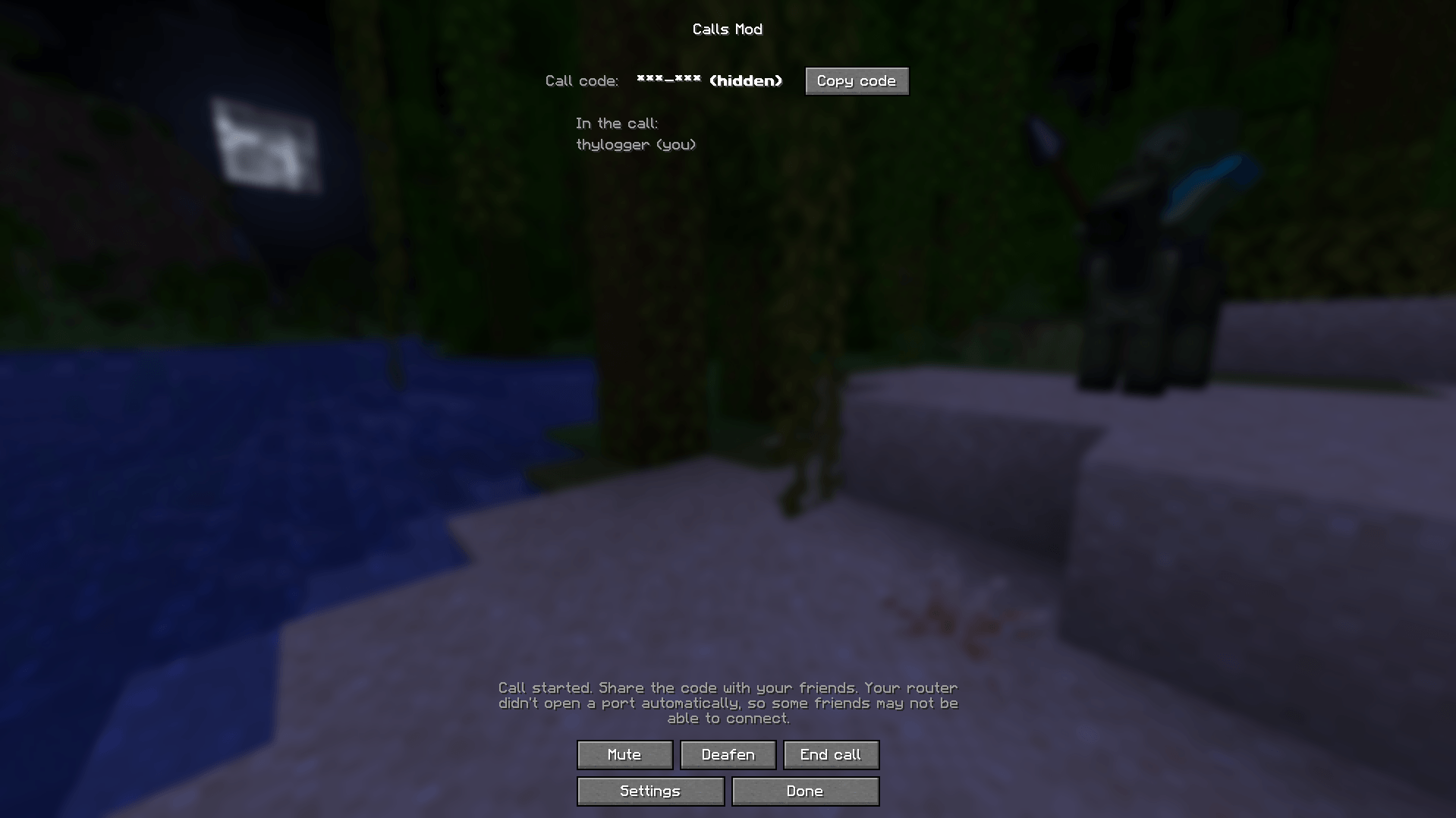
In the main menu you will see a a button called "Calls". There you can create/join a friend’s call.
Creating a call and inviting your friends
After pressing the "Start a Call" button in the calls menu. The mod will ask your router to open a port. After that you can send the code that is shown to the person that you want to add the call.
Joining a call
Insert the code that your friend gave you (should look like YK7-34D) and click "Join", and you will join the call with the given code.
Customization
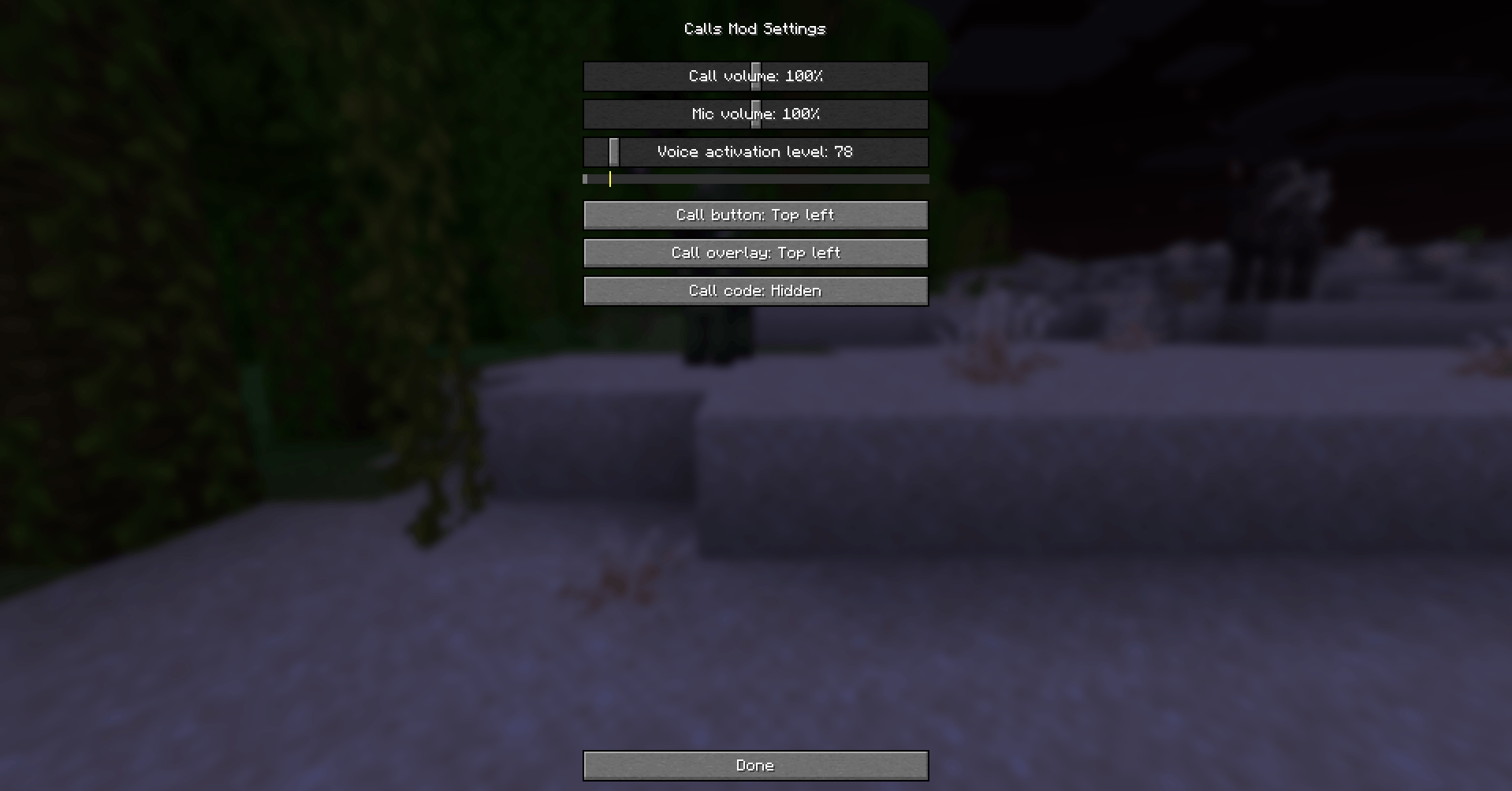
At the moment; you can customize: Mic and call volume, mic activation level, placement of the call button and overlay and wheter the call code should be shown. More features will come as this is the first release.
Warning
People that you are in call with can use listeners to info like your IP adress, only join calls with people you trust!
常见问题
Calls 支持哪些 Minecraft 版本?
Calls 支持 Minecraft Java 版 1.21.9–26.3,共 8 个版本,可用的加载器:Fabric。下载时注意选择和你游戏版本一致的文件。
Calls 怎么安装?
先用 PCL2 或 HMCL 启动器安装对应版本的 Fabric,再把下载的 .jar 文件放进游戏目录的 mods 文件夹,重新启动游戏即可。开启了版本隔离的,mods 文件夹在 versions/版本名 下面。
评论
登录后评论和评分