Calendarz
Introducing Calendarz, a versatile Minecraft mod that brings fully customizable in-game calendars right to your server!
截图

介绍
About Calendarz
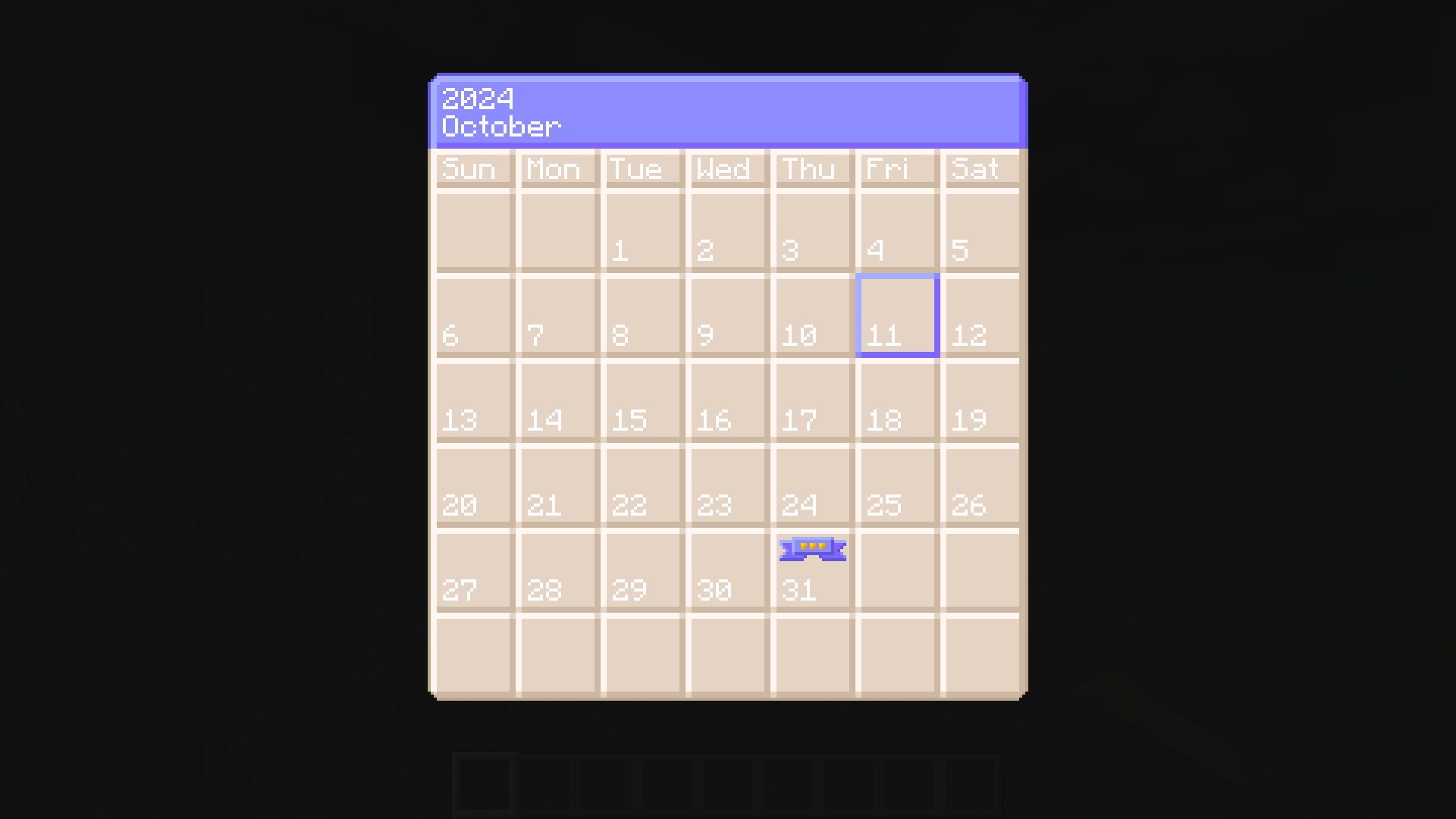
Introducing Calendarz, a versatile Minecraft mod that brings fully customizable in-game calendars right to your server! With Calendarz, players can easily craft a user-friendly block that displays the calendar GUI by right-clicking on the block with support for viewing multiple events on any given day. While regular players can view events, admins have complete control with the /calendaradmin command, which allows direct configuration management without needing to stop the server.
Calendarz requires installation on both the client and server, and it works seamlessly across single-player, LAN, and multiplayer setups. Admin commands are logged directly to the console, simplifying troubleshooting and offering the flexibility to manage settings through the console itself. Other mods can also add support for custom events using the admin command, enhancing its versatility.
Managing events is a breeze with the events.json file’s straightforward structure, and even the event tooltip speed can be adjusted through commands or the configuration file.
Scroll down for a full feature list and see how Calendarz can transform your Minecraft experience!
Features
Core Features
- Compatible with Single Player, LAN, and Multiplayer modes.
- Admins can add, edit, and remove events via the admin command.
- Events are fully customizable.
- Supports leap years.
- Days of the week are supported (Sun, Mon, Tue, Wed, Thu, Fri, and Sat).
- The calendar grid functions similarly to real-world months.
- Current day and event icons are overlaid on the calendar.
- Displays the current month and year at the top of the calendar.
- Admin commands and messages are logged to the server console.
- Administrators kick players from the Calendar UI to enable real-time configuration changes.
- Only the current month’s calendar view is accessible.
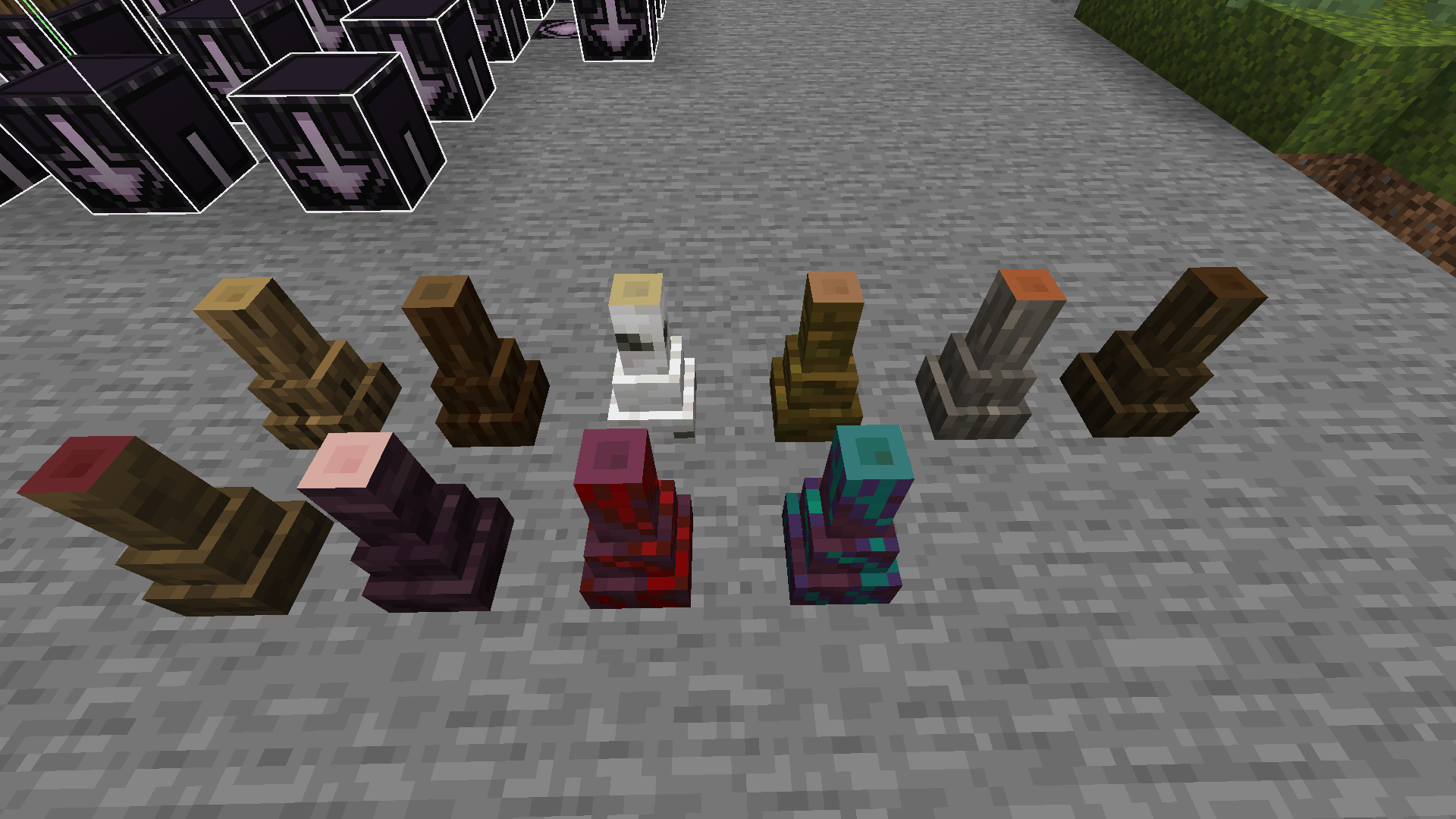
- Calendar and Thin Wood Stump blocks.
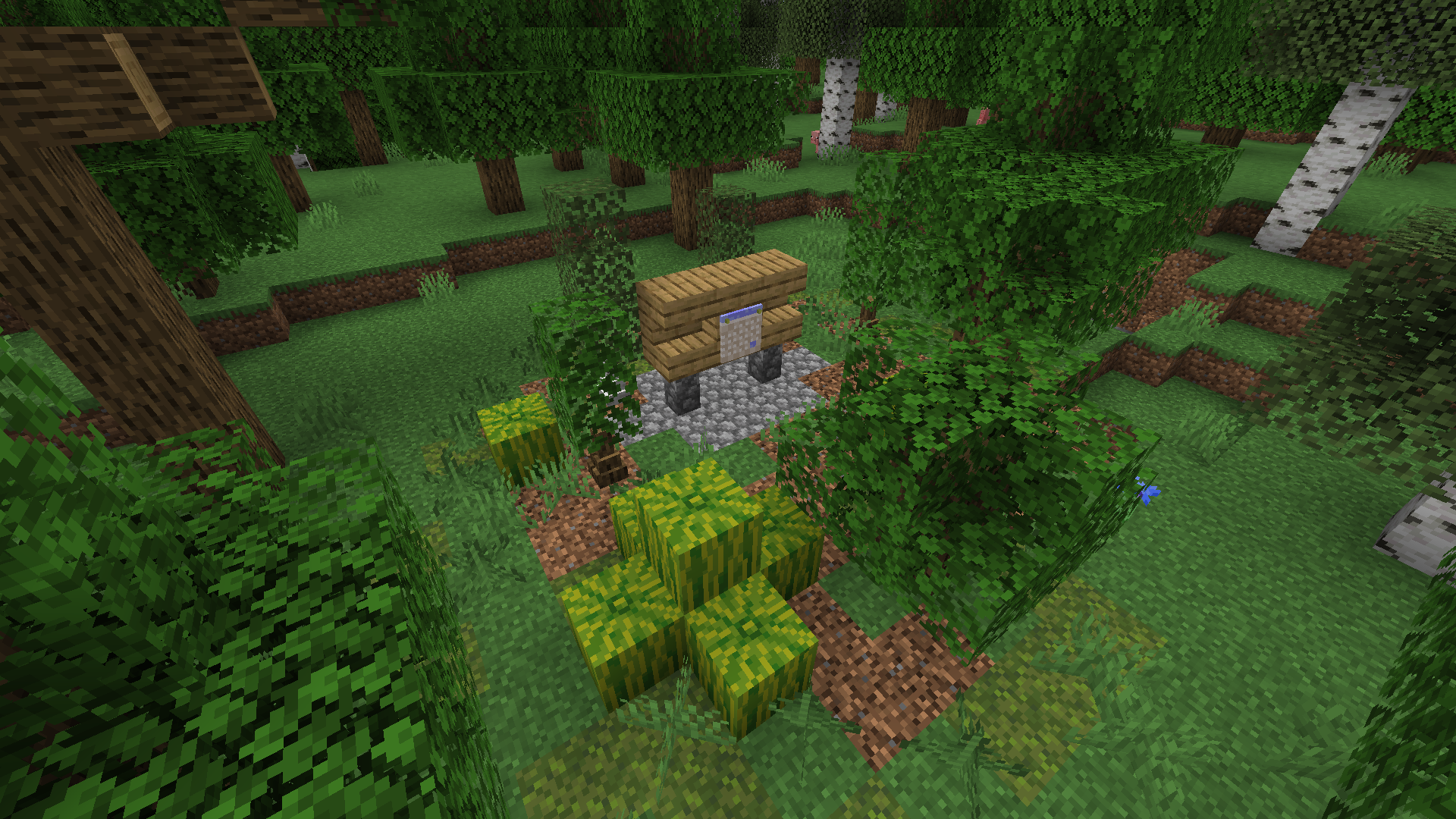
- Rare randomly generated structures in the forest biome.
- Per map settings using map ID technology.
- A command to get the Map ID to allow other mod creators a way to get the folder name.
Admin Command
- Server admins can modify the configuration file using the
/calendaradmincommand. - The admin command allows adjusting the speed of the event index cycle.
- Admins can remove specific months, days, and events from the calendar.
- Events for a specified month or day can be retrieved, displaying an index number to facilitate targeted deletions.
- New events can be added, either by creating new months/days or adding to existing ones.
- Calendar events cycle through the event array indexes.
Known Issues
- Manually editing and saving changes to the
events.jsonfile while players are viewing the configuration will cause crashes.- Solution: Use the admin command to update the file in real-time.
Mod Sites
常见问题
Calendarz 支持哪些 Minecraft 版本?
Calendarz 支持 Minecraft Java 版 1.21.1,可用的加载器:NeoForge。下载时注意选择和你游戏版本一致的文件。
Calendarz 怎么安装?
先用 PCL2 或 HMCL 启动器安装对应版本的 NeoForge,再把下载的 .jar 文件放进游戏目录的 mods 文件夹,重新启动游戏即可。开启了版本隔离的,mods 文件夹在 versions/版本名 下面。
NorthWestTreesGaming 的其他作品
查看全部 →
CCTVCraft
为游戏添加了新的机制和方块。

Real Time Mod
将世界时间与主机电脑时间同步,并提供其他一些功能。

MoreBlox
这款模组专注于中世纪主题,包括食物、作物、动物和游戏机制。

Portal Gates
传送门方块允许你制作能在世界之间或其他位置之间传送的方块,适用于你的 Minecraft 存档。
评论
登录后评论和评分