Calendar Days
A simple calendar mod system featuring day transitions and a display that shows the current date mapping your Minecraft days to real-world dates.
截图
介绍
Calendar Days
An immersive and lightweight time management mod designed to enhance your survival or Roleplay (RP) experience by tracking and formatting the passage of time in Minecraft.
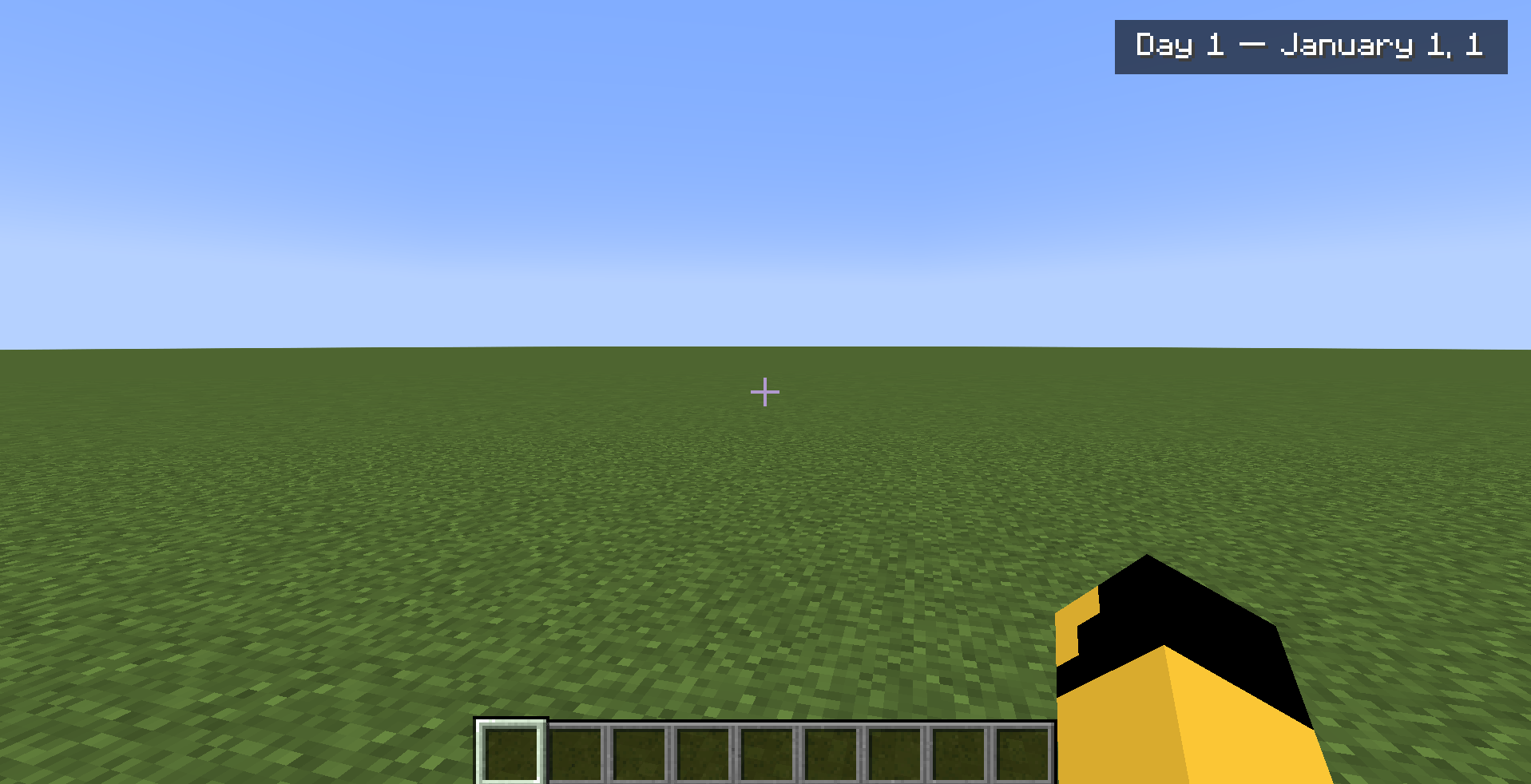
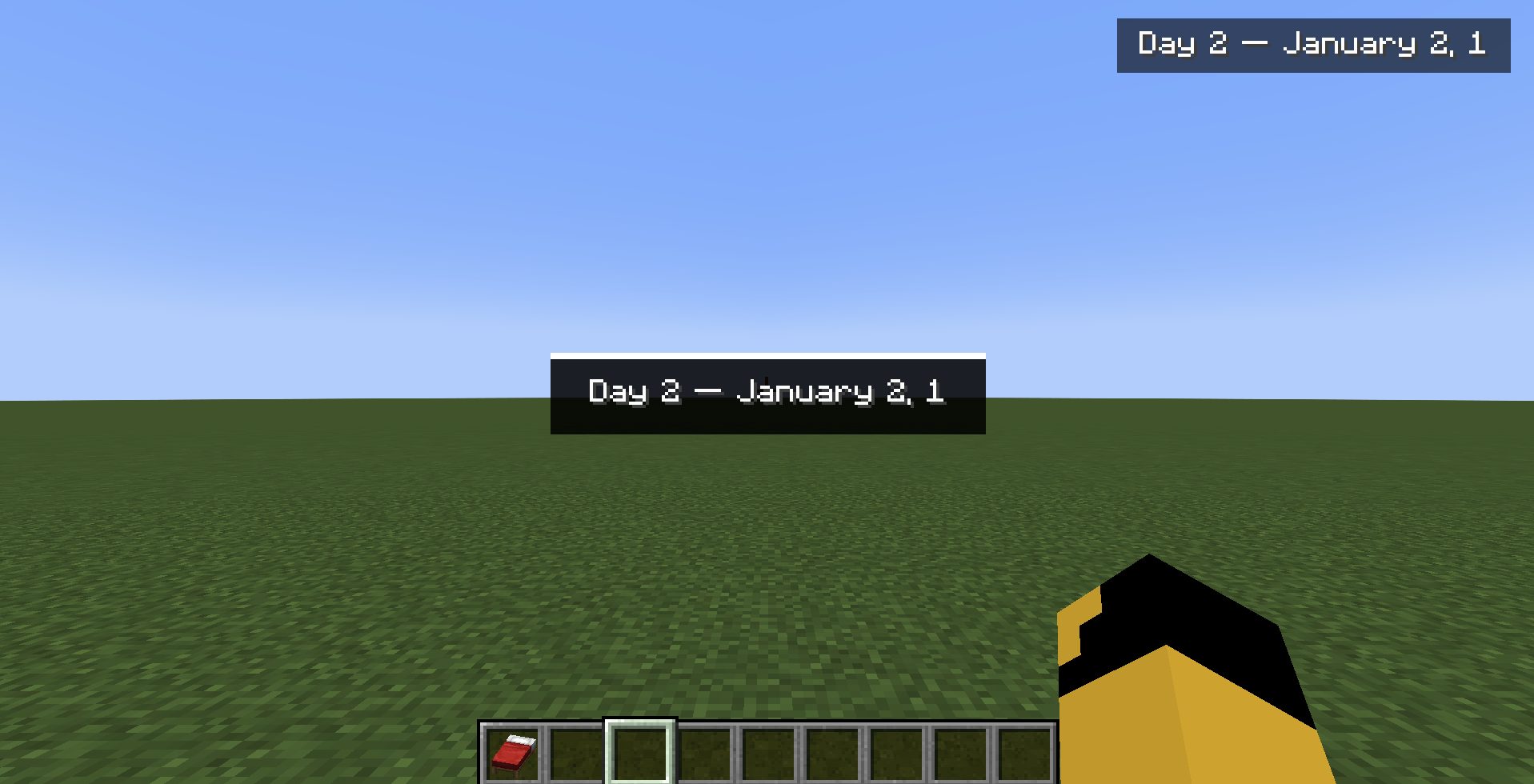
The mod features a clean, non-intrusive text display on the top-right corner of your screen, showing your current in-game day formatted as a real calendar date. For example, when you start your world, it will display:
Day 1 – January 1st, 1
Additionally, passing the night isn’t just an instant skip anymore—whenever a player sleeps, the mod triggers a smooth, automated day transition to blend perfectly with immersive gameplay mechanics.
Mod Commands
Calendar Days includes three simple commands to help you control and check the calendar:
- /time skip
Advances the time directly to the next sunrise. (Requires Operator permission level 2; integrated as a subcommand of the vanilla /time system).
- /date
Prints the exact current day and formatted date directly into your chat. (Client-side command; works perfectly in both Singleplayer and Multiplayer servers).
- /datecalc <number>
Calculates and displays what date corresponds to any given day number. (Example: running/datecalc 603tells you exactly what month and day that represents. Client-side command).
常见问题
Calendar Days 支持哪些 Minecraft 版本?
Calendar Days 支持 Minecraft Java 版 1.20.1,可用的加载器:Forge。下载时注意选择和你游戏版本一致的文件。
Calendar Days 怎么安装?
先用 PCL2 或 HMCL 启动器安装对应版本的 Forge,再把下载的 .jar 文件放进游戏目录的 mods 文件夹,重新启动游戏即可。开启了版本隔离的,mods 文件夹在 versions/版本名 下面。
评论
登录后评论和评分