介绍
Button Animations
Button Animations is a lightweight client-side mod that improves how Minecraft buttons feel.
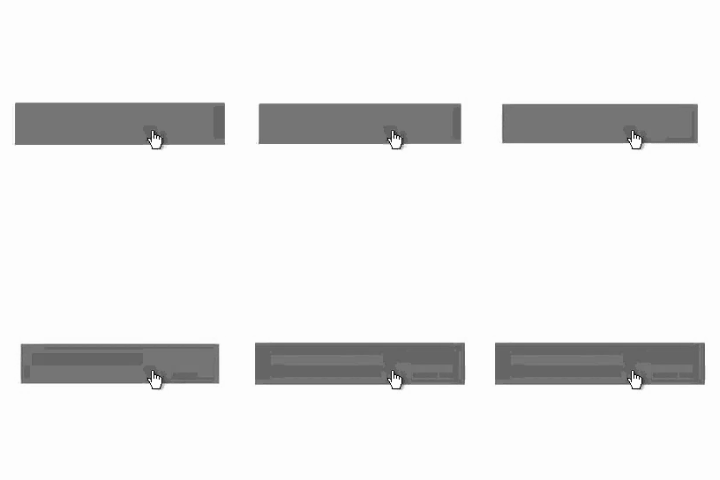
Instead of the default hover outline, buttons smoothly scale up when hovered and ease back down when clicked, creating a cleaner and more responsive UI. The result is subtle, satisfying feedback that makes menus feel more polished without changing their layout or functionality.
Features
- Removes the default button hover outline
- Adds a smooth hover grow animation
- Adds a soft click press-and-bounce effect
- Has a config screen
- Works across Minecraft’s standard button-based menus
- Client-side only
Why use it?
Minecraft’s default buttons are functional, but a little stiff. Button Animations keeps the vanilla look while making interaction feel more modern and tactile. It is designed to be noticeable without being distracting.
Compatibility
- Fabric
- Client-side only
- Button Fix recommended
This mod does not need to be installed on the server.
Notes
Button Animations focuses only on button interaction and visual feedback. It does not add new menus, settings, or gameplay changes. The default keybind for the config is “B”.
常见问题
Button Animations 支持哪些 Minecraft 版本?
Button Animations 支持 Minecraft Java 版 1.21.11–26.1.2,共 4 个版本,可用的加载器:Fabric。下载时注意选择和你游戏版本一致的文件。
Button Animations 怎么安装?
先用 PCL2 或 HMCL 启动器安装对应版本的 Fabric,再把下载的 .jar 文件放进游戏目录的 mods 文件夹,重新启动游戏即可。开启了版本隔离的,mods 文件夹在 versions/版本名 下面。运行环境:仅客户端。


评论
登录后评论和评分