
BundleInCreative
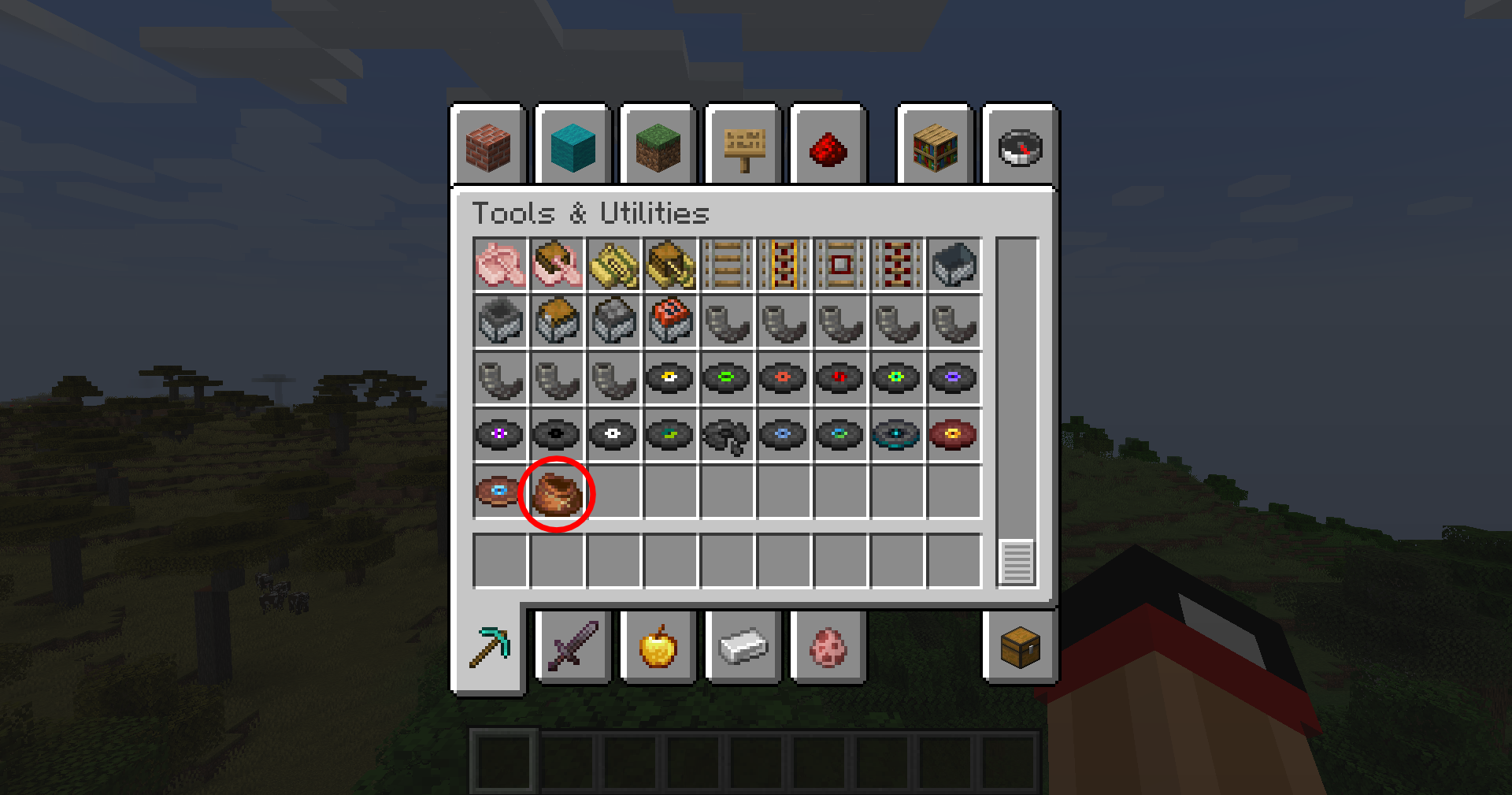
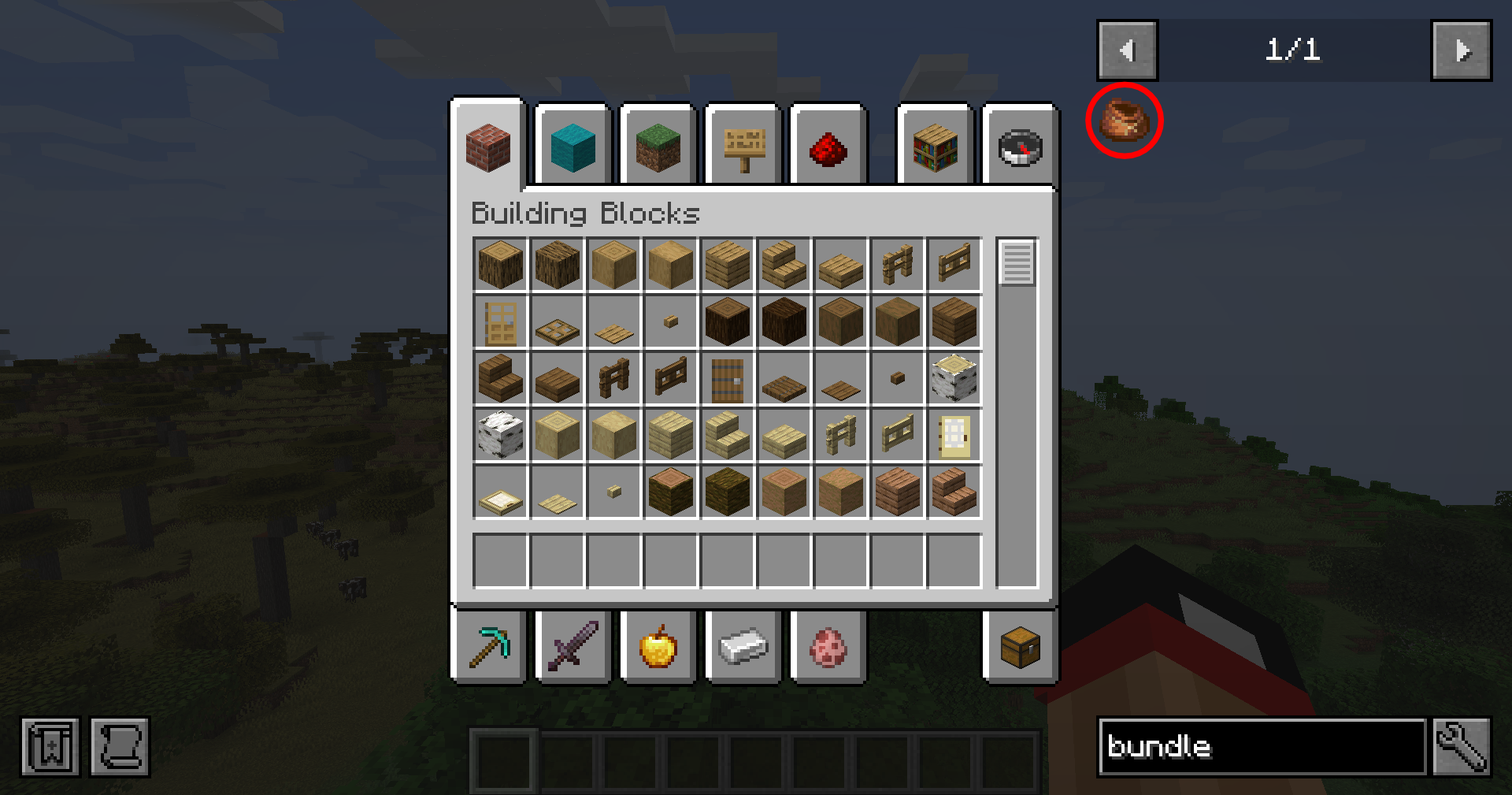
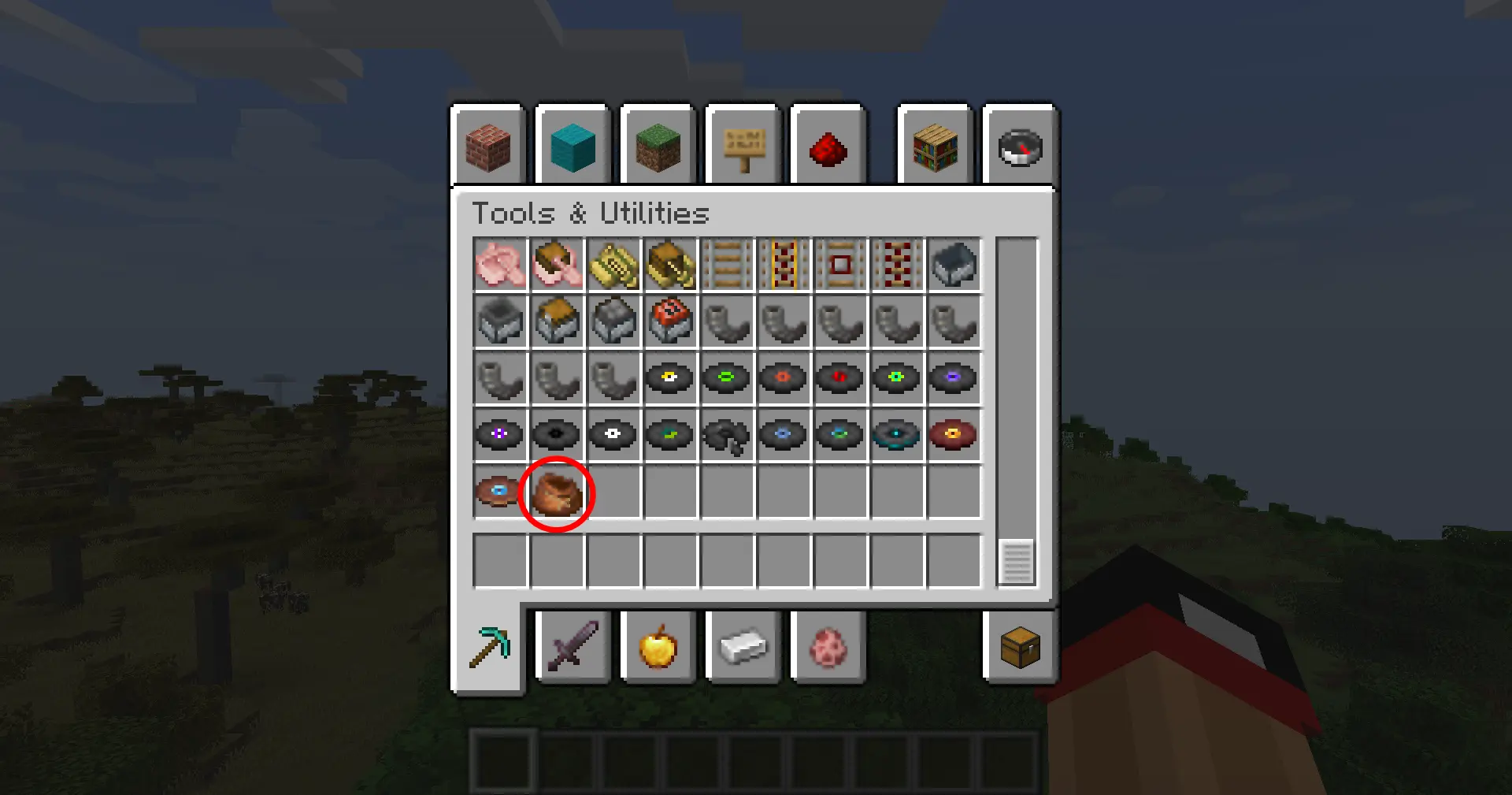
This mod adds the vanilla Bundle item to the Tools & Utilities creative tab.
截图
介绍
Bundle In Creative
Give the vanilla Bundle the attention it deserves: drop it into any creative tab, keep recipe viewers honest, and choose which crafting recipes you want enabled without touching a datapack.
Features At A Glance
- Creative menu support – the Bundle is injected into the Tools & Utilities tab by default, or any tab you pick (Building Blocks, Redstone, Combat, etc.).
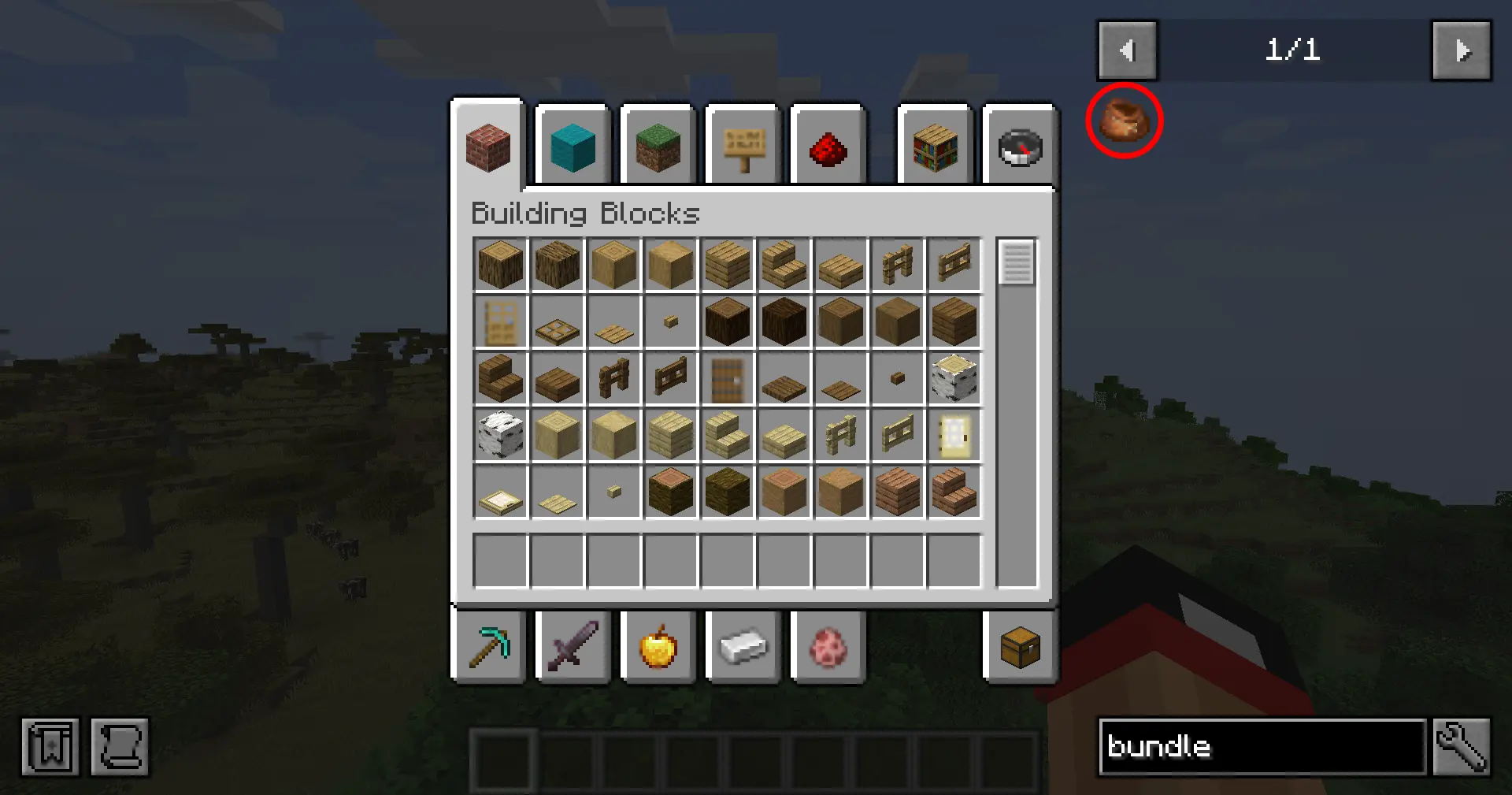
- Searchable everywhere – EMI/JEI/REI and quest books (FTB Quests) recognize the item so players can find it quickly.
- Built-in config screen – open Mods → Bundle In Creative → Config (Configured/Forge Config Screen) to toggle options in-game.
- Recipe control – disable the Bundle entirely, enable just the classic rabbit-hide recipe, opt into the modern leather recipe, or run both simultaneously.
- Server friendly – options live in
bundleincreative-common.toml, so you can ship the same ruleset to clients and servers.
Configuration
- Launch Minecraft with Forge 1.20.1 and this mod installed.
- Open the Mods list, select Bundle In Creative, and click Config (or use the Forge Mod Menu button).
- Adjust:
- Show in Creative – hide/show the Bundle globally.
- Creative Tab – cycle through curated tab names until you find the one you want.
- Bundle Recipe – choose
Off,Rabbit Hide,Leather, orBoth.
- Click Done to save (writes to
config/bundleincreative-common.toml). /reloador restart your game to finalize the settings.
Prefer manual editing? Open config/bundleincreative-common.toml and change enableBundle, creativeTab, or recipeMode.

Recipe Modes
The recipeMode toggle controls two built-in recipe JSONs gated by a custom Forge condition:
| Mode | Enabled recipes |
|———|————————————|
| off | No Bundle crafting recipes |
| rabbit| Classic rabbit hide + string pattern |
| leather | Leather-based pattern (string spine) |
| both | Both recipes load together |

Installation
- Download or build the mod JAR.
- Drop the JAR into your Minecraft
modsfolder. - Launch Minecraft with Forge 47.3.0 (MC 1.20.1) and Java 17.
Building From Source
# Windows
gradlew.bat build

# Linux/macOS
./gradlew build
常见问题
BundleInCreative 支持哪些 Minecraft 版本?
BundleInCreative 支持 Minecraft Java 版 1.20.1,可用的加载器:Forge。下载时注意选择和你游戏版本一致的文件。
BundleInCreative 怎么安装?
先用 PCL2 或 HMCL 启动器安装对应版本的 Forge,再把下载的 .jar 文件放进游戏目录的 mods 文件夹,重新启动游戏即可。开启了版本隔离的,mods 文件夹在 versions/版本名 下面。运行环境:客户端 / 服务端。
Dmor 的其他作品
查看全部 →
Speedometer
Vanilla Style Minecraft Speedometer.

Mjolnir
Wield the power of Thor's hammer!

BundleInTooltips
Backports the Minecraft 1.21 bundle tooltip interaction to 1.20.1, scroll through its contents, and pull out the exact stack you want.

BundleInPalette
Bundle In Palette adds sixteen dyed variants of the vanilla bundle so you can color-code your inventory and storage.
评论
登录后评论和评分