
Bundle Upgrade (Fabric)
Upgrade your vanilla Bundles sequentially through Copper, Iron, Gold, Emerald, and Diamond tiers for expanded storage capacity while keeping your items intact.
介绍
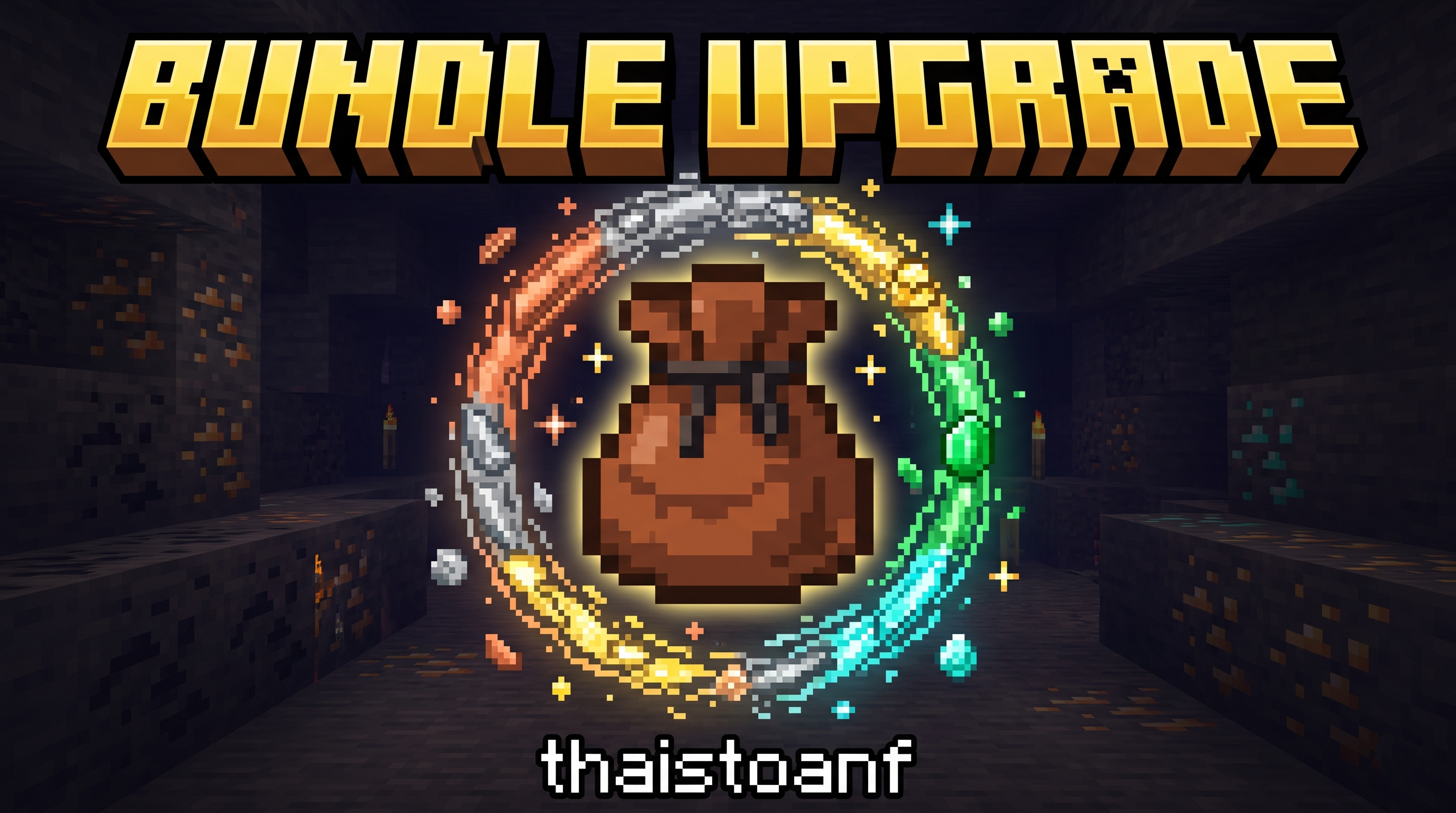
Bundle Upgrade
Sequential Bundle Storage Upgrades for Minecraft Fabric.

Overview
Bundle Upgrade expands the storage capabilities of Minecraft bundles. Rather than being confined to the vanilla limit of 64 items, you can upgrade your bundle sequentially across 5 tiers: Copper -> Iron -> Gold -> Emerald -> Diamond.
| Info | Value |
|---|---|
| Current mod version | 1.0.1 |
| Supported Minecraft versions | 1.21.2+ (current build: 1.21.11) |
| Mod loader | Fabric Loader 0.19.5+ with Fabric API |
[!IMPORTANT] 100% Item Retention: Upgrading a bundle on a Crafting Table safely transfers all stored contents (
BUNDLE_CONTENTS) and custom anvil names (CUSTOM_NAME) directly to the newly crafted tier. You never have to empty your bundle before upgrading!
Sequential Upgrade Tiers & Recipes Table
All recipes use a 3×3 Crafting Table: Place the previous tier bundle in center slot 5, surrounded by 8 tier upgrade materials in all outer slots.
| Tier | Bundle Name | Item Identifier | 3×3 Crafting Recipe | Extra Cap | Max Capacity |
|---|---|---|---|---|---|
| 0 | Vanilla Bundle | minecraft:bundle |
1x Rabbit Hide + 1x String (Vanilla) | +0 |
64 units |
| 1 | Copper Bundle | bundleupgrade:copper_bundle |
Center: minecraft:bundleSurrounding (x8): Copper Ingot |
+10 |
74 units |
| 2 | Iron Bundle | bundleupgrade:iron_bundle |
Center: bundleupgrade:copper_bundleSurrounding (x8): Iron Ingot |
+20 |
94 units |
| 3 | Gold Bundle | bundleupgrade:gold_bundle |
Center: bundleupgrade:iron_bundleSurrounding (x8): Gold Ingot |
+30 |
124 units |
| 4 | Emerald Bundle | bundleupgrade:emerald_bundle |
Center: bundleupgrade:gold_bundleSurrounding (x8): Emerald |
+40 |
164 units |
| 5 | Diamond Bundle | bundleupgrade:diamond_bundle |
Center: bundleupgrade:emerald_bundleSurrounding (x8): Diamond |
+50 |
214 units |
How to Use & Mechanics
1. Controls (Identical to Vanilla 1.21.2+ Bundles)
| Action | How |
|---|---|
| Insert (Left-Click) | Hold an item on your cursor and left-click the bundle, or hold the bundle on your cursor and left-click a slot containing an item. |
| Extract (Right-Click) | With an empty cursor, right-click the bundle to take out one stack (the selected stack, or the first stack). |
| Place into an empty slot (Right-Click) | Hold the bundle on your cursor and right-click an empty slot to place one stack from the bundle into it. |
| Distribute (Right-Click & Drag) | Hold the bundle on your cursor, then hold right-click and drag across empty slots: each empty slot receives one stack. |
| Select (Mouse Wheel) | Hover over the bundle and scroll the mouse wheel over its tooltip to choose which stack will be extracted next. |
| Empty into the world (Use) | Hold the bundle in your hand and hold right-click to drop every stored stack one after another. |
2. Capacity Weight Rules (Base-64 Unit System)
Occupancy is calculated using standard base-64 fractions:
- Stack size 64 items (building blocks, minerals, seeds…): 1 unit / item (
1/64weight). - Stack size 16 items (ender pearls, snowballs, empty buckets…): 4 units / item (
4/64weight). - Unstackable items (tools, weapons, armor, enchanted books…): 64 units / item (
64/64weight).
[!TIP] Since upgraded bundles feature capacities from 74 to 214 units, you can store unstackable gear (such as a sword or pickaxe, taking 64 units) while still having 10 to 150 units of remaining space for other items!
3. Automatic Stack Splitting (Since 1.0.1)
When you store more than 64 identical items (for example 200 stone in a Diamond Bundle), the bundle automatically keeps them as several standard stacks (64 + 64 + 64 + 8) instead of one oversized stack. Every extraction returns at most one standard stack.
4. Fullness Bar & Dynamic Tooltips
- Item Fullness Bar: The gauge below the bundle item dynamically scales to
currentUnits / maxCapacityof that tier without overflow or visual glitches. - Informative Tooltips: Displays exact occupancy numbers in
Current / Maxformat (e.g.,64 / 74,180 / 214…).
Installation & Building from Source
Playing the Mod
- Install Fabric Loader.
- Install the matching Fabric API.
- Place the downloaded
.jarfile from Releases into your.minecraft/modsdirectory.
Compiling from Source
Requires Java installed
Developed by thaistoanf
常见问题
Bundle Upgrade (Fabric) 支持哪些 Minecraft 版本?
Bundle Upgrade (Fabric) 支持 Minecraft Java 版 1.20.4–1.21.11,共 2 个版本,可用的加载器:Fabric。下载时注意选择和你游戏版本一致的文件。
Bundle Upgrade (Fabric) 怎么安装?
先用 PCL2 或 HMCL 启动器安装对应版本的 Fabric,再把下载的 .jar 文件放进游戏目录的 mods 文件夹,重新启动游戏即可。开启了版本隔离的,mods 文件夹在 versions/版本名 下面。
LeThaiToan2k4 的其他作品
查看全部 →
Beacon More Space
Dynamically scales beacon effect range based on the payment material used (Iron, Gold, Emerald, Diamond, Netherite) up to 100 blocks.
Bundle Upgrade (Fabric)
Upgrade your vanilla Bundles sequentially through Copper, Iron, Gold, Emerald, and Diamond tiers for expanded storage capacity while keeping your items intact.
评论
登录后评论和评分