Bundle Pins
作者:boyonk
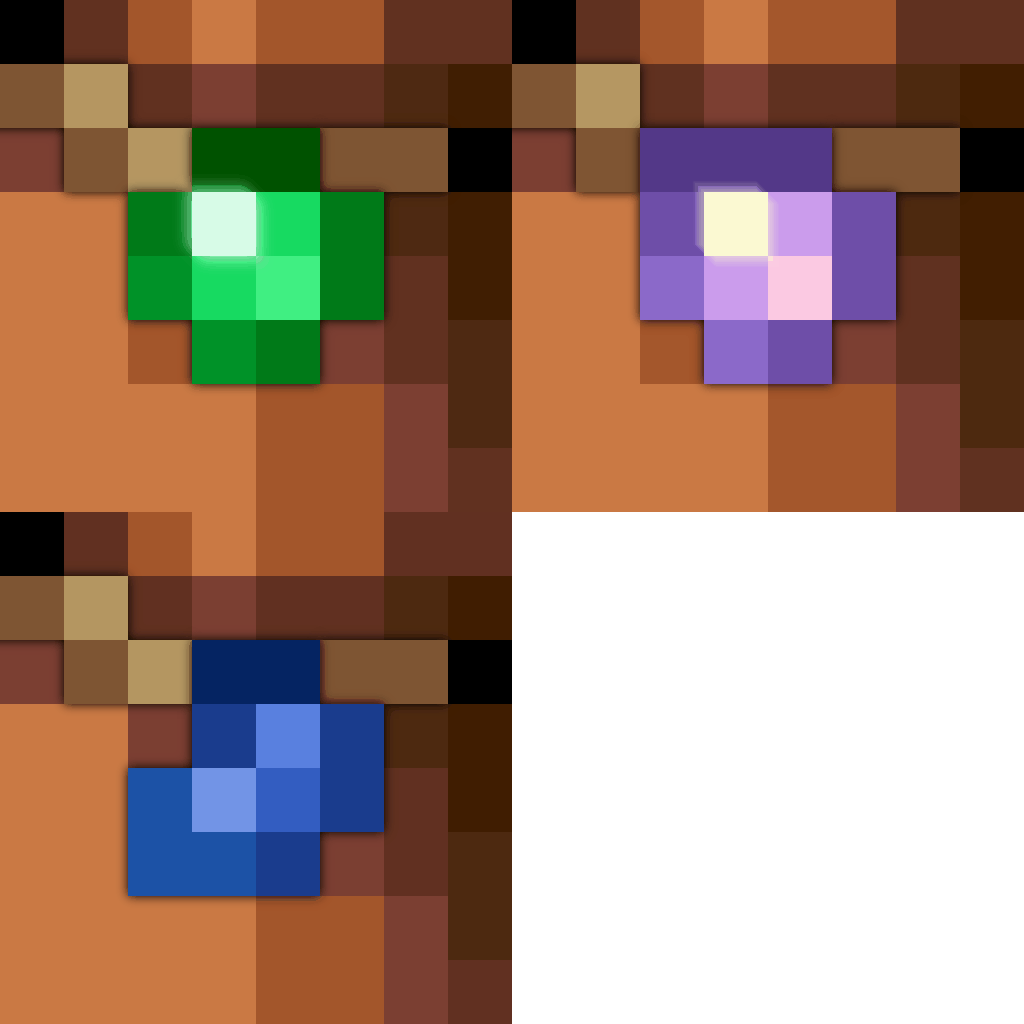
Add pins to your Bundles, stylizing and better organising them in the process!
截图
介绍
中文介绍正在准备中,下面暂时显示原文。
💰 Bundle Pins 📌
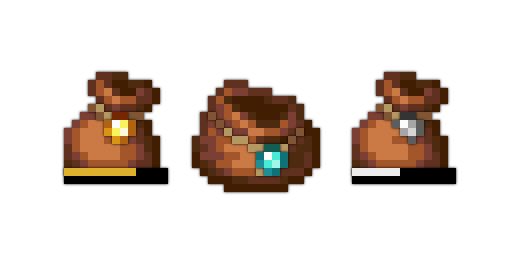
Ever wanted to distinguish your Bundles, but with some ~flair~ ? Just pop your favourite gem with your bundle, and off you show!
#

💎 Features
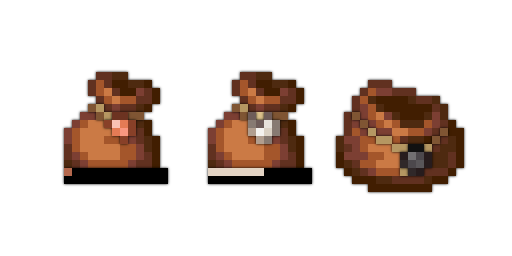
- 9 Variant Pins allows for proper distinction between Bundles.
- Coloured Bars further clearly visualises the difference.
- Tooltip shows which Pin the Bundle has.
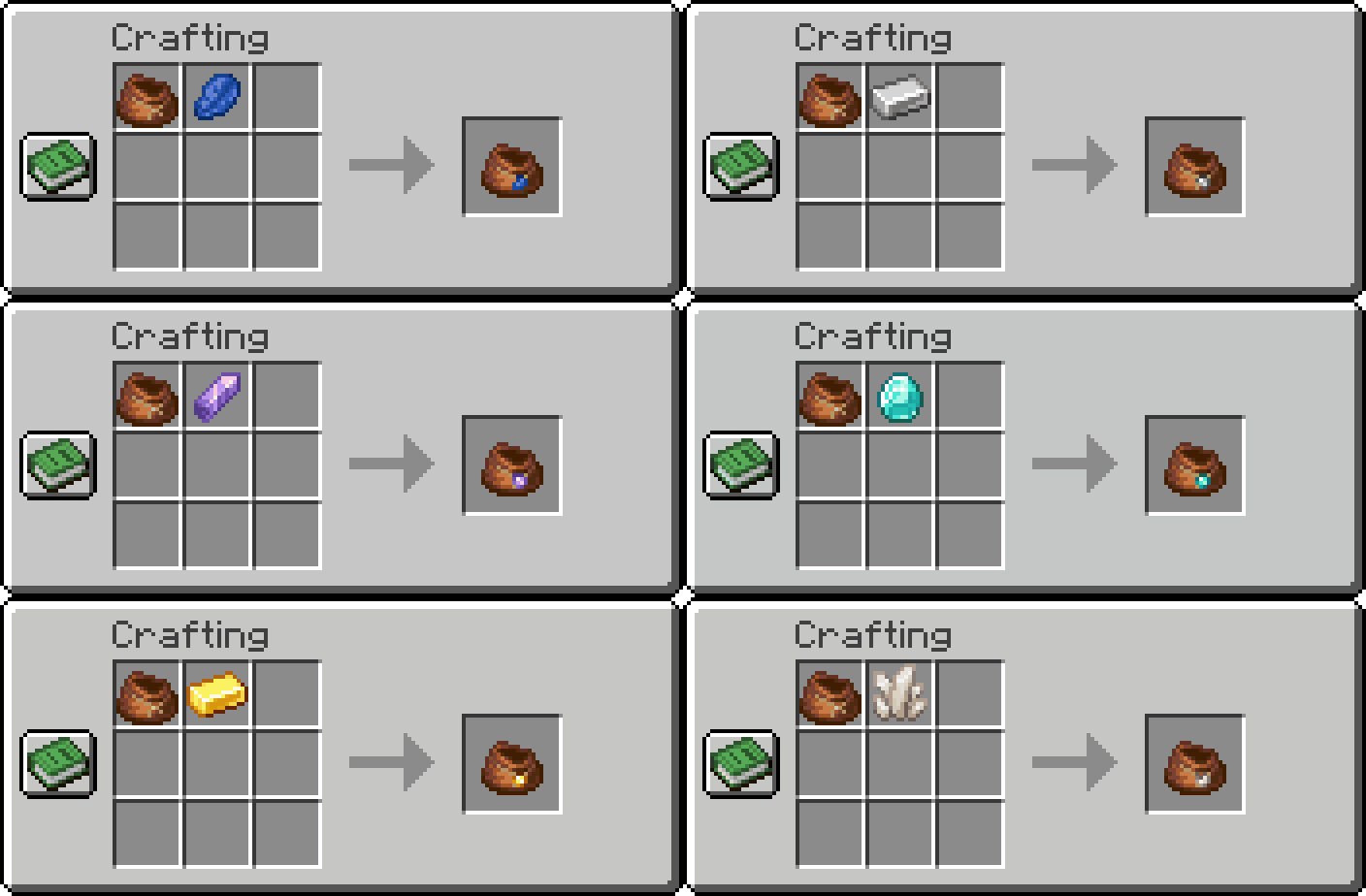
- Recipe is as simple as combining a Bundle, filled or empty, with it’s corresponding item in a crafting space.
- Data Driven, allowing you to further add more Pins if desire.
- Purely Cosmetic, to not interfere with any other gameplay.
#

🛠️ Recipe
常见问题
Bundle Pins 支持哪些 Minecraft 版本?
Bundle Pins 支持 Minecraft Java 版 1.21–26.1.2,共 13 个版本,可用的加载器:Fabric。下载时注意选择和你游戏版本一致的文件。
Bundle Pins 怎么安装?
先用 PCL2 或 HMCL 启动器安装对应版本的 Fabric,再把下载的 .jar 文件放进游戏目录的 mods 文件夹,重新启动游戏即可。开启了版本隔离的,mods 文件夹在 versions/版本名 下面。运行环境:客户端和服务端都要装。
boyonk 的其他作品
查看全部 →
Music Sync
by boyonk
Sync music with everyone online!
45.8万
1 年前
Modrinth

Enchanted Bookshelves
by boyonk
Enchanted Books will glint when put in Chiseled Bookshelves! Give your enchanting room a cosmetic shine!
20.2万
11 个月前
Modrinth

Persistent Parrots
by boyonk
Parrots have been 'trained' to remain perched on your shoulders!
17.2万
1 年前
Modrinth

REPO Heads
by laf, boyonk 等
Client-sided voice chat integration for R.E.P.O.-styled eye & mouth animations.
15.6万
7 个月前
Modrinth
评论
登录后评论和评分