
Builder’s Utils: <Transform> [BTW Addon]
Allows you to easily copy, rotate, move and duplicate selections
截图
介绍
Builder’s Utils: (BTW:CE Addon)
Features
Every command save the blocks, tile entities and entities data.
Commands
- /copy [x1/y1/z1] [x2/y2/z2]: copy a selection*
- /paste [x/y/z]: paste a copied selection (to a specified coord or else to the player’s coord)
- /cut [x1/y1/z1] [x2/y2/z2]: cut a selection*
- /move [to|add] [x/y/z]: move a selection° ‘to a specified coords’ or ‘shifted by specified amount’ or else to the player’s coord
- /remove [x1/y1/z1] [x2/y2/z2]: remove a selection*
- /rotate [x1/y1/z1] [x2/y2/z2] [true|false]: rotate a selection* clockwise unless specified with a ‘false’
- /stack [+x|-x|+y|-y|+z|-z] [number]: duplicate [amount] of time a selection° in either the player’s camera direction or the specified direction
- /editSpeed : set the editing speed, by default at 100 blocks per tick (undo and redo are using x10 this speed), only singleplayer
- /undo: undo the previous action
- /redo: redo the previously reverted action
- /pos1 [x/y/z]: set the first position to the specified coord
- /pos2 [x/y/z]: set the second position to the specified coord
- /posAll [x1/y1/z1] [x2/y2/z2]: set all positions to the specified coords
[] = optional
= needed
| = OR
\* = either current selection or specified coords
° = only current selection
Wand
Use the wooden axe as a selection tool.
- Left click = select position 1
- Right click = select position 2
- Middle click = select position 1 at the player’s coords
- Middle click + sprint key = select position 2 at the player’s coords
Selection display
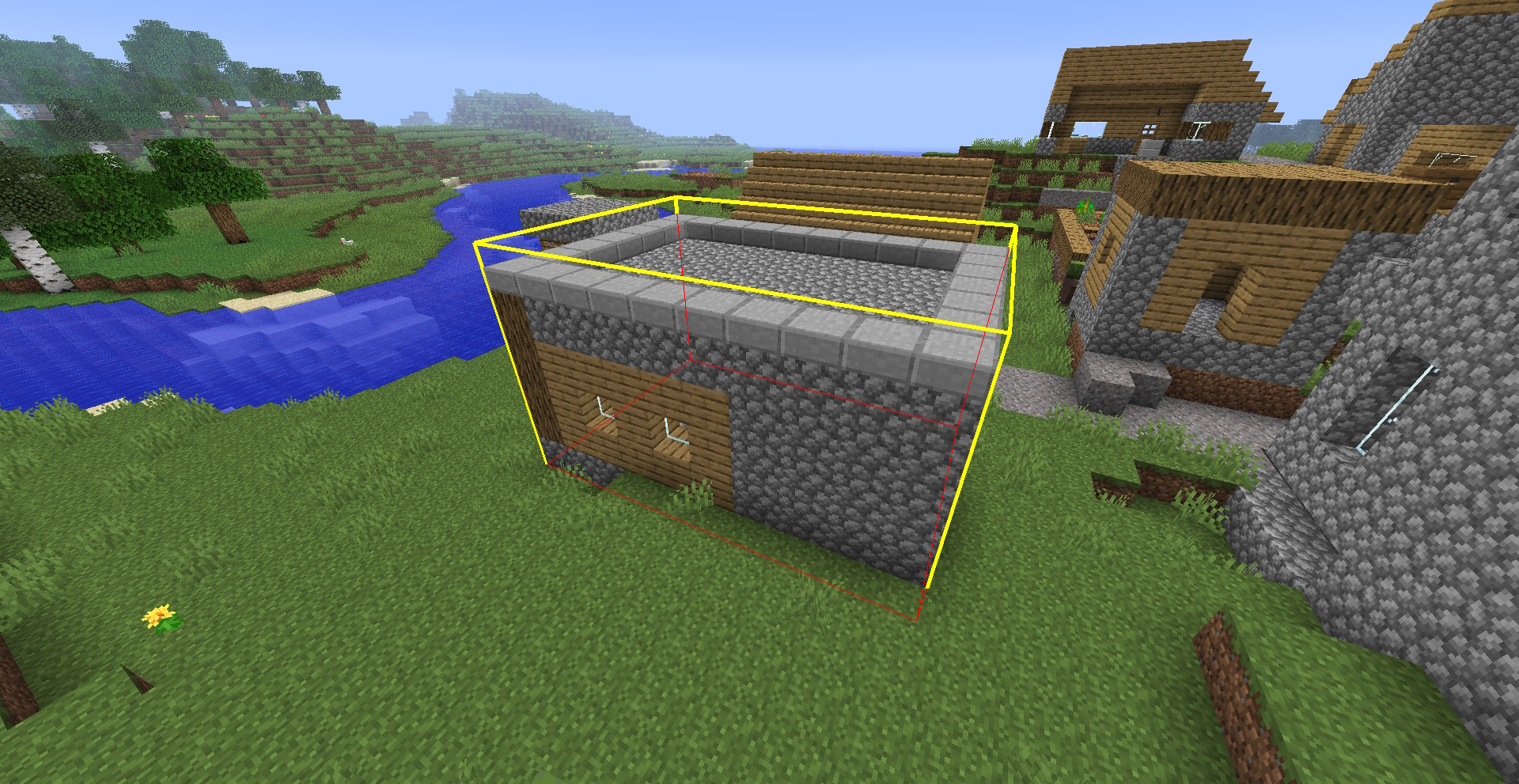
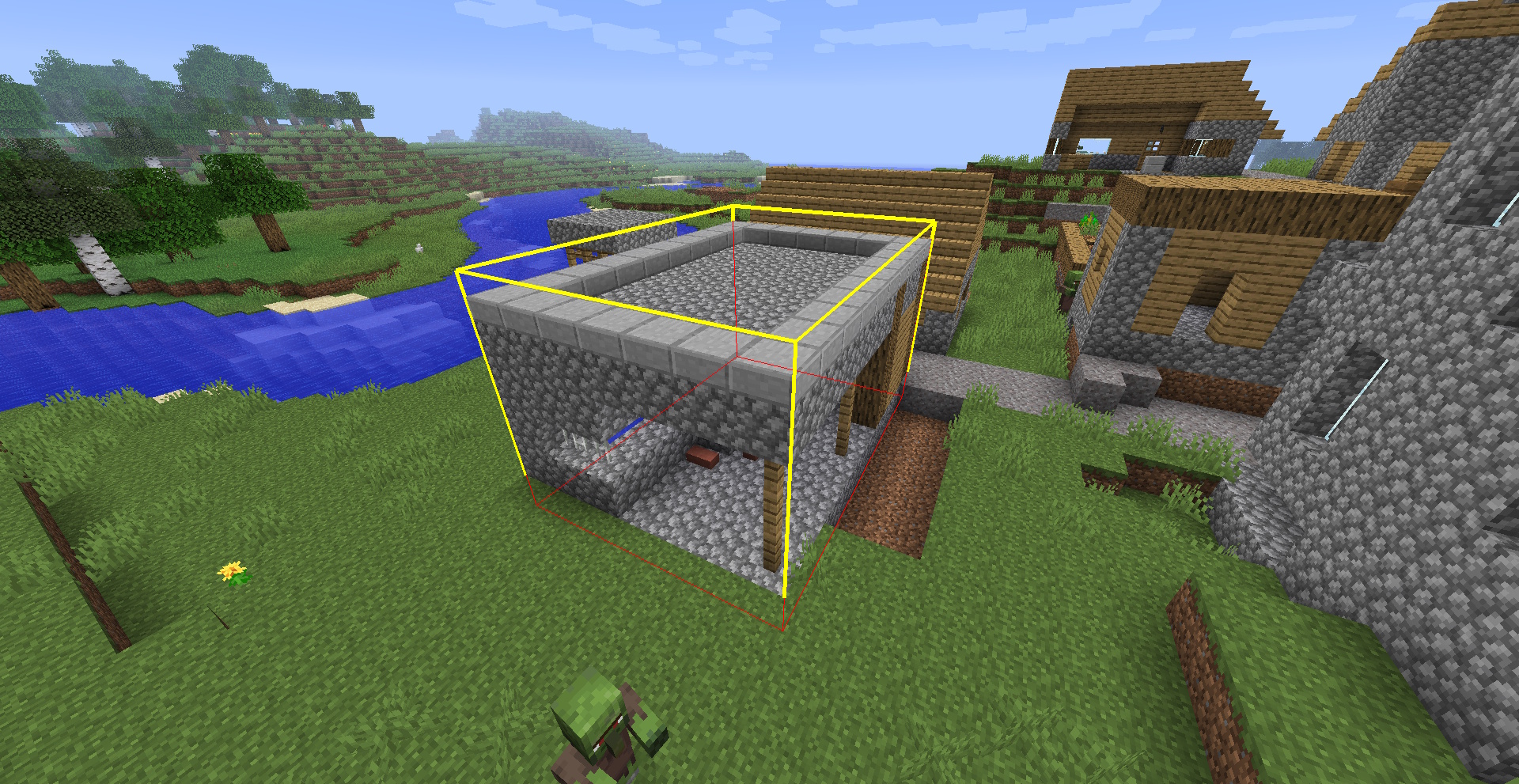
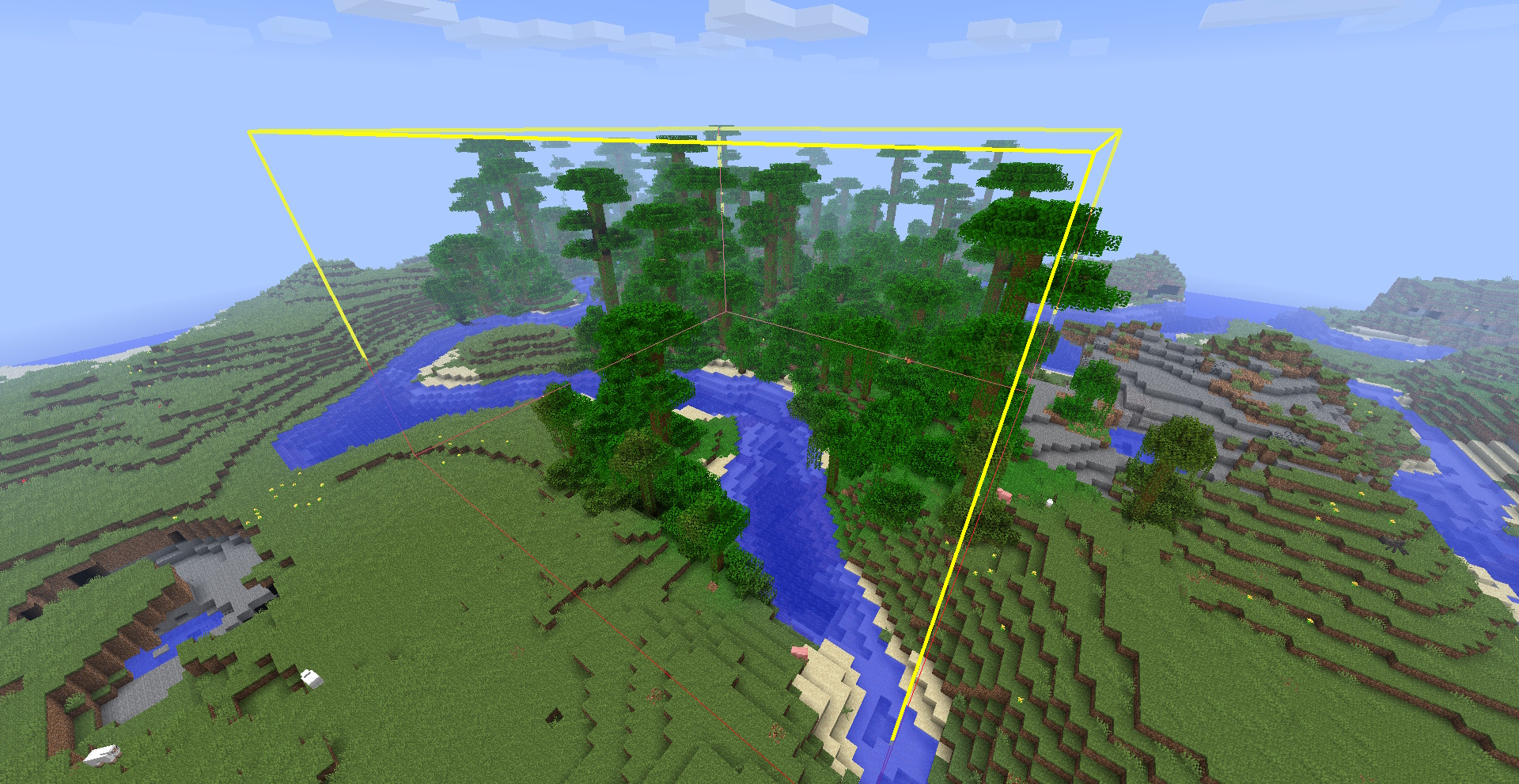
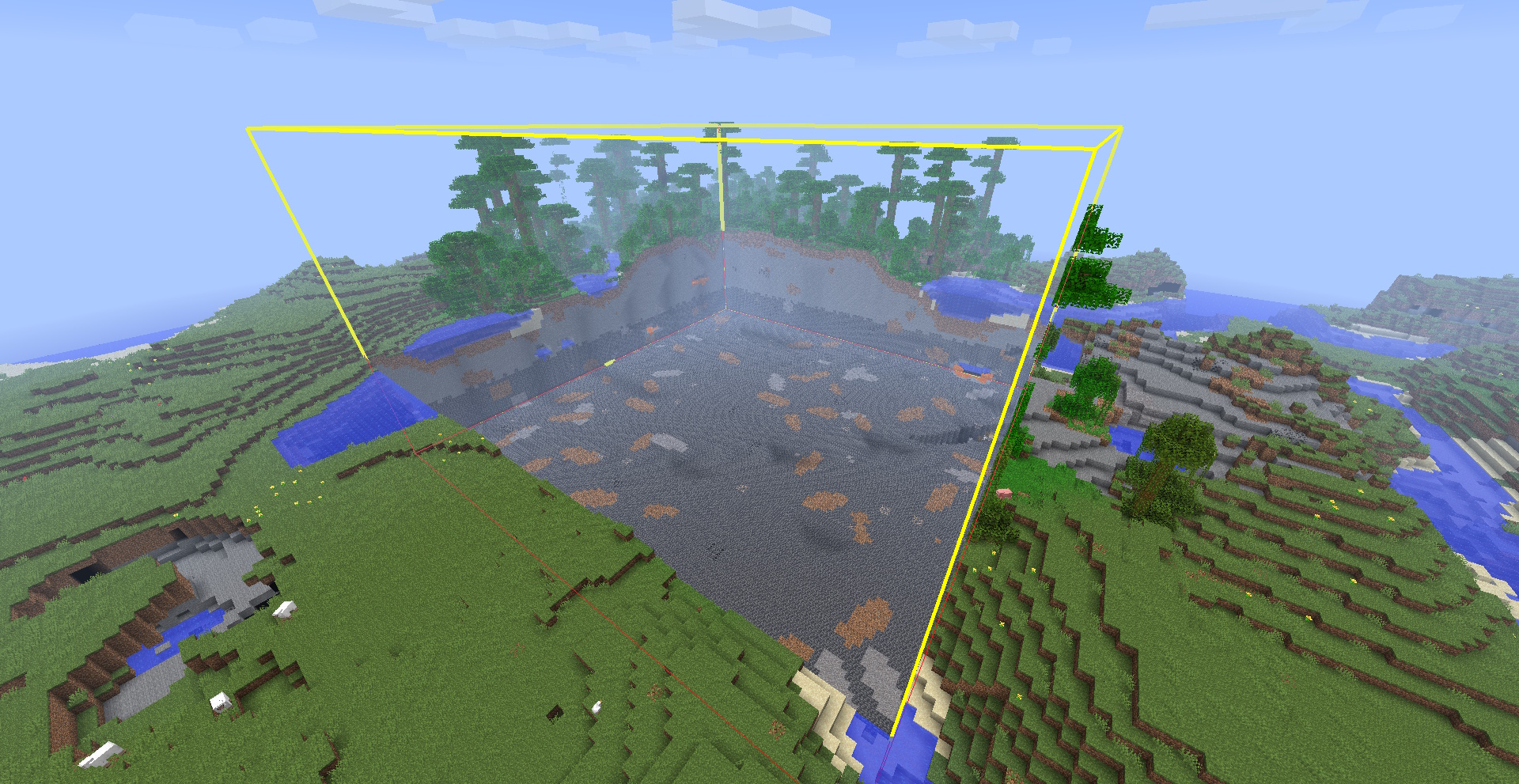
The selection will be highlighed with a framed box.
Screenshots
Selection:

Rotated:

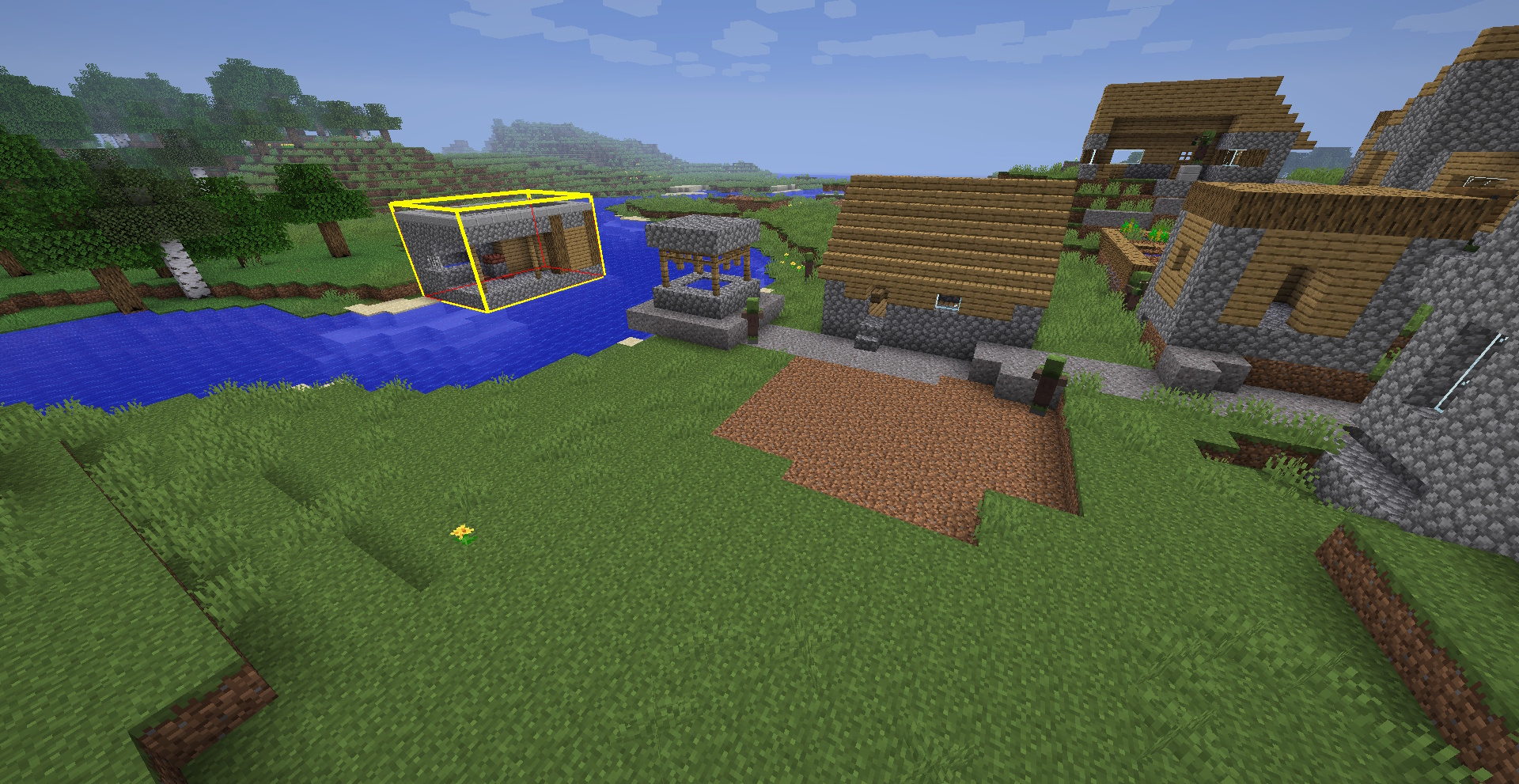
Moved:

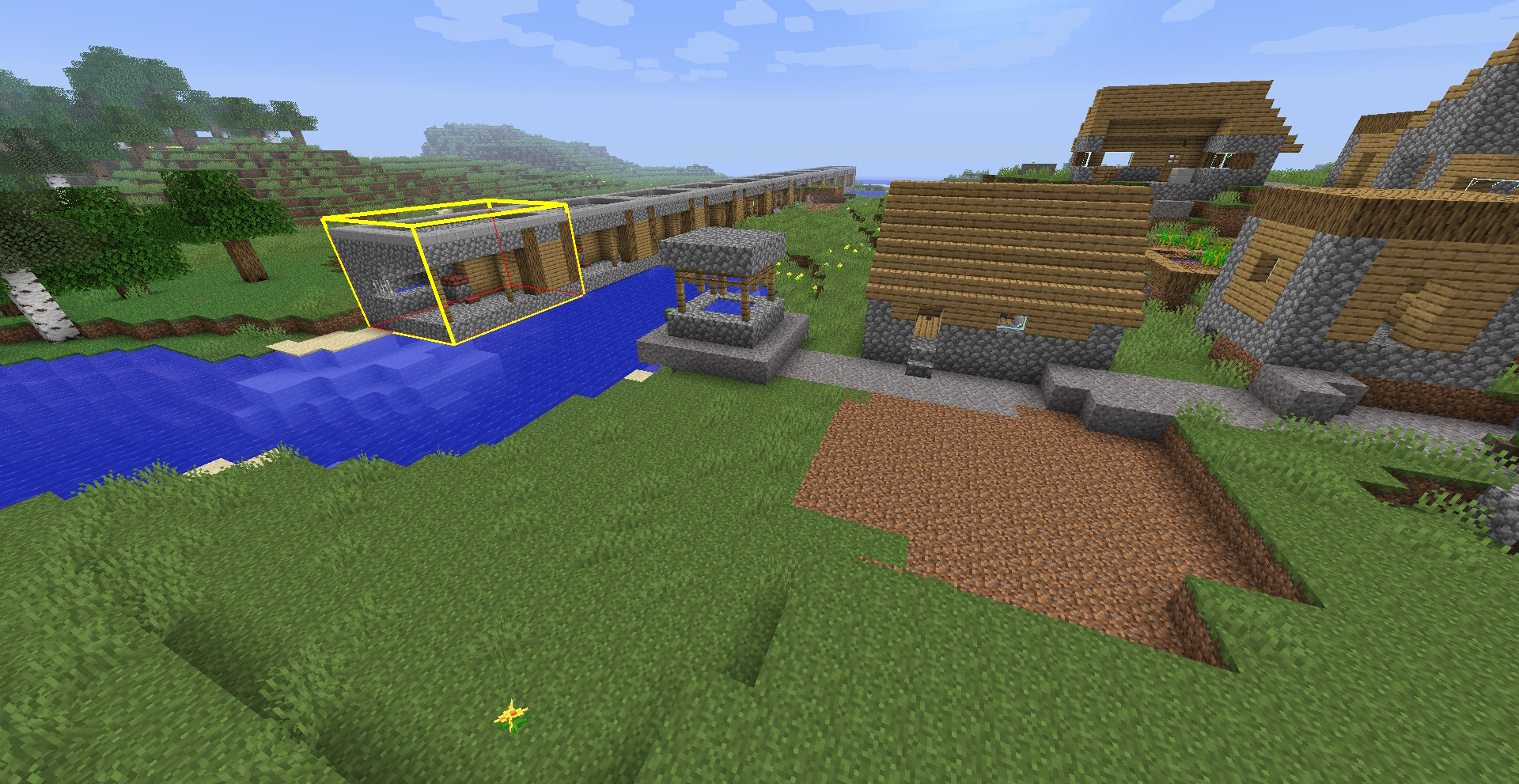
Stacked:

Selected jungle:

Removed jungle:

Works in multiplayer
Needed on both client and server
Supported languages:
- English
- Chinese (thanks to Eternity)
Dependencies
Found a bug or have suggestions ?
Download:
常见问题
Builder’s Utils: <Transform> [BTW Addon] 支持哪些 Minecraft 版本?
Builder’s Utils: <Transform> [BTW Addon] 支持 Minecraft Java 版 1.6.4。下载时注意选择和你游戏版本一致的文件。
Builder’s Utils: <Transform> [BTW Addon] 怎么安装?
先用 PCL2 或 HMCL 启动器安装对应版本的 模组加载器,再把下载的 .jar 文件放进游戏目录的 mods 文件夹,重新启动游戏即可。开启了版本隔离的,mods 文件夹在 versions/版本名 下面。运行环境:客户端 / 服务端。
DraViGen 的其他作品
查看全部 →
Better Than Wolves: CE
BTW: The most infamous hardcore survival and tech mod in the history of the game

Custom Spawn [BTW Addon]
Search for your ideal Spawn location !
Custom Spawn [BTW Addon]
Search for your ideal Spawn location !

Master Of Time [BTW Addon]
A BtW addon that lets you control the flow of time
评论
登录后评论和评分