Build Buddy
Swap blocks instantly, copy & paste builds with ease, paint custom trails, fill holes automatically, and sculpt terrain naturally. Build Buddy puts powerful creative tools at your fingertips with simple controls and undo support.
截图
介绍
Build Buddy – Creative Tools for Minecraft Builders
Transform your Minecraft world with powerful, easy-to-use creative tools designed for builders and map makers!
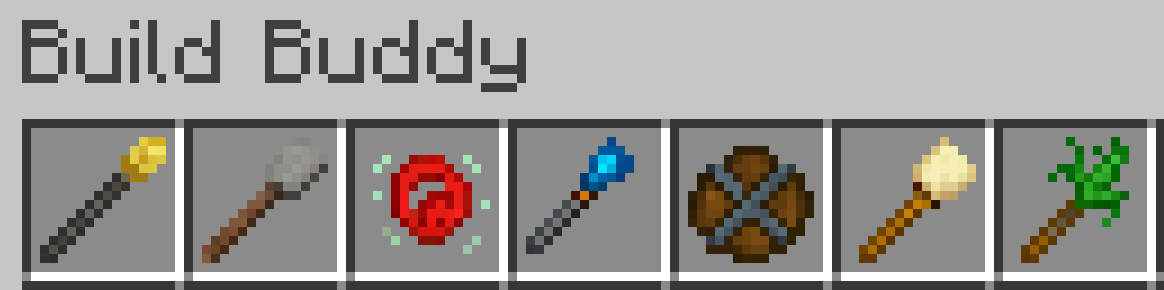
Featured Tools:
Build Buddy Wand – Copy & Paste Made Easy
Select areas with two clicks copy, paste, rotate, and flip structures instantly. Visually preview before placing. Save and load schematics for later use.
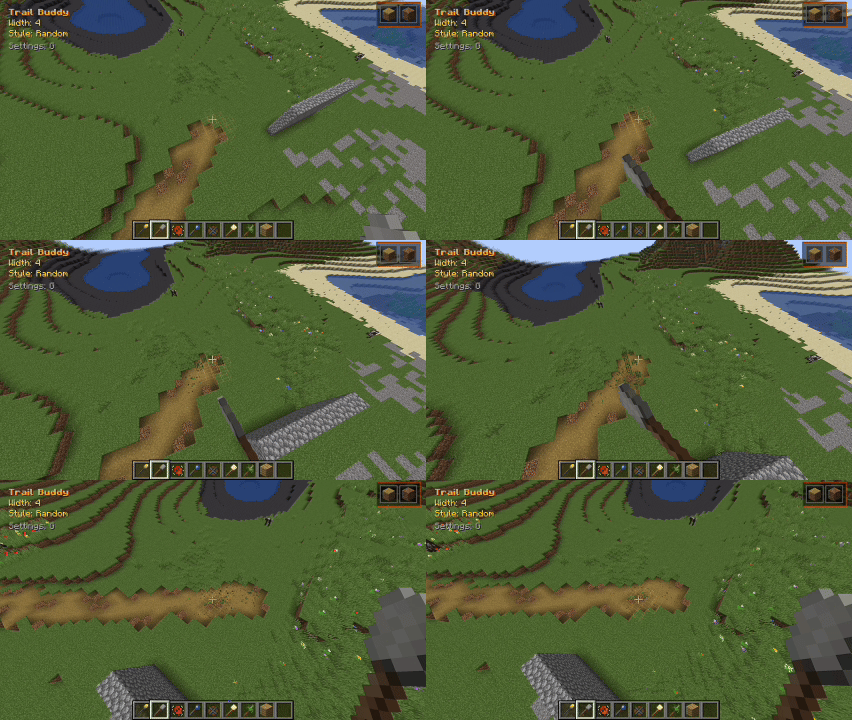
Trail Buddy – Paint Custom Paths
Draw paths as you walk with multiple block types. Adjust trail width from 1-20 blocks on the fly. Mix blocks with custom percentages for natural variation. Hold-to-paint mode for smooth path creation.
Block Swapper – Instant Block Replacement
Replace all connected blocks with one click. Smart detection preserves block orientation. (stairs, slabs, etc.) Toggle between single block and adjacent mod.e Quick swap with remembered selections.
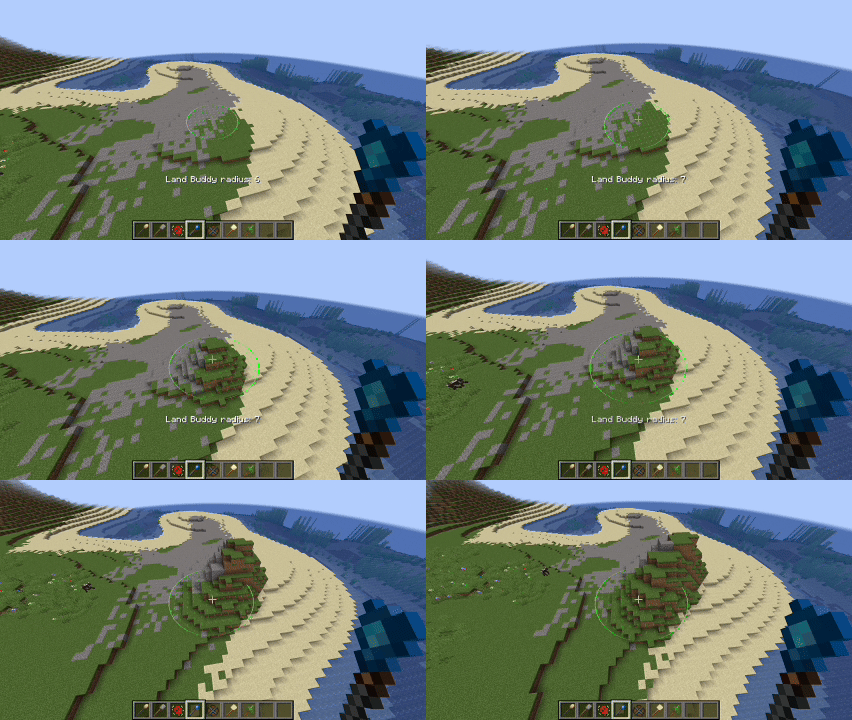
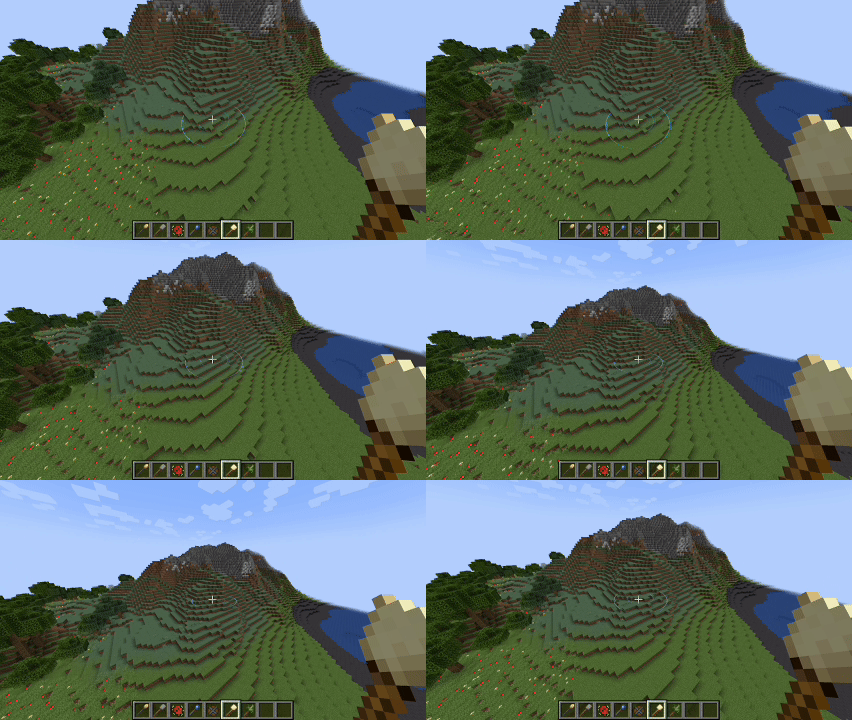
Land Buddy – Natural Terrain Sculpting
Raise or lower terrain with natural falloff. Creates smooth hills and valleys. Adjustable radius for different scales. Works with existing terrain for realistic results.
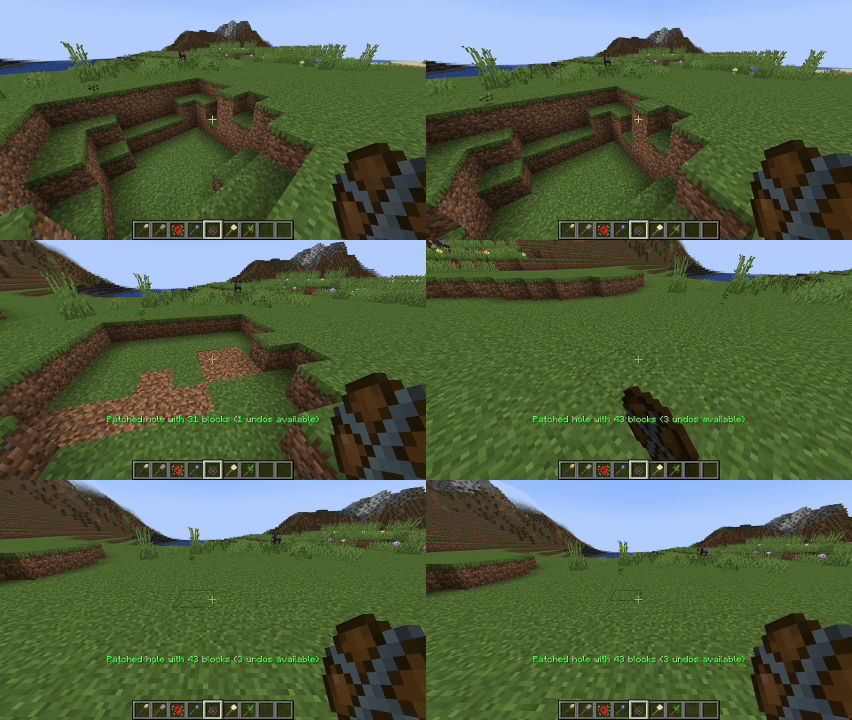
Hole Buddy – Smart Hole Filling
Automatically detects and fills holes. Analyzes surrounding blocks to match terrain. One-click solution for fixing creeper damage. Intelligent depth detection.
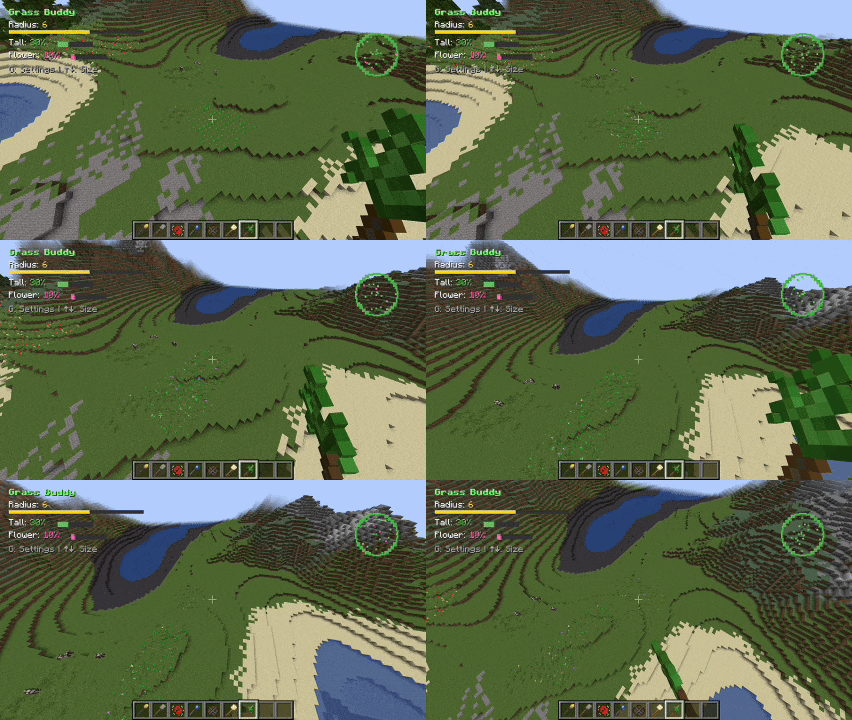
Smooth Buddy – Terrain Smoothing
Smooths rough terrain into natural curves. Perfect for blending builds with landscape. Adjustable intensity and radius. Preserves overall terrain shape.
Key Features
Universal Undo System – Ctrl/Cmd+Z works with every tool
- Visual Previews – See changes before you place them in the world
- Full multiplayer support
- Smart easy-to-use keybinds
- Intuitive GUI’s
Simple Controls
Right-click to use tools. Shift for alternate functions. Arrow keys to adjust sizes G for quick settings Ctrl/Cmd+Z to undo.
Perfect for creative builders, server admins, and anyone who wants to build faster and smarter in Minecraft!
常见问题
Build Buddy 支持哪些 Minecraft 版本?
Build Buddy 支持 Minecraft Java 版 1.20.1,可用的加载器:Fabric / Forge。下载时注意选择和你游戏版本一致的文件。
Build Buddy 怎么安装?
先用 PCL2 或 HMCL 启动器安装对应版本的 Fabric / Forge,再把下载的 .jar 文件放进游戏目录的 mods 文件夹,重新启动游戏即可。开启了版本隔离的,mods 文件夹在 versions/版本名 下面。
joshemve 的其他作品
查看全部 →
CreatorCraft [CC]
A modpack created by Joshemve for the CreatorCraft SMP!
ModernMissions
A new take on the modern war era. Call in an orbital strike, launch a nuclear missile, build a reactor, have fun!

Adminium
A comprehensive server administration mod featuring player roles, team management, advanced moderation tools, and customizable gameplay mechanics for Minecraft servers.
ModernMissions
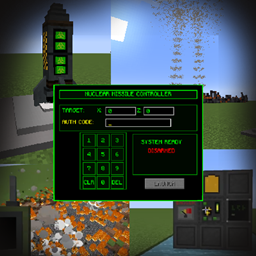
A new take on the Modern Era with Joshemve's custom coded mod ModernMissions. Perfect for 100 players simulate style event's. Jets, tanks, helicopters, weapons, vehicles, and more for with voice chat for best multiplayer experience.
评论
登录后评论和评分