
Budschie’s Morph Mod
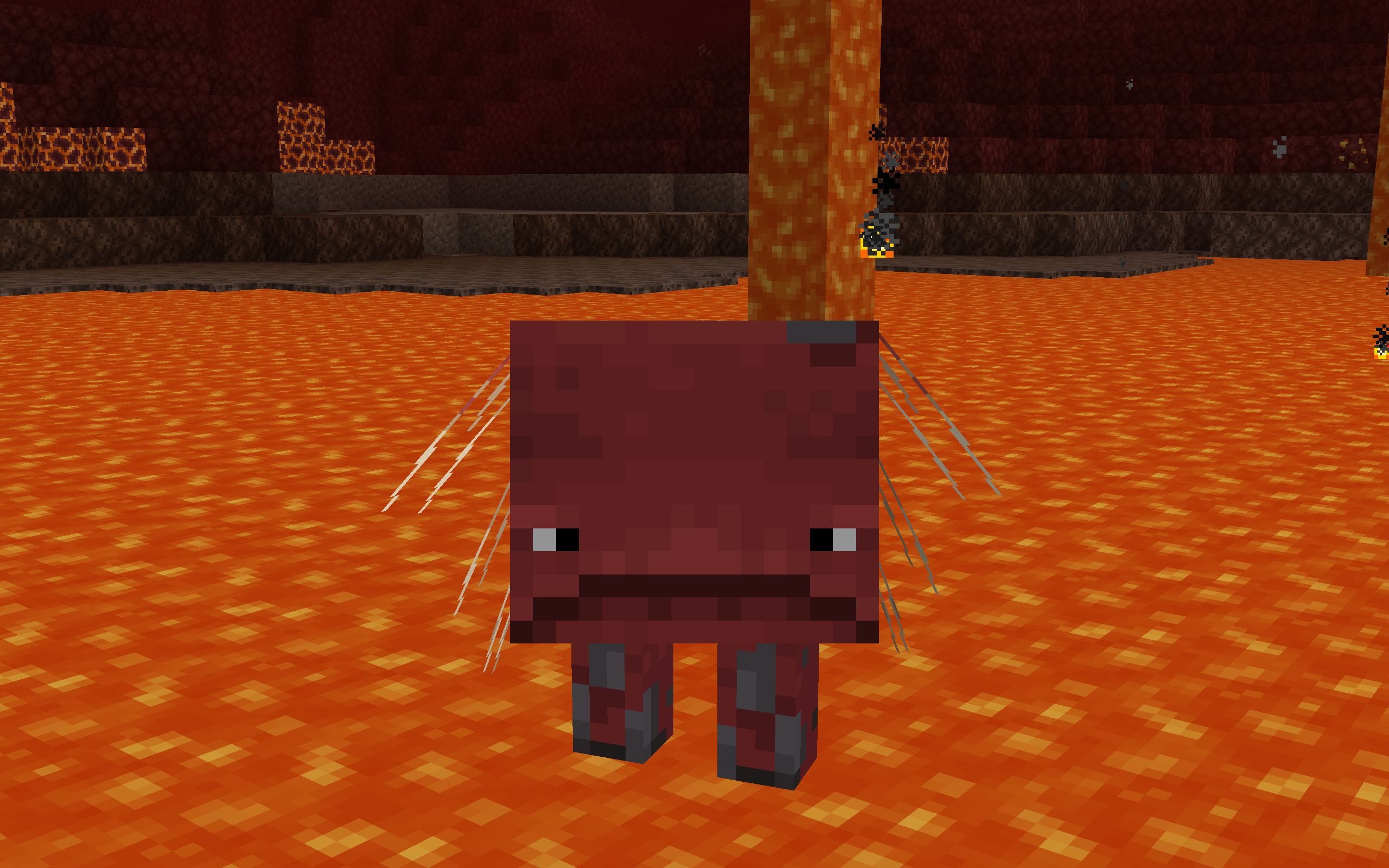
A mod where you can morph into other mobs and acquire their abilities.
截图


介绍
Budschie’s Morph Mod
This is a mod whose aim it is to make morph mods available for forge and for the newest version.
I originally started this mod project because I wanted to add a morph mod to my modpack for Forge, but sadly I could not find any morph mod for forge that is available for the newest version. So I built my own morph mod.
Features
- Collect the souls of mobs or players to turn into them.
- Use the abilities of the mobs you have turned into.
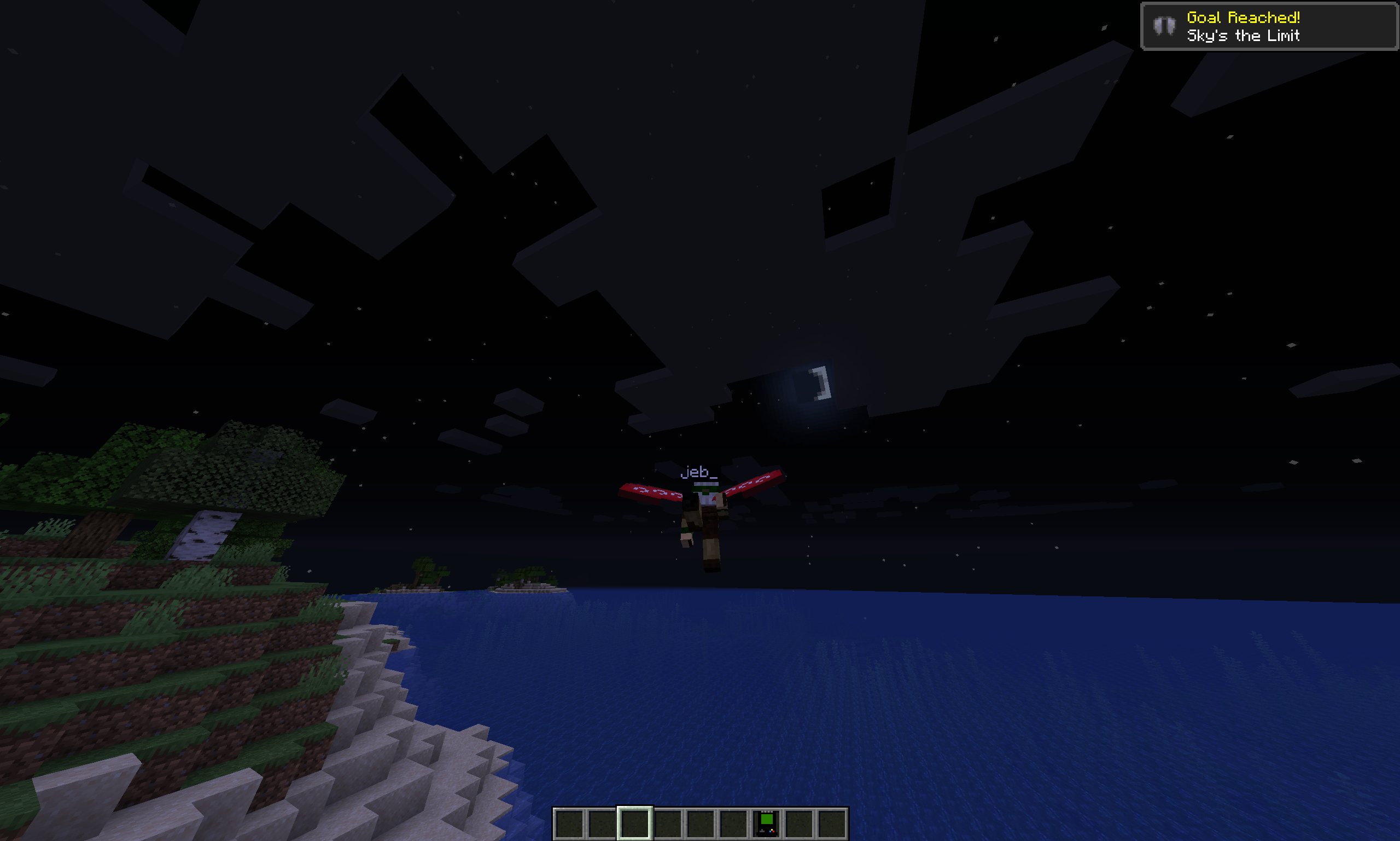
- Fly like a bat, teleport like an Enderman, shoot lasers like a Guardian!
- Use the heavily data-driven systems of this mod to add new features for modded mobs using data packs.
Gamerules
| Gamerule | Default value | Explanation |
|—————————–|—————|——————————————————————————————————————————|
| keepMorphInventory | true | Like keepInventory, but for your morph inventory. |
| preventLookat | false | Enabling this rule prevents entities from looking at you. This is ideal for hide-and-seek. |
| inheritMorphSpeed | false | Setting this to true makes your player inherit the exact speed the entity of your morph would have. |
| skipSpaceRestrictionCheck | false | Enabling this will skip any space checks, allowing you to for example phase through walls by morphing into bigger creatures. |
Commands
- Use the commands
/morphand/demorphto control the current morph of a player using commands. - Type in
/morphplayerto morph into anyone, even into people who have not been on the server. - Blacklist certain morphs from dropping naturally using the
/morphblacklistcommand.
Special thanks to:
- The Metamorph Mod who inspired this whole project.
- The people at the NeoForge discord who helped my out a lot.
- My friends who playtested this mod.
常见问题
Budschie’s Morph Mod 支持哪些 Minecraft 版本?
Budschie’s Morph Mod 支持 Minecraft Java 版 1.16.5–1.18.2,共 4 个版本,可用的加载器:Forge。下载时注意选择和你游戏版本一致的文件。
Budschie’s Morph Mod 怎么安装?
先用 PCL2 或 HMCL 启动器安装对应版本的 Forge,再把下载的 .jar 文件放进游戏目录的 mods 文件夹,重新启动游戏即可。开启了版本隔离的,mods 文件夹在 versions/版本名 下面。运行环境:客户端和服务端都要装。
评论
登录后评论和评分