介绍
BTETerraRenderer


A map hologram rendering tool for the BuildTheEarth project.
Use this mod to easily map accurate road details and building tops.
Logo by vicrobex
Supported maps
- Global
- OpenStreetMap
- Bing maps
- Yandex.Maps
- (And many others)
You can add other map services by adding/editing configuration files.
Visit the wiki page for more information.
How to use
- Download the latest version of the mod
- Put the mod in the
modsfolder - Open Minecraft Launcher and go to the
Installationstab - Find the installation profile, hover your mouse on it, and click the folder icon
- The
modsfolder is there - Run Minecraft
Controls
| Key | Description |
|——————-|———————————————–|
| ` `(Backtick) | Opens render settings UI |<br>R
| | Toggles map rendering |<br>Y
| | Moves map up along the Y-axis by 0.5 blocks |<br>I` | Moves map down along the Y-axis by 0.5 blocks |
|
Screenshots

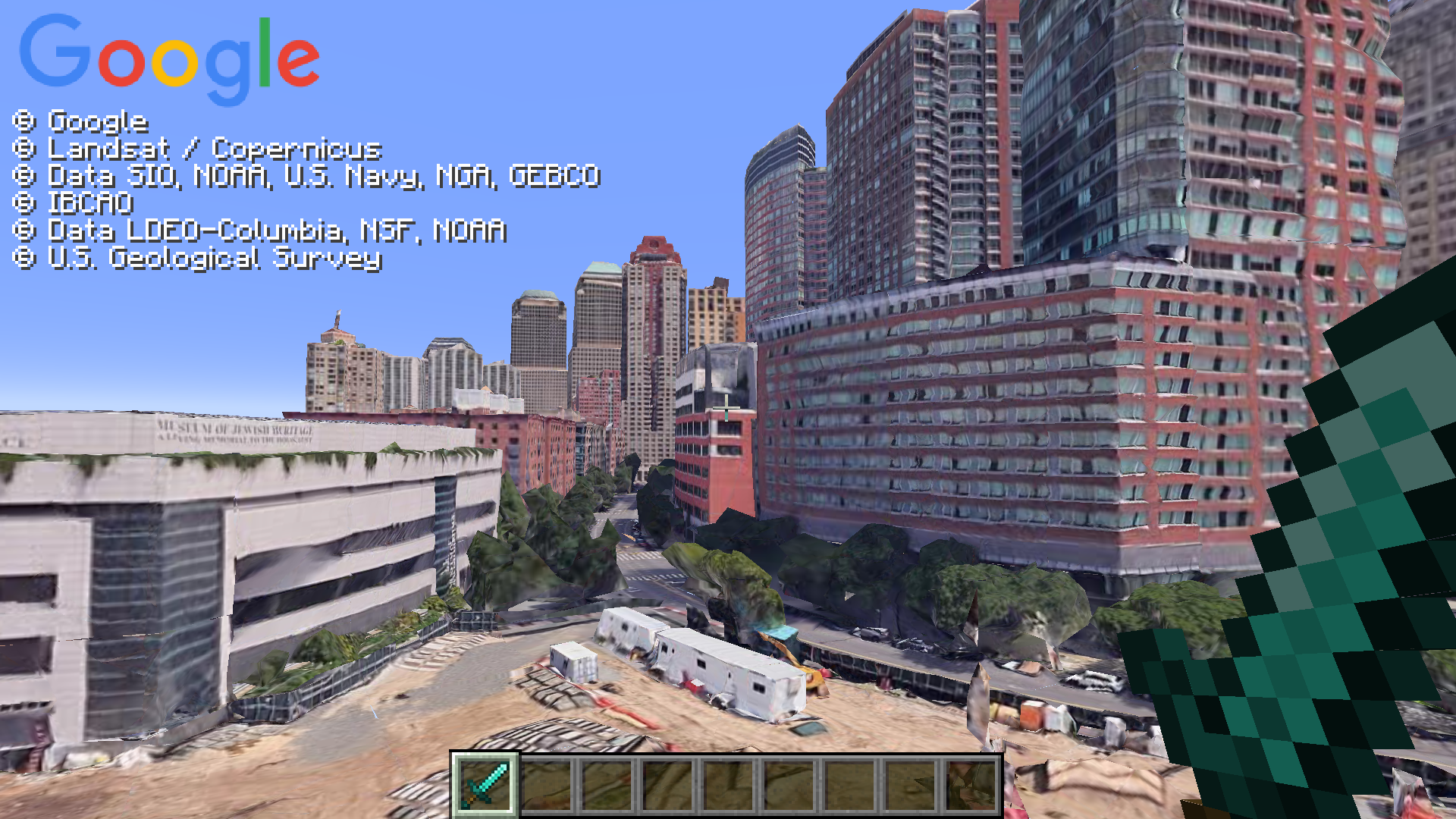
Visit this wiki page for more information on how to add Google Earth as a map source.
常见问题
BTETerraRenderer 支持哪些 Minecraft 版本?
BTETerraRenderer 支持 Minecraft Java 版 1.12.2–1.21.5,共 11 个版本,可用的加载器:Fabric / Forge。下载时注意选择和你游戏版本一致的文件。
BTETerraRenderer 怎么安装?
先用 PCL2 或 HMCL 启动器安装对应版本的 Fabric / Forge,再把下载的 .jar 文件放进游戏目录的 mods 文件夹,重新启动游戏即可。开启了版本隔离的,mods 文件夹在 versions/版本名 下面。运行环境:仅客户端。
评论
登录后评论和评分